
CSI 200 Useful File, Spring 2012
American University of Science and Technology · Computer Literacy · 1 page · Ms. Diana Nasreddine
Stuck on a question? A tutor can walk you through it.
More CSI 200 files
Show the text of this file
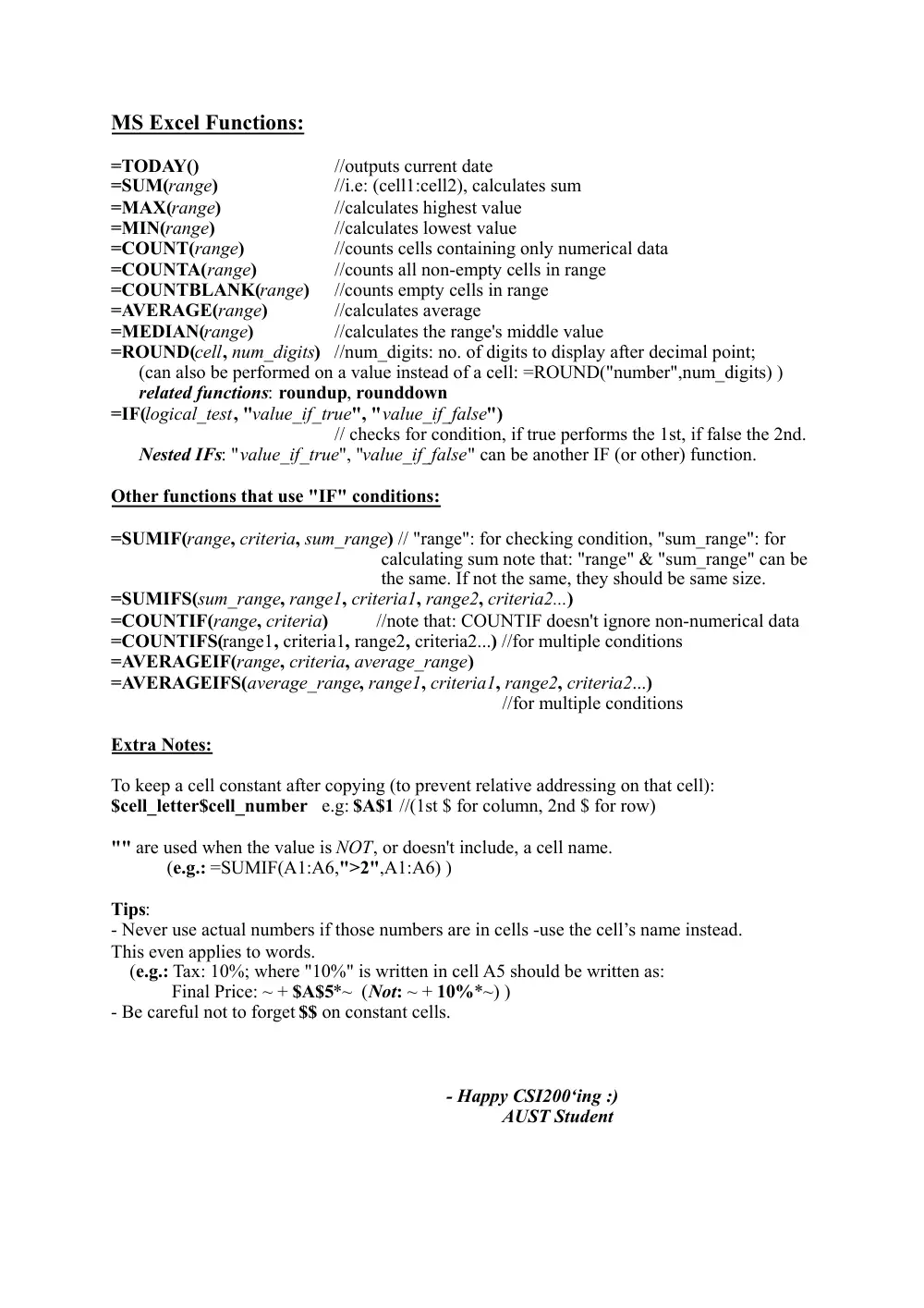
MS Excel Functions:
=TODAY()
//outputs current date
=SUM(range)
//i.e: (cell1:cell2), calculates sum
=MAX(range)
//calculates highest value
=MIN(range)
//calculates lowest value
=COUNT(range)
//counts cells containing only numerical data
=COUNTA(range)
//counts all non-empty cells in range
=COUNTBLANK(range)
//counts empty cells in range
=AVERAGE(range)
//calculates average
=MEDIAN(range)
//calculates the range's middle value
=ROUND(cell, num_digits) //num_digits: no. of digits to display after decimal point;
(can also be performed on a value instead of a cell: =ROUND("number",num_digits) )
related functions: roundup, rounddown
=IF(logical_test, "value_if_true", "value_if_false")
// checks for condition, if true performs the 1st, if false the 2nd.
Nested IFs: "value_if_true", "value_if_false" can be another IF (or other) function.
Other functions that use "IF" conditions:
=SUMIF(range, criteria, sum_range) // "range": for checking condition, "sum_range": for
calculating sum note that: "range" & "sum_range" can be
the same. If not the same, they should be same size.
=SUMIFS(sum_range, range1, criteria1, range2, criteria2...)
=COUNTIF(range, criteria) //note that: COUNTIF doesn't ignore non-numerical data
=COUNTIFS(range1, criteria1, range2, criteria2...) //for multiple conditions
=AVERAGEIF(range, criteria, average_range)
=AVERAGEIFS(average_range, range1, criteria1, range2, criteria2...)
//for multiple conditions
Extra Notes:
To keep a cell constant after copying (to prevent relative addressing on that cell):
$cell_letter$cell_number e.g: $A$1 //(1st $ for column, 2nd $ for row)
"" are used when the value is NOT, or doesn't include, a cell name.
(e.g.: =SUMIF(A1:A6,">2",A1:A6) )
Tips:
- Never use actual numbers if those numbers are in cells -use the cell’s name instead.
This even applies to words.
(e.g.: Tax: 10%; where "10%" is written in cell A5 should be written as:
Final Price: ~ + $A$5*~ (Not: ~ + 10%*~) )
- Be careful not to forget $$ on constant cells.
- Happy CSI200‘ing :)
AUST Student