
COE 593 Lecture 2, Fall 2013
Lebanese American University · COE Application · 3 pages · Dr. Wissam Fawaz

More COE 593 files
Show the text of this lab
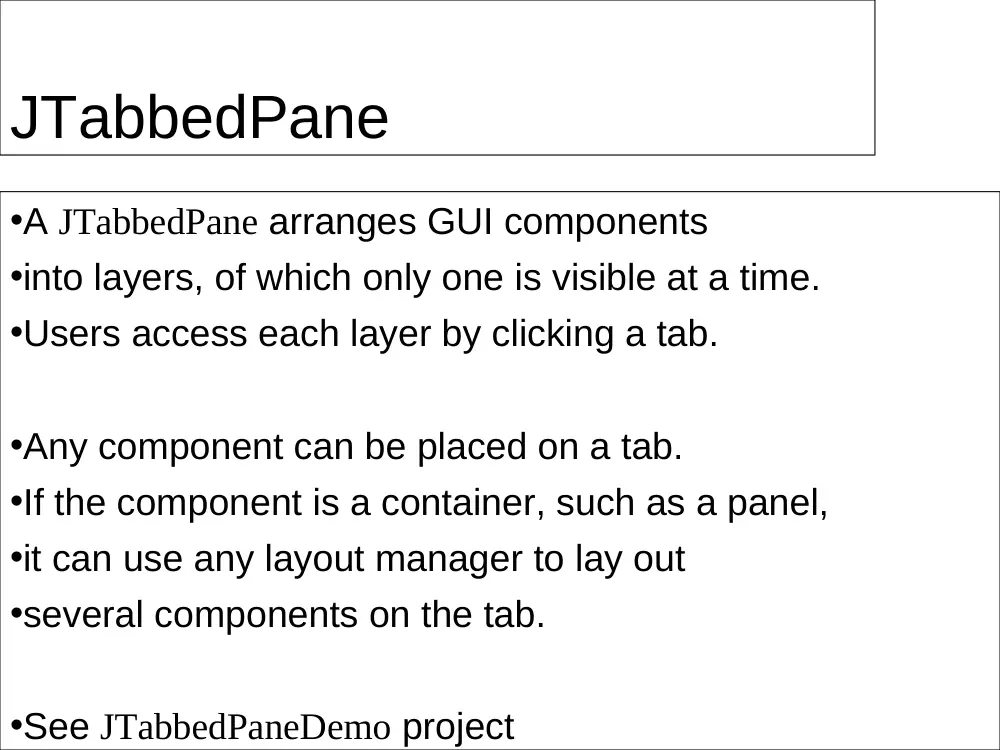
JTabbedPane
•A JTabbedPane arranges GUI components
•into layers, of which only one is visible at a time.
•Users access each layer by clicking a tab.
•Any component can be placed on a tab.
•If the component is a container, such as a panel,
•it can use any layout manager to lay out
•several components on the tab.
•See JTabbedPaneDemo project
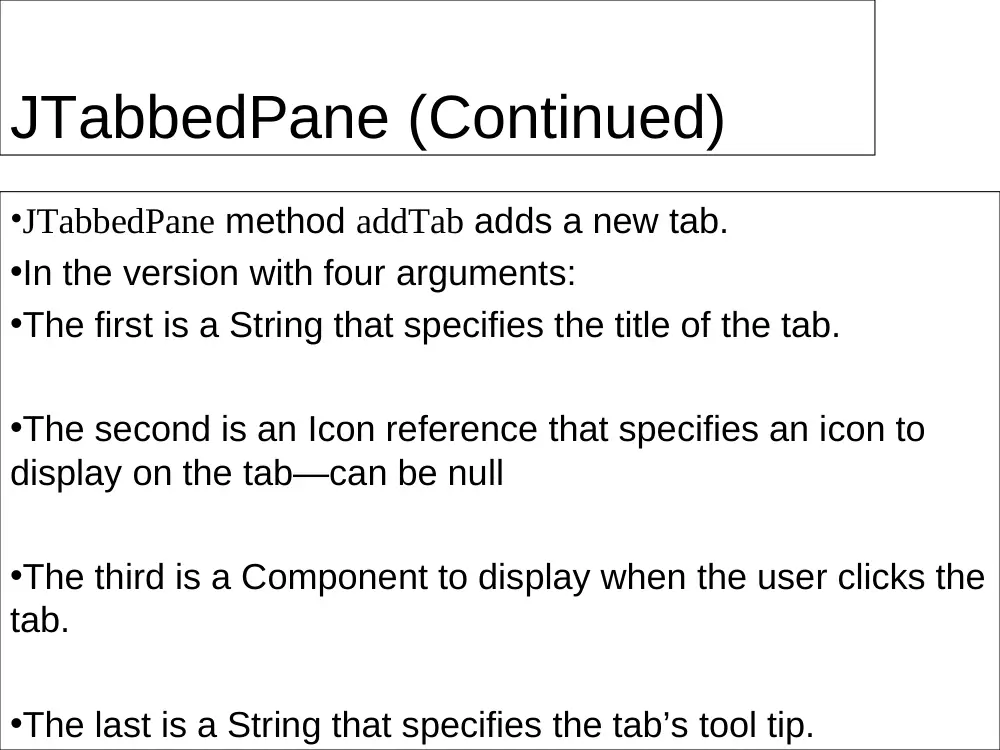
JTabbedPane (Continued)
•JTabbedPane method addTab adds a new tab.
•In the version with four arguments:
•The first is a String that specifies the title of the tab.
•The second is an Icon reference that specifies an icon to
display on the tab—can be null
•The third is a Component to display when the user clicks the
tab.
•The last is a String that specifies the tab’s tool tip.
JDesktopPane and
JInternalFrame
•Multiple-document interface (MDI)
•a main window (called the parent window)
•containing other windows (called child windows),
•to manage several open documents
•that are being processed in parallel.
•Swing’s JDesktopPane and JInternalFrame classes
• implement multiple-document
•See JDesktopPaneDemo project