
CSC 498D Useful File Python- Summary
Lebanese American University · Top.CSC- Scripting Languages · 5 pages


More CSC 498D files
Show the text of this file
Python
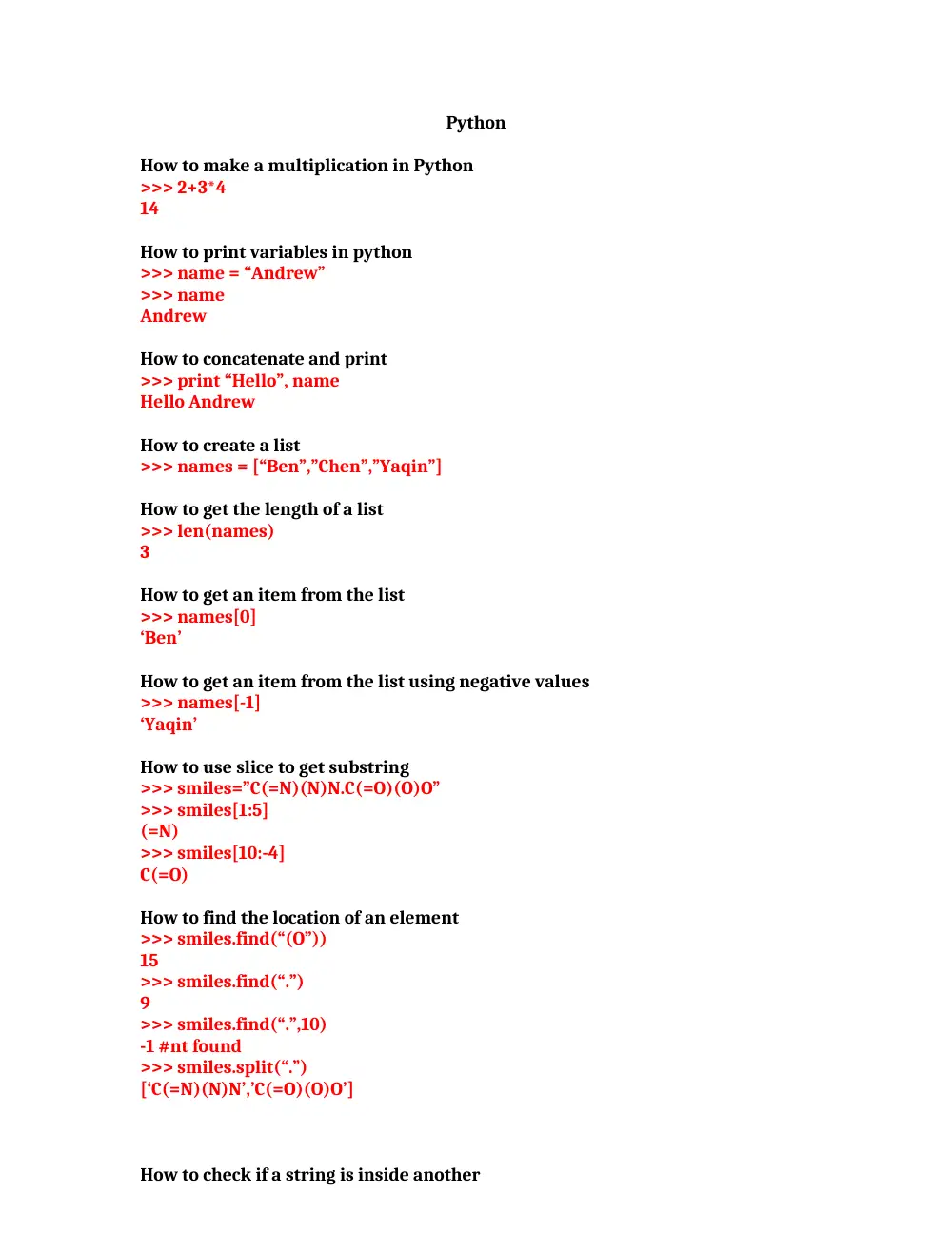
How to make a multiplication in Python
>>> 2+3*4
14
How to print variables in python
>>> name = “Andrew”
>>> name
Andrew
How to concatenate and print
>>> print “Hello”, name
Hello Andrew
How to create a list
>>> names = [“Ben”,”Chen”,”Yaqin”]
How to get the length of a list
>>> len(names)
3
How to get an item from the list
>>> names[0]
‘Ben’
How to get an item from the list using negative values
>>> names[-1]
‘Yaqin’
How to use slice to get substring
>>> smiles=”C(=N)(N)N.C(=O)(O)O”
>>> smiles[1:5]
(=N)
>>> smiles[10:-4]
C(=O)
How to find the location of an element
>>> smiles.find(“(O”))
15
>>> smiles.find(“.”)
9
>>> smiles.find(“.”,10)
-1 #nt found
>>> smiles.split(“.”)
[‘C(=N)(N)N’,’C(=O)(O)O’]
How to check if a string is inside another
if “Br” in “Brother”:
print “contains brother”
Remove whitespace like chomp
>>> line ‘ This is a comment \n”
>>> line.strip()
‘This is a comment line’
Check if a string starts with
>>> email = ‘ceorge@hotmail.com’
>>> email.startswith(“c”)
True
Check if string ends with
>>> email = ‘ceorge@hotmail.com’
>>> email.startswith(“m”)
False
Turns list into string
>>> names =[“Ben”,”Chen”,”Yaqin”]
>>> “,” .join(names)
‘Ben , Chen, Yaqin’
Turn a string into upper case
>>> “chen”.upper()
CHEN
Change the char of a string
>>> s = “andrew”
>>> s[0] = “A” #Doesn’t work
>>> s = “A” + s[1:]
>>> s
Andrew
Append element to a list
>>> ids = [“9pti”,”2plv”,”1crn”]
>>> ids.append(“1alm”)
>>> ids
[‘9pti’,’2plv,’1crn’,’1alm’]
Delete element from list
>>> del ids[0]
>>> ids
[‘2plv’,’1crn’,’1alm’]
Sort elements from list
>>> ids.sort()
>>> ids
[‘1alm’,’1crn’,’2plv’]
Reverse elements from list
>>> ids.reverse()
>>> ids
[‘2plv’,’1crn’,’1alm’]
Insert element to list at a specific location
>>> ids.insert(0,”9pti”)
>>> ids
[‘9pti,’2plv’,’1crn’,’1alm’]
Zipping lists together
>>> names
[‘ben’,’chen’,’yaqin’]
>>> gender = [0,0,1]
>>> zip(names, gender)
[(‘ben,0),(‘chen’,0),(‘yaqin,1)]
How to create a dictionary (hash) in python
symbol_to_name = {
“H”: “Hydrogen”,
“He”: “Helium”,
“Li”: “Lithium”,
“C”: “Carbon”,
“O”: “Oxygen”,
“N”: “Nitrogen”
}
How to get a value of a given key of a dictionary
>>> Symbol_to_name[“C”]
‘carbon’
How to check if a value of a given key of a dictionary exists
>>> “O” in symbol_to_name
True
>>> “U” in symbol_to_name
False
How to list all the keys of a given dictionary
>>> symbol_to_name.keys()
[‘C’,’H’,’O’,’N’,’Li’,’He]
How to list all the values of a given dictionary
>>> symbol_to_name.values()
[‘carbon’, ‘hydrogen’,’oxygen’,’nitrogen’,’lithium’,’helium’]
How to update a value from a given dictionary
>>> symbol_to_name.update({“P”:”phosphorous”,”S”: “sulfut”})
How to print keys and values of a given dictionary
>>> symbol_to_name.items()
[(‘C’, ‘carbon’),( ‘H’, ‘hydrogen’),(‘O’,’oxygen’),(’N’, nitrogen’),(‘L’, ’lithium’),(‘H’,
’helium’)]
How to delete a key of a given dictionary
del symbol_to_name[‘C’]
[( ‘H’, ‘hydrogen’),(‘O’,’oxygen’),(’N’, nitrogen’),(‘L’, ’lithium’),(‘H’, ’helium’)]
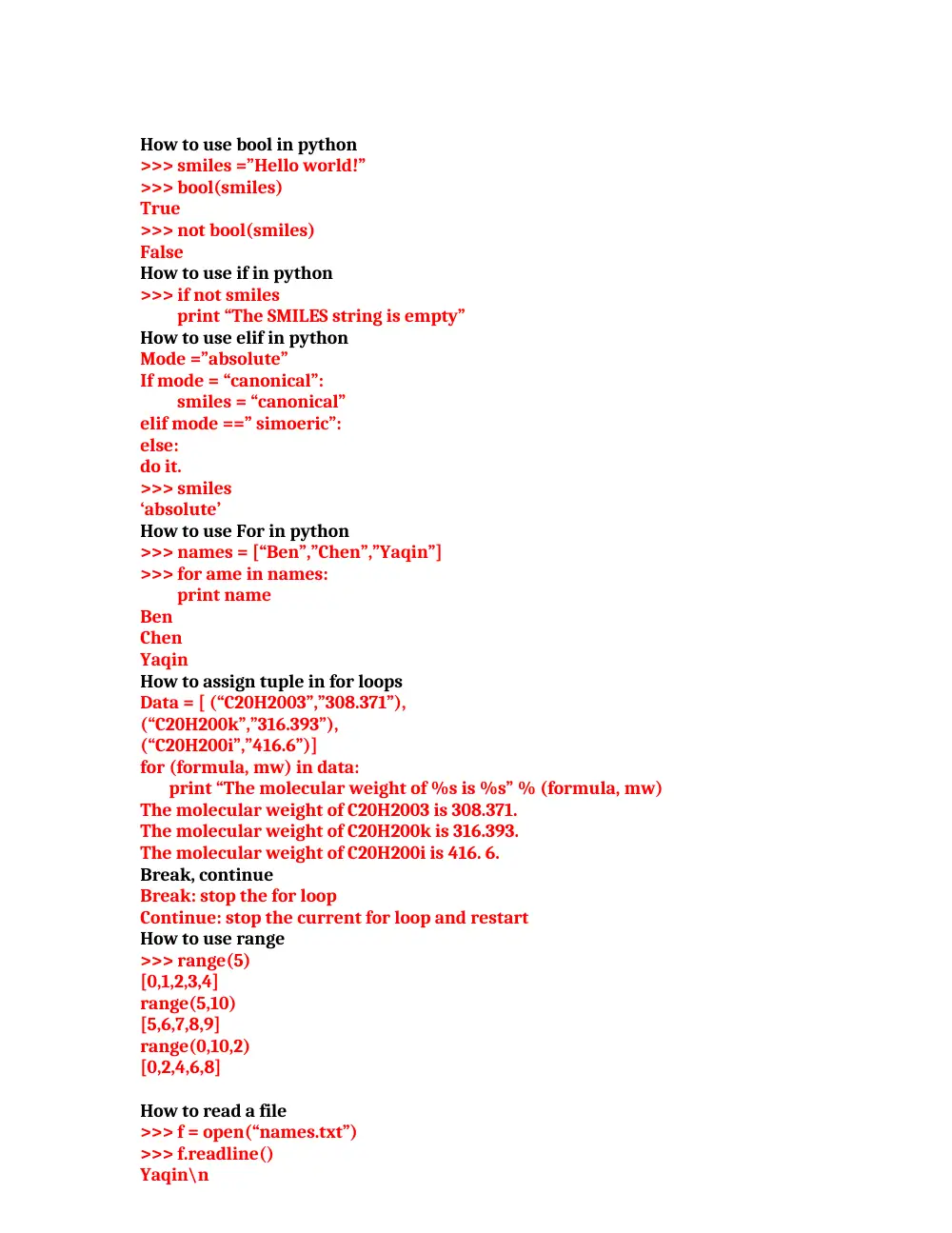
How to use bool in python
>>> smiles =”Hello world!”
>>> bool(smiles)
True
>>> not bool(smiles)
False
How to use if in python
>>> if not smiles
print “The SMILES string is empty”
How to use elif in python
Mode =”absolute”
If mode = “canonical”:
smiles = “canonical”
elif mode ==” simoeric”:
else:
do it.
>>> smiles
‘absolute’
How to use For in python
>>> names = [“Ben”,”Chen”,”Yaqin”]
>>> for ame in names:
print name
Ben
Chen
Yaqin
How to assign tuple in for loops
Data = [ (“C20H2003”,”308.371”),
(“C20H200k”,”316.393”),
(“C20H200i”,”416.6”)]
for (formula, mw) in data:
print “The molecular weight of %s is %s” % (formula, mw)
The molecular weight of C20H2003 is 308.371.
The molecular weight of C20H200k is 316.393.
The molecular weight of C20H200i is 416. 6.
Break, continue
Break: stop the for loop
Continue: stop the current for loop and restart
How to use range
>>> range(5)
[0,1,2,3,4]
range(5,10)
[5,6,7,8,9]
range(0,10,2)
[0,2,4,6,8]
How to read a file
>>> f = open(“names.txt”)
>>> f.readline()
Yaqin\n
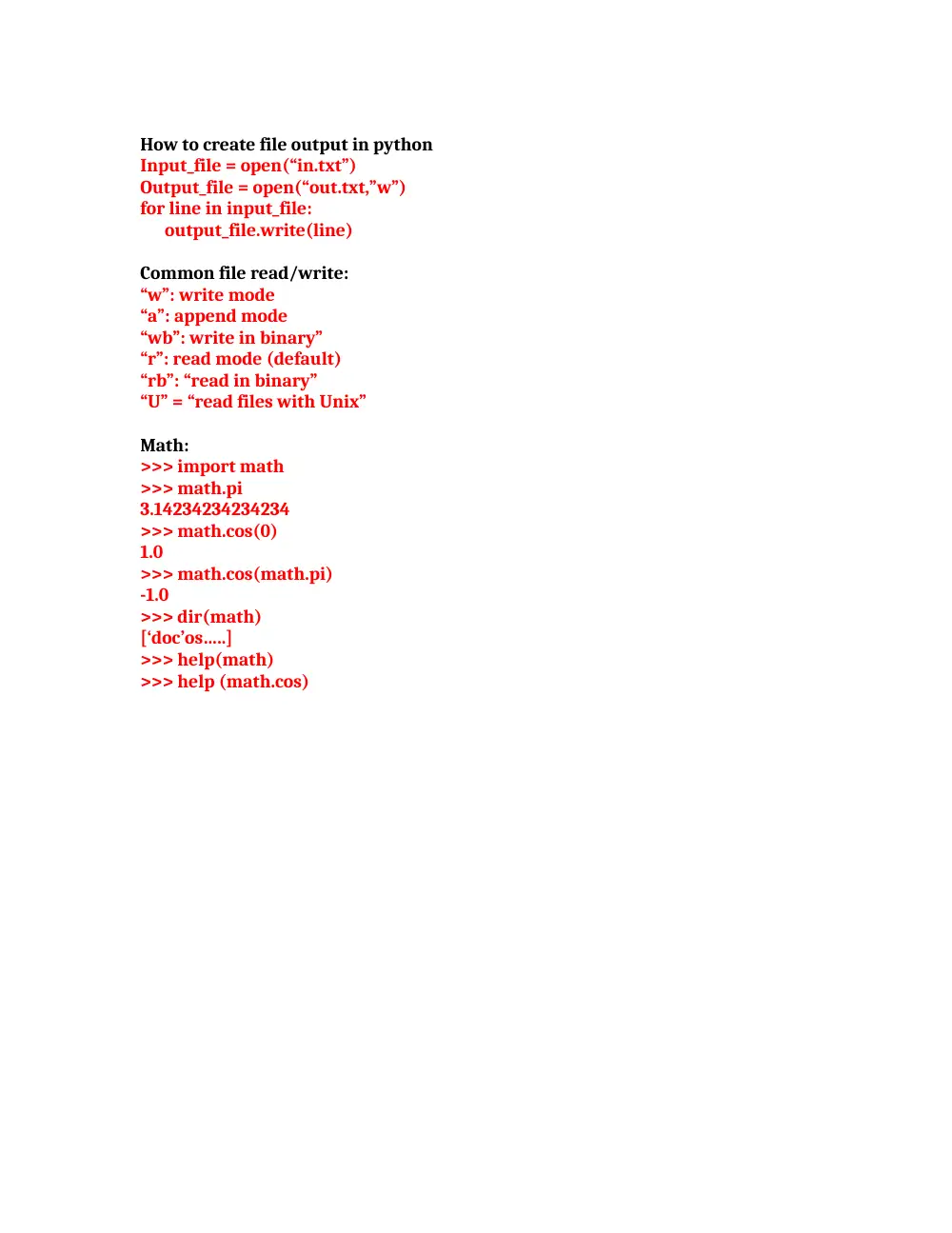
How to create file output in python
Input_file = open(“in.txt”)
Output_file = open(“out.txt,”w”)
for line in input_file:
output_file.write(line)
Common file read/write:
“w”: write mode
“a”: append mode
“wb”: write in binary”
“r”: read mode (default)
“rb”: “read in binary”
“U” = “read files with Unix”
Math:
>>> import math
>>> math.pi
3.14234234234234
>>> math.cos(0)
1.0
>>> math.cos(math.pi)
-1.0
>>> dir(math)
[‘doc’os…..]
>>> help(math)
>>> help (math.cos)