
ECO 332 Tutorial Stata, Spring 2016
Lebanese American University · Econometrics · 24 pages



Showing the first 10 of 24 pages. Download the PDF to see all of it.
More ECO 332 files
- Tutorial Stata · Spring 2016FileView
- Useful File Chp6 · Spring 2016FileView
- Useful File Chp6 · Spring 2016FileView
- Useful File Chp4.2 · Fall 2014FileView
- Useful File Chp4.2 · Fall 2014FileView
- Useful File Review of Statistics · Spring 2013FileView
- Useful File Review of Statistics · Spring 2013FileView
- Useful File PptFileView
Show the text of this file
Introduction to Stata: Part II
Working with Stata
Looking at the data
• Let us
. sysuse auto
to begin our session with the data.
• What kind of data is there? Type
. describe price
to get an overall picture.
• to get a listing of existing variables and observations
. list price
Looking at the data
• Summary statistics
. summarize price
. summarize price, d
• Two-way tables
. use this procedure when you want to look at 2-way
frequencies of your categorical data
. tab foreign rep78
• We can get the correlation:
. correlate price mpg
4
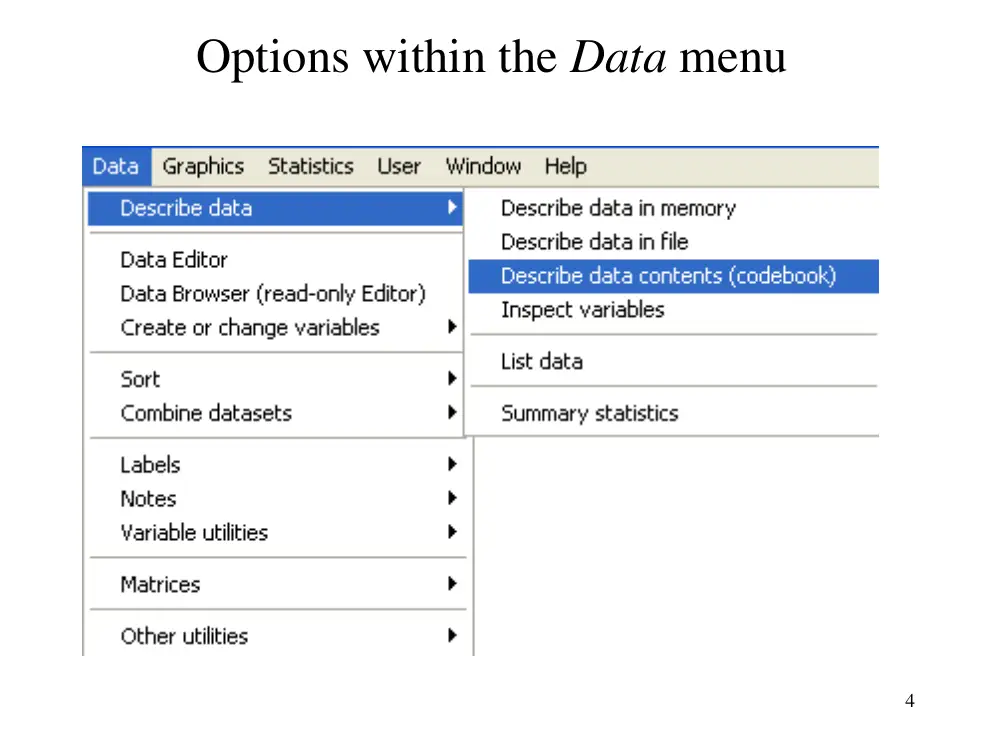
Options within the Data menu
5
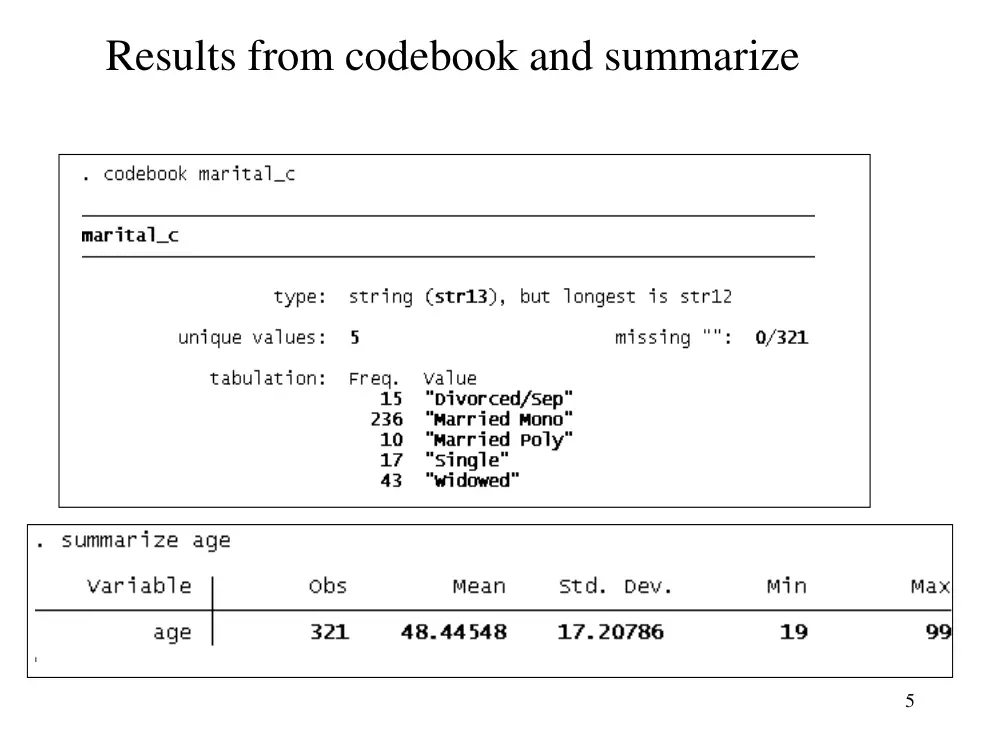
Results from codebook and summarize
6
An example of a dialogue box
Dialogue results from
using the menu
sequence
Data,
Describe data,
Describe data
contents (codebook)
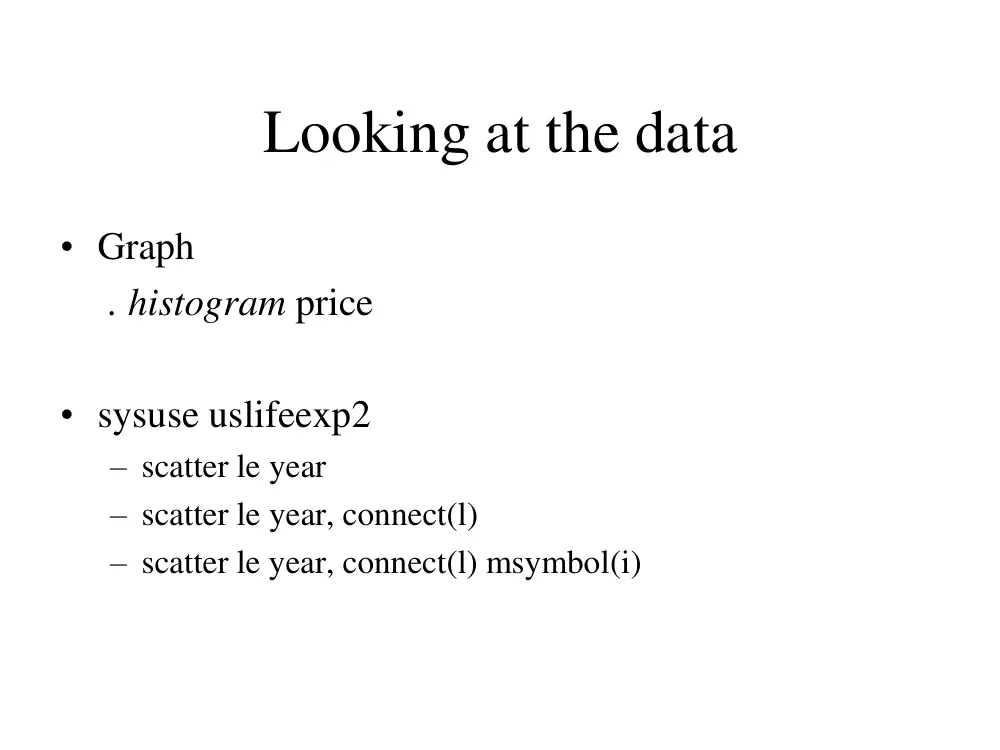
Looking at the data
• Graph
. histogram price
• sysuse uslifeexp2
– scatter le year
– scatter le year, connect(l)
– scatter le year, connect(l) msymbol(i)
Creating a new variable
• Let us
. sysuse auto
• A natural step further in your data management is to
create some new variables
. gen gpm = 100/mpg
. gen lgpm = ln(mpg)
Important issues
• Formatting output
– Highlight results
– EditCopy table
• Missing data
• Rename variables
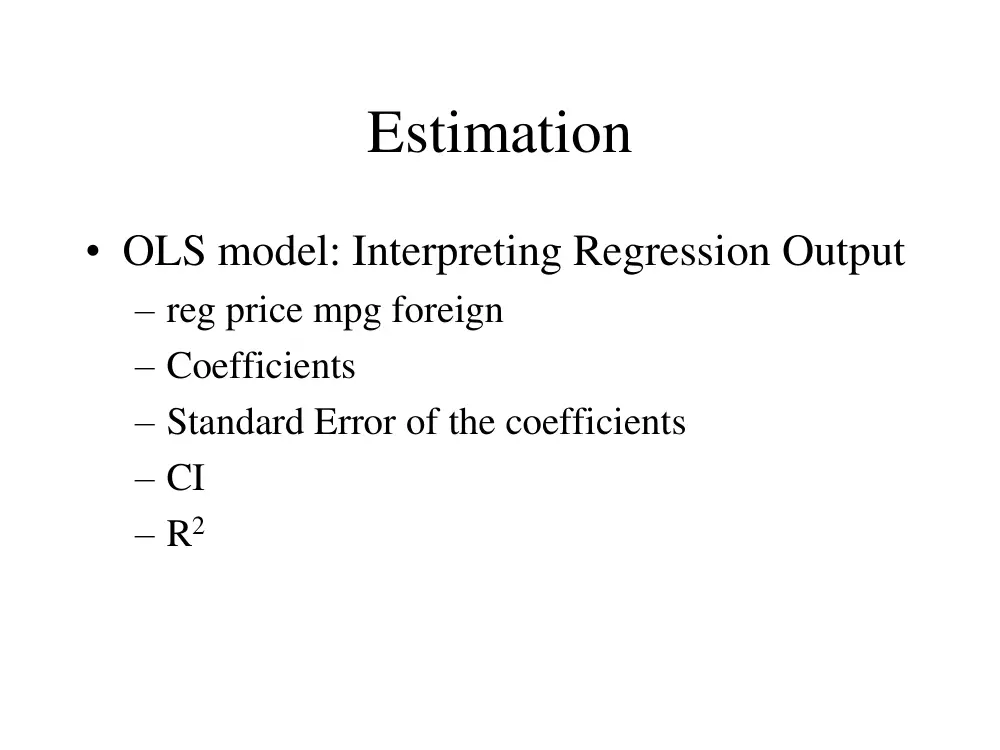
Estimation
• OLS model: Interpreting Regression Output
– reg price mpg foreign
– Coefficients
– Standard Error of the coefficients
– CI
– R2
Estimation
Predictions
• calculate the fitted values and residuals
– fitted values: predict pprice
– residuals: predict resid, residuals
Plotting the Data and a Linear Fit
• We can inspect the quality of the fit
– graph twoway (scatter price mpg) (lfit price
mpg)
Estimation
• Hypotheses testing
– t-test: in the table
– F-test: in the table
– We could also run F-test:
• reg rep78 price weight
• test price weight
Testing for Heteroskedasticity
• White test :
– reg price mpg foreign
– estat imtest, white
• Breusch-Pagan test :
– reg price mpg foreign
– estat hettest, normal
Robust standard error
• We add the option robust at the end of the
regression command:
– reg price mpg foreign, robust
WLS estimator
• reg price mpg foreign
• reg price mpg foreign, robust
• vwls price mpg foreign
probit and logit models
• probit foreign weight mpg
• logit foreign weight mpg
Panel data
• We use nlswork.dta
• tsset
• Fixed effect:
– xtreg hours birth_yr age race, fe
• Random effect:
– xtreg hours birth_yr age race, re
Resuming Stata
• Launch Stata:
• Old commands are in the do-file. To see it,
– In do-file editor
• FileOpen
• Find X:\intro.do
Running a Do-file
• To run your old commands,
– FileDo…
– Find “X:\intro.do”
Labeling values
• To add labels to dummy values
– DataLabels
– Define label name
– Add values
• We can label the data direclty from the editor
To learn more
• Help menu (or help command)
– e.g., in Command window type “help cmdlog”
Exercise
• Edit the do-file until it runs all the way
through
• This will also familiarize you with the typed
versions of some commands.
• http://www.reading.ac.uk/ssc/n/UBOS_DV
D/Module_4/Module_4.htm