
CSC 326 Chapter 1, Spring 2016
Lebanese American University · Operating Systems · 20 pages · Dr. Azzam Mourad
Showing the first 10 of 20 pages. Download the PDF to see all of it.
More CSC 326 files
Show the text of this chapter
Silberschatz, Galvin and Gagne ©2013
Operating System Concepts – 9th Edit9on
Chapter 1: Introduction
1.2
Silberschatz, Galvin and Gagne ©2013
Operating System Concepts – 9th Edition
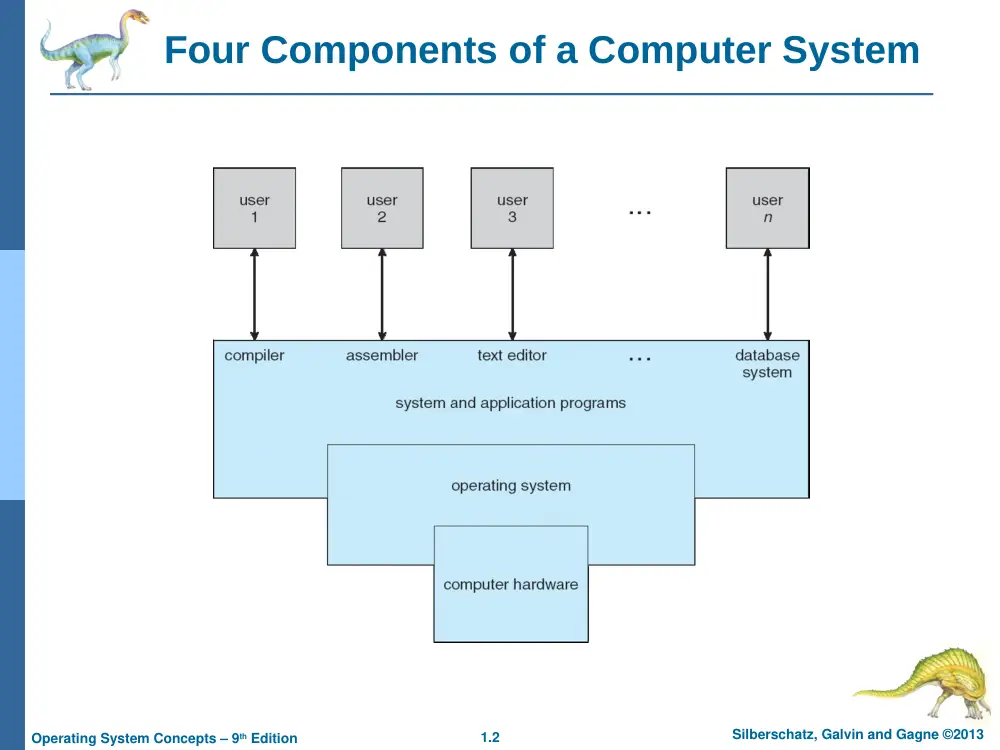
Four Components of a Computer System
1.3
Silberschatz, Galvin and Gagne ©2013
Operating System Concepts – 9th Edition
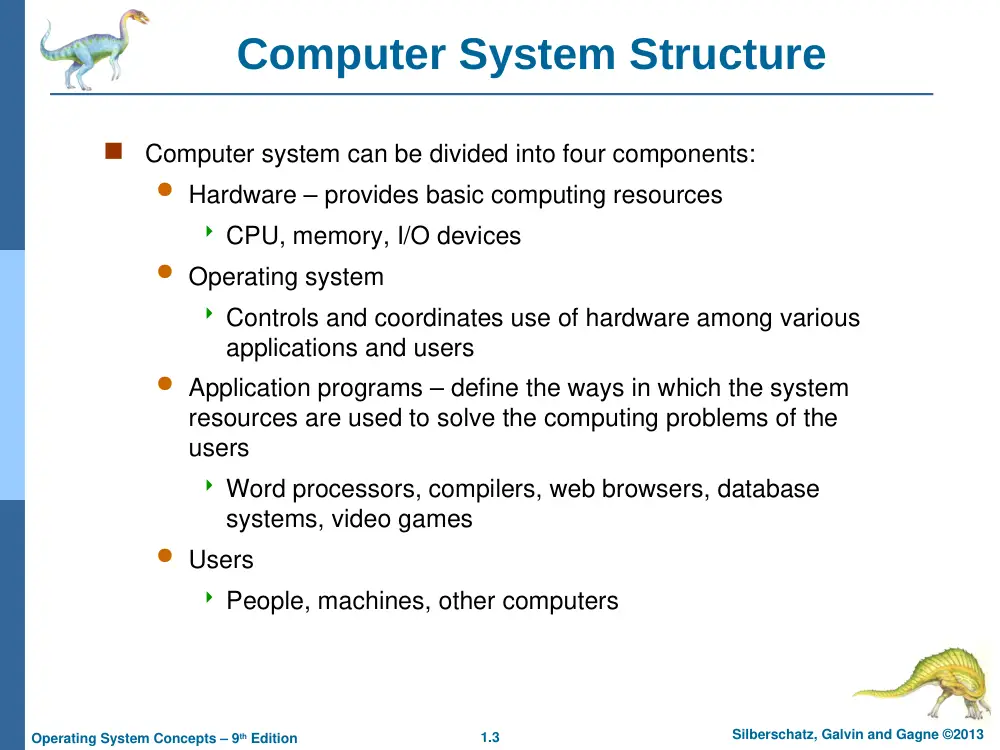
Computer System Structure
Computer system can be divided into four components:
Hardware – provides basic computing resources
CPU, memory, I/O devices
Operating system
Controls and coordinates use of hardware among various
applications and users
Application programs – define the ways in which the system
resources are used to solve the computing problems of the
users
Word processors, compilers, web browsers, database
systems, video games
Users
People, machines, other computers
1.4
Silberschatz, Galvin and Gagne ©2013
Operating System Concepts – 9th Edition
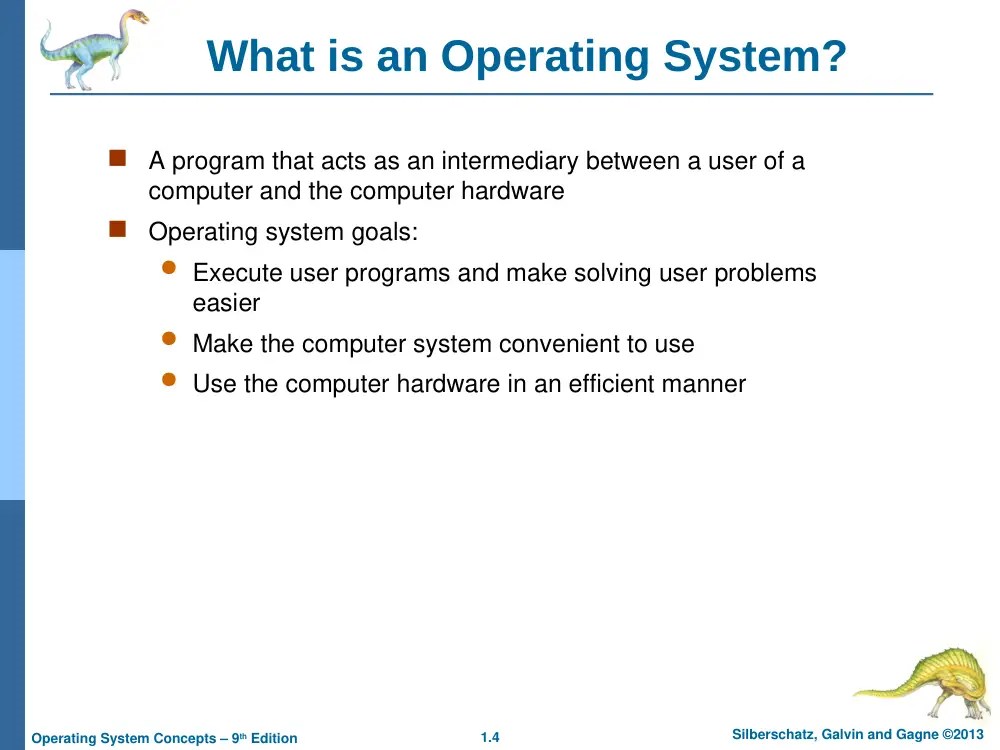
What is an Operating System?
A program that acts as an intermediary between a user of a
computer and the computer hardware
Operating system goals:
Execute user programs and make solving user problems
easier
Make the computer system convenient to use
Use the computer hardware in an efficient manner
1.5
Silberschatz, Galvin and Gagne ©2013
Operating System Concepts – 9th Edition
Operating System Definition
OS is a resource allocator
Manages all resources
Decides between conflicting requests for efficient and
fair resource use
OS is a control program
Controls execution of programs to prevent errors and
improper use of the computer
“The one program running at all times on the computer” is
the kernel.
Everything else is either
a system program (ships with the operating system) , or
an application program.
1.6
Silberschatz, Galvin and Gagne ©2013
Operating System Concepts – 9th Edition
Computer Startup
bootstrap program is loaded at power-up or reboot
Typically stored in ROM or EPROM, generally known
as firmware
Initializes all aspects of system
Loads operating system kernel and starts execution
1.7
Silberschatz, Galvin and Gagne ©2013
Operating System Concepts – 9th Edition
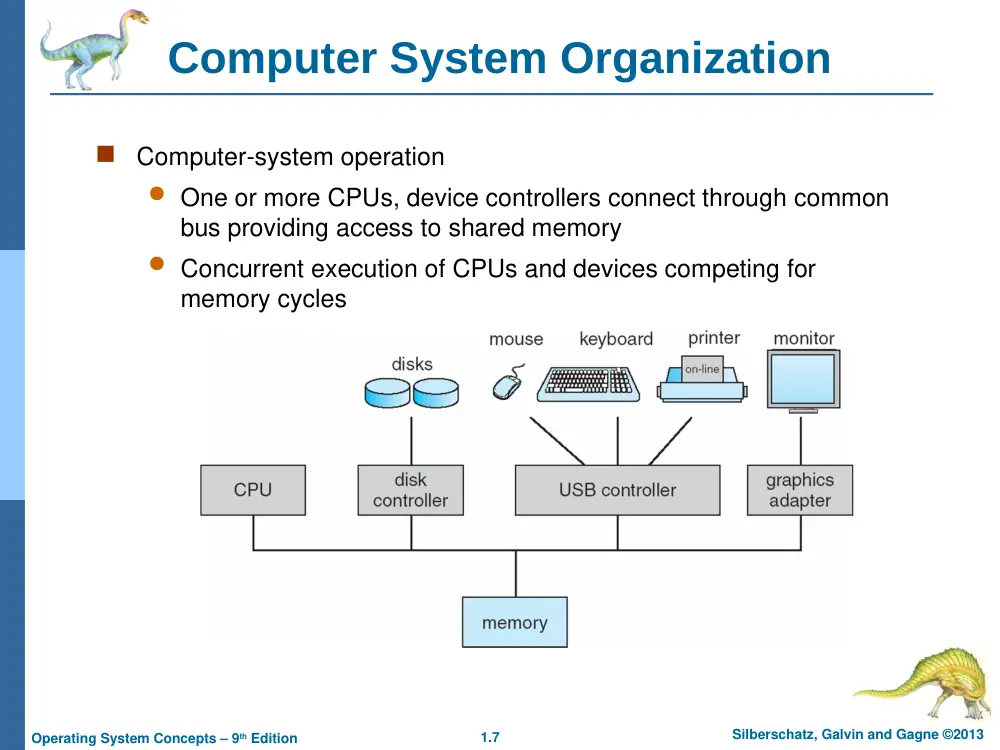
Computer System Organization
Computer-system operation
One or more CPUs, device controllers connect through common
bus providing access to shared memory
Concurrent execution of CPUs and devices competing for
memory cycles
1.8
Silberschatz, Galvin and Gagne ©2013
Operating System Concepts – 9th Edition
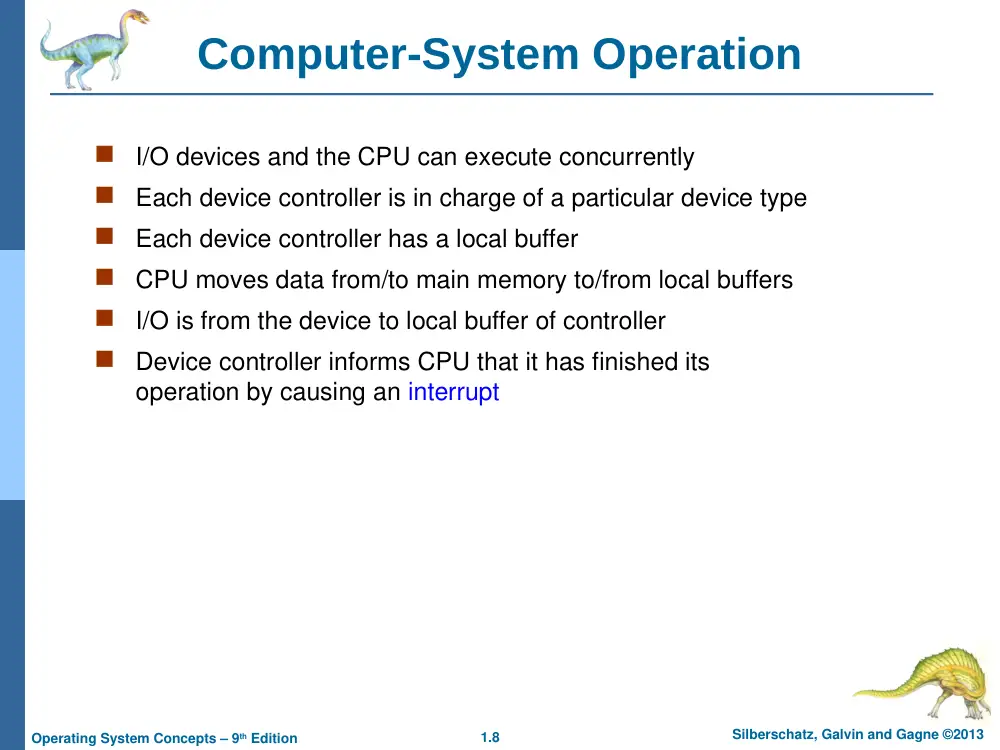
Computer-System Operation
I/O devices and the CPU can execute concurrently
Each device controller is in charge of a particular device type
Each device controller has a local buffer
CPU moves data from/to main memory to/from local buffers
I/O is from the device to local buffer of controller
Device controller informs CPU that it has finished its
operation by causing an interrupt
1.9
Silberschatz, Galvin and Gagne ©2013
Operating System Concepts – 9th Edition
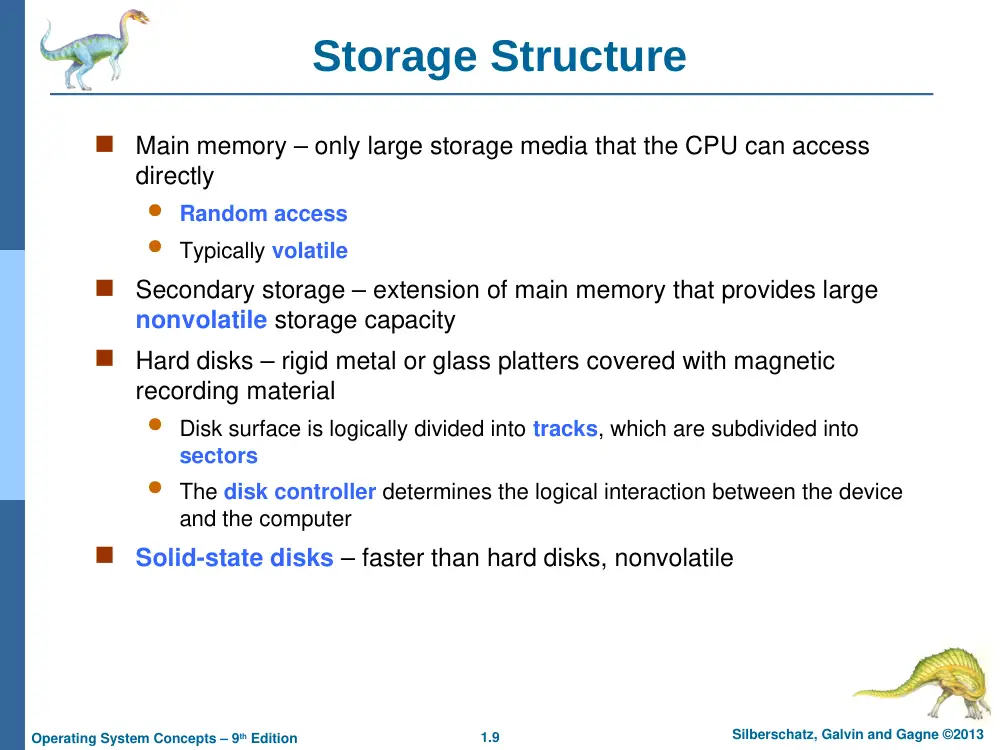
Storage Structure
Main memory – only large storage media that the CPU can access
directly
Random access
Typically volatile
Secondary storage – extension of main memory that provides large
nonvolatile storage capacity
Hard disks – rigid metal or glass platters covered with magnetic
recording material
Disk surface is logically divided into tracks, which are subdivided into
sectors
The disk controller determines the logical interaction between the device
and the computer
Solid-state disks – faster than hard disks, nonvolatile
1.10
Silberschatz, Galvin and Gagne ©2013
Operating System Concepts – 9th Edition
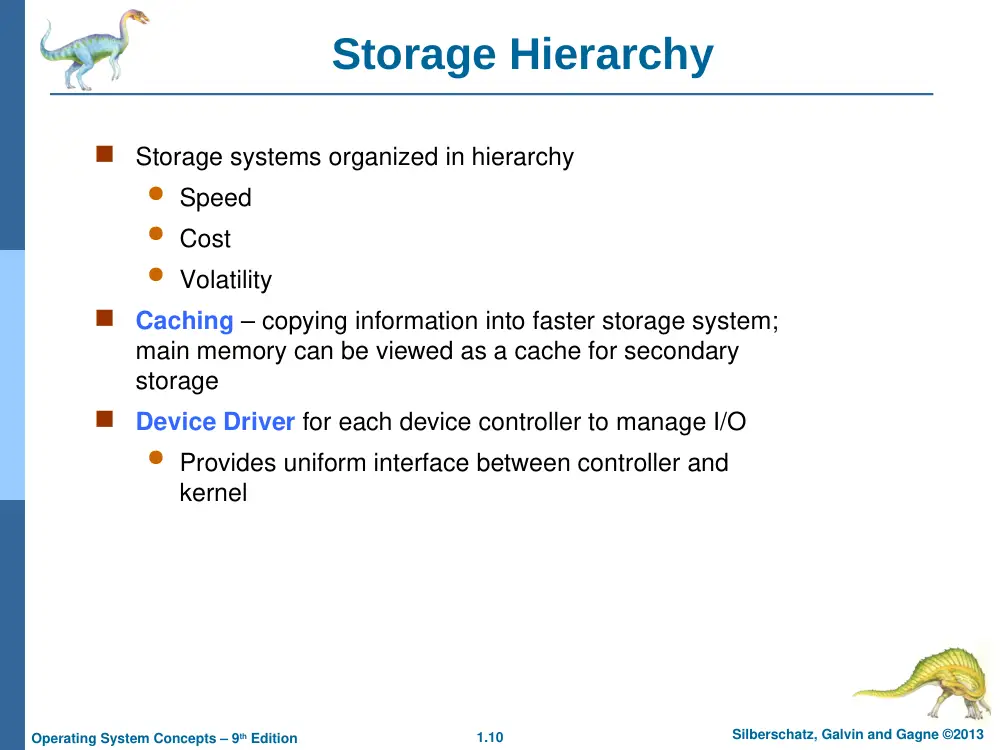
Storage Hierarchy
Storage systems organized in hierarchy
Speed
Cost
Volatility
Caching – copying information into faster storage system;
main memory can be viewed as a cache for secondary
storage
Device Driver for each device controller to manage I/O
Provides uniform interface between controller and
kernel
1.11
Silberschatz, Galvin and Gagne ©2013
Operating System Concepts – 9th Edition
Storage-Device Hierarchy
1.12
Silberschatz, Galvin and Gagne ©2013
Operating System Concepts – 9th Edition
Caching
Important principle, performed at many levels in a computer
(in hardware, operating system, software)
Information in use copied from slower to faster storage
temporarily
Faster storage (cache) checked first to determine if
information is there
If it is, information used directly from the cache (fast)
If not, data copied to cache and used there
1.13
Silberschatz, Galvin and Gagne ©2013
Operating System Concepts – 9th Edition
Computer-System Architecture
Most systems use a single general-purpose processor
Most systems have special-purpose processors as well
Multiprocessors systems growing in use and importance
Also known as parallel systems, tightly-coupled systems
Advantages include:
1.
Increased throughput
2.
Increased reliability
Two types:
4
Asymmetric Multiprocessing – each processor is assigned a
specie task.
4
Symmetric Multiprocessing – each processor performs all tasks
1.14
Silberschatz, Galvin and Gagne ©2013
Operating System Concepts – 9th Edition
Symmetric Multiprocessing Architecture
1.15
Silberschatz, Galvin and Gagne ©2013
Operating System Concepts – 9th Edition
A Dual-Core Design
Multi-chip and multicore
Systems containing all chips
Chassis containing multiple separate systems
1.16
Silberschatz, Galvin and Gagne ©2013
Operating System Concepts – 9th Edition
Clustered Systems
Like multiprocessor systems, but multiple systems working together
Usually sharing storage via a storage-area network (SAN)
Provides a high-availability service which survives failures
Asymmetric clustering has one machine in hot-standby mode
Symmetric clustering has multiple nodes running applications,
monitoring each other
Some clusters are for high-performance computing (HPC)
Applications must be written to use parallelization
1.17
Silberschatz, Galvin and Gagne ©2013
Operating System Concepts – 9th Edition
Clustered Systems
1.18
Silberschatz, Galvin and Gagne ©2013
Operating System Concepts – 9th Edition
Operating System Structure
Multiprogramming needed for efficiency
Single user cannot keep CPU and I/O devices busy at all times
Multiprogramming organizes jobs (code and data) so CPU always has one to
execute
A subset of total jobs in system is kept in memory
One job selected and run via job scheduling
When it has to wait (for I/O for example), OS switches to another job
Timesharing (multitasking) is logical extension in which CPU switches jobs
so frequently that users can interact with each job while it is running, creating
interactive computing
Response time should be < 1 second
Each user has at least one program executing in memory process
If several jobs ready to run at the same time CPU scheduling
If processes don’t fit in memory, swapping moves them in and out to run
Virtual memory allows execution of processes not completely in memory
1.19
Silberschatz, Galvin and Gagne ©2013
Operating System Concepts – 9th Edition
Memory Layout for Multiprogrammed System
Silberschatz, Galvin and Gagne ©2013
Operating System Concepts – 9th Edit9on
End of Chapter 1