
CSC 201 Homework Assignment 2, Fall 2015
Notre Dame University–Louaize · Computers and Their Use · 1 page · Dr. Johnny Chaanine
Stuck on a question? A tutor can walk you through it.
More CSC 201 files
- Homework Assignment 1 · Fall 2015HomeworkView
- Homework Assignment 3 · Fall 2015HomeworkView
- Exam 1 · Spring 2010ExamView
- Chapter 10- MS Excel 2003 · Spring 2007ChapterView
- Chapter 12- IT and Society · Spring 2007ChapterView
- Chapter 13- MS Powerpoint 2003 · Spring 2007ChapterView
- Chapter 14- Security, Copyright and Law · Spring 2007ChapterView
- Chapter 15- MS Internet Explorer 6 · Spring 2007ChapterView
Show the text of this homework
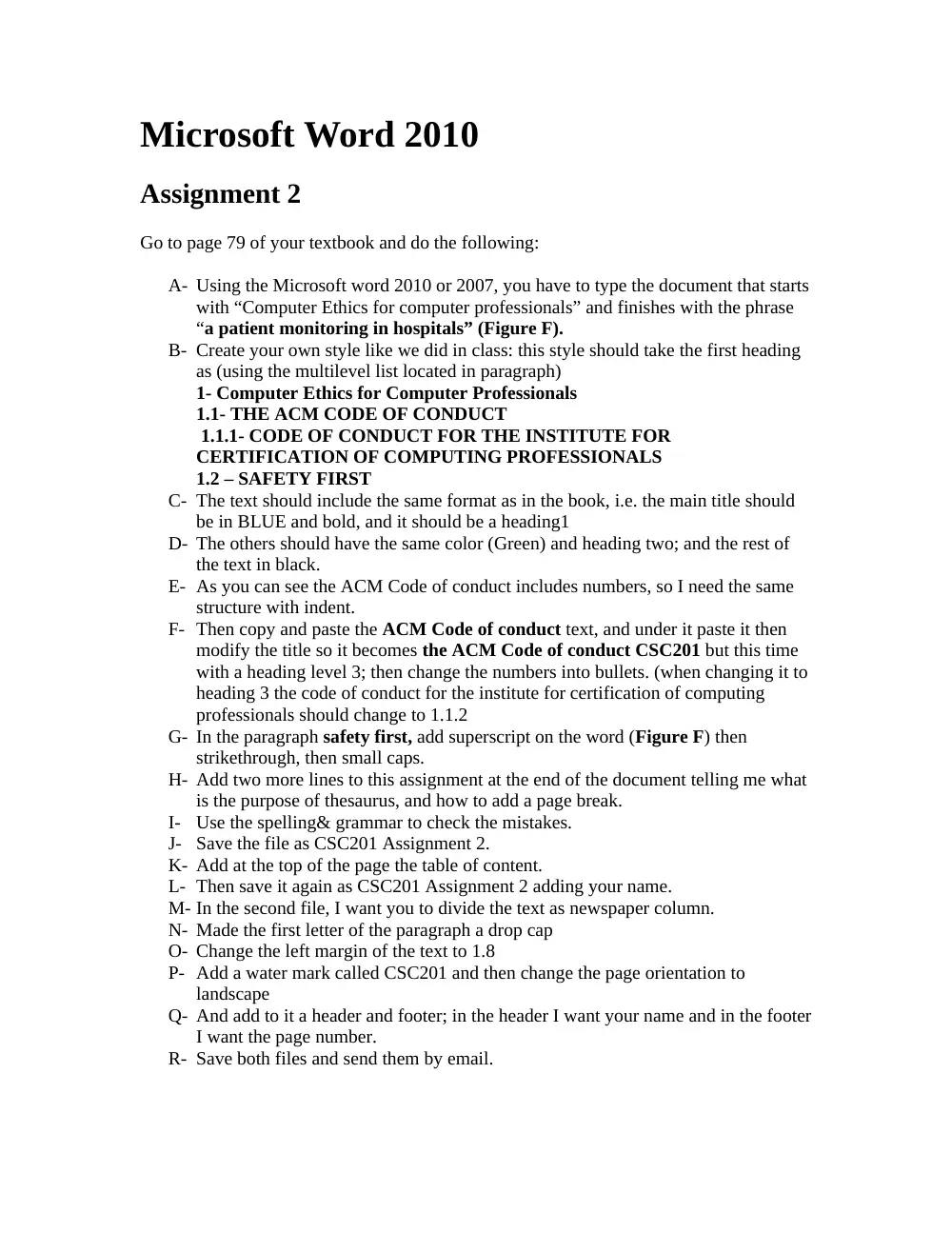
Microsoft Word 2010
Assignment 2
Go to page 79 of your textbook and do the following:
A- Using the Microsoft word 2010 or 2007, you have to type the document that starts
with “Computer Ethics for computer professionals” and finishes with the phrase
“a patient monitoring in hospitals” (Figure F).
B- Create your own style like we did in class: this style should take the first heading
as (using the multilevel list located in paragraph)
1- Computer Ethics for Computer Professionals
1.1- THE ACM CODE OF CONDUCT
1.1.1- CODE OF CONDUCT FOR THE INSTITUTE FOR
CERTIFICATION OF COMPUTING PROFESSIONALS
1.2 – SAFETY FIRST
C- The text should include the same format as in the book, i.e. the main title should
be in BLUE and bold, and it should be a heading1
D- The others should have the same color (Green) and heading two; and the rest of
the text in black.
E- As you can see the ACM Code of conduct includes numbers, so I need the same
structure with indent.
F- Then copy and paste the ACM Code of conduct text, and under it paste it then
modify the title so it becomes the ACM Code of conduct CSC201 but this time
with a heading level 3; then change the numbers into bullets. (when changing it to
heading 3 the code of conduct for the institute for certification of computing
professionals should change to 1.1.2
G- In the paragraph safety first, add superscript on the word (Figure F) then
strikethrough, then small caps.
H- Add two more lines to this assignment at the end of the document telling me what
is the purpose of thesaurus, and how to add a page break.
I-
Use the spelling& grammar to check the mistakes.
J- Save the file as CSC201 Assignment 2.
K- Add at the top of the page the table of content.
L- Then save it again as CSC201 Assignment 2 adding your name.
M- In the second file, I want you to divide the text as newspaper column.
N- Made the first letter of the paragraph a drop cap
O- Change the left margin of the text to 1.8
P- Add a water mark called CSC201 and then change the page orientation to
landscape
Q- And add to it a header and footer; in the header I want your name and in the footer
I want the page number.
R- Save both files and send them by email.