
CSC 422 Tutorial MATLAB I, Spring 2012
Notre Dame University–Louaize · Introduction to Image Processing · 12 pages · Dr. Khaldoun El-Khaldi



Showing the first 10 of 12 pages. Download the PDF to see all of it.
More CSC 422 files
Show the text of this file
Matlab Tutorials
10 / 04 / 2006
2
• Introduction to Matlab
• Working with Matlab
• Image Processing using Matlab
• Class Project
3
Introduction
• MatLab : Matrix Laboratory
• Numerical Computations with matrices
• Every number can be represented as matrix
• Why Matlab?
• User Friendly (GUI)
• Easy to work with
• Powerful tools for complex mathematics
4
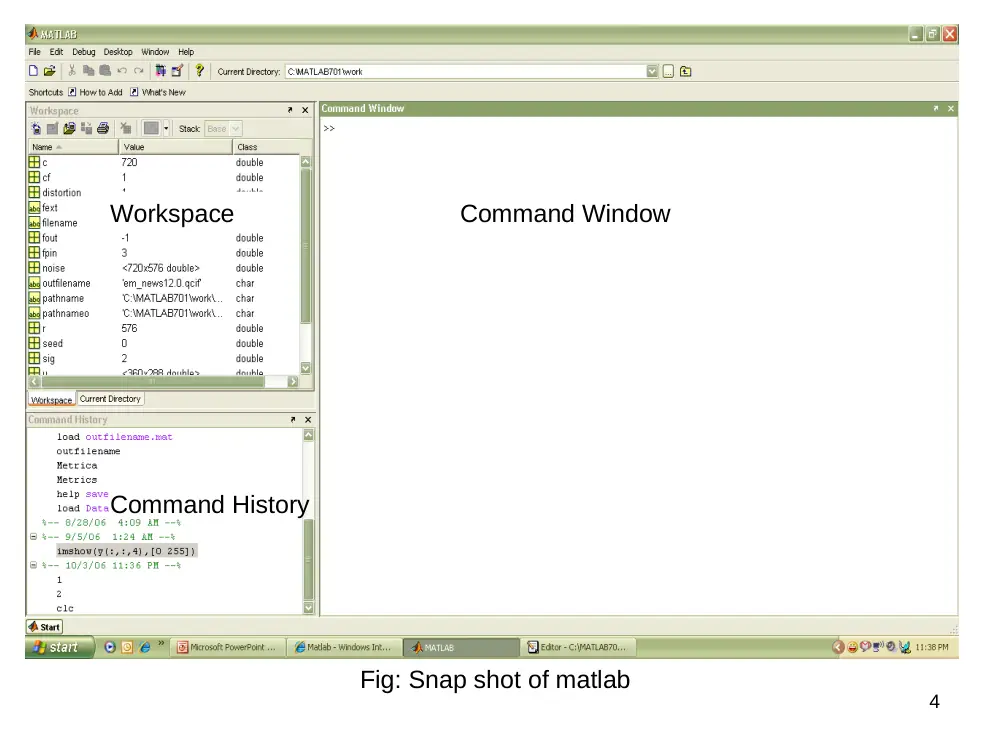
Command Window
Command History
Workspace
Fig: Snap shot of matlab
5
Matrices in Matlab
• To enter a matrix
3 1
6 4
>> A = [3 1 ; 6 4]
>> A = [3, 1 ; 6, 4]
>> B = [3, 5 ; 0, 2]
Examples during Matlab demo
6
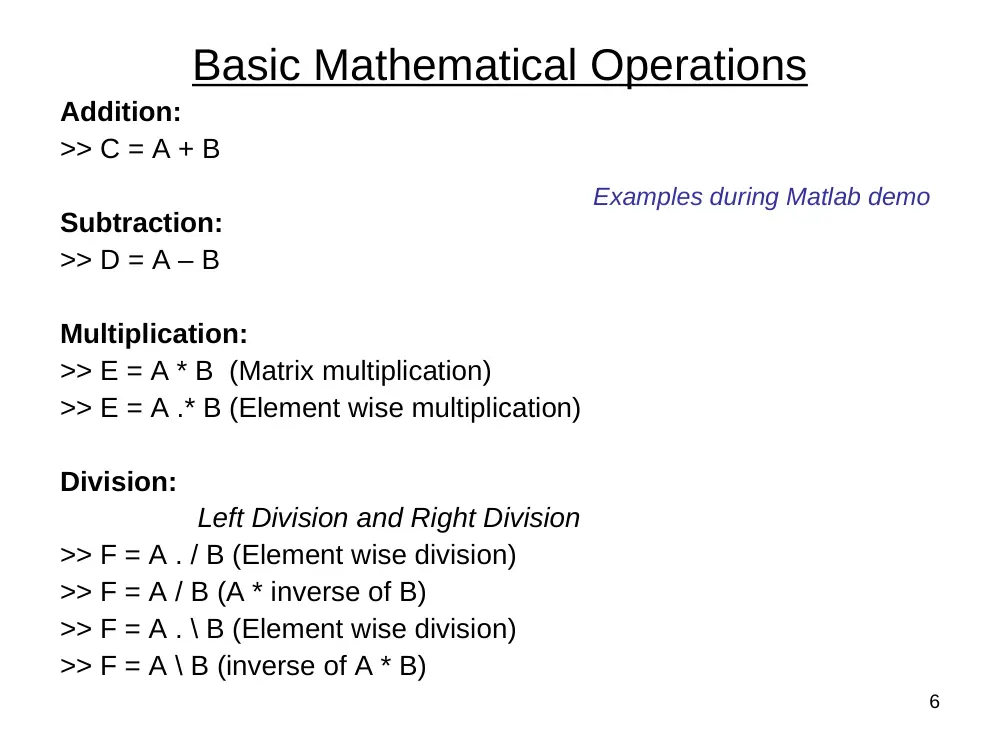
Basic Mathematical Operations
Addition:
>> C = A + B
Subtraction:
>> D = A – B
Multiplication:
>> E = A * B (Matrix multiplication)
>> E = A .* B (Element wise multiplication)
Division:
Left Division and Right Division
>> F = A . / B (Element wise division)
>> F = A / B (A * inverse of B)
>> F = A . \ B (Element wise division)
>> F = A \ B (inverse of A * B)
Examples during Matlab demo
7
Matrix with ZEROS:
>> Z = ZEROS (r, c)
Matrix with ONES:
>> O = ONES (r, c)
IDENTITY Matrix:
>> I = EYE (r, c)
r Rows
c Columns
zeros, ones, eye Matlab functions
Generating basic matrices
Examples during Matlab demo
8
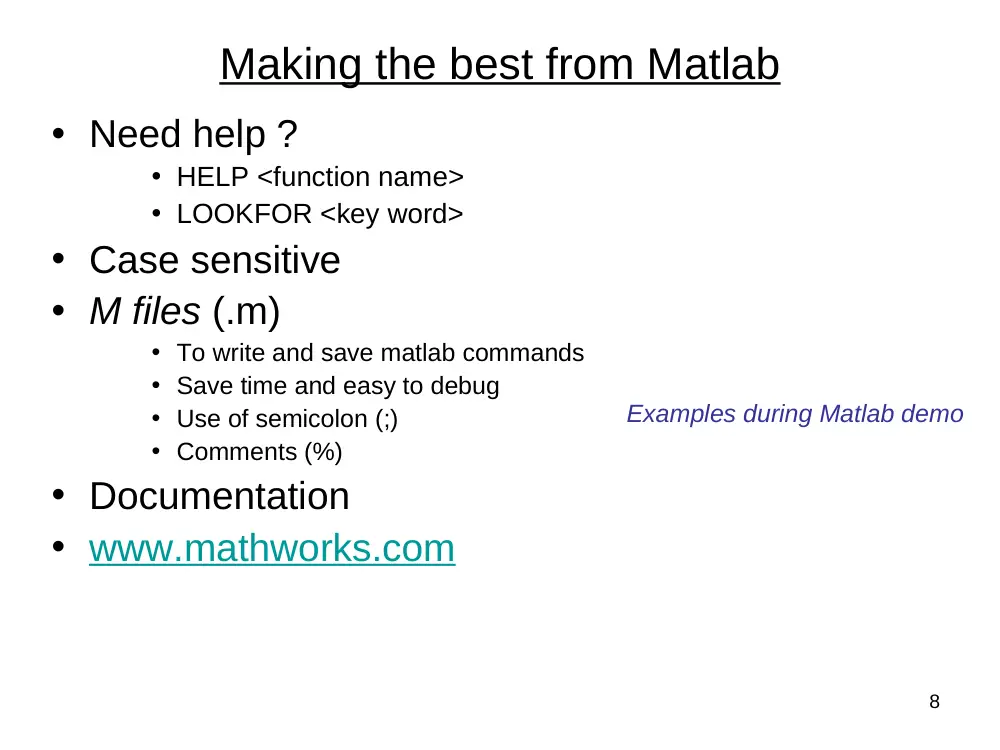
• Need help ?
• HELP <function name>
• LOOKFOR <key word>
• Case sensitive
• M files (.m)
• To write and save matlab commands
• Save time and easy to debug
• Use of semicolon (;)
• Comments (%)
• Documentation
• www.mathworks.com
Making the best from Matlab
Examples during Matlab demo
9
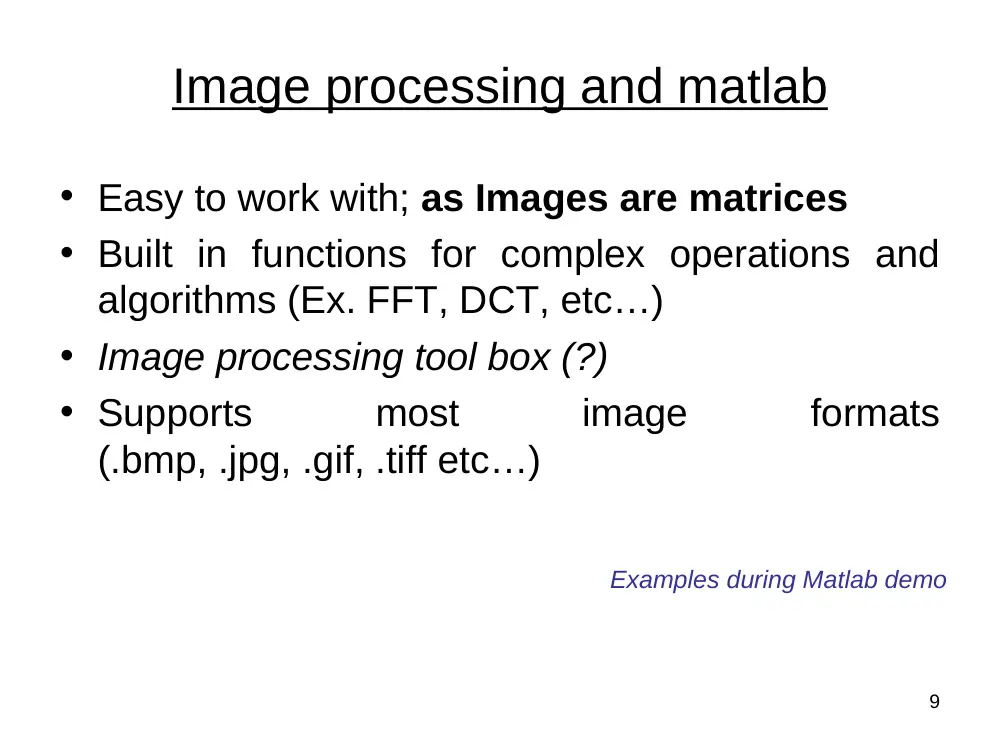
Image processing and matlab
• Easy to work with; as Images are matrices
• Built in functions for complex operations and
algorithms (Ex. FFT, DCT, etc…)
• Image processing tool box (?)
• Supports
most
image
formats
(.bmp, .jpg, .gif, .tiff etc…)
Examples during Matlab demo
10
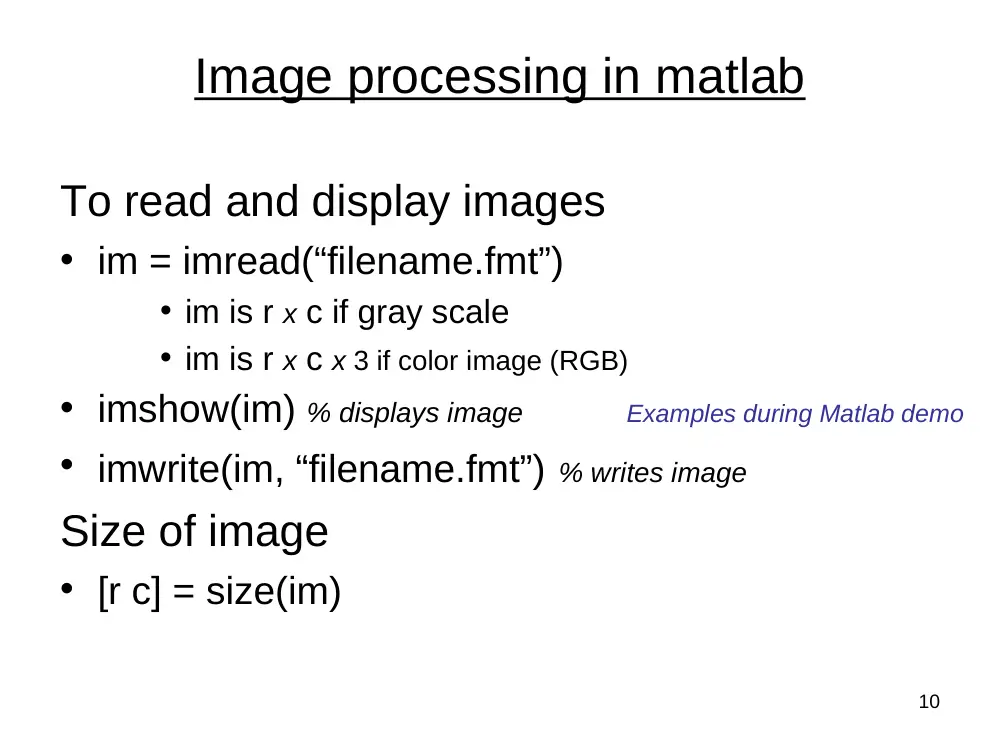
Image processing in matlab
To read and display images
• im = imread(“filename.fmt”)
• im is r x c if gray scale
• im is r x c x 3 if color image (RGB)
• imshow(im) % displays image
• imwrite(im, “filename.fmt”) % writes image
Size of image
• [r c] = size(im)
Examples during Matlab demo
11
Working with complex numbers
• real and imaginary
• real % real part of complex number
• imag % imaginary part of complex number
• magnitude and phase
• abs % magnitude of complex number
• angle % phase of complex number
Examples during Matlab demo
12
Plotting / displaying
• PLOT(x,y)
• Plots y versus x.
• Linear plot
• XLABEL(‘label’)
• YLABEL(‘label’)
• TITLE(‘title’)
• IMAGE(x)
• Displays image
3D plots:
• MESH
• 3D mesh surface (Ex. filters)
• MESHGRID
• Useful in 3D plots
• SURF
• 3D colored surface (Ex. filters)
Examples during Matlab demo