
EECE 230 Chapter 2- Control Structure II, Spring 2012
American University of Beirut · Introduction to Programming · 28 pages

Showing the first 10 of 28 pages. Download the PDF to see all of it.
More EECE 230 files
- Homework Chapter 1- Multiple Problems · Spring 2015ChapterView
- Chapter 4- Control Structures I · Spring 2012ChapterView
- Chapter 6- Functions · Spring 2012ChapterView
- Final Exam · Spring 2020Final examView
- Exam 1 Quiz 1 Questions · Spring 2019ProblemsView
- Exam 1 Solutions from Dr.Bazzi · Spring 2019Exam · with solutionView
- Exam 2 Questions · Spring 2019ProblemsView
- Exam 1 Quiz 1 Spring 18 · Spring 2019ExamView
Show the text of this chapter
Chapter 2:
Control Structure II
C++ Programming: Program Design Including Data Structures, Second Edition
2
Objectives
In this chapter you will:
• Learn about repetition (looping) control
structures
• Explore how to construct and use count-
controlled, sentinel-controlled, flag-controlled,
and EOF-controlled repetition structures
• Examine break and continue statements
• Discover how to form and use nested control
structures
C++ Programming: Program Design Including Data Structures, Second Edition
3
The while Loop
• The general form of the while statement is:
while(expression)
statement
• while is a reserved word
• Statement can be simple or compound
• Expression acts as a decision maker and is
usually a logical expression
• Statement is called the body of the loop
• The parentheses are part of the syntax
C++ Programming: Program Design Including Data Structures, Second Edition
4
The while Loop (continued)
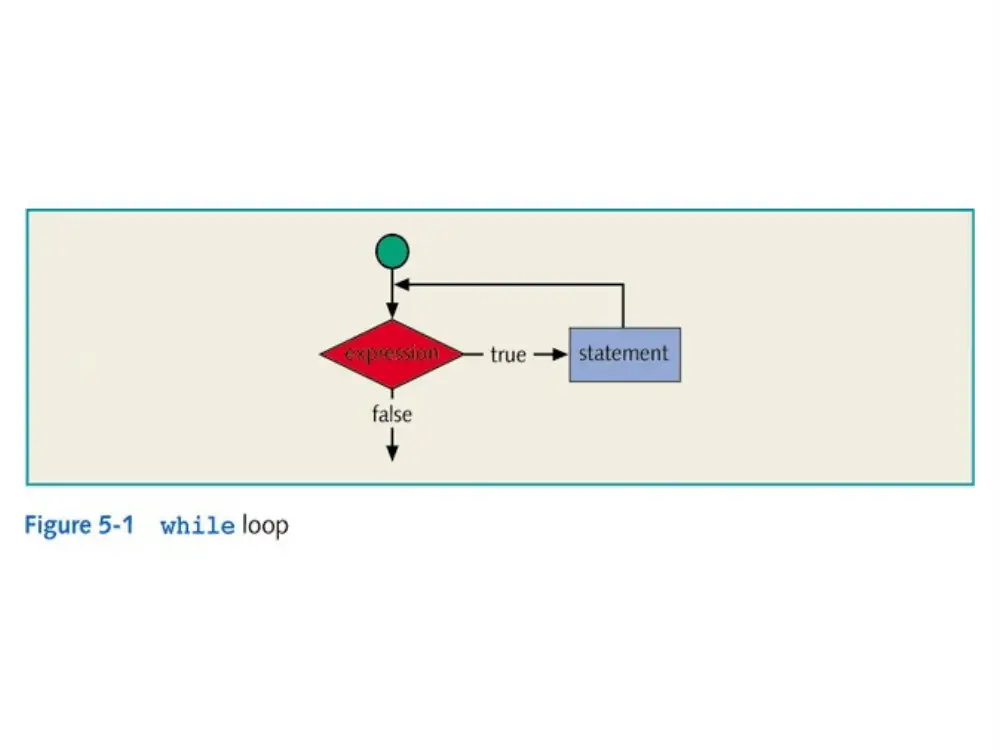
• Expression provides an entry condition
• Statement executes if the expression initially
evaluates to true
• Loop condition is then reevaluated
• Statement continues to execute until the
expression is no longer true
C++ Programming: Program Design Including Data Structures, Second Edition
6
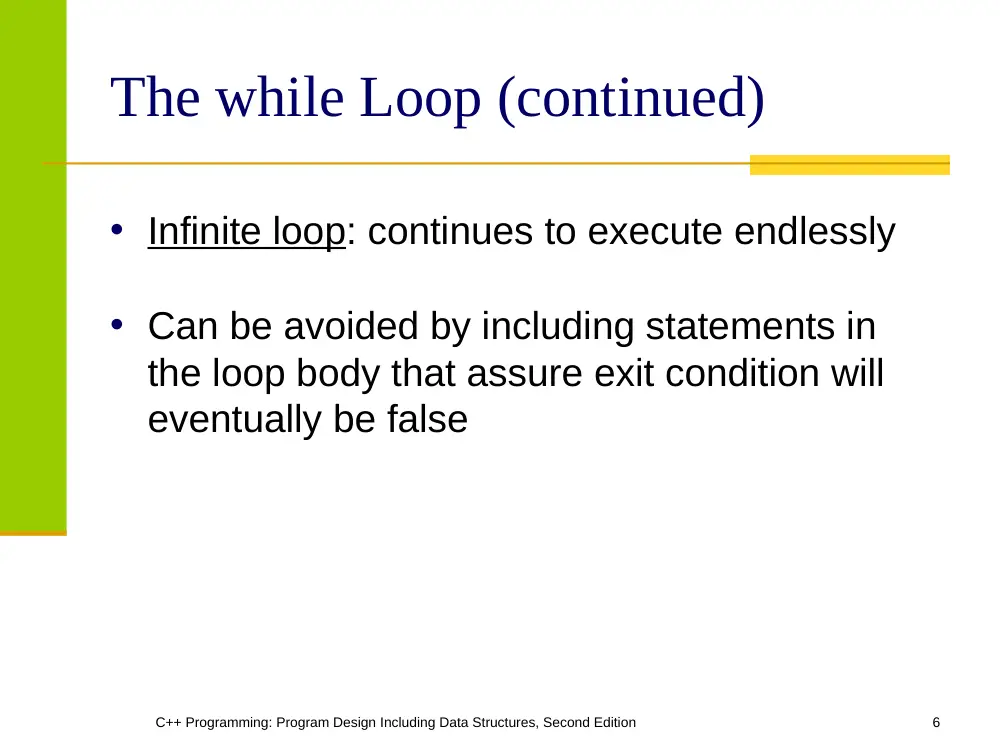
The while Loop (continued)
• Infinite loop: continues to execute endlessly
• Can be avoided by including statements in
the loop body that assure exit condition will
eventually be false
C++ Programming: Program Design Including Data Structures, Second Edition
7
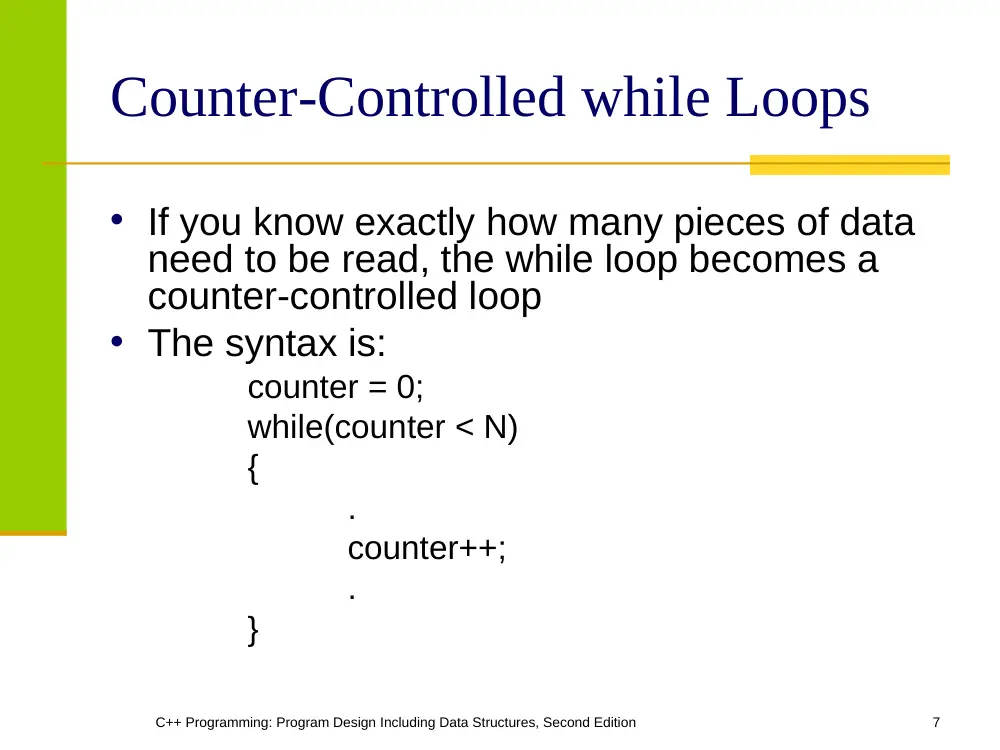
Counter-Controlled while Loops
• If you know exactly how many pieces of data
need to be read, the while loop becomes a
counter-controlled loop
• The syntax is:
counter = 0;
while(counter < N)
{
.
counter++;
.
}
C++ Programming: Program Design Including Data Structures, Second Edition
8
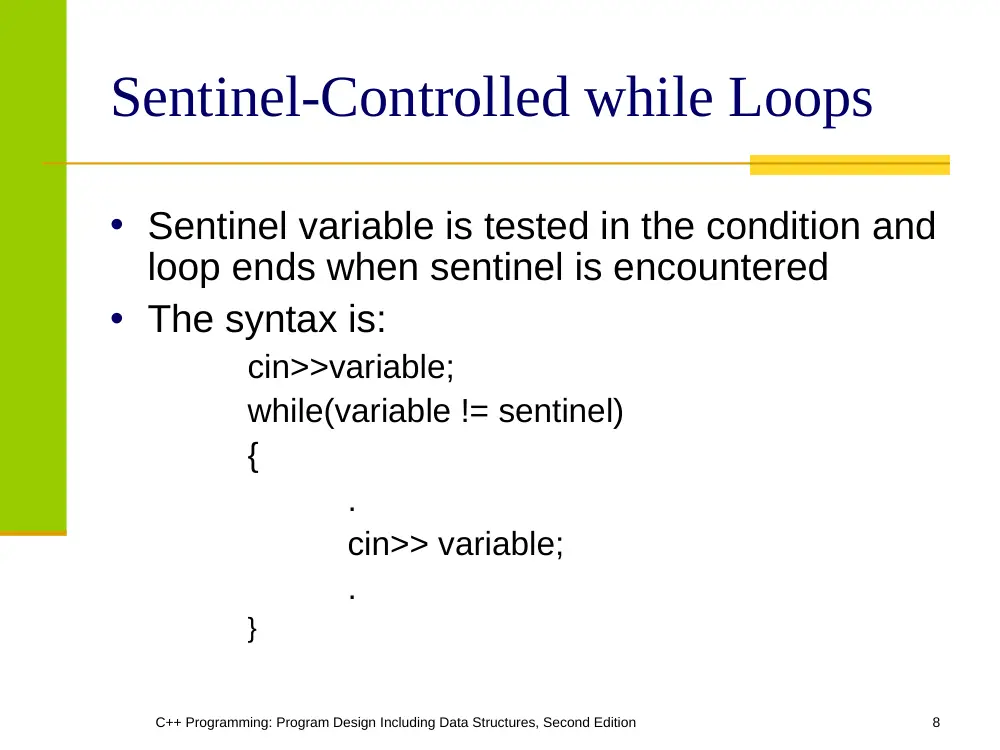
Sentinel-Controlled while Loops
• Sentinel variable is tested in the condition and
loop ends when sentinel is encountered
• The syntax is:
cin>>variable;
while(variable != sentinel)
{
.
cin>> variable;
.
}
C++ Programming: Program Design Including Data Structures, Second Edition
9
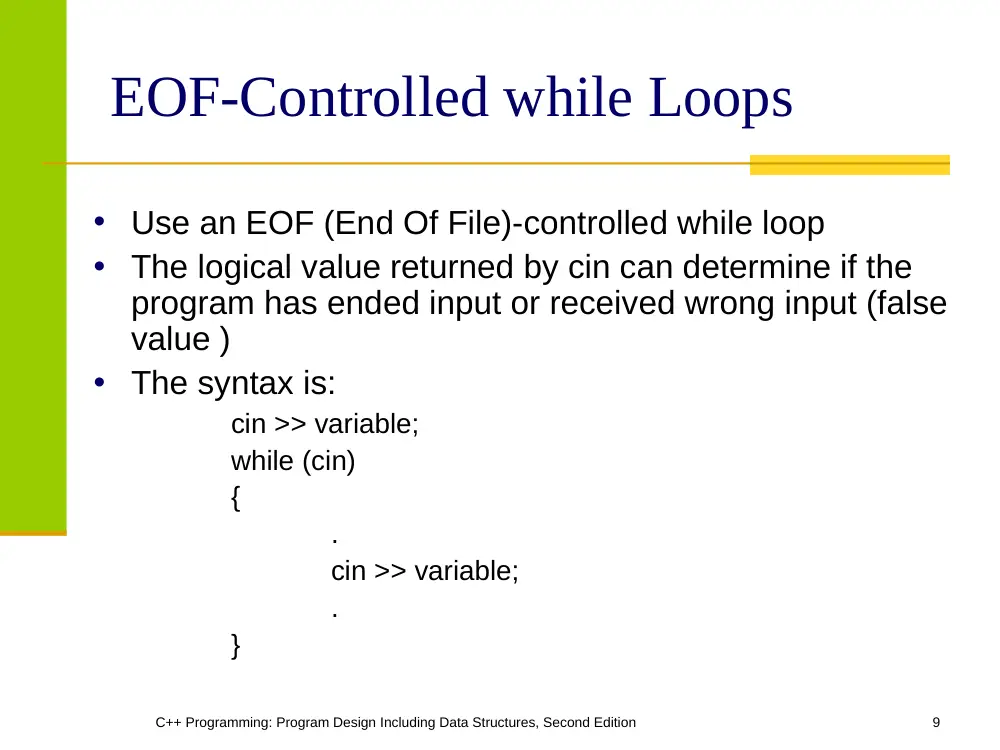
EOF-Controlled while Loops
• Use an EOF (End Of File)-controlled while loop
• The logical value returned by cin can determine if the
program has ended input or received wrong input (false
value )
• The syntax is:
cin >> variable;
while (cin)
{
.
cin >> variable;
.
}
C++ Programming: Program Design Including Data Structures, Second Edition
10
The eof Function
• The function eof can determine the end of
file status
• eof is a member of data type istream
• The syntax for the function eof is:
istreamVar.eof()
where istreamVar is an input stream
variable, such as cin
C++ Programming: Program Design Including Data Structures, Second Edition
11
The for Loop
• The general form of the for statement is:
for(initial statement; loop condition; update statement)
statement
• The initial statement, loop condition, and update
statement are called for loop control statements
C++ Programming: Program Design Including Data Structures, Second Edition
13
The for Loop (continued)
• The for loop executes as follows:
− initial statement executes
− loop condition is evaluated
• If loop condition evaluates to true
• Execute for loop statement
• Execute update statement
• Repeat previous step until the loop
condition evaluates to false
• initial statement initializes a variable
C++ Programming: Program Design Including Data Structures, Second Edition
14
The for Loop (continued)
• initial statement in the for loop is the first to be
executed and is executed only once
• If the loop condition is initially false, the loop
body does not execute
• The update expression changes the value of
the loop control variable which eventually sets
the value of the loop condition to false
• The for loop executes indefinitely if the loop
condition is always true
C++ Programming: Program Design Including Data Structures, Second Edition
15
The for Loop (continued)
• Fractional values can be used for loop control
variables
• A semicolon at the end of the for statement is
a semantic error
− In this case, the action of the for loop is empty
• If the loop condition is omitted
− It is assumed to be true
C++ Programming: Program Design Including Data Structures, Second Edition
16
The for Loop (continued)
• In a for statement, all three statements (initial
statement, loop condition, and update
statement) can be omitted
• The following is a legal for loop:
for(;;)
cout<<"Hello"<<endl;
C++ Programming: Program Design Including Data Structures, Second Edition
17
The do…while Loop
• The general form of a do...while statement is:
do
statement
while(expression);
• The statement executes first, and then the
expression is evaluated
• If the expression evaluates to true, the
statement executes again
• As long as the expression in a do...while
statement is true, the statement executes
C++ Programming: Program Design Including Data Structures, Second Edition
18
The do…while Loop (continued)
• To avoid an infinite loop, the loop body must
contain a statement that makes the
expression false
• The statement can be simple or compound
• If compound, it must be in braces
• do...while loop has an exit condition and
always iterates at least once (unlike for and
while)
C++ Programming: Program Design Including Data Structures, Second Edition
20
Break & Continue Statements
• break and continue alter the flow of control
• When the break statement executes in a
repetition structure, it immediately exits
• The break statement, in a switch structure,
provides an immediate exit
• The break statement can be used in while,
for, and do...while loops
C++ Programming: Program Design Including Data Structures, Second Edition
21
Break & Continue Statements
(continued)
•
The break statement is used for two
purposes:
1. To exit early from a loop
2. To skip the remainder of the switch structure
•
After the break statement executes, the
program continues with the first statement
after the structure
•
The use of a break statement in a loop can
eliminate the use of certain (flag) variables
C++ Programming: Program Design Including Data Structures, Second Edition
22
Break & Continue Statements
(continued)
• continue is used in while, for, and do-while
structures
• When executed in a loop
− It skips remaining statements and proceeds
with the next iteration of the loop
C++ Programming: Program Design Including Data Structures, Second Edition
23
Break & Continue Statements
(continued)
• In a while and do-while structure
− Expression (loop-continue test) is evaluated
immediately after the continue statement
• In a for structure, the update statement is
executed after the continue statement
− Then the loop condition executes
C++ Programming: Program Design Including Data Structures, Second Edition
24
Nested Control Structures
• Suppose we want to create the following
pattern
*
**
***
****
*****
C++ Programming: Program Design Including Data Structures, Second Edition
25
Nested Control Structures
(continued)
Suppose we want to create the following patterns:
*****
****
***
**
*
*
**
***
****
*****
C++ Programming: Program Design Including Data Structures, Second Edition
26
Summary
• C++ has three looping (repetition) structures:
while, for, and do…while
• while, for, and do are reserved words
• while and for loops are called pre-test loops
• do...while loop is called a post-test loop
• while and for may not execute at all, but
do...while always executes at least once
C++ Programming: Program Design Including Data Structures, Second Edition
27
Summary
• while: expression is the decision maker, and
the statement is the body of the loop
• In a counter-controlled while loop,
− Initialize counter before loop
− Body must contain a statement that changes the value
of the counter variable
• A sentinel-controlled while loop uses a
sentinel to control the while loop
• An EOF-controlled while loop executes until
the program detects the end-of-file marker
C++ Programming: Program Design Including Data Structures, Second Edition
28
Summary
• for loop: simplifies the writing of a count-
controlled while loop
• Executing a break statement in the body of a
loop immediately terminates the loop
• Executing a continue statement in the body of
a loop skips to the next iteration
• After a continue statement executes in a for
loop, the update statement is the next
statement executed