
EECE 230 Chapter 4- Control Structures I, Spring 2012
American University of Beirut · Introduction to Programming · 25 pages





Showing the first 10 of 25 pages. Download the PDF to see all of it.
More EECE 230 files
- Homework Chapter 1- Multiple Problems · Spring 2015ChapterView
- Chapter 2- Control Structure II · Spring 2012ChapterView
- Chapter 6- Functions · Spring 2012ChapterView
- Final Exam · Spring 2020Final examView
- Exam 1 Quiz 1 Questions · Spring 2019ProblemsView
- Exam 1 Solutions from Dr.Bazzi · Spring 2019Exam · with solutionView
- Exam 2 Questions · Spring 2019ProblemsView
- Exam 1 Quiz 1 Spring 18 · Spring 2019ExamView
Show the text of this chapter
Chapter 4:
Control Structure 1
C++ Programming: Program Design Including Data Structures, Second Edition
2
Objectives
In this chapter you will:
• Learn about control structures
• Examine relational and logical operators
• Explore how to form and evaluate logical
(Boolean) expressions
• Discover how to use the selection control
structures if, if...else, and switch in a program
C++ Programming: Program Design Including Data Structures, Second Edition
3
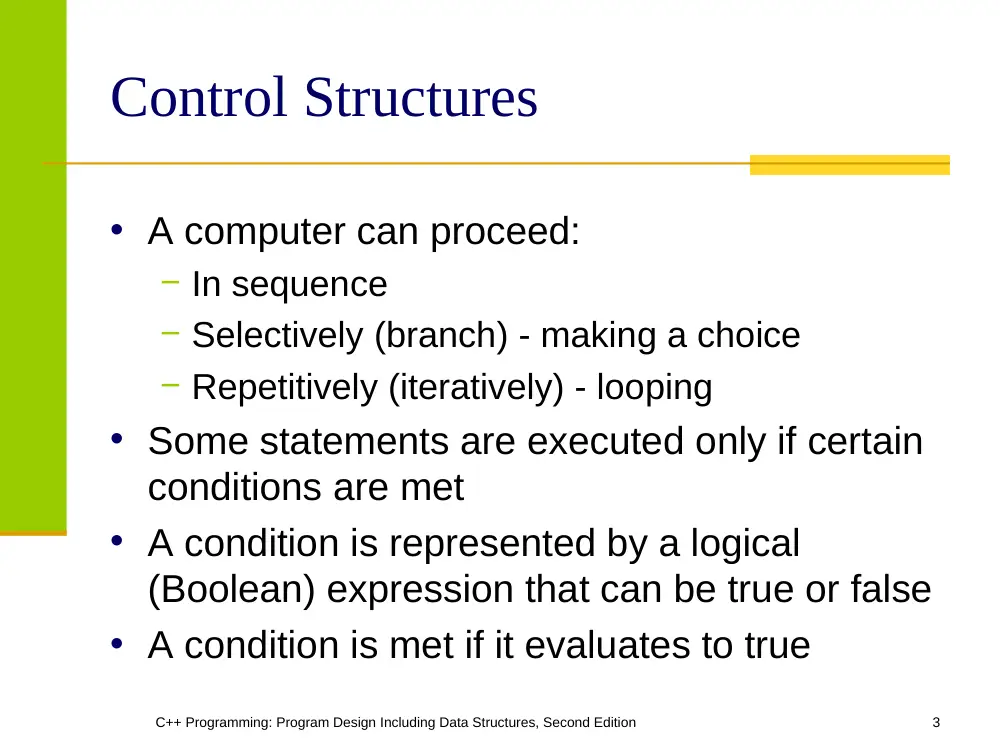
Control Structures
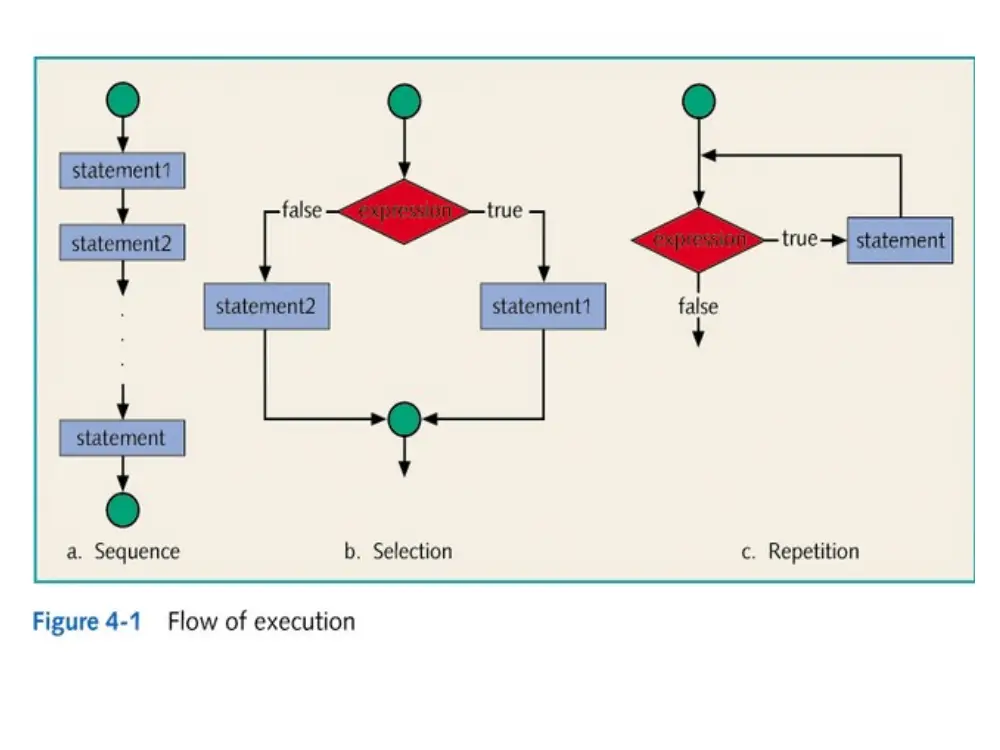
• A computer can proceed:
− In sequence
− Selectively (branch) - making a choice
− Repetitively (iteratively) - looping
• Some statements are executed only if certain
conditions are met
• A condition is represented by a logical
(Boolean) expression that can be true or false
• A condition is met if it evaluates to true
C++ Programming: Program Design Including Data Structures, Second Edition
5
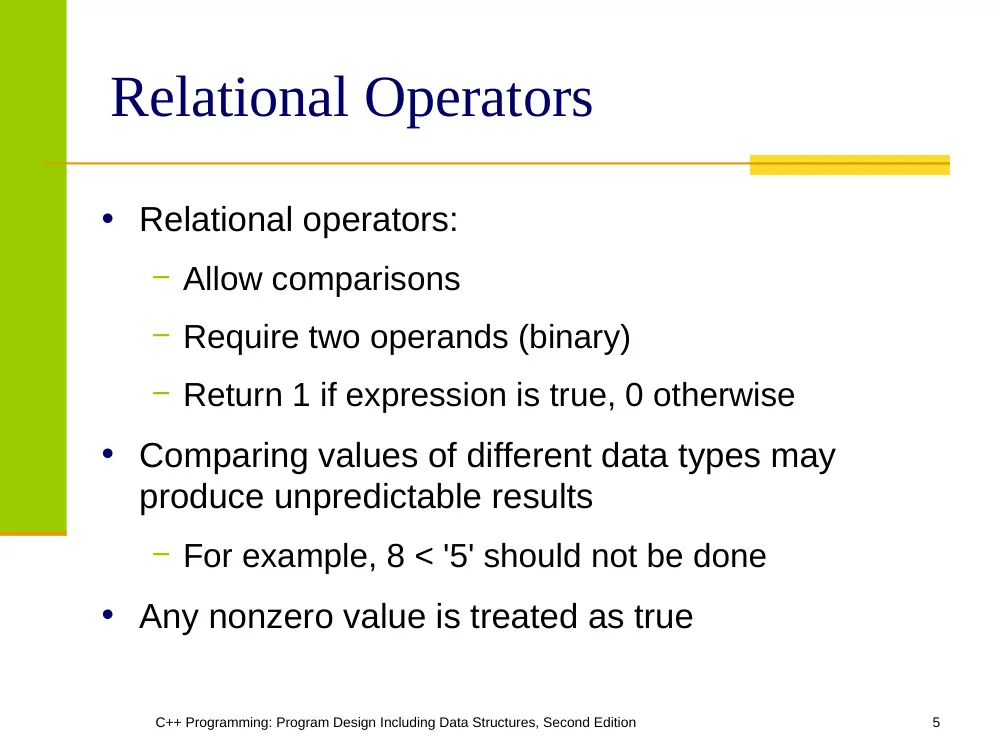
Relational Operators
• Relational operators:
− Allow comparisons
− Require two operands (binary)
− Return 1 if expression is true, 0 otherwise
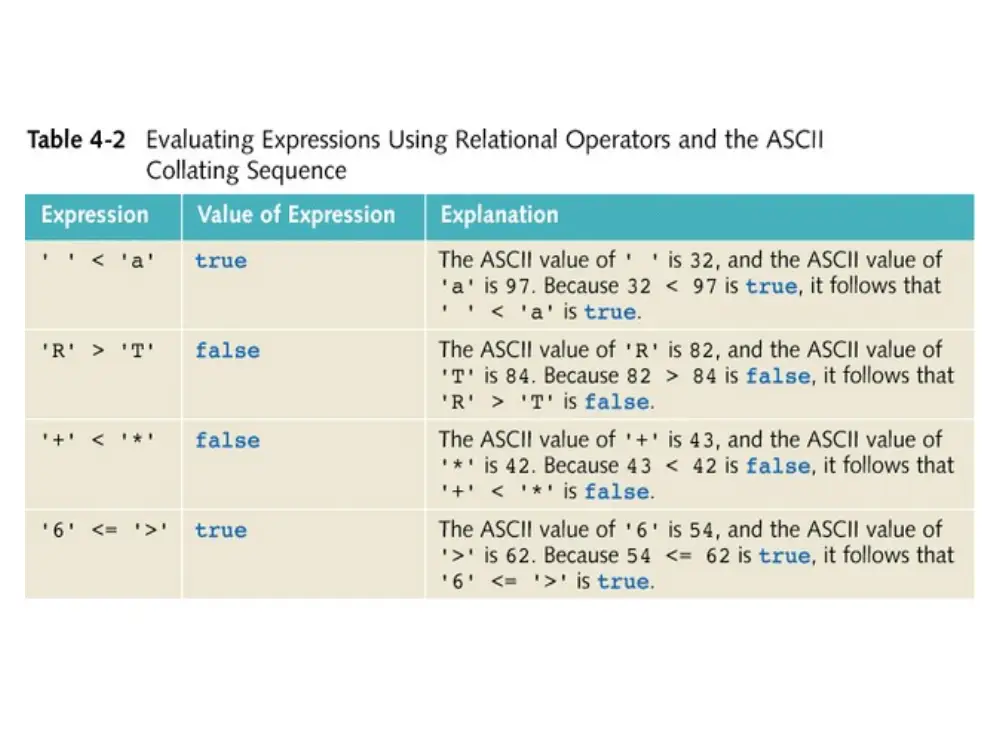
• Comparing values of different data types may
produce unpredictable results
− For example, 8 < '5' should not be done
• Any nonzero value is treated as true
C++ Programming: Program Design Including Data Structures, Second Edition
8
Comparing string Types
• Relational operators can be applied to strings
• Strings are compared character by character,
starting with the first character
• Comparison continues until either a mismatch is
found or all characters are found equal
• If two strings of different lengths are compared and
the comparison is equal to the last character of the
shorter string
− The shorter string is less than the larger string
C++ Programming: Program Design Including Data Structures, Second Edition
9
string Comparison Example
• Suppose we have the following declarations:
− string str1 = "Hello";
− string str2 = "Hi";
− string str3 = "Air";
− string str4 = "Bill";
C++ Programming: Program Design Including Data Structures, Second Edition
10
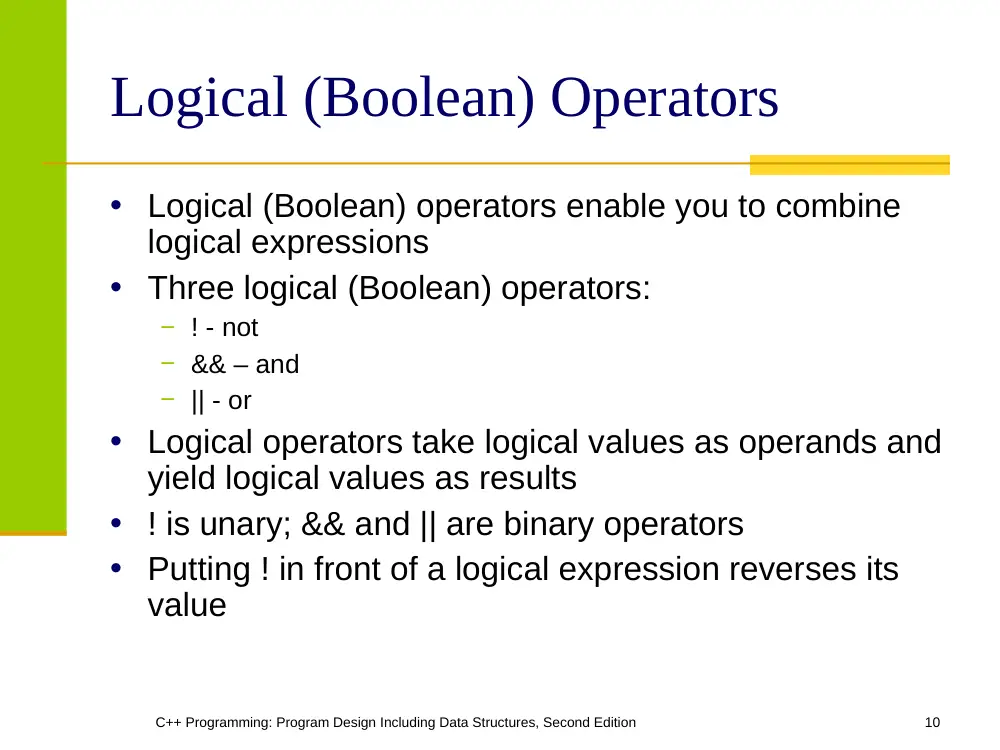
Logical (Boolean) Operators
• Logical (Boolean) operators enable you to combine
logical expressions
• Three logical (Boolean) operators:
− ! - not
− && – and
− || - or
• Logical operators take logical values as operands and
yield logical values as results
• ! is unary; && and || are binary operators
• Putting ! in front of a logical expression reverses its
value
C++ Programming: Program Design Including Data Structures, Second Edition
11
C++ Programming: Program Design Including Data Structures, Second Edition
12
Precedence of Operators
• Relational and logical operators are evaluated
from left to right
• The associativity is left to right
• Parentheses can override precedence
C++ Programming: Program Design Including Data Structures, Second Edition
13
C++ Programming: Program Design Including Data Structures, Second Edition
14
One-Way (if) Selection
• The syntax of one-way selection is:
if(expression)
statement
• Statement is executed if the value of the
expression is true
• Statement is bypassed if the value is false;
program goes to the next statement
C++ Programming: Program Design Including Data Structures, Second Edition
15
C++ Programming: Program Design Including Data Structures, Second Edition
16
Two-Way (if…else) Selection
• Two-way selection takes the form:
if(expression)
statement1
else
statement2
• If expression is true, statement1 is executed
otherwise statement2 is executed
C++ Programming: Program Design Including Data Structures, Second Edition
18
Compound (Block of) Statement
• Compound statement (block of statements):
{
statement1;
statement2;
.
.
.
statementn;
}
• A compound statement is a single statement
C++ Programming: Program Design Including Data Structures, Second Edition
19
Nested if
• Nesting: one control statement in another
• An else is associated with the most recent if
that has not been paired with an else
• For example:
if(score >= 90)
cout<<"The grade is A"<<endl;
else if(score >= 80)
cout<<"The grade is B"<<endl;
else
cout<<"The grade is F"<<endl;
C++ Programming: Program Design Including Data Structures, Second Edition
20
Conditional Operator (?:)
• Conditional operator (?:) takes three
arguments (ternary)
• Syntax for using the conditional operator:
expression1 ? expression2 : expression3
• If expression1 is true, the result of the
conditional expression is expression2.
Otherwise, the result is expression3
C++ Programming: Program Design Including Data Structures, Second Edition
21
switch Structures
• Switch structure: alternate to if-else
• Switch expression is evaluated first
• Value of the expression determines which
corresponding action is taken
• Expression is sometimes called the selector
C++ Programming: Program Design Including Data Structures, Second Edition
22
switch Structures (continued)
• Expression value can be only integral
• Its value determines which statement is
selected for execution
• A particular case value should appear only
once
C++ Programming: Program Design Including Data Structures, Second Edition
24
switch Structures (continued)
• One or more statements may follow a case
label
• Braces are not needed to turn multiple
statements into a single compound statement
• The break statement may or may not appear
after each statement
• switch, case, break, and default are reserved
words
C++ Programming: Program Design Including Data Structures, Second Edition
25
switch Statement Rules (continued)
• When value of the expression is matched
against a case value,
− Statements execute until break statement is
found or the end of switch structure is reached
• If value of the expression does not match any
of the case values
− Statements following the default label execute
If no default label and no match the entire
switch statement is skipped
• A break statement causes an immediate exit
from the switch structure