
EECE 312L Lab Assignment 1, Fall 2015
American University of Beirut · Circuits and Electronics Lab · 12 pages
Showing the first 10 of 12 pages. Download the PDF to see all of it.
More EECE 312L files
Show the text of this lab
1
American University of Beirut
Course: EECE 312L
Assignment 1: Digital Design (myDAQ)
Instructor: Dr. Sara Khaddaj
Due Date: Wednesday, November 11th, 2:00 pm
Ali Fakhreddine 201502175
2
INDEX:
1. Introduction
2. Description of hardware setup
a. Components used
b. Circuit connections
c. Connections between myDAQ acquisition board and the circuit
d. Input and output lines used
e. Photos depicting hardware setup and connections
3. Description of the software setup
a. Modules used and Configurations
4. Testing
a. Choosing two rows of the truth table (testing vectors)
b. Theoretical outputs of the chosen test vectors
c. Snapshots showing the inputs and outputs for each test vector to
validate the implementation of the designed circuit by running the
digital reader and digital writer modules from the instrument
launcher.
5. Conclusion
6. References
3
1. Introduction:
During the past decades, Electrical Engineering has experienced major
advancements in terms of circuit and digital design. The evolution of circuit
design has given rise to an important field which is circuit simulation. This field
in particular has helped engineers vastly during their design processes in which
it has provided a safer and more practical way of testing the design without
having to build the real circuit on the spot as a start, but rather check its validity
and possibility through software simulation translated to a breadboard on which
the electric components rest after the simulation is believed to be successful,
and this in turn has provided a more economical way of designing circuits since
the only outcome of a bad design would be repeating the software simulation
with a modified, corrected design before even translating the simulation to the
breadboard.
In this assignment, the main goals were to:
1) Build a digital circuit using an IC
2) Use myDAQ acquisition board and LabVIEW instrument launcher
3) Use the 5V DC output of the myDAQ board
4) Use myDAQ digital I/O to read output for inputted test vectors
2. Description of Hardware setup:
a. Components used:
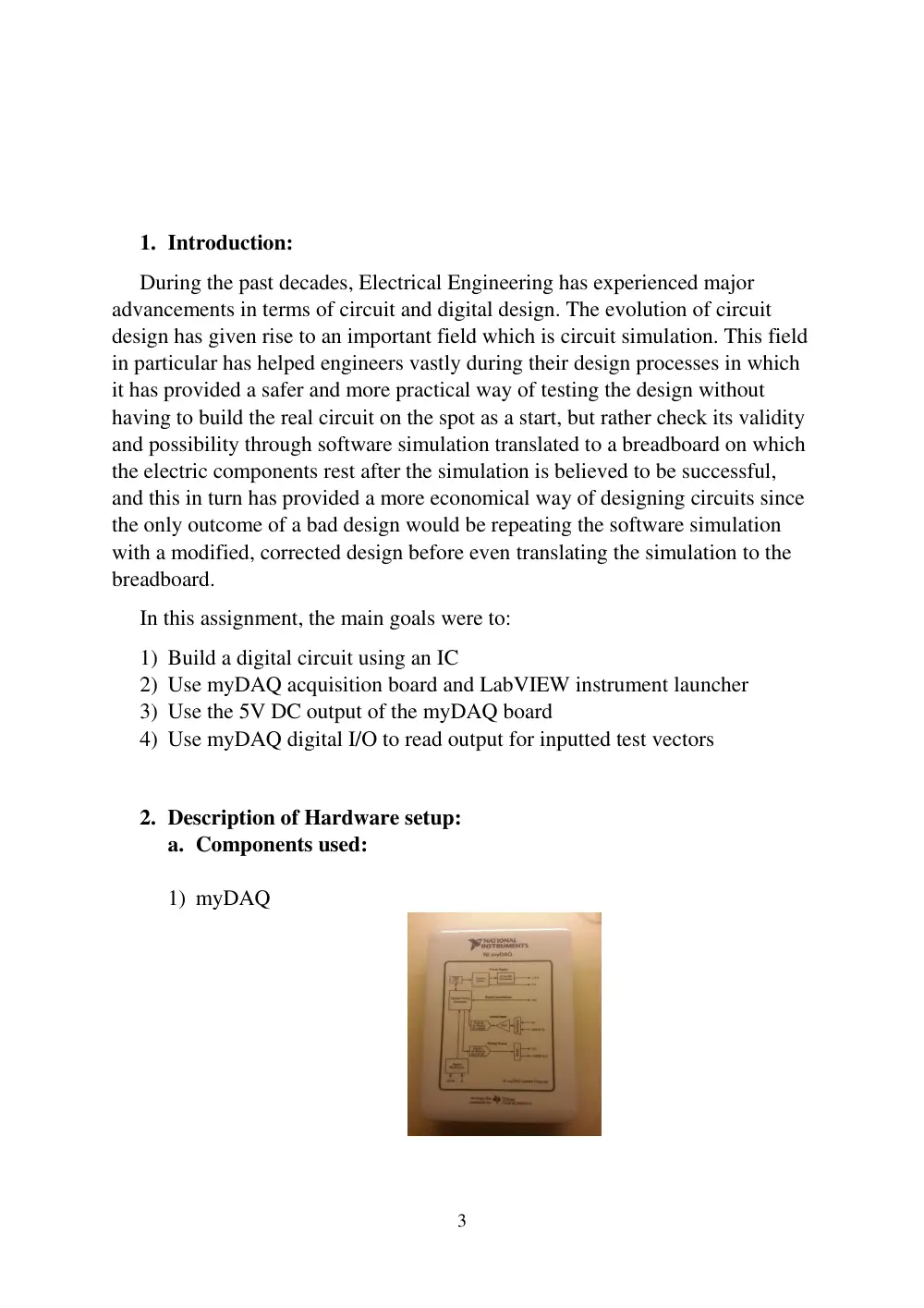
1) myDAQ
4
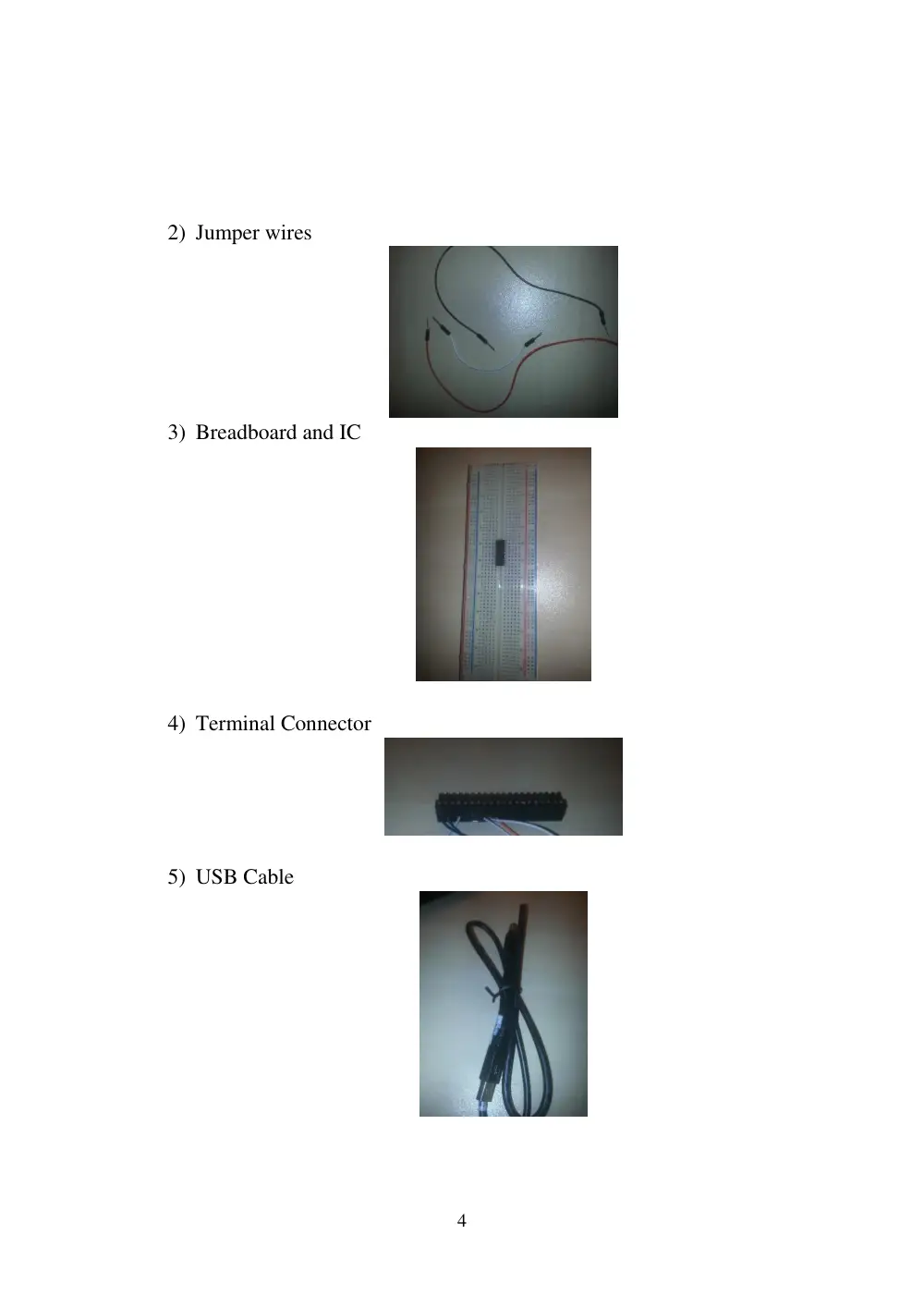
2) Jumper wires
3) Breadboard and IC
4) Terminal Connector
5) USB Cable
5
b. , c. and d. (Circuit connections, Connections between myDAQ
acquisition board and the circuit, Input and output lines used)
(We have to note that the DIO part of the DAQ was used for the
inputs and the output).
As a start, upon connecting the DAQ by the USB cable to the PC,
we get a constant 5V DC voltage from terminals “5V and DGND”,
and this was indeed needed in order to power the IC. Therefore, we
connect the DGND to pin 7 of the IC and 5V to pin 14 of the IC.
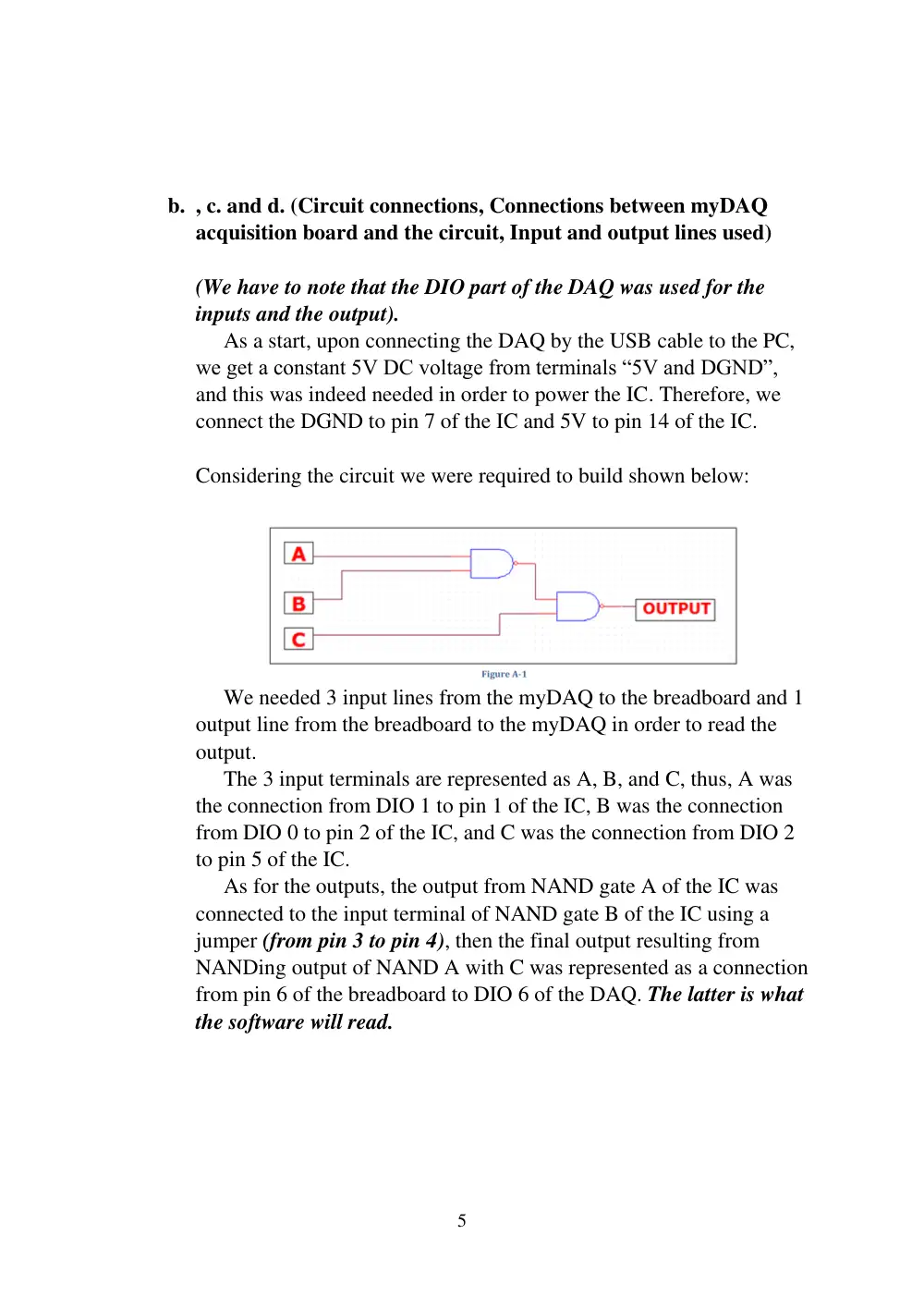
Considering the circuit we were required to build shown below:
We needed 3 input lines from the myDAQ to the breadboard and 1
output line from the breadboard to the myDAQ in order to read the
output.
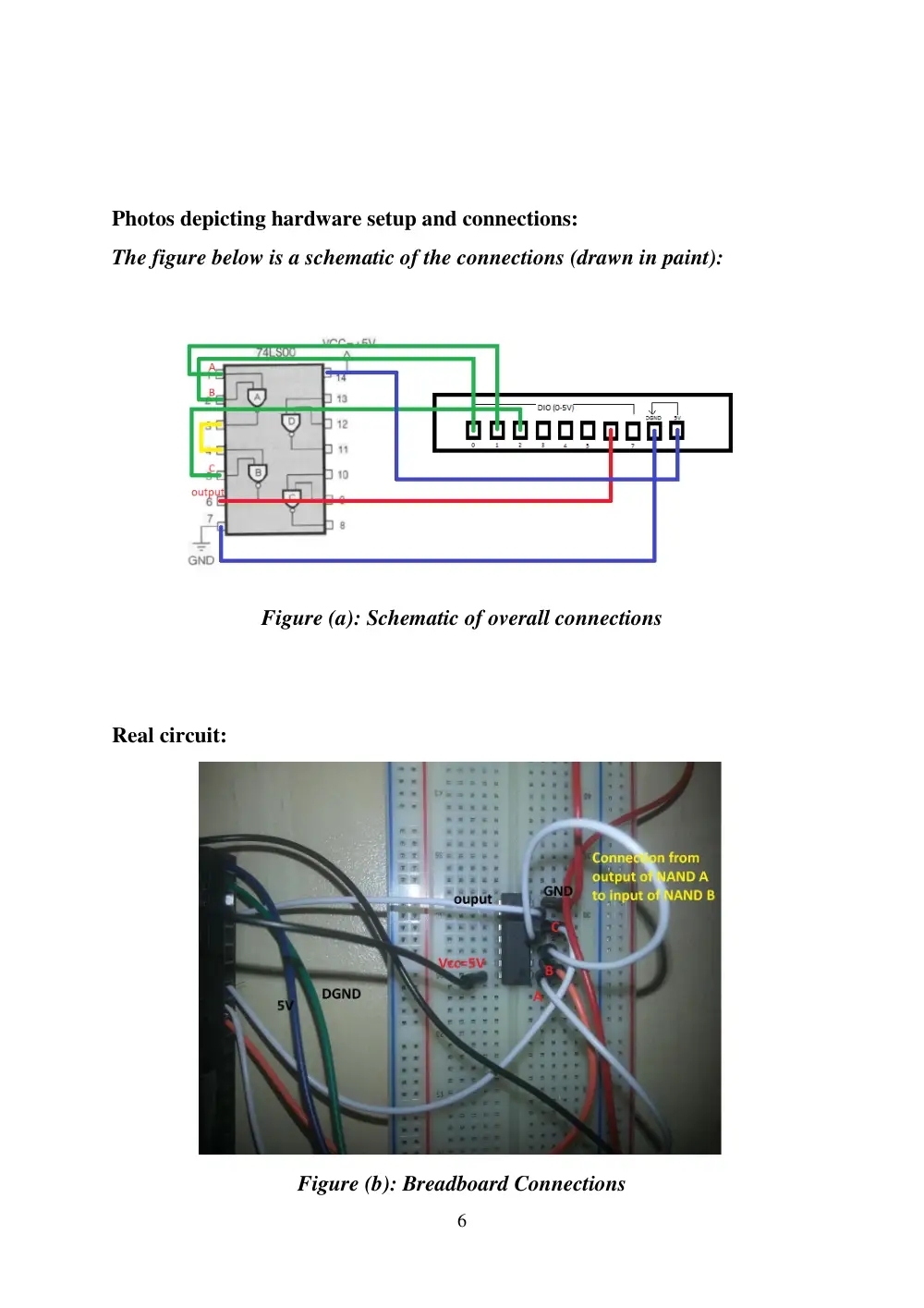
The 3 input terminals are represented as A, B, and C, thus, A was
the connection from DIO 1 to pin 1 of the IC, B was the connection
from DIO 0 to pin 2 of the IC, and C was the connection from DIO 2
to pin 5 of the IC.
As for the outputs, the output from NAND gate A of the IC was
connected to the input terminal of NAND gate B of the IC using a
jumper (from pin 3 to pin 4), then the final output resulting from
NANDing output of NAND A with C was represented as a connection
from pin 6 of the breadboard to DIO 6 of the DAQ. The latter is what
the software will read.
6
Photos depicting hardware setup and connections:
The figure below is a schematic of the connections (drawn in paint):
Figure (a): Schematic of overall connections
Real circuit:
Figure (b): Breadboard Connections
7
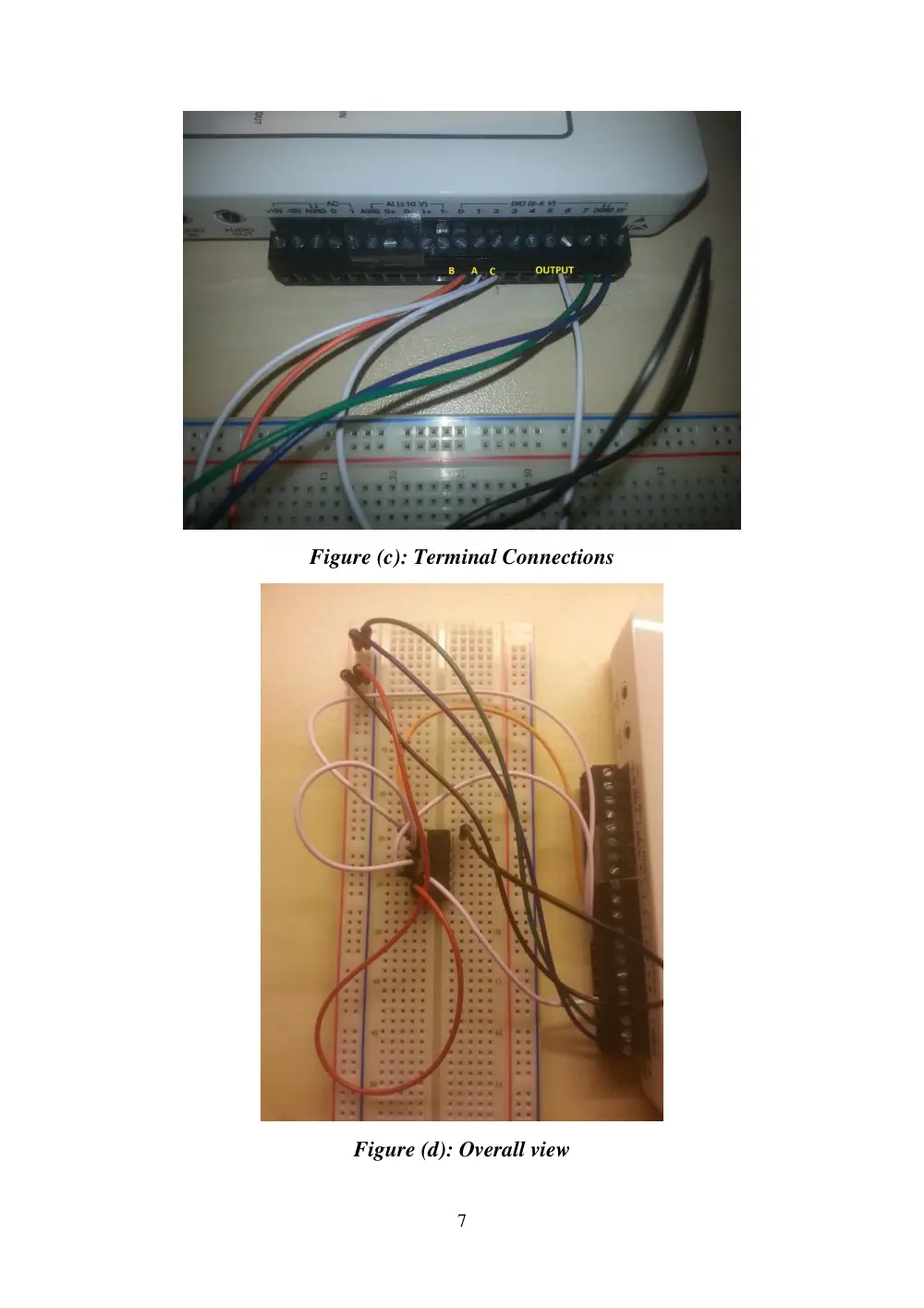
Figure (c): Terminal Connections
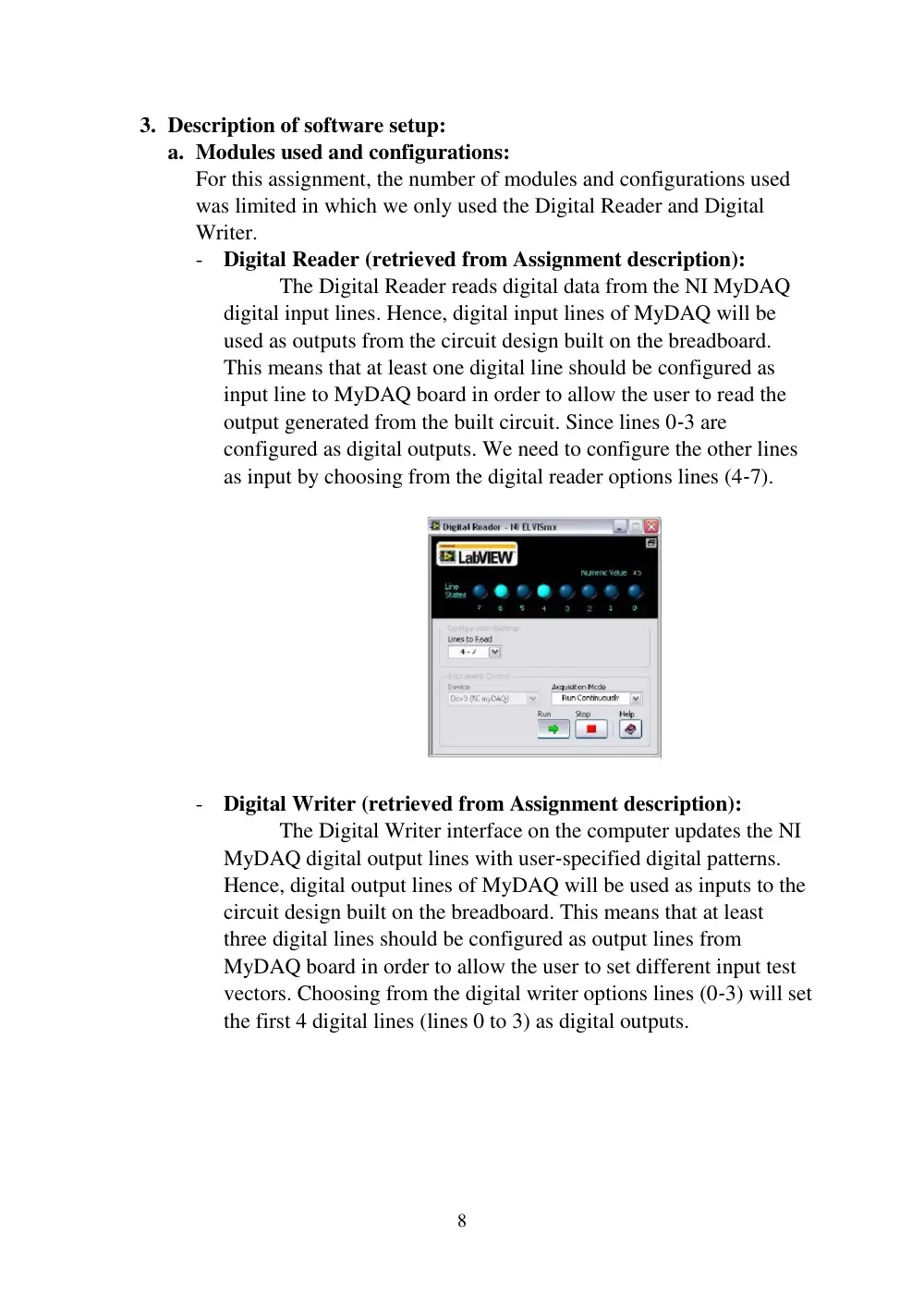
Figure (d): Overall view
8
3. Description of software setup:
a. Modules used and configurations:
For this assignment, the number of modules and configurations used
was limited in which we only used the Digital Reader and Digital
Writer.
- Digital Reader (retrieved from Assignment description):
The Digital Reader reads digital data from the NI MyDAQ
digital input lines. Hence, digital input lines of MyDAQ will be
used as outputs from the circuit design built on the breadboard.
This means that at least one digital line should be configured as
input line to MyDAQ board in order to allow the user to read the
output generated from the built circuit. Since lines 0‐3 are
configured as digital outputs. We need to configure the other lines
as input by choosing from the digital reader options lines (4‐7).
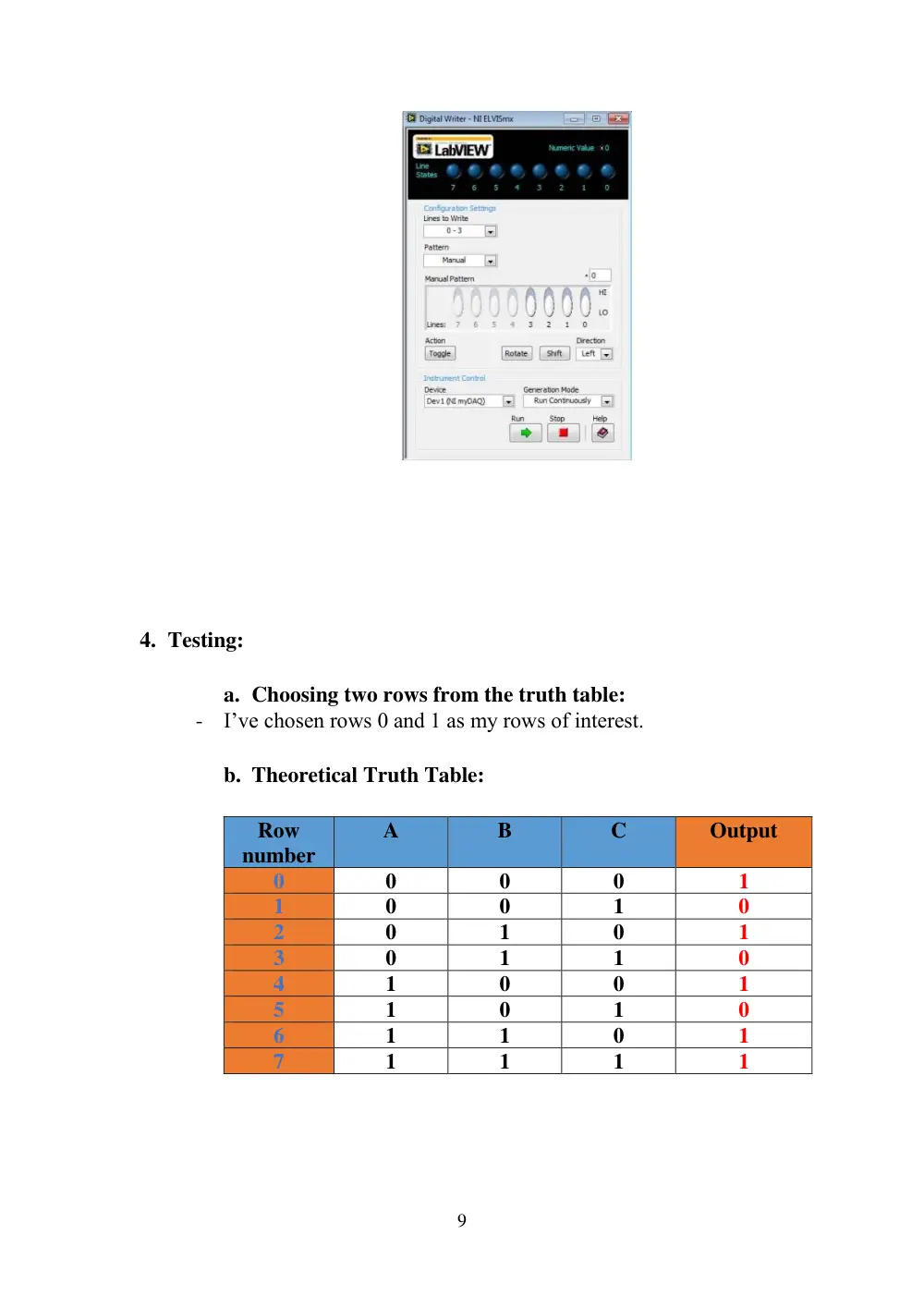
- Digital Writer (retrieved from Assignment description):
The Digital Writer interface on the computer updates the NI
MyDAQ digital output lines with user‐specified digital patterns.
Hence, digital output lines of MyDAQ will be used as inputs to the
circuit design built on the breadboard. This means that at least
three digital lines should be configured as output lines from
MyDAQ board in order to allow the user to set different input test
vectors. Choosing from the digital writer options lines (0‐3) will set
the first 4 digital lines (lines 0 to 3) as digital outputs.
9
4. Testing:
a. Choosing two rows from the truth table:
- I’ve chosen rows 0 and 1 as my rows of interest.
b. Theoretical Truth Table:
Row
number
A
B
C
Output
0
0
0
0
1
1
0
0
1
0
2
0
1
0
1
3
0
1
1
0
4
1
0
0
1
5
1
0
1
0
6
1
1
0
1
7
1
1
1
1
10
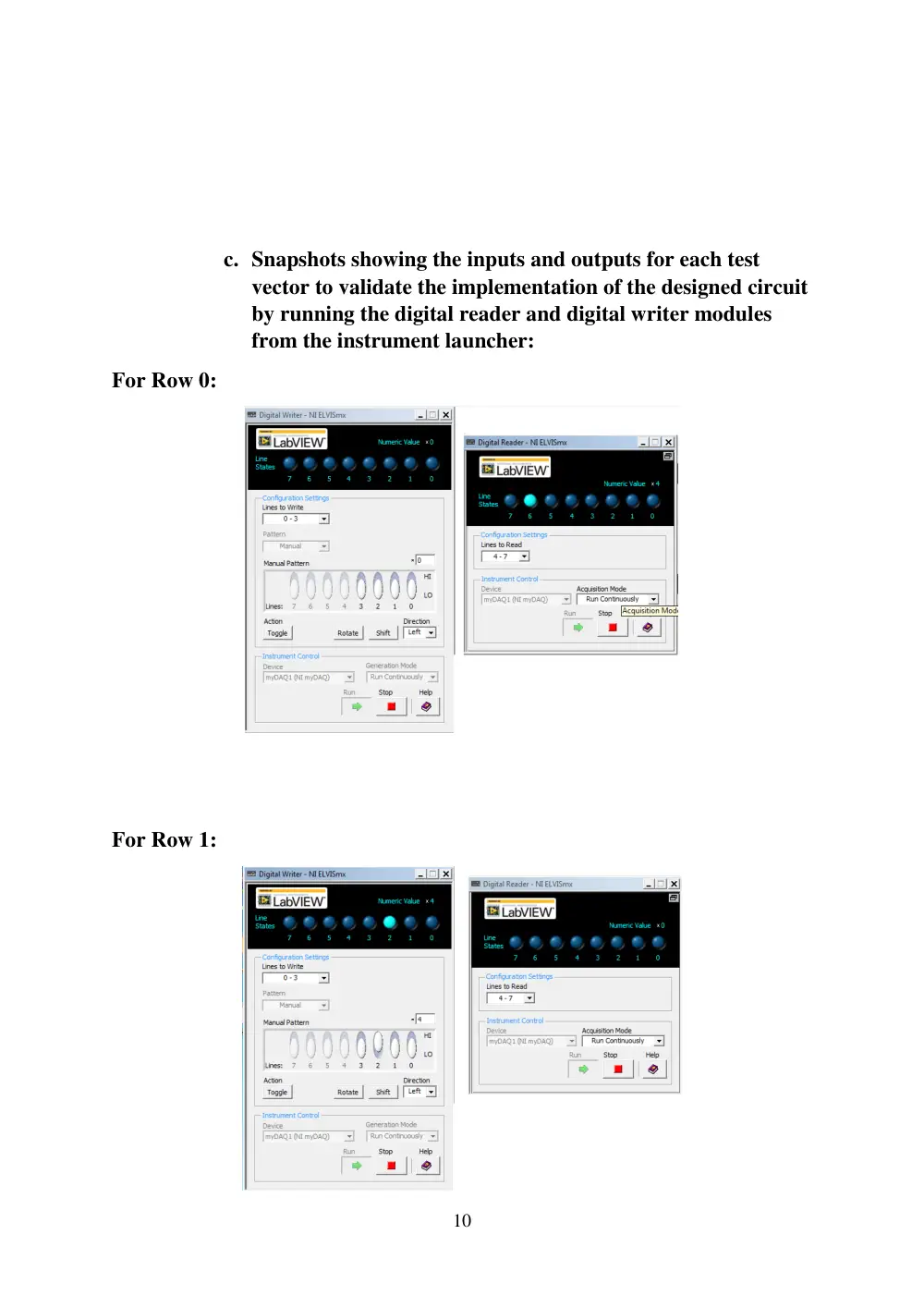
c. Snapshots showing the inputs and outputs for each test
vector to validate the implementation of the designed circuit
by running the digital reader and digital writer modules
from the instrument launcher:
For Row 0:
For Row 1:
11
5. Conclusion:
After performing the above experiment, it is evident to us that the
matching of theoretical and experimental results is very essential for any design
no matter what the nature of the experiment was (electrical, mechanical, etc…).
Hence, simulation and experimentation are two essential processes that prove
the validity and evaluate the wellness of any design.
12
References:
- Assignment description posted on Moodle (pdf file)