
COE 212 Problems Chapter 2 Solutions, Spring 2013
Lebanese American University · Engineering Programming · 37 pages · with solution
Showing the first 10 of 37 pages. Download the PDF to see all of it.
More COE 212 files
- Problems Chapter 4 with Solution · Fall 2013Chapter · with solutionView
- Problems Chapter 5 Solutions · Fall 2013Chapter · with solutionView
- Problems Chapter 3 Solutions · Fall 2013Chapter · with solutionView
- Exam 1 · Fall 2017ExamView
- Exam 1 · Fall 2017ExamView
- Final · Fall 2016Final examView
- Exam 2 · Fall 2016ExamView
- Exam 1 · Fall 2016ExamView
Show the text of this chapter
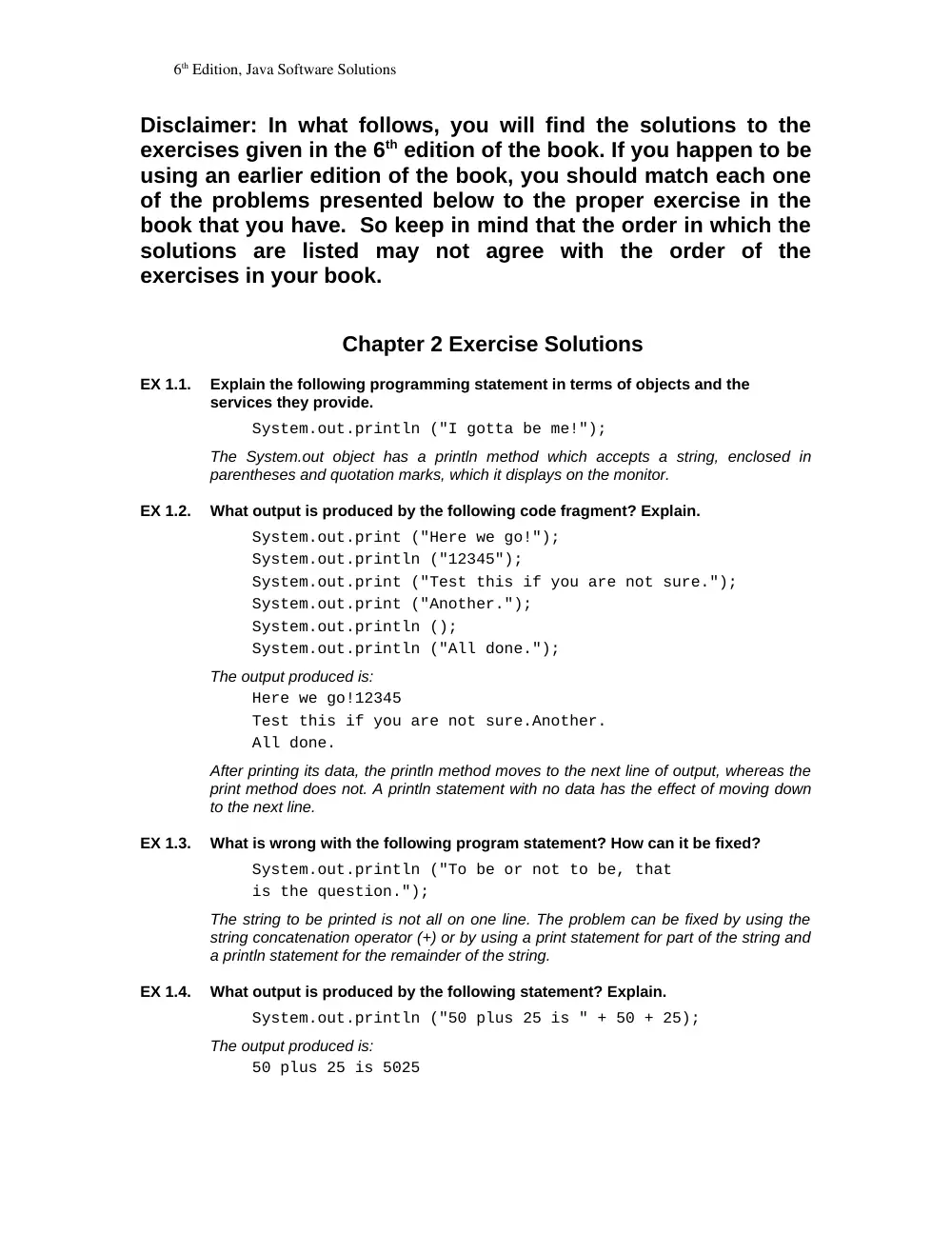
6th Edition, Java Software Solutions
Disclaimer: In what follows, you will find the solutions to the
exercises given in the 6th edition of the book. If you happen to be
using an earlier edition of the book, you should match each one
of the problems presented below to the proper exercise in the
book that you have. So keep in mind that the order in which the
solutions are listed may not agree with the order of the
exercises in your book.
Chapter 2 Exercise Solutions
EX 1.1.
Explain the following programming statement in terms of objects and the
services they provide.
System.out.println ("I gotta be me!");
The System.out object has a println method which accepts a string, enclosed in
parentheses and quotation marks, which it displays on the monitor.
EX 1.2.
What output is produced by the following code fragment? Explain.
System.out.print ("Here we go!");
System.out.println ("12345");
System.out.print ("Test this if you are not sure.");
System.out.print ("Another.");
System.out.println ();
System.out.println ("All done.");
The output produced is:
Here we go!12345
Test this if you are not sure.Another.
All done.
After printing its data, the println method moves to the next line of output, whereas the
print method does not. A println statement with no data has the effect of moving down
to the next line.
EX 1.3.
What is wrong with the following program statement? How can it be fixed?
System.out.println ("To be or not to be, that
is the question.");
The string to be printed is not all on one line. The problem can be fixed by using the
string concatenation operator (+) or by using a print statement for part of the string and
a println statement for the remainder of the string.
EX 1.4.
What output is produced by the following statement? Explain.
System.out.println ("50 plus 25 is " + 50 + 25);
The output produced is:
50 plus 25 is 5025
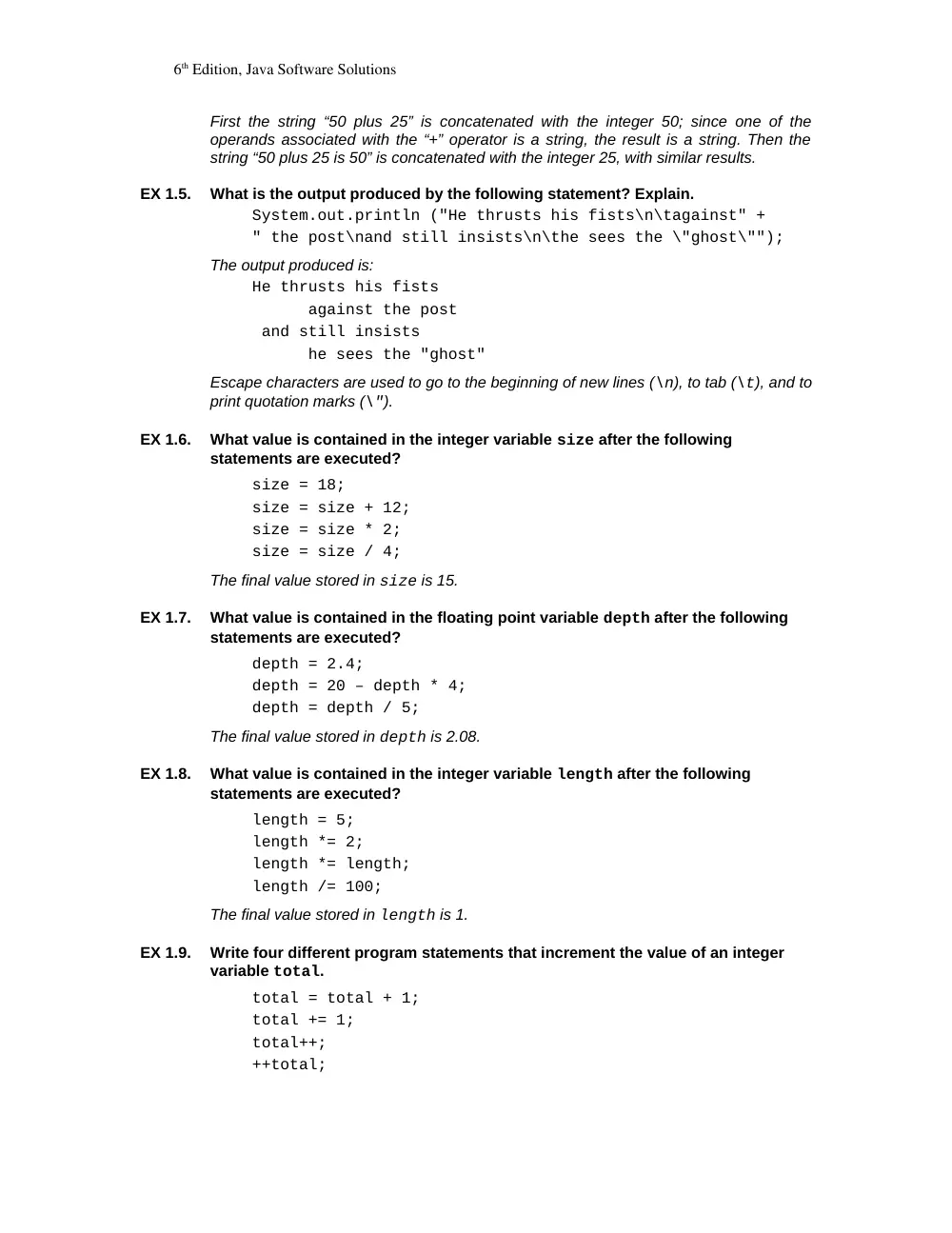
6th Edition, Java Software Solutions
First the string “50 plus 25” is concatenated with the integer 50; since one of the
operands associated with the “+” operator is a string, the result is a string. Then the
string “50 plus 25 is 50” is concatenated with the integer 25, with similar results.
EX 1.5.
What is the output produced by the following statement? Explain.
System.out.println ("He thrusts his fists\n\tagainst" +
" the post\nand still insists\n\the sees the \"ghost\"");
The output produced is:
He thrusts his fists
against the post
and still insists
he sees the "ghost"
Escape characters are used to go to the beginning of new lines (\n), to tab (\t), and to
print quotation marks (\").
EX 1.6.
What value is contained in the integer variable size after the following
statements are executed?
size = 18;
size = size + 12;
size = size * 2;
size = size / 4;
The final value stored in size is 15.
EX 1.7.
What value is contained in the floating point variable depth after the following
statements are executed?
depth = 2.4;
depth = 20 – depth * 4;
depth = depth / 5;
The final value stored in depth is 2.08.
EX 1.8.
What value is contained in the integer variable length after the following
statements are executed?
length = 5;
length *= 2;
length *= length;
length /= 100;
The final value stored in length is 1.
EX 1.9.
Write four different program statements that increment the value of an integer
variable total.
total = total + 1;
total += 1;
total++;
++total;
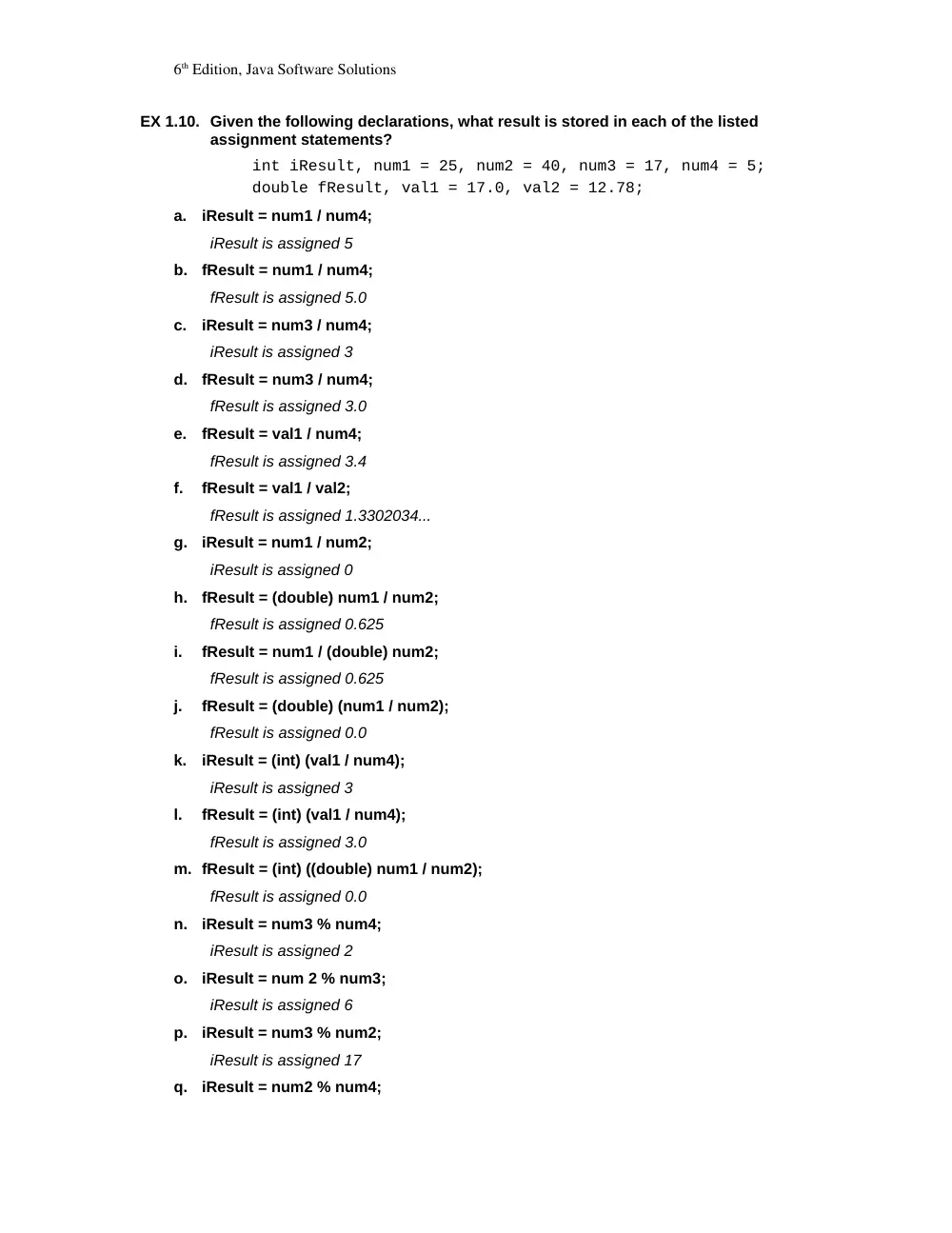
6th Edition, Java Software Solutions
EX 1.10. Given the following declarations, what result is stored in each of the listed
assignment statements?
int iResult, num1 = 25, num2 = 40, num3 = 17, num4 = 5;
double fResult, val1 = 17.0, val2 = 12.78;
a.
iResult = num1 / num4;
iResult is assigned 5
b.
fResult = num1 / num4;
fResult is assigned 5.0
c.
iResult = num3 / num4;
iResult is assigned 3
d.
fResult = num3 / num4;
fResult is assigned 3.0
e.
fResult = val1 / num4;
fResult is assigned 3.4
f.
fResult = val1 / val2;
fResult is assigned 1.3302034...
g.
iResult = num1 / num2;
iResult is assigned 0
h.
fResult = (double) num1 / num2;
fResult is assigned 0.625
i.
fResult = num1 / (double) num2;
fResult is assigned 0.625
j.
fResult = (double) (num1 / num2);
fResult is assigned 0.0
k.
iResult = (int) (val1 / num4);
iResult is assigned 3
l.
fResult = (int) (val1 / num4);
fResult is assigned 3.0
m. fResult = (int) ((double) num1 / num2);
fResult is assigned 0.0
n.
iResult = num3 % num4;
iResult is assigned 2
o.
iResult = num 2 % num3;
iResult is assigned 6
p.
iResult = num3 % num2;
iResult is assigned 17
q.
iResult = num2 % num4;
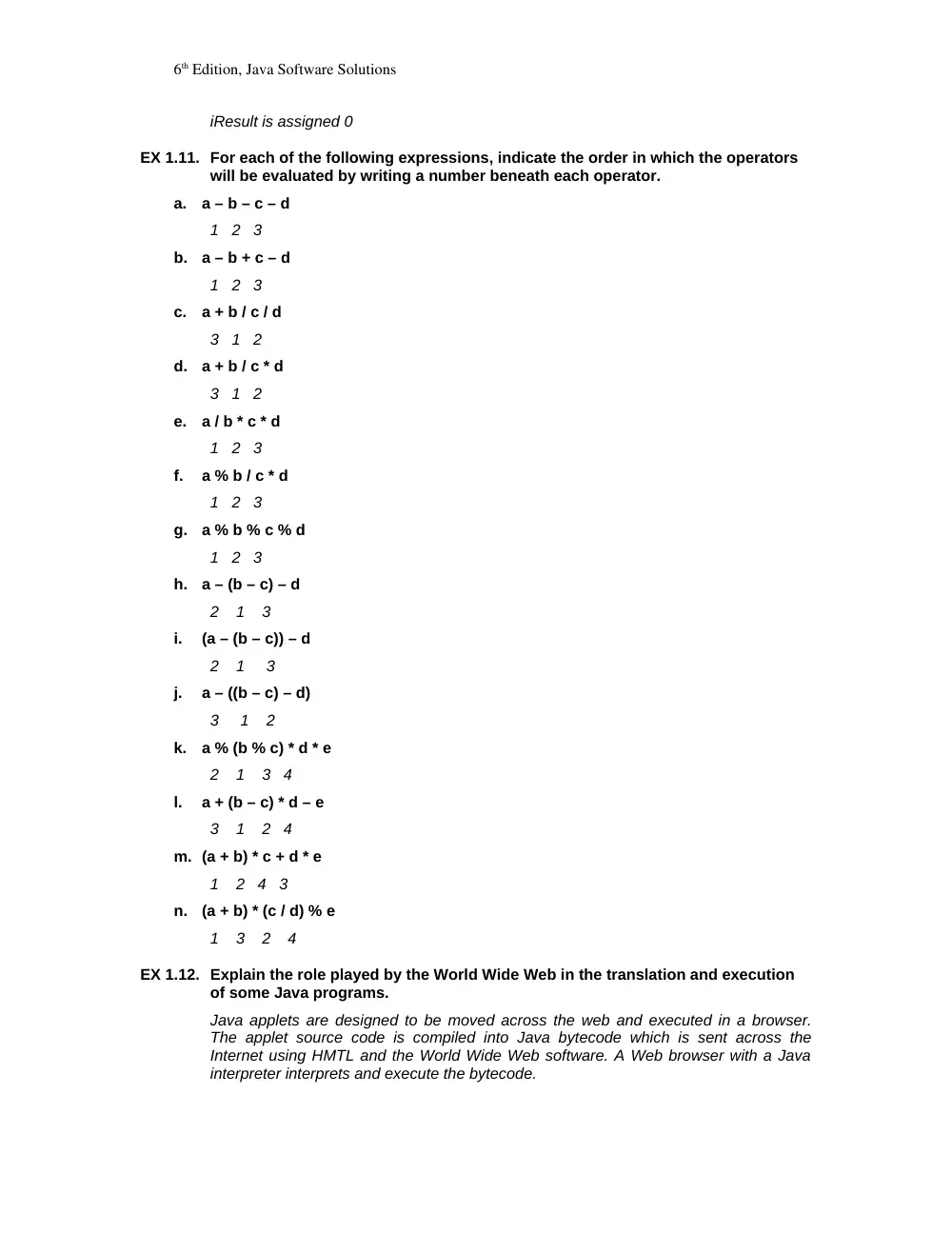
6th Edition, Java Software Solutions
iResult is assigned 0
EX 1.11. For each of the following expressions, indicate the order in which the operators
will be evaluated by writing a number beneath each operator.
a.
a – b – c – d
1 2 3
b.
a – b + c – d
1 2 3
c.
a + b / c / d
3 1 2
d.
a + b / c * d
3 1 2
e.
a / b * c * d
1 2 3
f.
a % b / c * d
1 2 3
g.
a % b % c % d
1 2 3
h.
a – (b – c) – d
2 1 3
i.
(a – (b – c)) – d
2 1 3
j.
a – ((b – c) – d)
3 1 2
k.
a % (b % c) * d * e
2 1 3 4
l.
a + (b – c) * d – e
3 1 2 4
m. (a + b) * c + d * e
1 2 4 3
n.
(a + b) * (c / d) % e
1 3 2 4
EX 1.12. Explain the role played by the World Wide Web in the translation and execution
of some Java programs.
Java applets are designed to be moved across the web and executed in a browser.
The applet source code is compiled into Java bytecode which is sent across the
Internet using HMTL and the World Wide Web software. A Web browser with a Java
interpreter interprets and execute the bytecode.
6th Edition, Java Software Solutions
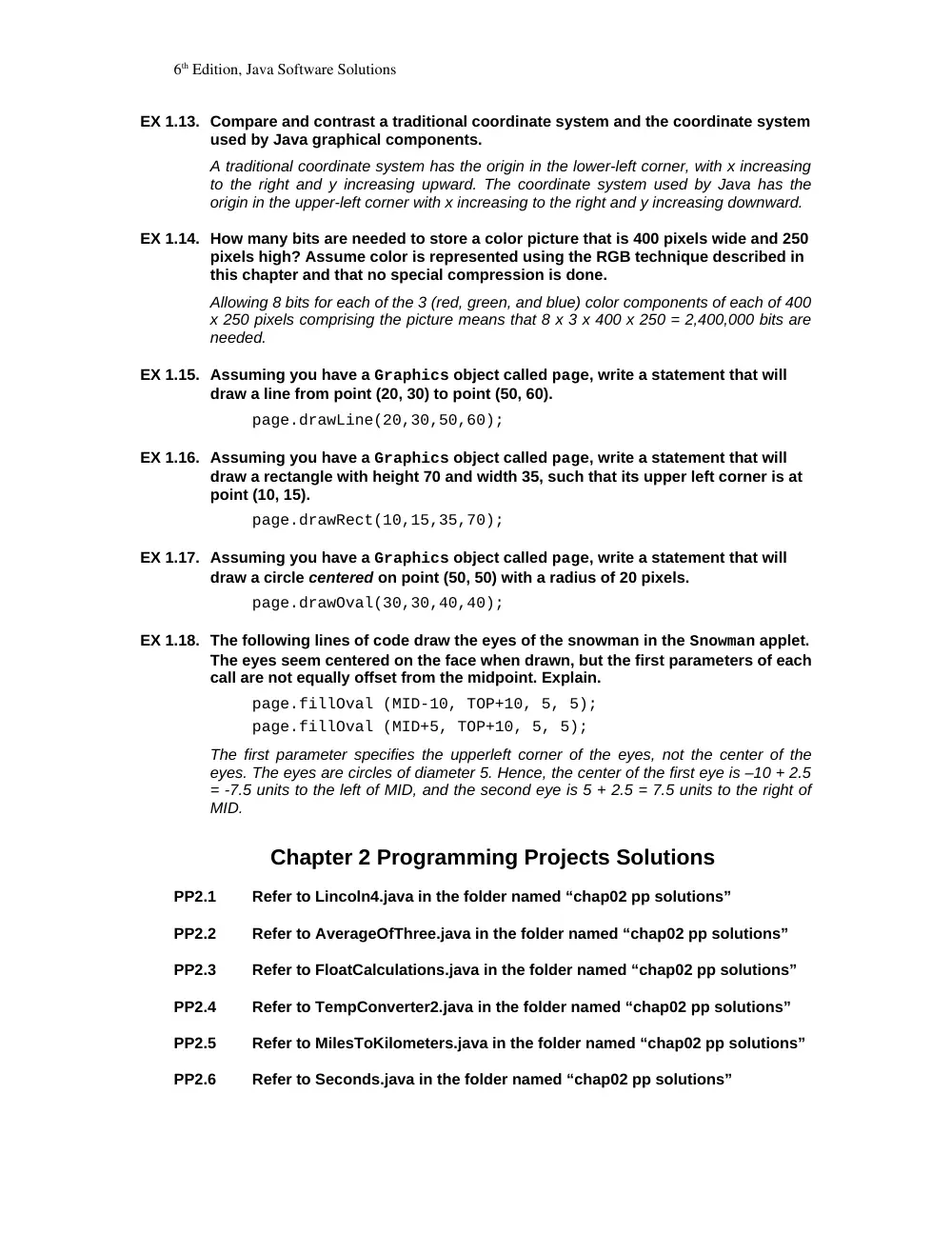
EX 1.13. Compare and contrast a traditional coordinate system and the coordinate system
used by Java graphical components.
A traditional coordinate system has the origin in the lower-left corner, with x increasing
to the right and y increasing upward. The coordinate system used by Java has the
origin in the upper-left corner with x increasing to the right and y increasing downward.
EX 1.14. How many bits are needed to store a color picture that is 400 pixels wide and 250
pixels high? Assume color is represented using the RGB technique described in
this chapter and that no special compression is done.
Allowing 8 bits for each of the 3 (red, green, and blue) color components of each of 400
x 250 pixels comprising the picture means that 8 x 3 x 400 x 250 = 2,400,000 bits are
needed.
EX 1.15. Assuming you have a Graphics object called page, write a statement that will
draw a line from point (20, 30) to point (50, 60).
page.drawLine(20,30,50,60);
EX 1.16. Assuming you have a Graphics object called page, write a statement that will
draw a rectangle with height 70 and width 35, such that its upper left corner is at
point (10, 15).
page.drawRect(10,15,35,70);
EX 1.17. Assuming you have a Graphics object called page, write a statement that will
draw a circle centered on point (50, 50) with a radius of 20 pixels.
page.drawOval(30,30,40,40);
EX 1.18. The following lines of code draw the eyes of the snowman in the Snowman applet.
The eyes seem centered on the face when drawn, but the first parameters of each
call are not equally offset from the midpoint. Explain.
page.fillOval (MID-10, TOP+10, 5, 5);
page.fillOval (MID+5, TOP+10, 5, 5);
The first parameter specifies the upperleft corner of the eyes, not the center of the
eyes. The eyes are circles of diameter 5. Hence, the center of the first eye is –10 + 2.5
= -7.5 units to the left of MID, and the second eye is 5 + 2.5 = 7.5 units to the right of
MID.
Chapter 2 Programming Projects Solutions
PP2.1
Refer to Lincoln4.java in the folder named “chap02 pp solutions”
PP2.2
Refer to AverageOfThree.java in the folder named “chap02 pp solutions”
PP2.3
Refer to FloatCalculations.java in the folder named “chap02 pp solutions”
PP2.4
Refer to TempConverter2.java in the folder named “chap02 pp solutions”
PP2.5
Refer to MilesToKilometers.java in the folder named “chap02 pp solutions”
PP2.6
Refer to Seconds.java in the folder named “chap02 pp solutions”
6th Edition, Java Software Solutions
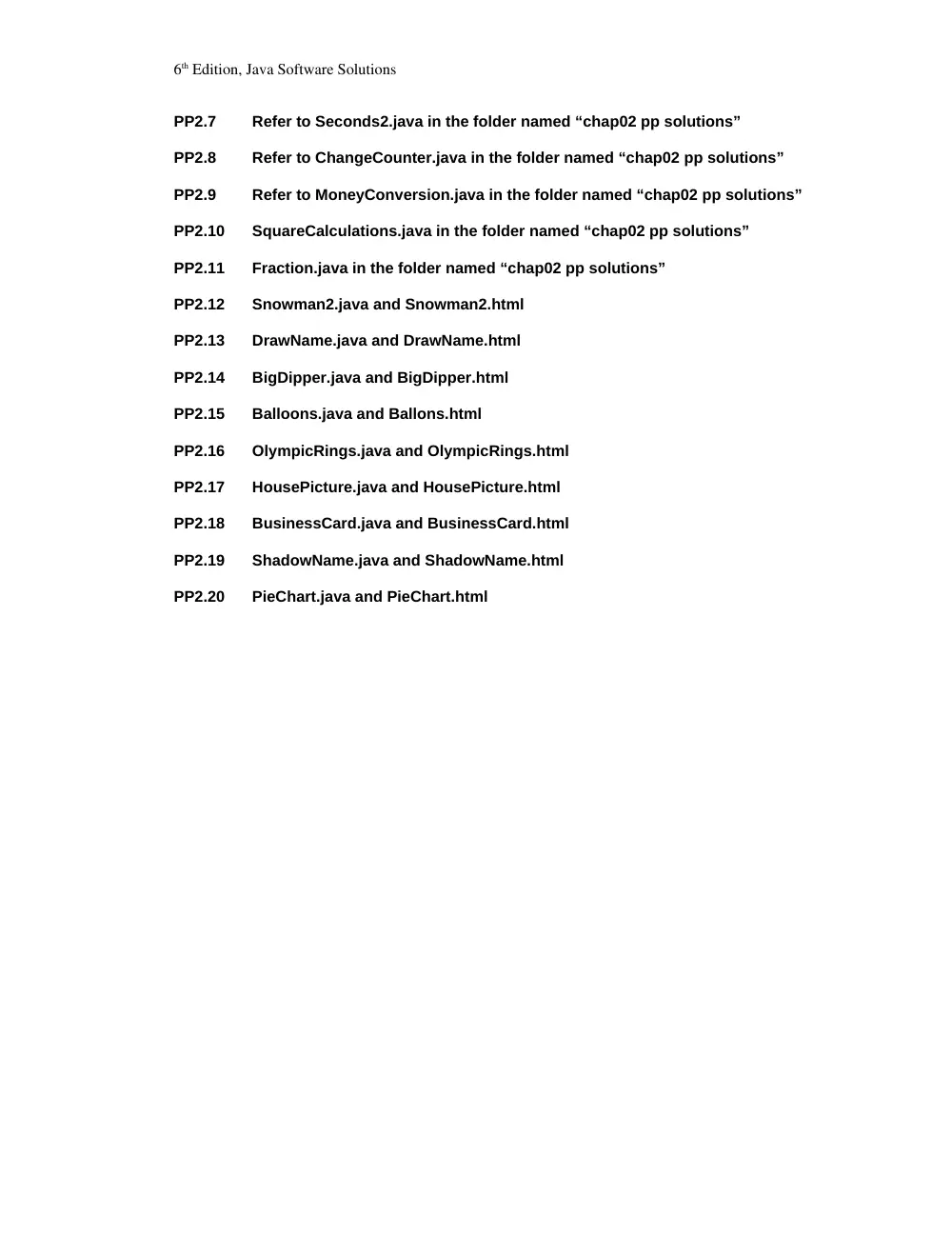
PP2.7
Refer to Seconds2.java in the folder named “chap02 pp solutions”
PP2.8
Refer to ChangeCounter.java in the folder named “chap02 pp solutions”
PP2.9
Refer to MoneyConversion.java in the folder named “chap02 pp solutions”
PP2.10
SquareCalculations.java in the folder named “chap02 pp solutions”
PP2.11
Fraction.java in the folder named “chap02 pp solutions”
PP2.12
Snowman2.java and Snowman2.html
PP2.13
DrawName.java and DrawName.html
PP2.14
BigDipper.java and BigDipper.html
PP2.15
Balloons.java and Ballons.html
PP2.16
OlympicRings.java and OlympicRings.html
PP2.17
HousePicture.java and HousePicture.html
PP2.18
BusinessCard.java and BusinessCard.html
PP2.19
ShadowName.java and ShadowName.html
PP2.20
PieChart.java and PieChart.html
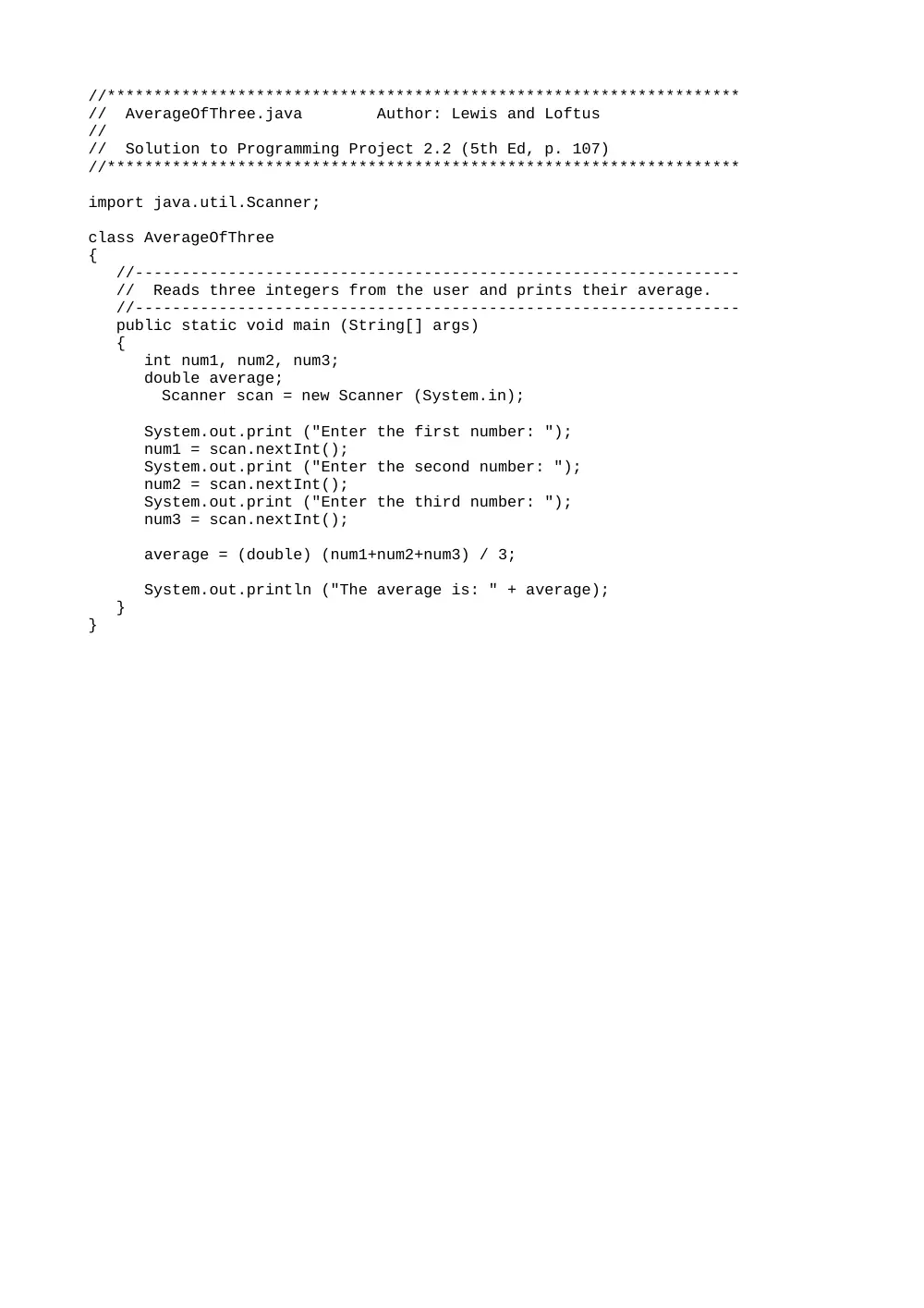
//********************************************************************
// AverageOfThree.java Author: Lewis and Loftus
//
// Solution to Programming Project 2.2 (5th Ed, p. 107)
//********************************************************************
import java.util.Scanner;
class AverageOfThree
{
//-----------------------------------------------------------------
// Reads three integers from the user and prints their average.
//-----------------------------------------------------------------
public static void main (String[] args)
{
int num1, num2, num3;
double average;
Scanner scan = new Scanner (System.in);
System.out.print ("Enter the first number: ");
num1 = scan.nextInt();
System.out.print ("Enter the second number: ");
num2 = scan.nextInt();
System.out.print ("Enter the third number: ");
num3 = scan.nextInt();
average = (double) (num1+num2+num3) / 3;
System.out.println ("The average is: " + average);
}
}
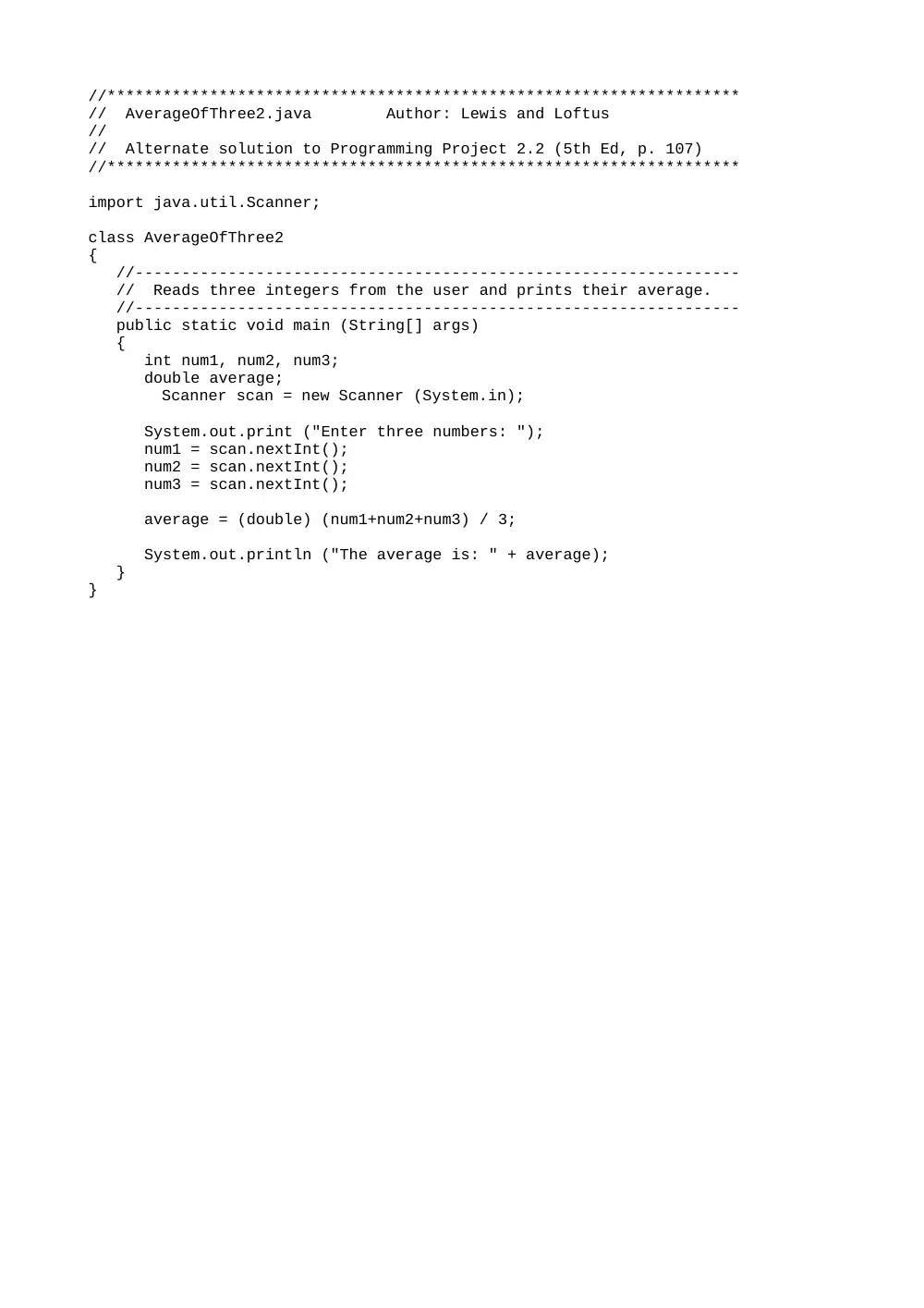
//********************************************************************
// AverageOfThree2.java Author: Lewis and Loftus
//
// Alternate solution to Programming Project 2.2 (5th Ed, p. 107)
//********************************************************************
import java.util.Scanner;
class AverageOfThree2
{
//-----------------------------------------------------------------
// Reads three integers from the user and prints their average.
//-----------------------------------------------------------------
public static void main (String[] args)
{
int num1, num2, num3;
double average;
Scanner scan = new Scanner (System.in);
System.out.print ("Enter three numbers: ");
num1 = scan.nextInt();
num2 = scan.nextInt();
num3 = scan.nextInt();
average = (double) (num1+num2+num3) / 3;
System.out.println ("The average is: " + average);
}
}
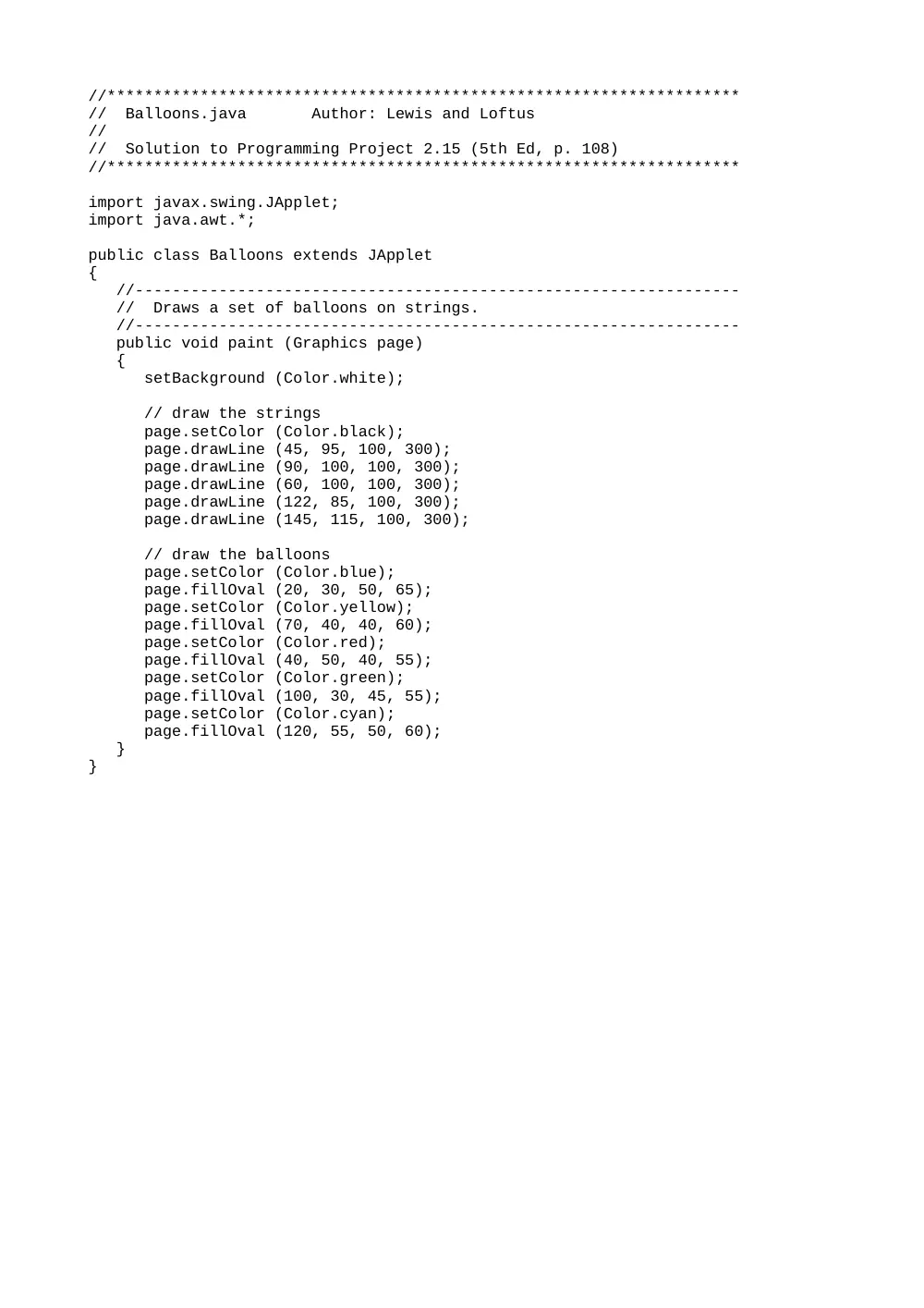
The Balloons Applet:
Object 1
//********************************************************************
// Balloons.java Author: Lewis and Loftus
//
// Solution to Programming Project 2.15 (5th Ed, p. 108)
//********************************************************************
import javax.swing.JApplet;
import java.awt.*;
public class Balloons extends JApplet
{
//-----------------------------------------------------------------
// Draws a set of balloons on strings.
//-----------------------------------------------------------------
public void paint (Graphics page)
{
setBackground (Color.white);
// draw the strings
page.setColor (Color.black);
page.drawLine (45, 95, 100, 300);
page.drawLine (90, 100, 100, 300);
page.drawLine (60, 100, 100, 300);
page.drawLine (122, 85, 100, 300);
page.drawLine (145, 115, 100, 300);
// draw the balloons
page.setColor (Color.blue);
page.fillOval (20, 30, 50, 65);
page.setColor (Color.yellow);
page.fillOval (70, 40, 40, 60);
page.setColor (Color.red);
page.fillOval (40, 50, 40, 55);
page.setColor (Color.green);
page.fillOval (100, 30, 45, 55);
page.setColor (Color.cyan);
page.fillOval (120, 55, 50, 60);
}
}
The BigDipper Applet:
Object 1
//********************************************************************
// BigDipper.java Author: Lewis and Loftus
//
// Solution to Programming Project 2.14 (5th Ed, p. 108)
//********************************************************************
import javax.swing.JApplet;
import java.awt.*;
public class BigDipper extends JApplet
{
//-----------------------------------------------------------------
// Draws the Big Dipper constellation and some other stars.
//-----------------------------------------------------------------
public void paint (Graphics page)
{
setBackground (Color.black);
page.setColor (Color.white);
page.drawLine (100, 80, 110, 120);
page.drawLine (110, 120, 165, 115);
page.drawLine (165, 115, 175, 70);
page.drawLine (100, 80, 175, 70);
page.drawLine (175, 70, 245, 20);
page.drawLine (245, 20, 280, 30);
// Draw some extra stars
page.fillOval (50, 50, 4, 4);
page.fillOval (70, 150, 3, 3);
page.fillOval (90, 30, 3, 3);
page.fillOval (220, 140, 4, 4);
page.fillOval (280, 170, 3, 3);
page.fillOval (310, 100, 4, 4);
page.fillOval (360, 20, 3, 3);
}
}
The BusinessCard Applet:
Object 1
//********************************************************************
// BusinessCard.java Author: Lewis and Loftus
//
// Solution to Programming Project 2.18 (5th Ed, p. 109)
//********************************************************************
import javax.swing.JApplet;
import java.awt.*;
public class BusinessCard extends JApplet
{
//-----------------------------------------------------------------
// Draws a business card.
//-----------------------------------------------------------------
public void paint (Graphics page)
{
setBackground (Color.yellow);
page.setColor (Color.red);
page.fillOval (10, 20, 60, 60);
page.setColor (Color.cyan);
page.fillRect (25, 35, 130, 25);
page.setColor (Color.black);
page.drawString ("James C. Kerplunk", 35, 50);
page.drawString ("President and CEO", 85, 80);
page.drawString ("Origin Software, Inc.", 85, 100);
page.drawLine (225, 20, 225, 80);
page.drawLine (195, 50, 255, 50);
page.setColor (Color.blue);
page.drawString ("where it all begins...", 115, 135);
}
}
//********************************************************************
// ChangeCounter.java Author: Lewis and Loftus
//
// Solution to Programming Project 2.8 (5th Ed, p. 107)
//********************************************************************
import java.util.Scanner;
public class ChangeCounter
{
//-----------------------------------------------------------------
// Computes the total value of a collection of coins.
//-----------------------------------------------------------------
public static void main (String[] args)
{
int quarters, dimes, nickels, pennies;
int total, dollars, cents;
Scanner scan = new Scanner(System.in);
System.out.print ("Enter the number of quarters: ");
quarters = scan.nextInt();
System.out.print ("Enter the number of dimes: ");
dimes = scan.nextInt();
System.out.print ("Enter the number of nickels: ");
nickels = scan.nextInt();
System.out.print ("Enter the number of pennies: ");
pennies = scan.nextInt();
total = quarters * 25 + dimes * 10 + nickels * 5 + pennies;
dollars = total / 100;
cents = total % 100;
System.out.println ("Total value: " + dollars + " dollars and " +
cents + " cents.");
}
}
The DrawName Applet
Object 1
//********************************************************************
// DrawName.java Author: Lewis and Loftus
//
// Solution to Programming Project 2.13 (5th Ed, p. 108)
//********************************************************************
import javax.swing.JApplet;
import java.awt.*;
public class DrawName extends JApplet
{
//-----------------------------------------------------------------
// Draws a name.
//-----------------------------------------------------------------
public void paint (Graphics page)
{
setBackground (Color.cyan);
page.setColor (Color.black);
page.drawString ("John A. Lewis", 50, 50);
}
}
//********************************************************************
// FloatCalculations.java Author: Lewis and Loftus
//
// Solution to Programming Project 2.3 (5th Ed, p. 107)
//********************************************************************
import java.util.Scanner;
class FloatCalculations
{
//-----------------------------------------------------------------
// Reads two floating point numbers and prints their sum,
// difference, and product.
//-----------------------------------------------------------------
public static void main (String[] args)
{
float num1, num2;
Scanner scan = new Scanner (System.in);
System.out.print ("Enter the first number: ");
num1 = scan.nextFloat();
System.out.print ("Enter the second number: ");
num2 = scan.nextFloat();
System.out.println ("Their sum is: " + (num1+num2));
System.out.println ("Their difference is: " + (num1-num2));
System.out.println ("Their product is: " + (num1*num2));
}
}
//********************************************************************
// Fraction.java Author: Lewis and Loftus
//
// Solution to Programming Project 2.11 (5th Ed, p. 108)
//********************************************************************
import java.util.Scanner;
public class Fraction
{
//-----------------------------------------------------------------
// Computes the floating point equivalent of a fraction.
//-----------------------------------------------------------------
public static void main (String[] args)
{
int numerator, denominator;
float value;
Scanner scan = new Scanner(System.in);
System.out.print ("Enter the numerator: ");
numerator = scan.nextInt();
System.out.print ("Enter the denominator: ");
denominator = scan.nextInt();
value = (float) numerator / denominator;
System.out.println ("Floating point equivalent: " + value);
}
}
The HousePicture Applet:
Object 1
//********************************************************************
// HousePicture.java Author: Lewis and Loftus
//
// Solution to Programming Project 2.17 (5th Ed, p. 108)
//********************************************************************
import javax.swing.JApplet;
import java.awt.*;
public class HousePicture extends JApplet
{
//-----------------------------------------------------------------
// Draws a house scene.
//-----------------------------------------------------------------
public void paint (Graphics page)
{
setBackground (Color.cyan);
page.setColor (Color.gray);
page.fillRect (0, 200, 400, 50); // ground
page.setColor (Color.blue);
page.fillRect (50, 125, 300, 100); // house
page.setColor (Color.green);
page.fillRect (180, 175, 40, 50); // door
page.setColor (Color.yellow);
page.fillRect (100, 155, 40, 25); // window
page.fillRect (260, 155, 40, 25); // window
page.setColor (Color.black);
page.fillRect (40, 100, 320, 40); // roof
page.fillOval (210, 200, 6, 6); // doorknob
page.setColor (Color.red);
page.fillRect (80, 80, 20, 40); // chimney
page.setColor (Color.darkGray);
page.fillOval (80, 60, 20, 20); // smoke
page.fillOval (85, 50, 15, 25); // smoke
page.fillOval (90, 45, 15, 20); // smoke
page.setColor (Color.white);
page.fillOval (200, 30, 80, 40); // cloud
page.fillOval (230, 40, 80, 40); // cloud
}
}
//********************************************************************
// Lincoln4.java Author: Lewis and Loftus
//
// Solution to Programming Project 2.1 (5th Ed, page 107)
//********************************************************************
class Lincoln4
{
//-----------------------------------------------------------------
// Prints a quote from Abraham Lincoln, including quotation
// marks.
//-----------------------------------------------------------------
public static void main (String[] args)
{
System.out.println ("A quote by Abraham Lincoln:");
System.out.println ("\"Whatever you are, be a good one.\"");
}
}
//********************************************************************
// MilesToKilometers.java Author: Lewis and Loftus
//
// Solution to Programming Project 2.5 (5th Ed, p. 107)
//********************************************************************
import java.util.Scanner;
public class MilesToKilometers
{
//-----------------------------------------------------------------
// Converts miles into kilometers. The value for miles is read
// from the user.
//-----------------------------------------------------------------
public static void main (String[] args)
{
final double MILES_PER_KILOMETER = 1.60935;
double miles, kilometers;
Scanner scan = new Scanner(System.in);
System.out.print ("Enter the distance in miles: ");
miles = scan.nextDouble();
kilometers = MILES_PER_KILOMETER * miles;
System.out.println ("That distance in kilometers is: " +
kilometers);
}
}
//********************************************************************
// MoneyConversion.java Author: Lewis and Loftus
//
// Solution to Programming Project 2.9 (5th Ed, p. 107)
//********************************************************************
import java.util.Scanner;
public class MoneyConversion
{
//-----------------------------------------------------------------
// Reads a monetary amount and computes the equivalent in bills
// and coins.
//-----------------------------------------------------------------
public static void main (String[] args)
{
double total;
int tens, fives, ones, quarters, dimes, nickels;
int remainingCents;
Scanner scan = new Scanner(System.in);
System.out.print ("Enter monetary amount: ");
total = scan.nextDouble();
remainingCents = (int) (total * 100);
tens = remainingCents / 1000;
remainingCents %= 1000;
fives = remainingCents / 500;
remainingCents %= 500;
ones = remainingCents / 100;
remainingCents %= 100;
quarters = remainingCents / 25;
remainingCents %= 25;
dimes = remainingCents / 10;
remainingCents %= 10;
nickels = remainingCents / 5;
remainingCents %= 5;
System.out.println ("That's equivalent to:");
System.out.println (tens + " ten dollar bills");
System.out.println (fives + " five dollar bills");
System.out.println (ones + " one dollar bills");
System.out.println (quarters + " quarters");
System.out.println (dimes + " dimes");
System.out.println (nickels + " nickels");
System.out.println (remainingCents + " pennies");
}
}
The OlympicRings Applet:
Object 1
//********************************************************************
// OlympicRings.java Author: Lewis and Loftus
//
// Solution to Programming Project 2.16 (5th Ed, p. 108)
//********************************************************************
import javax.swing.JApplet;
import java.awt.*;
public class OlympicRings extends JApplet
{
//-----------------------------------------------------------------
// Draws the olympic logo.
//-----------------------------------------------------------------
public void paint (Graphics page)
{
final int DIAMETER = 50;
setBackground (Color.lightGray);
page.setColor (Color.blue);
page.drawOval (30, 40, DIAMETER, DIAMETER);
page.setColor (Color.yellow);
page.drawOval (60, 70, DIAMETER, DIAMETER);
page.setColor (Color.black);
page.drawOval (90, 40, DIAMETER, DIAMETER);
page.setColor (Color.green);
page.drawOval (120, 70, DIAMETER, DIAMETER);
page.setColor (Color.red);
page.drawOval (150, 40, DIAMETER, DIAMETER);
}
}
The PieChart Applet:
Object 1
//********************************************************************
// PieChart.java Author: Lewis and Loftus
//
// Solution to Programming Project 2.20 (5th Ed, p. 109)
//********************************************************************
import javax.swing.JApplet;
import java.awt.*;
public class PieChart extends JApplet
{
//-----------------------------------------------------------------
// Draws the pie chart with equal sections.
//-----------------------------------------------------------------
public void paint (Graphics page)
{
setBackground (Color.lightGray);
page.setColor (Color.blue);
page.fillArc (70, 25, 100, 100, 0, 45);
page.setColor (Color.yellow);
page.fillArc (70, 25, 100, 100, 45, 45);
page.setColor (Color.black);
page.fillArc (70, 25, 100, 100, 90, 45);
page.setColor (Color.green);
page.fillArc (70, 25, 100, 100, 135, 45);
page.setColor (Color.red);
page.fillArc (70, 25, 100, 100, 180, 45);
page.setColor (Color.magenta);
page.fillArc (70, 25, 100, 100, 225, 45);
page.setColor (Color.cyan);
page.fillArc (70, 25, 100, 100, 270, 45);
page.setColor (Color.orange);
page.fillArc (70, 25, 100, 100, 315, 45);
}
}
This folder contains solutions to the Programming Projects from
Chapter 2 of Java Software Solutions, 5th Ed, by Lewis and Loftus.
Project File(s)
------- -------
2.1 Lincoln4.java
2.2 AverageOfThree.java
AverageOfThree2.java (alternative solution)
2.3 FloatCalculations.java
2.4 TempConverter2.java
2.5 MilesToKilometers.java
2.6 Seconds.java
2.7 Seconds2.java
2.8 ChangeCounter.java
2.9 MoneyConversion.java
2.10 SquareCalculations.java
2.11 Fraction.java
2.12 Snowman2.java
Snowman2.html
2.13 DrawName.java
DrawName.html
2.14 BigDipper.java
BigDipper.html
2.15 Balloons.java
Balloons.html
2.16 OlympicRings.java
OlympicRings.html
2.17 HousePicture.java
HousePicture.html
2.18 BusinessCard.java
BusinessCard.html
2.19 ShadowName.java
ShadowName.html
2.20 PieChart.java
PieChart.html
//********************************************************************
// Seconds.java Author: Lewis and Loftus
//
// Solution to Programming Project 2.6 (5th Ed, p. 107)
//********************************************************************
import java.util.Scanner;
public class Seconds
{
//-----------------------------------------------------------------
// Computes the total number of seconds for a given number of
// hours, minutes, and seconds.
//-----------------------------------------------------------------
public static void main (String[] args)
{
final int SECONDS_PER_HOUR = 3600;
final int SECONDS_PER_MINUTE = 60;
int seconds, minutes, hours, totalSeconds;
Scanner scan = new Scanner(System.in);
System.out.print ("Enter the number of hours: ");
hours = scan.nextInt();
System.out.print ("Enter the number of minutes: ");
minutes = scan.nextInt();
System.out.print ("Enter the number of seconds: ");
seconds = scan.nextInt();
totalSeconds = hours * SECONDS_PER_HOUR +
minutes * SECONDS_PER_MINUTE +
seconds;
System.out.println ();
System.out.println ("Total seconds: " + totalSeconds);
}
}
//********************************************************************
// Seconds2.java Author: Lewis and Loftus
//
// Solution to Programming Project 2.7 (5th Ed, p. 107)
//********************************************************************
import java.util.Scanner;
public class Seconds2
{
//-----------------------------------------------------------------
// Computes the number of hours, minutes, and seconds that are
// equivalent to the number of seconds entered by the user.
//-----------------------------------------------------------------
public static void main (String[] args)
{
final int SECONDS_PER_HOUR = 3600;
final int SECONDS_PER_MINUTE = 60;
int seconds, minutes, hours;
Scanner scan = new Scanner(System.in);
System.out.print ("Enter the number of seconds: ");
seconds = scan.nextInt();
hours = seconds / SECONDS_PER_HOUR;
seconds = seconds % SECONDS_PER_HOUR; // still remaining
minutes = seconds / SECONDS_PER_MINUTE;
seconds = seconds % SECONDS_PER_MINUTE; // still remaining
System.out.println ();
System.out.println ("Hours: " + hours);
System.out.println ("Minutes: " + minutes);
System.out.println ("Seconds: " + seconds);
}
}
The ShadowName Applet
Object 1
//********************************************************************
// ShadowName.java Author: Lewis and Loftus
//
// Solution to Programming Project 2.19 (5th Ed, p. 109)
//********************************************************************
import javax.swing.JApplet;
import java.awt.*;
public class ShadowName extends JApplet
{
//-----------------------------------------------------------------
// Draws a name with a slightly offset shadow.
//-----------------------------------------------------------------
public void paint (Graphics page)
{
setBackground (Color.yellow);
page.setColor (Color.black);
page.drawString ("John A. Lewis", 50, 50);
page.setColor (Color.red);
page.drawString ("John A. Lewis", 49, 49);
}
}
The Snowman2 Applet
Object 1
//********************************************************************
// Snowman2.java Author: Lewis and Loftus
//
// Solution to Programming Project 2.12 (5th Ed, p. 108)
//********************************************************************
import javax.swing.JApplet;
import java.awt.*;
public class Snowman2 extends JApplet
{
//-----------------------------------------------------------------
// Draws a snowman with added features.
//-----------------------------------------------------------------
public void paint (Graphics page)
{
final int MID = 130;
final int TOP = 50;
setBackground (Color.cyan);
page.setColor (Color.blue);
page.fillRect (0, 175, 300, 50); // ground
page.setColor (Color.yellow);
page.fillOval (260, -40, 80, 80); // sun
page.setColor (Color.white);
page.fillOval (MID-20, TOP, 40, 40); // head
page.fillOval (MID-35, TOP+35, 70, 50); // upper torso
page.fillOval (MID-50, TOP+80, 100, 60); // lower torso
page.setColor (Color.red);
page.fillOval (MID-3, TOP+50, 6, 6); // button
page.fillOval (MID-3, TOP+60, 6, 6); // button
page.setColor (Color.black);
page.fillOval (MID-10, TOP+10, 5, 5); // left eye
page.fillOval (MID+5, TOP+10, 5, 5); // right eye
page.drawArc (MID-10, TOP+20, 20, 10, 10, 160); // frown
page.drawLine (MID-25, TOP+60, MID-50, TOP+40); // left arm
page.drawLine (MID+25, TOP+60, MID+55, TOP+60); // right arm
page.drawLine (MID-20, TOP+5, MID+20, TOP+5); // brim of hat
page.fillRect (MID-15, TOP-20, 30, 25); // top of hat
page.drawString ("John Lewis", 20, 20); // artist
}
}
//********************************************************************
// SquareCalculations.java Author: Lewis and Loftus
//
// Solution to Programming Project 2.10 (5th Ed, p. 108)
//********************************************************************
import java.util.Scanner;
public class SquareCalculations
{
//-----------------------------------------------------------------
// Computes a squares perimeter and area given the length of
// one side.
//-----------------------------------------------------------------
public static void main (String[] args)
{
int side, perimeter, area;
Scanner scan = new Scanner(System.in);
System.out.print ("Enter the length of a square