
CSC 201 Chapter 16- Programming and Languages, Spring 2007
Notre Dame University–Louaize · Computers and Their Use · 19 pages


Showing the first 10 of 19 pages. Download the PDF to see all of it.
More CSC 201 files
- Chapter 8 · Spring 2007ChapterView
- Chapter 10- MS Excel 2003 · Spring 2007ChapterView
- Chapter 11- Computer in Everyday Life · Spring 2007ChapterView
- Chapter 12- IT and Society · Spring 2007ChapterView
- Chapter 13- MS Powerpoint 2003 · Spring 2007ChapterView
- Chapter 14- Security, Copyright and Law · Spring 2007ChapterView
- Chapter 15- MS Internet Explorer 6 · Spring 2007ChapterView
- Chapter 7 · Spring 2007ChapterView
Show the text of this chapter
CCHHAAPPTTEERR 1166
PPRRO
OG
GRRAAM
MM
MIINNG
G AANNDD
LLAANNG
GUUAAG
GEESS
Programming and Programmers
3
Programming and Languages
Notre Dame University
Programming and Programmers
Learning Module Objectives
When you have
completed this
learning
module you
will have:
•
Understood what programmers do and do not do
•
Knew how programmers define a problem, plan the solution, and the code,
test, and document the program
Programming and Programmers
4
Programming and Languages
Notre Dame University
Understand what is programming, what programmers do and
do not do
Why
Programming
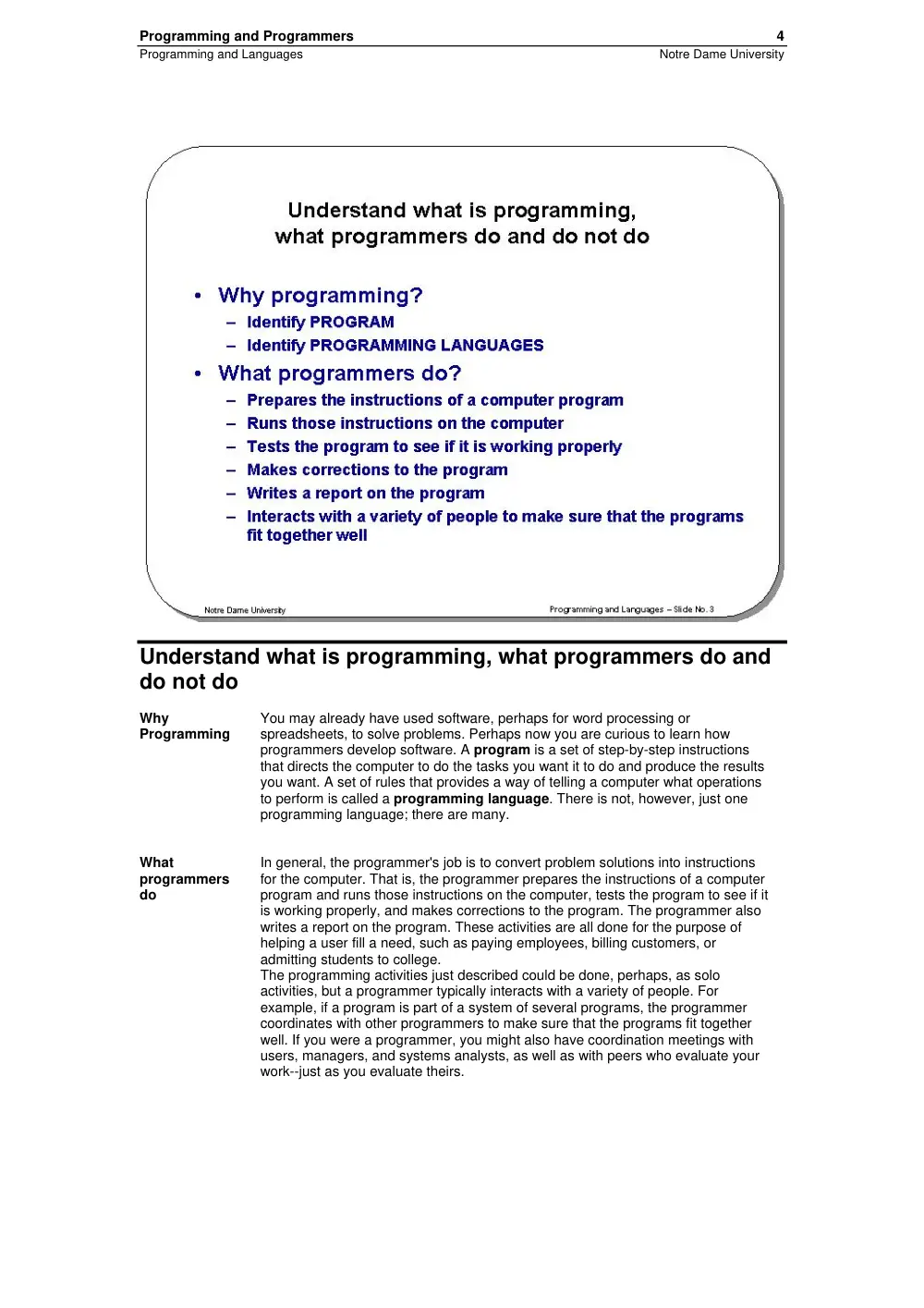
You may already have used software, perhaps for word processing or
spreadsheets, to solve problems. Perhaps now you are curious to learn how
programmers develop software. A program is a set of step-by-step instructions
that directs the computer to do the tasks you want it to do and produce the results
you want. A set of rules that provides a way of telling a computer what operations
to perform is called a programming language. There is not, however, just one
programming language; there are many.
What
programmers
do
In general, the programmer's job is to convert problem solutions into instructions
for the computer. That is, the programmer prepares the instructions of a computer
program and runs those instructions on the computer, tests the program to see if it
is working properly, and makes corrections to the program. The programmer also
writes a report on the program. These activities are all done for the purpose of
helping a user fill a need, such as paying employees, billing customers, or
admitting students to college.
The programming activities just described could be done, perhaps, as solo
activities, but a programmer typically interacts with a variety of people. For
example, if a program is part of a system of several programs, the programmer
coordinates with other programmers to make sure that the programs fit together
well. If you were a programmer, you might also have coordination meetings with
users, managers, and systems analysts, as well as with peers who evaluate your
work--just as you evaluate theirs.
Programming and Programmers
5
Programming and Languages
Notre Dame University
The Programming Process
Introduction
Developing a program involves steps similar to any problem-solving task. There
are five main ingredients in the programming process: (1) defining the problem, (2)
planning the solution, (3) coding the program, (4) testing the program, and (5)
documenting the program.
Defining the
Problem
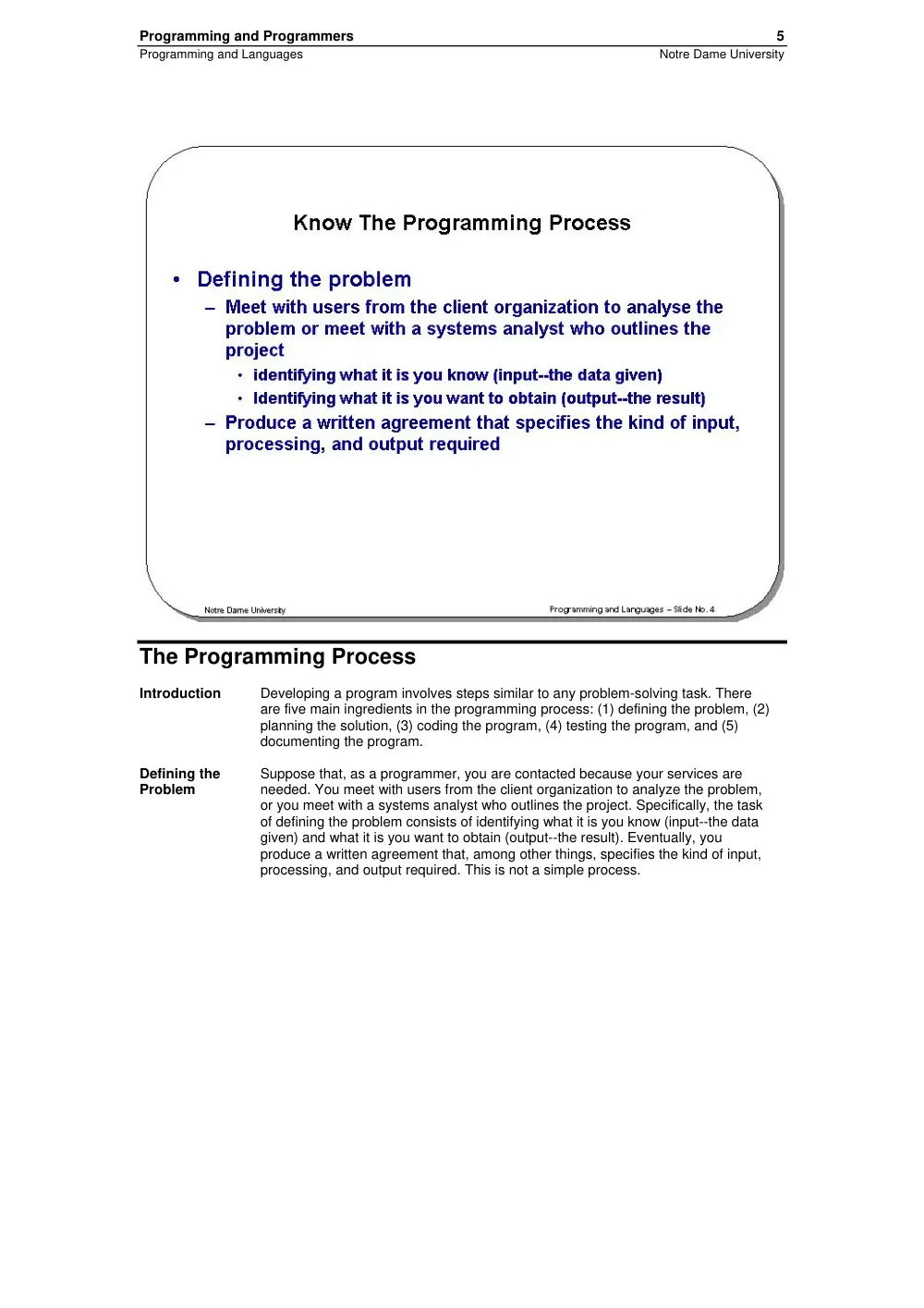
Suppose that, as a programmer, you are contacted because your services are
needed. You meet with users from the client organization to analyze the problem,
or you meet with a systems analyst who outlines the project. Specifically, the task
of defining the problem consists of identifying what it is you know (input--the data
given) and what it is you want to obtain (output--the result). Eventually, you
produce a written agreement that, among other things, specifies the kind of input,
processing, and output required. This is not a simple process.
Programming and Programmers
6
Programming and Languages
Notre Dame University
Planning the
solution
Two common ways of planning the solution to a problem are to draw a flowchart
and to write pseudocode, or possibly both. Essentially, a flowchart is a pictorial
representation of a step-by-step solution to a problem. It consists of arrows
representing the direction the program takes and boxes and other symbols
representing actions. It is a map of what your program is going to do and how it is
going to do it. The American National Standards Institute (ANSI) has developed a
standard set of flowchart symbols. As a practical matter, few programmers use
flowcharting in their work, but flowcharting retains its value as a visual
representation of the problem-solving process. Pseudocode is an English-like
nonstandard language that lets you state your solution with more precision than
you can in plain English but with less precision than is required when using a
formal programming language. Pseudocode permits you to focus on the program
logic without having to be concerned just yet about the precise rules of a particular
programming language. However, pseudocode is not executable on the computer.
Programming and Programmers
7
Programming and Languages
Notre Dame University
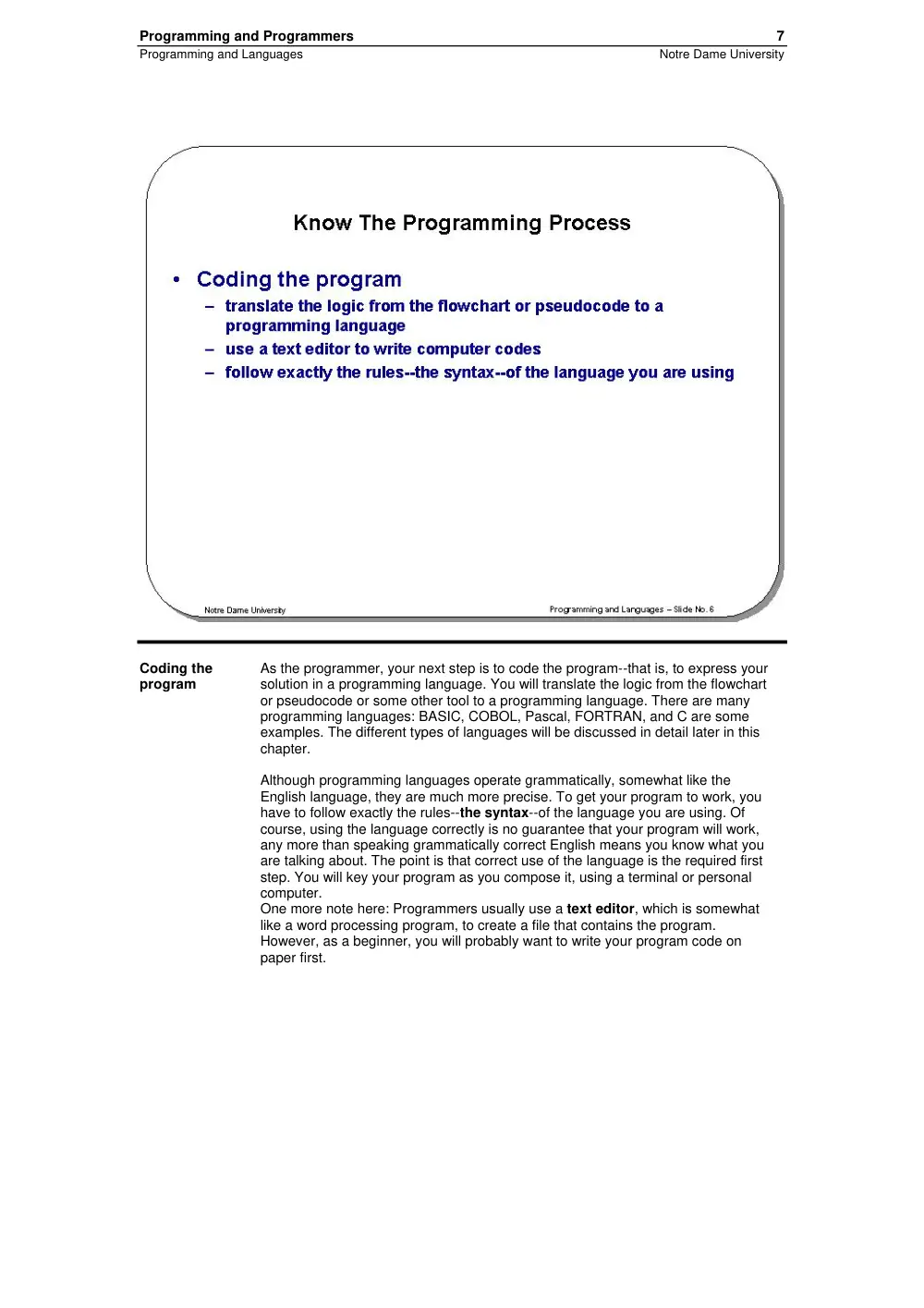
Coding the
program
As the programmer, your next step is to code the program--that is, to express your
solution in a programming language. You will translate the logic from the flowchart
or pseudocode or some other tool to a programming language. There are many
programming languages: BASIC, COBOL, Pascal, FORTRAN, and C are some
examples. The different types of languages will be discussed in detail later in this
chapter.
Although programming languages operate grammatically, somewhat like the
English language, they are much more precise. To get your program to work, you
have to follow exactly the rules--the syntax--of the language you are using. Of
course, using the language correctly is no guarantee that your program will work,
any more than speaking grammatically correct English means you know what you
are talking about. The point is that correct use of the language is the required first
step. You will key your program as you compose it, using a terminal or personal
computer.
One more note here: Programmers usually use a text editor, which is somewhat
like a word processing program, to create a file that contains the program.
However, as a beginner, you will probably want to write your program code on
paper first.
Programming and Programmers
8
Programming and Languages
Notre Dame University
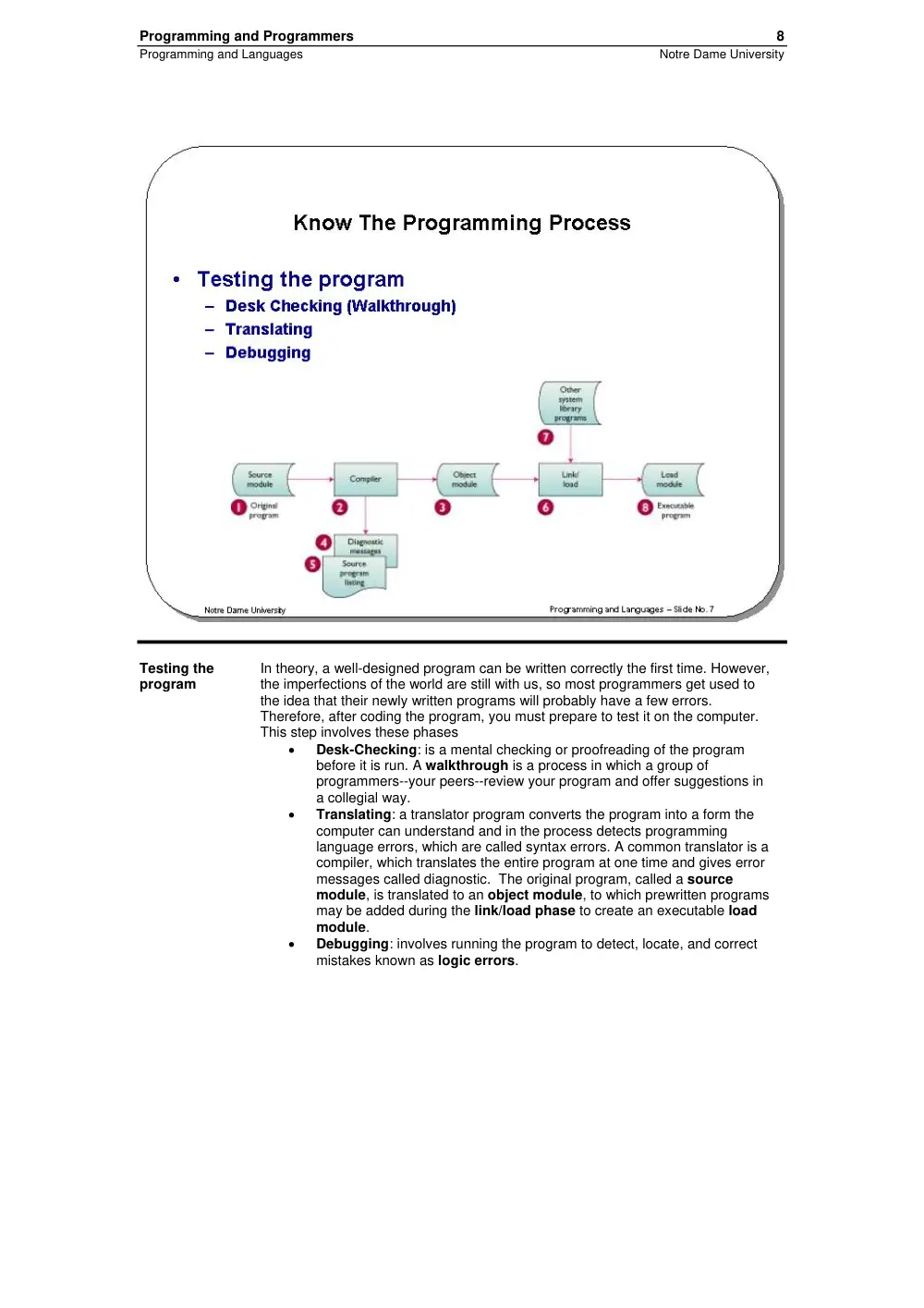
Testing the
program
In theory, a well-designed program can be written correctly the first time. However,
the imperfections of the world are still with us, so most programmers get used to
the idea that their newly written programs will probably have a few errors.
Therefore, after coding the program, you must prepare to test it on the computer.
This step involves these phases
•
Desk-Checking: is a mental checking or proofreading of the program
before it is run. A walkthrough is a process in which a group of
programmers--your peers--review your program and offer suggestions in
a collegial way.
•
Translating: a translator program converts the program into a form the
computer can understand and in the process detects programming
language errors, which are called syntax errors. A common translator is a
compiler, which translates the entire program at one time and gives error
messages called diagnostic. The original program, called a source
module, is translated to an object module, to which prewritten programs
may be added during the link/load phase to create an executable load
module.
•
Debugging: involves running the program to detect, locate, and correct
mistakes known as logic errors.
Programming and Programmers
9
Programming and Languages
Notre Dame University
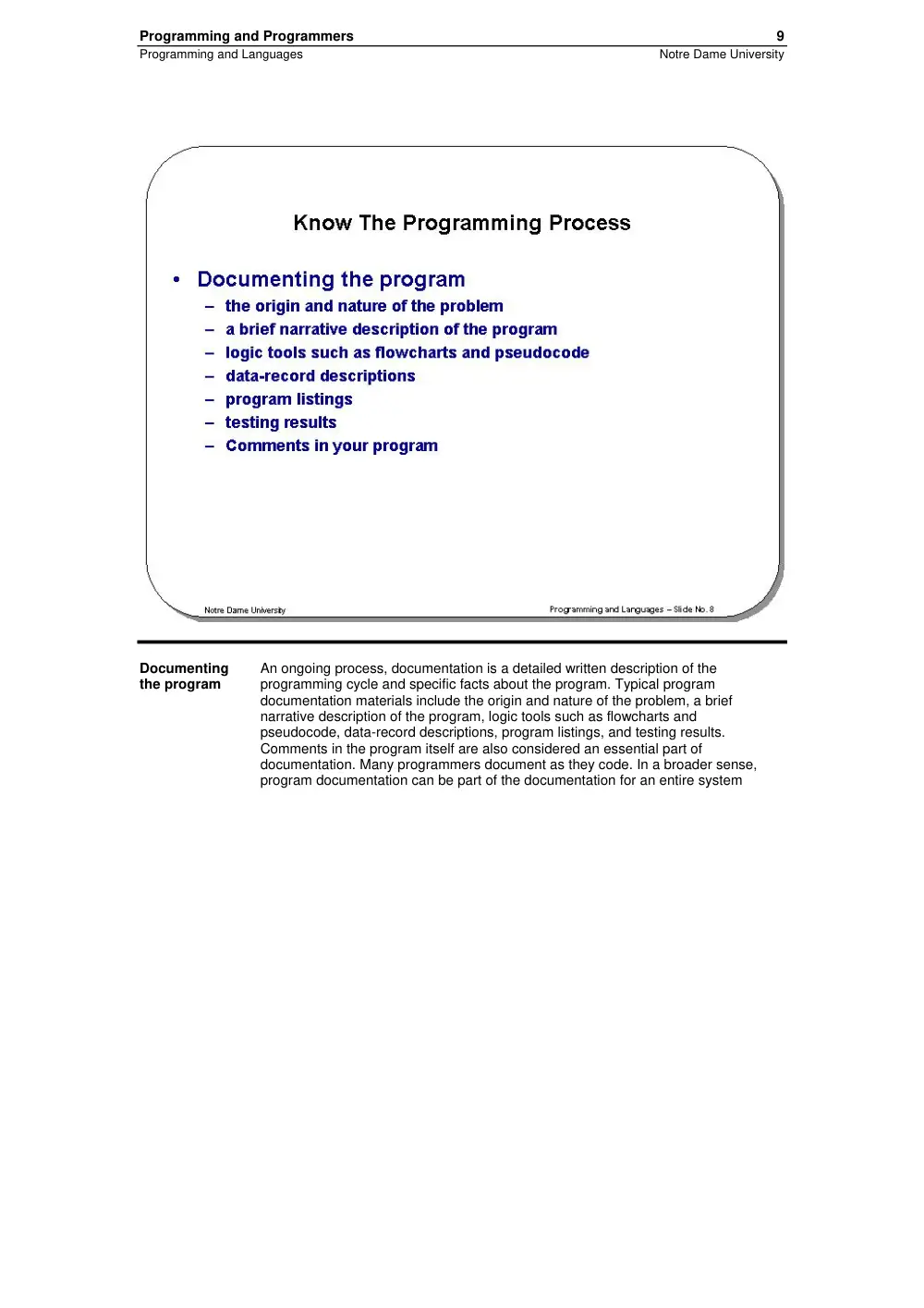
Documenting
the program
An ongoing process, documentation is a detailed written description of the
programming cycle and specific facts about the program. Typical program
documentation materials include the origin and nature of the problem, a brief
narrative description of the program, logic tools such as flowcharts and
pseudocode, data-record descriptions, program listings, and testing results.
Comments in the program itself are also considered an essential part of
documentation. Many programmers document as they code. In a broader sense,
program documentation can be part of the documentation for an entire system
Programming and Programmers
10
Programming and Languages
Notre Dame University
Computer Languages
Learning Module Objectives
When you have
completed this
learning
module you
will have:
•
Understood the level of languages
•
Understood major programming languages
Programming and Programmers
11
Programming and Languages
Notre Dame University
Know the Levels of language
Introduction
Programming languages are said to be "lower" or "higher," depending on how
close they are to the language the computer itself uses (0s and 1s--low) or to the
language people use (more English-like--high). There are five levels of language,
numbered 1 through 5 to correspond to levels, or generations. In terms of ease of
use and capabilities, each generation is an improvement over its predecessors.
The five generations of languages are (1) machine language, (2) assembly
languages, (3) high-level languages, (4) very high level languages, and (5) natural
languages.
Machine
Language
Humans do not like to deal in numbers alone; they prefer letters and words. But,
strictly speaking, numbers are what machine language is. This lowest level of
programming language, machine language, represents data and program
instructions as 0s and 1s, binary digits corresponding to the on and off electrical
states in the computer. This is really the only language the computer truly
understands; all other languages must be translated to the machine language
before execution. Each type of computer has its own machine language. Primitive
by today's standards, machine language programs are not convenient for people to
read and use. The computer industry quickly moved to develop assembly
languages.
Programming and Programmers
12
Programming and Languages
Notre Dame University
Assembly
Languages
Today, assembly languages are considered very low level--that is, they are not as
convenient for people to use as more recent languages. At the time they were
developed, however, they were considered a great leap forward. To replace the 0s
and 1s used in machine language, assembly languages use mnemonic codes,
abbreviations that are easy to remember: A for add, C for compare, MP for
multiply, STO for storing information in memory, and so on. Furthermore, assembly
languages permit the use of names--perhaps RATE or TOTAL--for memory
locations instead of actual address numbers. As with machine language, each type
of computer has its own assembly language.
Since machine language is the only language the computer can actually execute, a
translator, called an assembly program, is required to convert the assembly
language program into machine language. Assembly language may be easier to
read than machine language, but it is still tedious.
Programming and Programmers
13
Programming and Languages
Notre Dame University
High-Level
Languages
The first widespread use of high-level languages in the early 1960s transformed
programming into something quite different from what it had been. Programs were
written in an English-like manner, thus making them more convenient to use. As a
result, a programmer could accomplish more with less effort, and programs could
now direct much more complex tasks.
Of course, a translator is needed to translate the symbolic statements of a
high-level language into computer-executable machine language; this translator is
usually a compiler. There are many compilers for each language and at least one
for each type of computer.
Programming and Programmers
14
Programming and Languages
Notre Dame University
Very High-
Level
Languages
Languages called very high-level languages are often known by their generation
number; that is, they are called fourth-generation languages or, more simply,
4GLs. The 4GLs are essentially shorthand programming languages. An operation
that requires hundreds of lines in a third-generation language typically requires
only 5 to 10 lines in a 4GL. However, beyond the basic criterion of conciseness,
4GLs are difficult to describe because there are so many different types. Most
experts say the average productivity improvement factor is about 10; that is, you
can be 10 times more productive in a fourth-generation language than in a third-
generation language. Consider this request: Produce a report showing the total
units sold for each product, by customer, in each month and year, and with a
subtotal for each customer. In addition, each new customer must start on a new
page. A 4GL request looks something like this:
TABLE FILE SALES
SUM UNITS BY MONTH BY CUSTOMER BY PRODUCT
ON CUSTOMER SUBTOTAL PAGE BREAK
END
Even though some training is required to do even this much, you can see that it is
pretty simple. The third-generation language COBOL, however, typically requires
more than 500 statements to fulfill the same request. It would be naive, however, to
assume that all programs should be written using 4GLs; a third-generation
language makes more sense for commercial applications that require a high
degree of precision.
Programming and Programmers
15
Programming and Languages
Notre Dame University
Natural
Languages
The word natural has become almost as popular in computing circles as it has in
the supermarket. The newest level of languages, called fifth-generation languages,
is even more ill-defined than fourth-generation languages. They are most often
called natural languages because of their resemblance to the "natural" spoken
English language; that is, they resemble the way that you speak. A user of one of
these languages can say the same thing in any number of ways. For example,
"Get me tennis racket sales for January" works just as well as "I want January
tennis racket revenues." The natural language translates human instructions--bad
grammar, slang, and all--into code the computer understands. If it is not sure what
the user has in mind, it politely asks for further explanation.
Programming and Programmers
16
Programming and Languages
Notre Dame University
Know the major programming languages
FORTRAN:
The First
High-Level
Language
Developed by IBM and introduced in 1954, Fortran--for FORmula TRANslator--was
the first high-level language. FORTRAN is a scientifically oriented language; in the
early days, use of the computer was primarily associated with engineering,
mathematical, and scientific research tasks. FORTRAN is noted for its brevity, and
this characteristic is part of the reason it remains popular. This language is very
good at serving its primary purpose, which is the execution of complex formulas
such as those used in economic analysis and engineering.
COBOL: The
Language of
Business
By the mid-1950s FORTRAN had been developed, but there was still no accepted
high-level programming language appropriate for business. The U.S. Department
of Defense in particular was interested in creating such a standardized language
and called together a committee that, in 1959, introduced COBOL, for COmmon
Business-Oriented Language. COBOL is very good for processing large files and
performing relatively simple business calculations, such as payroll or interest.
COBOL is English-like; even if you know nothing about programming, you may still
understand what the program does. However, the feature that makes COBOL so
useful--its English-like appearance and easy readability--is also a weakness,
because a COBOL program can be incredibly verbose. Today, many consider
COBOL old-fashioned and inelegant. In fact, many companies devoted to fast,
nimble program development have converted to the language called C.
BASIC: For
Beginners and
Others
Beginners' All-purpose Symbolic Instruction Code--is a common language that is
easy to learn. Developed at Dartmouth College, BASIC was introduced by John
Kemeny and Thomas Kurtz in 1965 and was originally intended for use by students
in an academic environment. The use of BASIC has extended to business and
personal computer systems. The primary feature of BASIC is one that may be of
interest to many readers of this book: BASIC is easy to learn, even for a person
who has never programmed before. Thus the language is often used to train
Programming and Programmers
17
Programming and Languages
Notre Dame University
students in the classroom.
Programming and Programmers
18
Programming and Languages
Notre Dame University
Pascal: The
Language of
Simplicity
Named for Blaise Pascal, the seventeenth-century French mathematician, Pascal
was developed as a teaching language by a Swiss computer scientist, Niklaus
Wirth, and became available in 1971. Its use spread first in Europe and then in the
United States, particularly in schools offering computer science programs, although
its popularity is now in decline.
An attractive feature of Pascal is that it is simpler than other languages--it
has fewer features and is less wordy than most. In addition to being popular in
college computer science departments, the language has also made large inroads
in the personal computer market as a simple yet sophisticated alternative to
BASIC. Today, Borland's Turbo Pascal is used by the business community and is
often the choice of nonprofessional programmers who need to write their own
programs.
C: A Portable
Language
A language invented by Dennis Ritchie at Bell Labs in 1972, C produces code that
approaches assembly language in efficiency while still offering the features of a
high-level language. C was originally designed to write systems software but is
now considered a general-purpose language. C contains some of the best features
from other languages, including Pascal. C compilers are simple and compact. A
key attraction is that there are C compilers available for different operating
systems, a fact that contributes to the portability of C programs.
An interesting side note is that the availability of C on personal computers
has greatly enhanced the value of personal computers for budding software
entrepreneurs. Today C is fast being replaced by its enhanced cousin, C++.
Programming and Programmers
19
Programming and Languages
Notre Dame University
Java
Programming languages rarely attain media darling status. But it seems that the
language called Java, from developers at Sun Microsystems, has had continuous
hard-core coverage in the computer press. Java is a network-friendly programming
language, derived from the C++ language, that permits a piece of software to run
on many different platforms. A platform is the hardware and software combination
that composes the basic functionality of a computer. For example, a popular
platform today is based on some version of Microsoft's Windows operating system
and Intel's processors, a combination nicknamed Wintel.
Traditionally, programmers have been limited to writing a program for a
single platform. Coding has had to be redone for other platforms. But a
programmer can write a program in Java, which operates across platforms, and
have it run anywhere. So how does Java accomplish this cross-platform feat?
Programs written in Java can be understood by a universal platform, called the
Java platform, that sits atop a computer's regular platform. Essentially, then, this
universal platform is an extra layer of software that has been accepted as a
standard by most of the computer industry--no small feat. The Java platform
translates Java instructions into instructions that the platform underneath can
understand.
When you consider that Java can run across many platforms, it is easy to
see why it is relevant to Internet development; in fact, Java's earliest incarnations
were on web applications. Java has a good start on becoming the universal
language of Internet computing.