
CSC 201 Chapter 7, Spring 2007
Notre Dame University–Louaize · Computers and Their Use · 21 pages

Showing the first 10 of 21 pages. Download the PDF to see all of it.
More CSC 201 files
- Chapter 8 · Spring 2007ChapterView
- Chapter 10- MS Excel 2003 · Spring 2007ChapterView
- Chapter 11- Computer in Everyday Life · Spring 2007ChapterView
- Chapter 12- IT and Society · Spring 2007ChapterView
- Chapter 13- MS Powerpoint 2003 · Spring 2007ChapterView
- Chapter 14- Security, Copyright and Law · Spring 2007ChapterView
- Chapter 15- MS Internet Explorer 6 · Spring 2007ChapterView
- Chapter 16- Programming and Languages · Spring 2007ChapterView
Show the text of this chapter
CCHHAAPPTTEERR 77
SSEECCO
ONNDDAARRYY SSTTO
ORRAAG
GEE
Magnetic Disk Storage
3
Secondary Storage
Notre Dame University
Secondary Storage Types
Learning Module Objectives
When you have
completed this
learning
module you
will have:
•
Learned what differentiates secondary storage types.
Magnetic Disk Storage
4
Secondary Storage
Notre Dame University
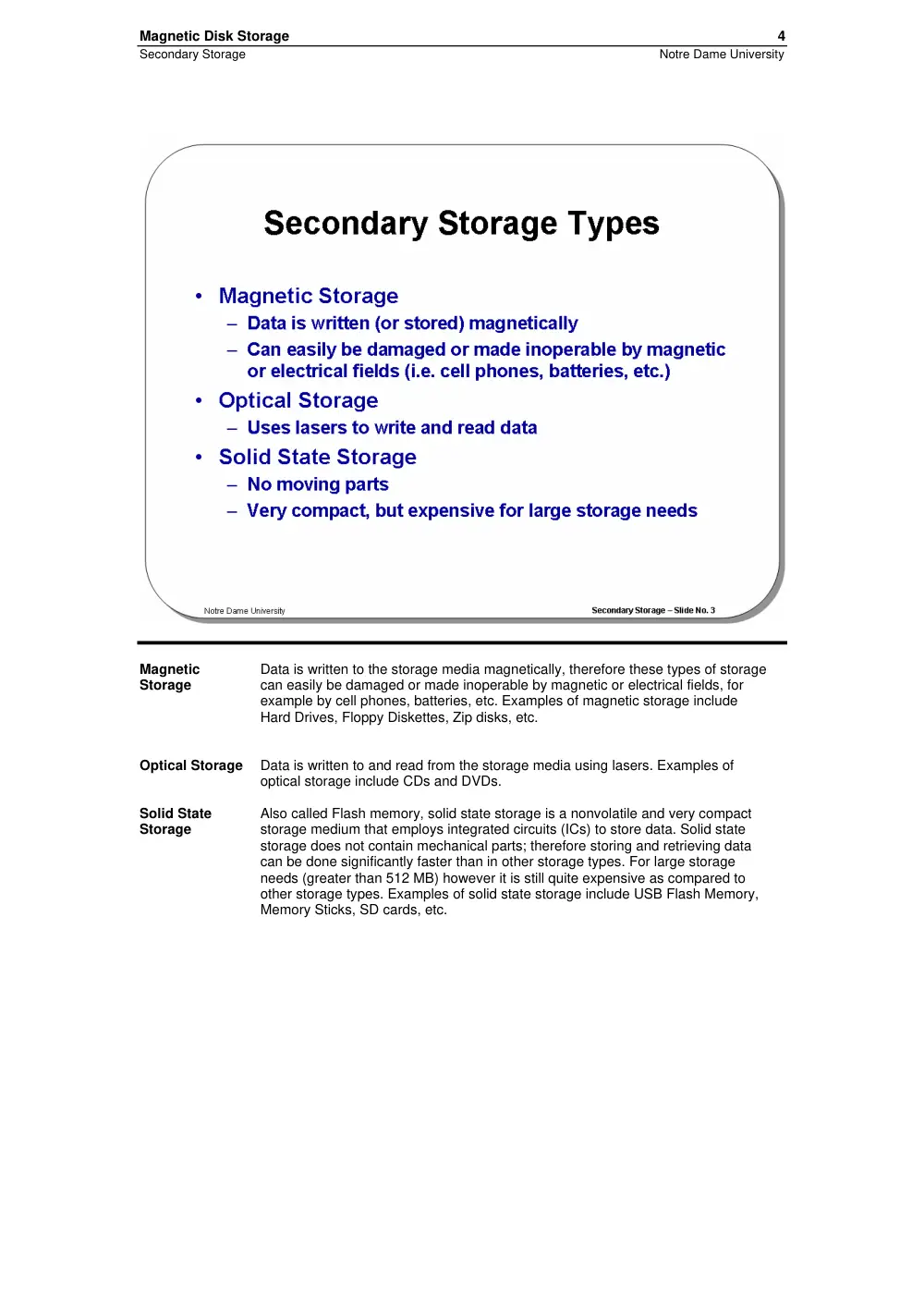
Magnetic
Storage
Data is written to the storage media magnetically, therefore these types of storage
can easily be damaged or made inoperable by magnetic or electrical fields, for
example by cell phones, batteries, etc. Examples of magnetic storage include
Hard Drives, Floppy Diskettes, Zip disks, etc.
Optical Storage
Data is written to and read from the storage media using lasers. Examples of
optical storage include CDs and DVDs.
Solid State
Storage
Also called Flash memory, solid state storage is a nonvolatile and very compact
storage medium that employs integrated circuits (ICs) to store data. Solid state
storage does not contain mechanical parts; therefore storing and retrieving data
can be done significantly faster than in other storage types. For large storage
needs (greater than 512 MB) however it is still quite expensive as compared to
other storage types. Examples of solid state storage include USB Flash Memory,
Memory Sticks, SD cards, etc.
Magnetic Disk Storage
5
Secondary Storage
Notre Dame University
Magnetic Disk Storage
Learning Module Objectives
When you have
completed this
learning
module you
will have:
•
Seen about Diskettes.
•
Seen about Internal and External Hard Disks.
•
Understood Disk structure.
•
Seen about Zip Disks.
•
Seen about Rev Disks.
•
Seen about Tape Backup.
Magnetic Disk Storage
6
Secondary Storage
Notre Dame University
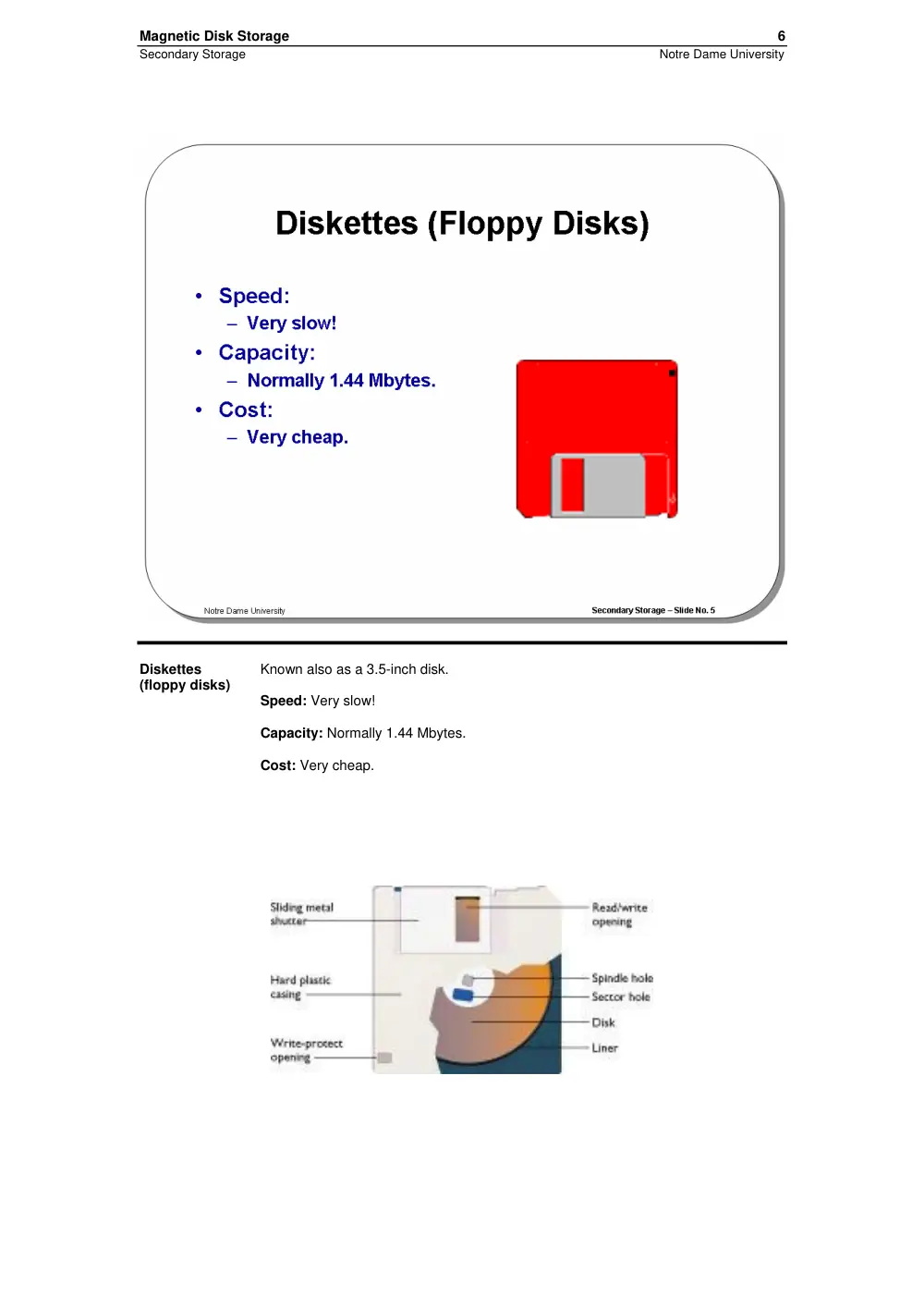
Diskettes
(floppy disks)
Known also as a 3.5-inch disk.
Speed: Very slow!
Capacity: Normally 1.44 Mbytes.
Cost: Very cheap.
Magnetic Disk Storage
7
Secondary Storage
Notre Dame University
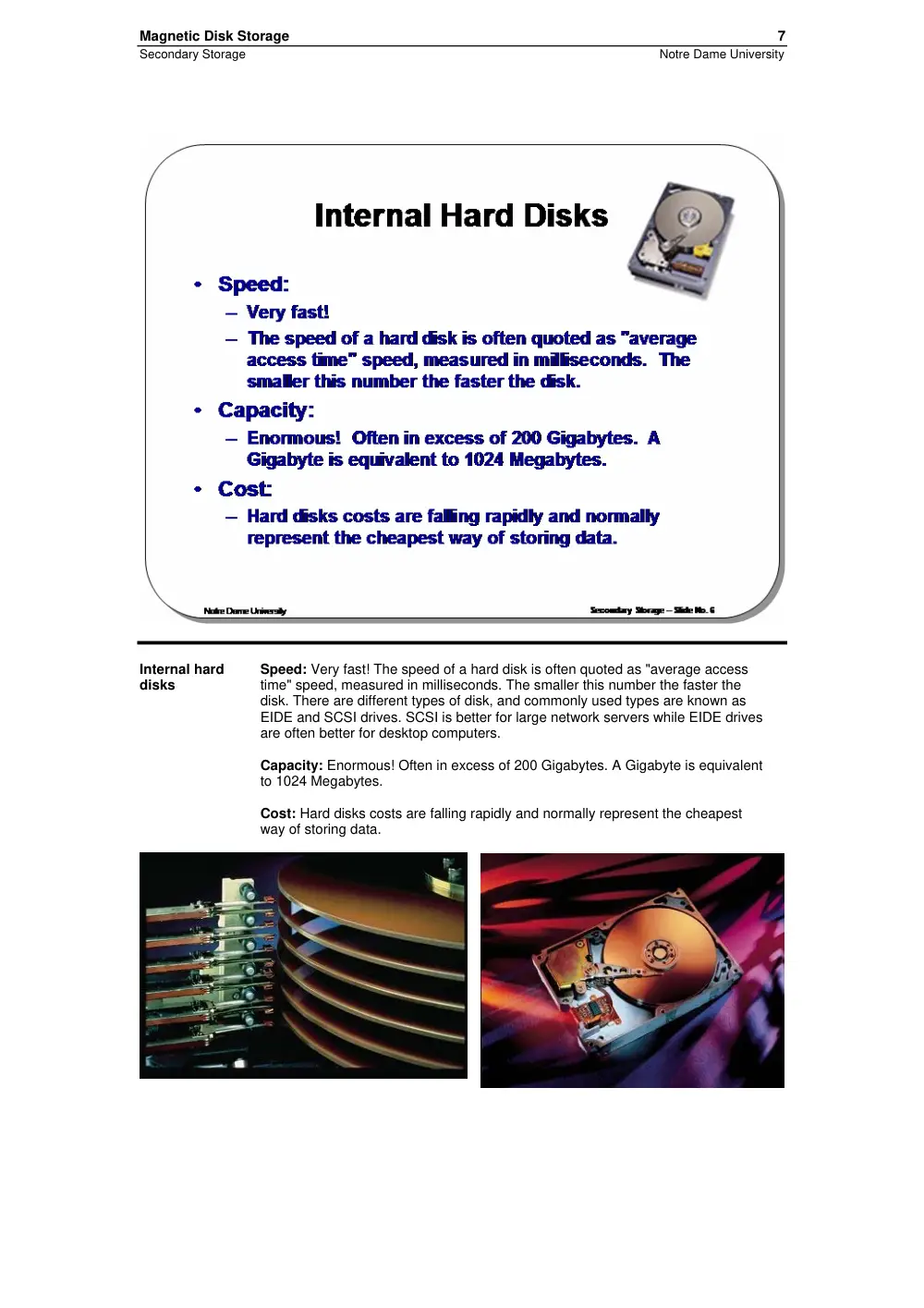
Internal hard
disks
Speed: Very fast! The speed of a hard disk is often quoted as "average access
time" speed, measured in milliseconds. The smaller this number the faster the
disk. There are different types of disk, and commonly used types are known as
EIDE and SCSI drives. SCSI is better for large network servers while EIDE drives
are often better for desktop computers.
Capacity: Enormous! Often in excess of 200 Gigabytes. A Gigabyte is equivalent
to 1024 Megabytes.
Cost: Hard disks costs are falling rapidly and normally represent the cheapest
way of storing data.
Magnetic Disk Storage
8
Secondary Storage
Notre Dame University
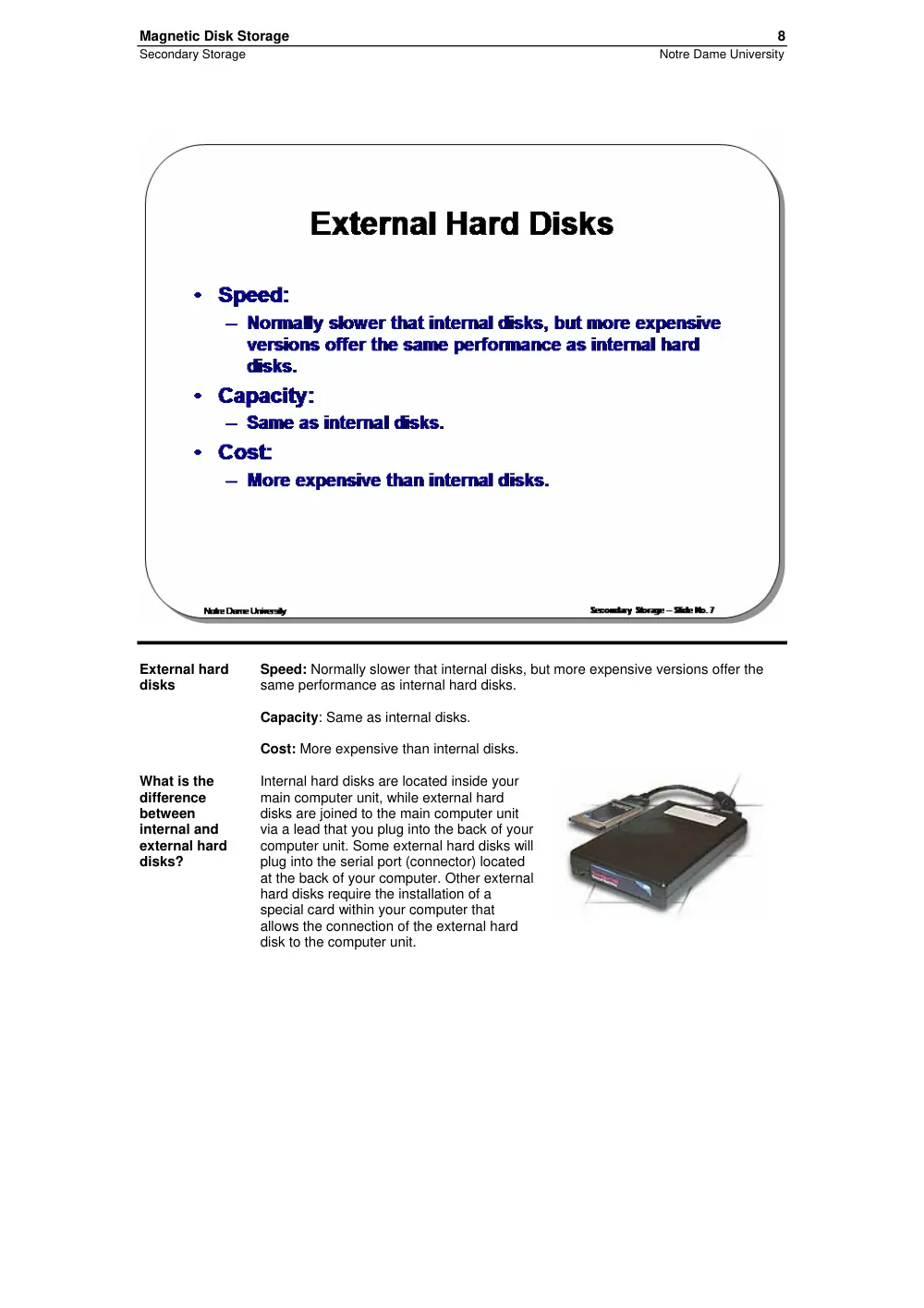
External hard
disks
Speed: Normally slower that internal disks, but more expensive versions offer the
same performance as internal hard disks.
Capacity: Same as internal disks.
Cost: More expensive than internal disks.
What is the
difference
between
internal and
external hard
disks?
Internal hard disks are located inside your
main computer unit, while external hard
disks are joined to the main computer unit
via a lead that you plug into the back of your
computer unit. Some external hard disks will
plug into the serial port (connector) located
at the back of your computer. Other external
hard disks require the installation of a
special card within your computer that
allows the connection of the external hard
disk to the computer unit.
Magnetic Disk Storage
9
Secondary Storage
Notre Dame University
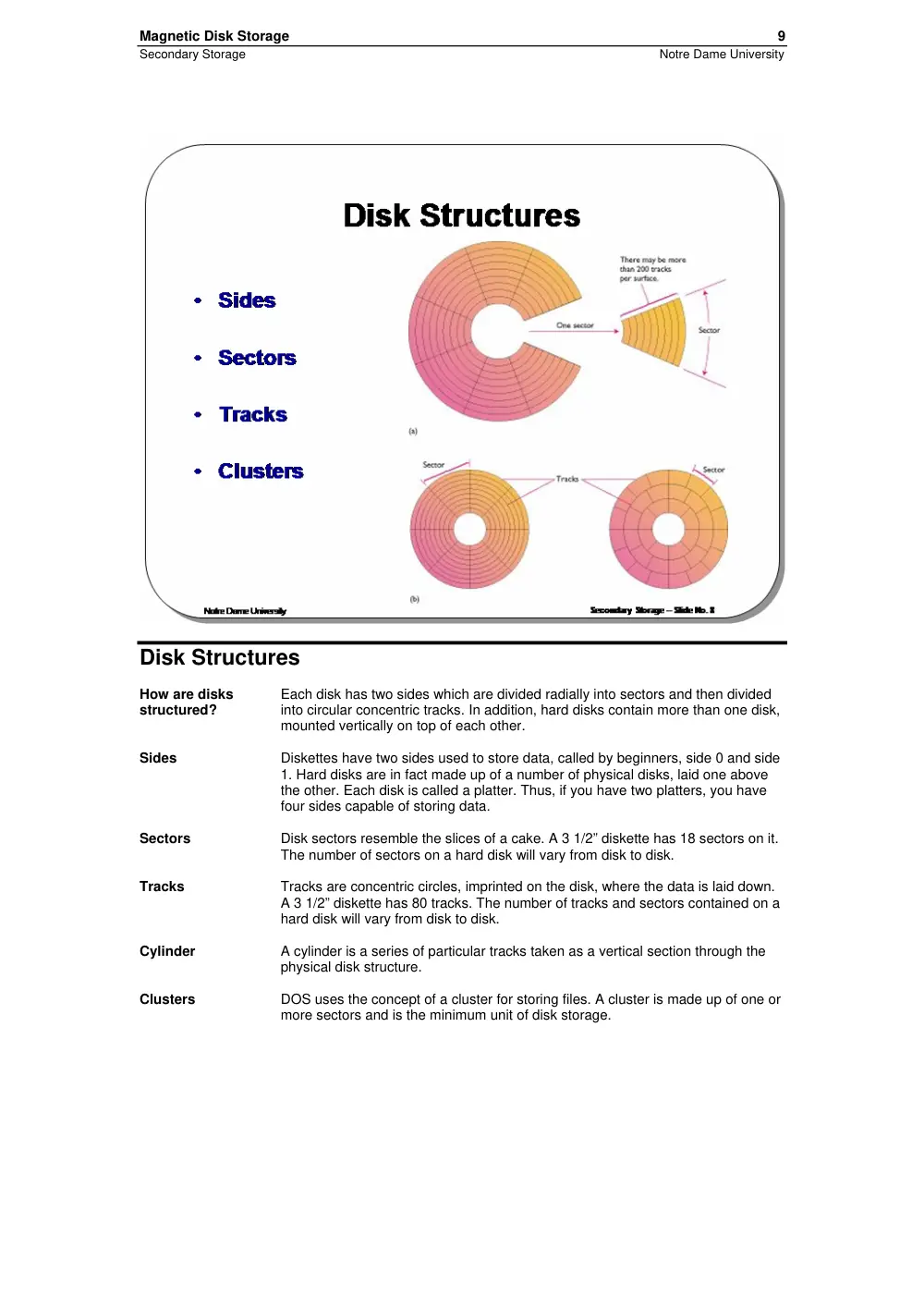
Disk Structures
How are disks
structured?
Each disk has two sides which are divided radially into sectors and then divided
into circular concentric tracks. In addition, hard disks contain more than one disk,
mounted vertically on top of each other.
Sides
Diskettes have two sides used to store data, called by beginners, side 0 and side
1. Hard disks are in fact made up of a number of physical disks, laid one above
the other. Each disk is called a platter. Thus, if you have two platters, you have
four sides capable of storing data.
Sectors
Disk sectors resemble the slices of a cake. A 3 1/2” diskette has 18 sectors on it.
The number of sectors on a hard disk will vary from disk to disk.
Tracks
Tracks are concentric circles, imprinted on the disk, where the data is laid down.
A 3 1/2” diskette has 80 tracks. The number of tracks and sectors contained on a
hard disk will vary from disk to disk.
Cylinder
A cylinder is a series of particular tracks taken as a vertical section through the
physical disk structure.
Clusters
DOS uses the concept of a cluster for storing files. A cluster is made up of one or
more sectors and is the minimum unit of disk storage.
Magnetic Disk Storage
10
Secondary Storage
Notre Dame University
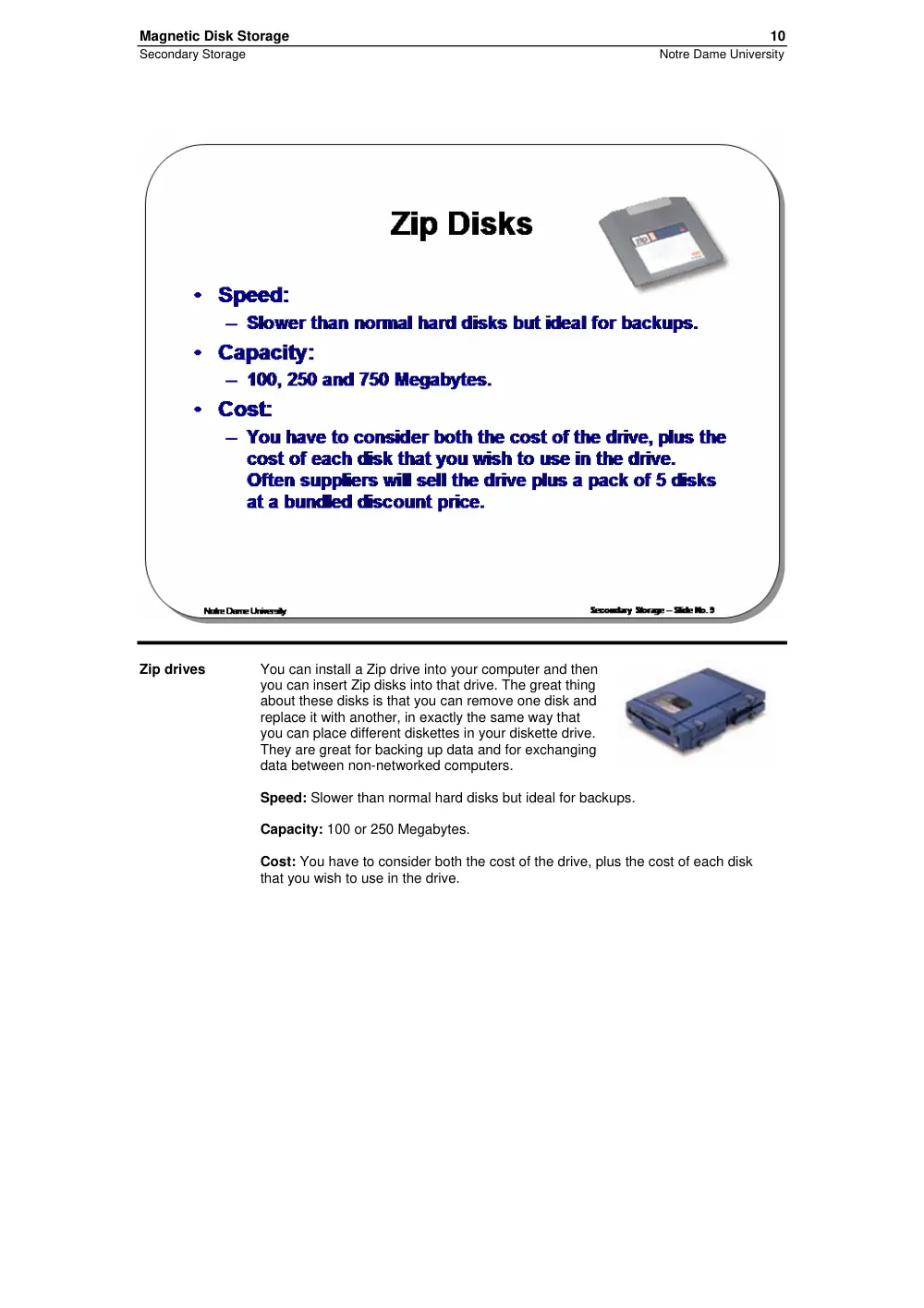
Zip drives
You can install a Zip drive into your computer and then
you can insert Zip disks into that drive. The great thing
about these disks is that you can remove one disk and
replace it with another, in exactly the same way that
you can place different diskettes in your diskette drive.
They are great for backing up data and for exchanging
data between non-networked computers.
Speed: Slower than normal hard disks but ideal for backups.
Capacity: 100 or 250 Megabytes.
Cost: You have to consider both the cost of the drive, plus the cost of each disk
that you wish to use in the drive.
Magnetic Disk Storage
11
Secondary Storage
Notre Dame University
Rev drives
A Rev drive is similar in concept to a Zip drive. The main difference between them
is that a Rev drive can hold a lot more data. But, the disks are not the same as
used in a Zip drive and as a result, you cannot use a Zip disk in a Rev drive or a
Rev disk in a Zip drive.
Rev drives are advertised as a faster and more reliable media for backups than
traditional tape devices.
Speed: Slower than normal hard disks but ideal for backups.
Capacity: Normally 35 Gigabytes but may hold up to 90 Gigabytes of compressed
data assuming 2.6:1 data compression using "high" compression setting in
Iomega Automatic Backup Pro software. This capacity may vary since
compression is data and software dependent.
Cost: You have to consider both the cost of the drive, plus the cost of each disk
that you wish to use in the drive.
More information: http://www.iomega.com
Magnetic Disk Storage
13
Secondary Storage
Notre Dame University
Magnetic Tape Storage
Learning Module Objectives
When you have
completed this
learning
module you
will have:
•
Seen about Tape Backup.
•
Seen about DAT.
Magnetic Disk Storage
14
Secondary Storage
Notre Dame University
Tape backup
A tape backup unit allows for regular backing up
of your data. These tapes can store a vast
amount of data at a low cost.
DAT (Digital Audio Tape) devices are
commonly used for backups. The DAT tapes
that they use can backup enormous amounts of
data (i.e. over 4 GBytes per tape). The devices
are also fast and reliable.
Optical Disk Storage
15
Secondary Storage
Notre Dame University
Optical Disk Storage
Learning Module Objectives
When you have
completed this
learning
module you
will have:
•
Seen about CD Drives.
•
Seen about DVD Drives.
Optical Disk Storage
16
Secondary Storage
Notre Dame University
CD-ROM Disks
Speed: Much slower than hard disks. The original CD-ROM speciation is now
given a value of 1x speed, and later, faster CD-ROMs are quoted as a multiple of
this value. Thus, a 50x CD-ROM is 50 times as fast as the original 1x speed CD-
ROM specification.
Capacity: Around 650 Mbytes.
Cost: Below $100 each.
Optical Disk Storage
17
Secondary Storage
Notre Dame University
CD-ROM
(Compact Disk
– Read Only
Memory)
As originally introduced CD-ROM drives are only capable of reading information
from CDs, they cannot record anything.
CD-R (Compact
Disk –
Recordable)
CD-R drives allow you to write once on special CD-R media which can then be
read by CD-ROM, CD-R and CD-RW drives.
CD-RW
(Compact Disk-
Rewritable)
CD-RW drives allow you to erase and record on CD-RW disks many times,
however some compatibility problems may be encountered when trying to read a
CD-RW disk on a CD-ROM drive.
Optical Disk Storage
18
Secondary Storage
Notre Dame University
DVD Drives
Speed: Much faster than CD-ROM drives but not as fast as hard disks.
Capacity: up to 17 Gbytes.
Cost: Slightly higher than CD-ROM drives.
Optical Disk Storage
19
Secondary Storage
Notre Dame University
Solid State Storage
Learning Module Objectives
When you have
completed this
learning
module you
will have:
•
Seen about Flash Memory.
•
Seen the various formats that Flash Memory is available in.
Optical Disk Storage
20
Secondary Storage
Notre Dame University
USB Flash
Memory
Devices
Speed: Typically slower than a hard disk and dependent upon the type of port (i.e.
USB 1.1 or 2.0) used to connect it to the computer.
Capacity: From 64 MB up to 16 GB.
Cost: Depends upon the capacity and specifications. Some USB flash memory
drives provide boot-up, password protection or MP3 player/recorder capabilities.
Optical Disk Storage
21
Secondary Storage
Notre Dame University
Flash Memory
Cards
Flash memory cards offer a variety of storage capabilities for many of today’s
digital devices (i.e. Digital Cameras, PDAs, etc.). The type you buy is often
determined by the equipment you want to use it in, for example, Memory Stick
was developed by Sony for use in their digital devices.
Many flash memory card readers are also available which will allow you to transfer
data to and from your flash media card to your computer. Often these readers will
support multiple types of flash memory cards so you can quickly and easily
transfer data from many different memory cards without having to connect and
disconnect many separate devices.
Prices will vary depending upon both the brand and size of the flash memory card
you purchase.