
CSC 201 Chapter 2- Hardware, Fall 2001
Notre Dame University–Louaize · Computers and Their Use · 11 pages




Showing the first 10 of 11 pages. Download the PDF to see all of it.
More CSC 201 files
- Chapter 7 · Spring 2007ChapterView
- Chapter 10- MS Excel 2003 · Spring 2007ChapterView
- Chapter 11- Computer in Everyday Life · Spring 2007ChapterView
- Chapter 12- IT and Society · Spring 2007ChapterView
- Chapter 13- MS Powerpoint 2003 · Spring 2007ChapterView
- Chapter 14- Security, Copyright and Law · Spring 2007ChapterView
- Chapter 15- MS Internet Explorer 6 · Spring 2007ChapterView
- Chapter 16- Programming and Languages · Spring 2007ChapterView
Show the text of this chapter
Notre Dame University
Hardware – Slide No. 1
- CHAPTER 2 –
Hardware
Notre Dame University
Hardware – Slide No. 2
Central Processing
Unit
Notre Dame University
Hardware – Slide No. 3
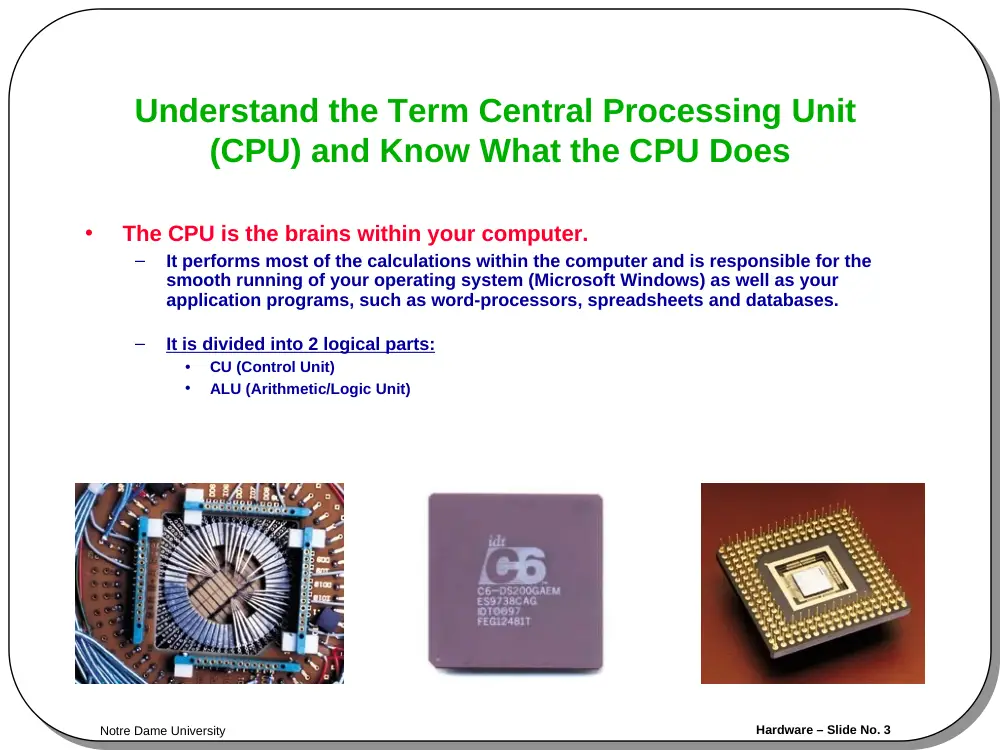
Understand the Term Central Processing Unit
(CPU) and Know What the CPU Does
•
The CPU is the brains within your computer.
–
It performs most of the calculations within the computer and is responsible for the
smooth running of your operating system (Microsoft Windows) as well as your
application programs, such as word-processors, spreadsheets and databases.
–
It is divided into 2 logical parts:
•
CU (Control Unit)
•
ALU (Arithmetic/Logic Unit)
Notre Dame University
Hardware – Slide No. 4
Input Devices
Notre Dame University
Hardware – Slide No. 5
Devices for Inputting Data
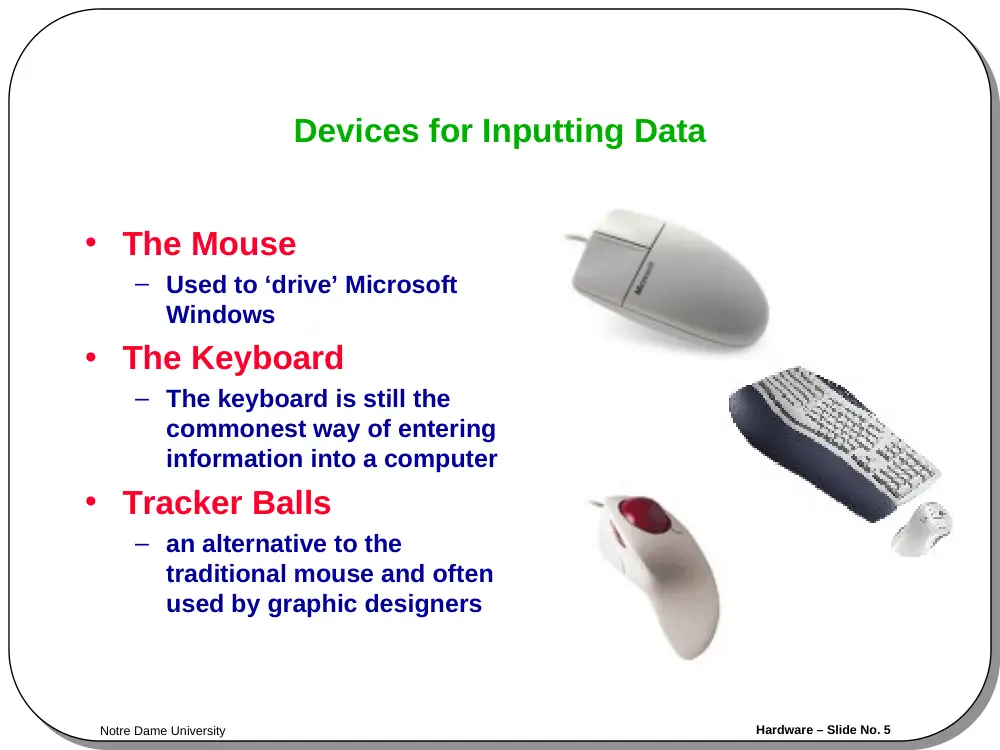
• The Mouse
– Used to ‘drive’ Microsoft
Windows
• The Keyboard
– The keyboard is still the
commonest way of entering
information into a computer
• Tracker Balls
– an alternative to the
traditional mouse and often
used by graphic designers
Notre Dame University
Hardware – Slide No. 6
Devices for Inputting Data
•
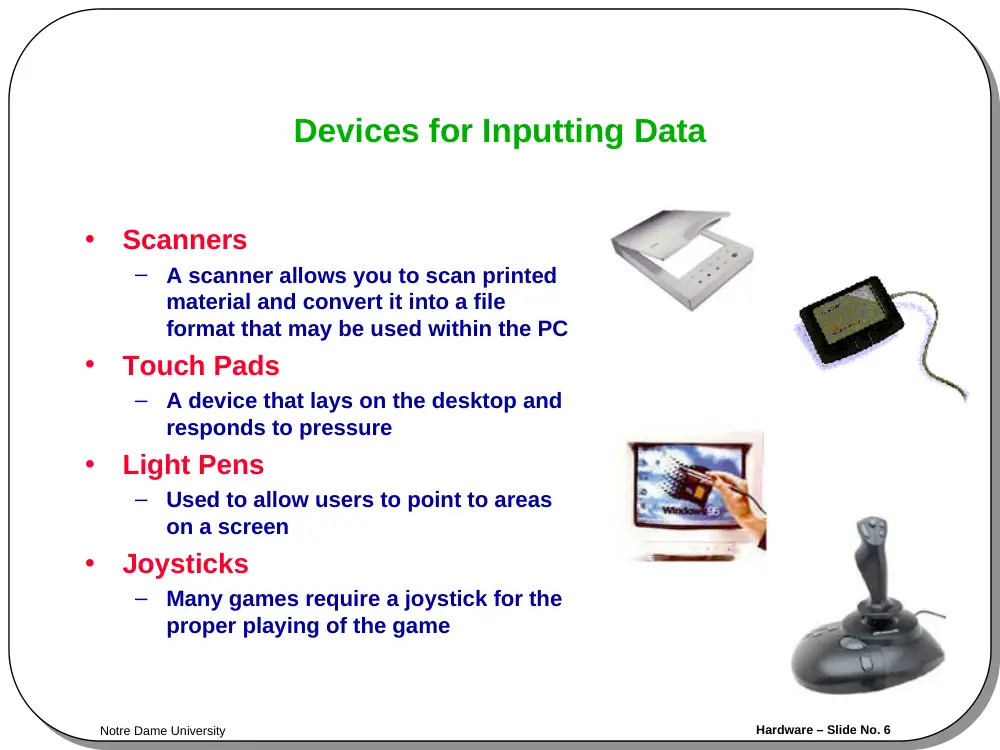
Scanners
–
A scanner allows you to scan printed
material and convert it into a file
format that may be used within the PC
•
Touch Pads
–
A device that lays on the desktop and
responds to pressure
•
Light Pens
–
Used to allow users to point to areas
on a screen
•
Joysticks
–
Many games require a joystick for the
proper playing of the game
Notre Dame University
Hardware – Slide No. 7
Devices for Inputting Data
• Voice Input for PCs
– Such as Microphone.
• Web Cams
– For sound and Video
communication.
• Digital Cameras
– To store pictures digitally on
disks.
Notre Dame University
Hardware – Slide No. 8
Output Devices
Notre Dame University
Hardware – Slide No. 9
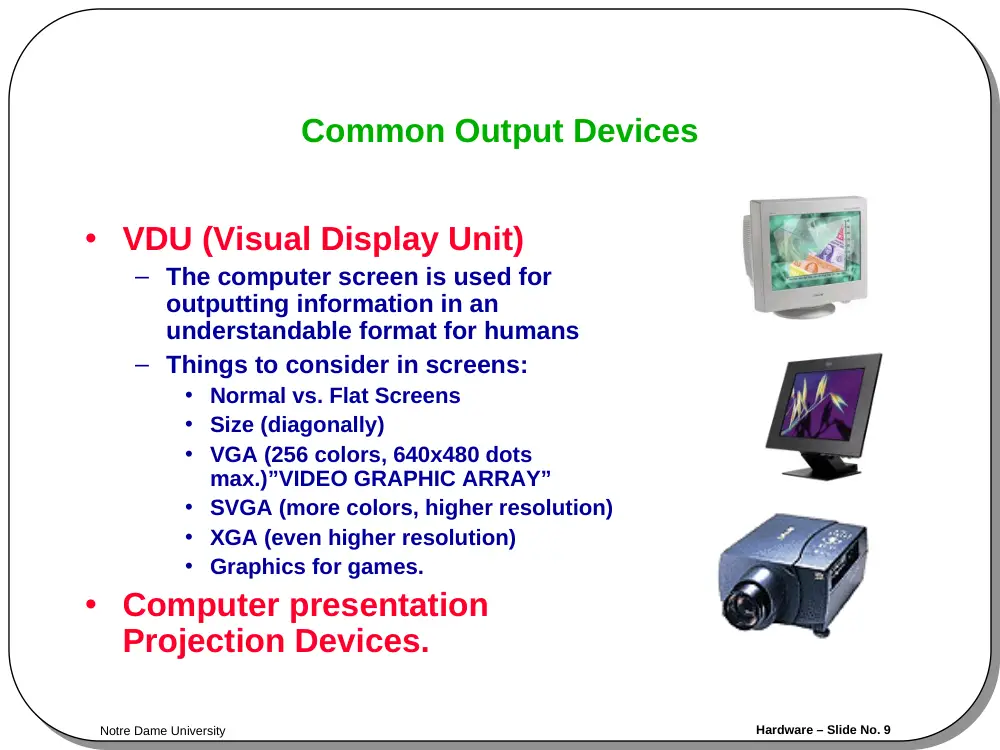
Common Output Devices
• VDU (Visual Display Unit)
– The computer screen is used for
outputting information in an
understandable format for humans
– Things to consider in screens:
• Normal vs. Flat Screens
• Size (diagonally)
• VGA (256 colors, 640x480 dots
max.)”VIDEO GRAPHIC ARRAY”
• SVGA (more colors, higher resolution)
• XGA (even higher resolution)
• Graphics for games.
• Computer presentation
Projection Devices.
Notre Dame University
Hardware – Slide No. 10
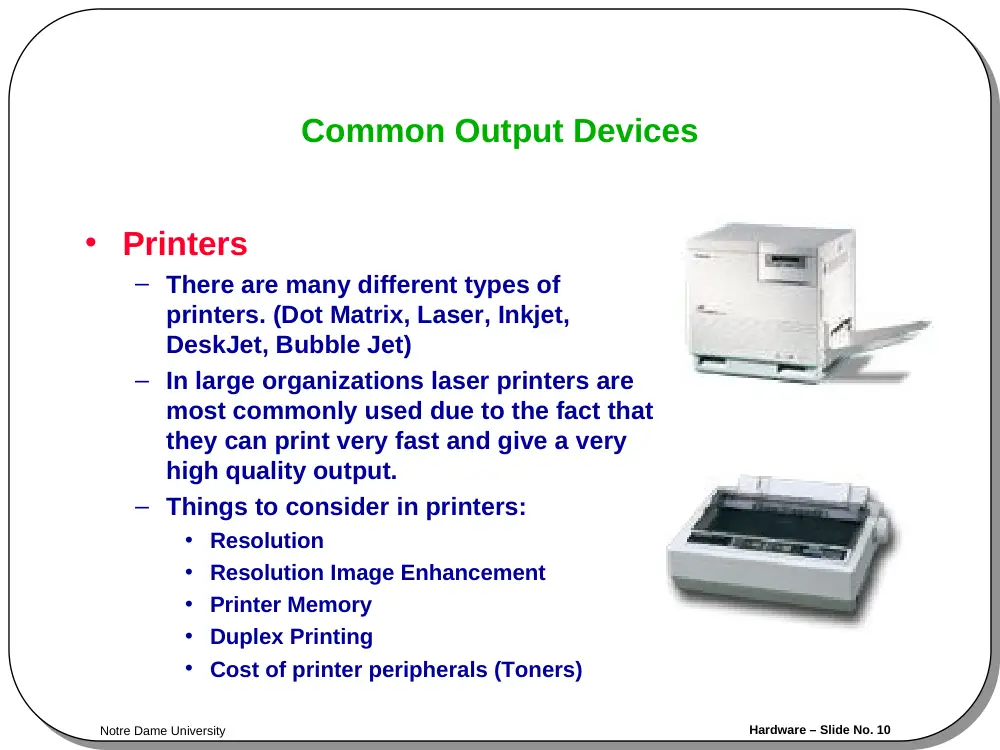
Common Output Devices
• Printers
– There are many different types of
printers. (Dot Matrix, Laser, Inkjet,
DeskJet, Bubble Jet)
– In large organizations laser printers are
most commonly used due to the fact that
they can print very fast and give a very
high quality output.
– Things to consider in printers:
• Resolution
• Resolution Image Enhancement
• Printer Memory
• Duplex Printing
• Cost of printer peripherals (Toners)
Notre Dame University
Hardware – Slide No. 11
Common Output Devices
• Plotters
– A plotter is an output device similar
to a printer, but normally allows you
to print larger images.
• Speakers
– Enhances the value of educational
and presentation products.
• Speech synthesisers
– Gives you the ability to not only to
display text on a monitor but also to
read the text to you