
CSC 201 Chapter 3- Software, Fall 2001
Notre Dame University–Louaize · Computers and Their Use · 12 pages
Showing the first 10 of 12 pages. Download the PDF to see all of it.
More CSC 201 files
- Chapter 7 · Spring 2007ChapterView
- Chapter 10- MS Excel 2003 · Spring 2007ChapterView
- Chapter 11- Computer in Everyday Life · Spring 2007ChapterView
- Chapter 12- IT and Society · Spring 2007ChapterView
- Chapter 13- MS Powerpoint 2003 · Spring 2007ChapterView
- Chapter 14- Security, Copyright and Law · Spring 2007ChapterView
- Chapter 15- MS Internet Explorer 6 · Spring 2007ChapterView
- Chapter 16- Programming and Languages · Spring 2007ChapterView
Show the text of this chapter
Notre Dame University
Software - Slide No. 1
- CHAPTER 3 –
Software
Notre Dame University
Software - Slide No. 2
Types of Software
Notre Dame University
Software - Slide No. 3
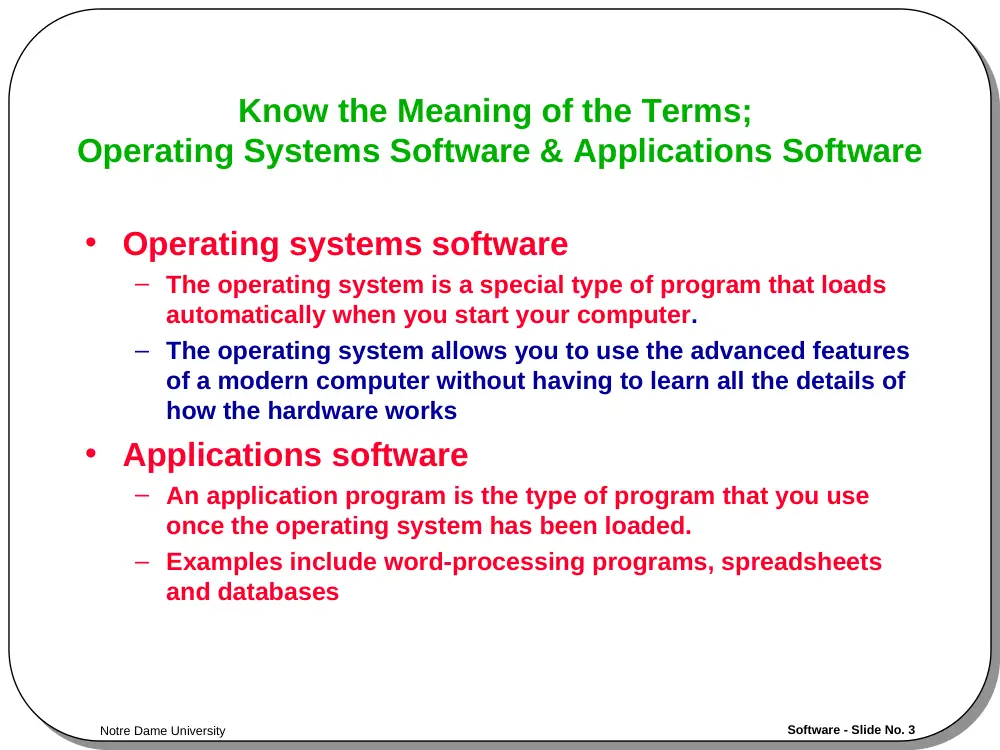
Know the Meaning of the Terms;
Operating Systems Software & Applications Software
• Operating systems software
– The operating system is a special type of program that loads
automatically when you start your computer.
– The operating system allows you to use the advanced features
of a modern computer without having to learn all the details of
how the hardware works
• Applications software
– An application program is the type of program that you use
once the operating system has been loaded.
– Examples include word-processing programs, spreadsheets
and databases
Notre Dame University
Software - Slide No. 4
Operating System
Software
Notre Dame University
Software - Slide No. 5
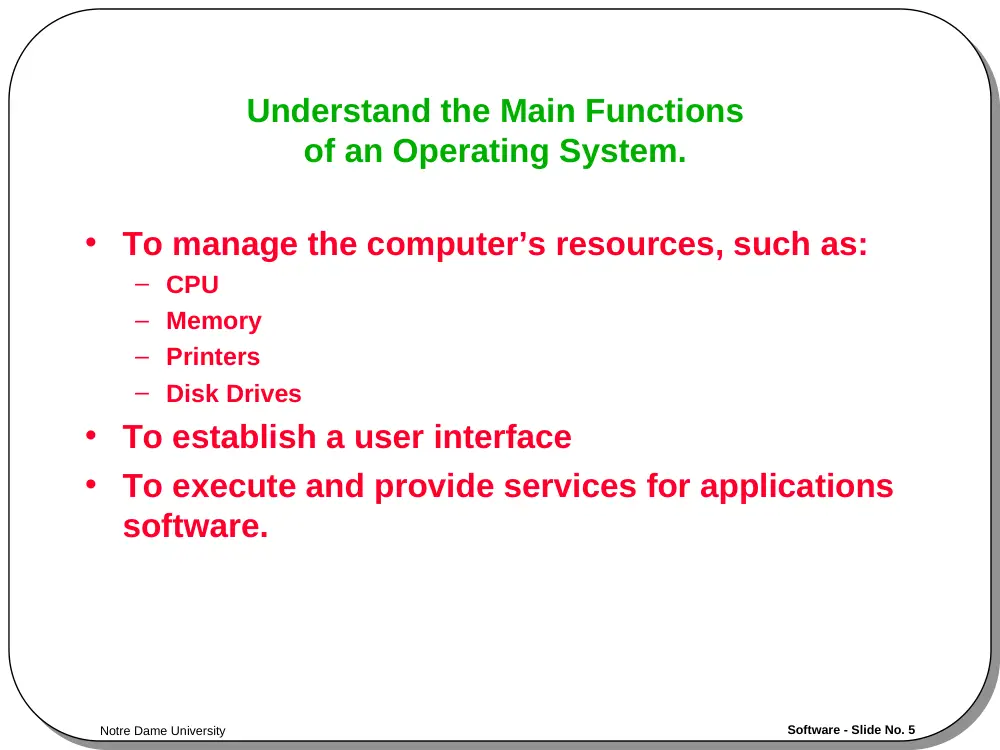
Understand the Main Functions
of an Operating System.
• To manage the computer’s resources, such as:
– CPU
– Memory
– Printers
– Disk Drives
• To establish a user interface
• To execute and provide services for applications
software.
Notre Dame University
Software - Slide No. 6
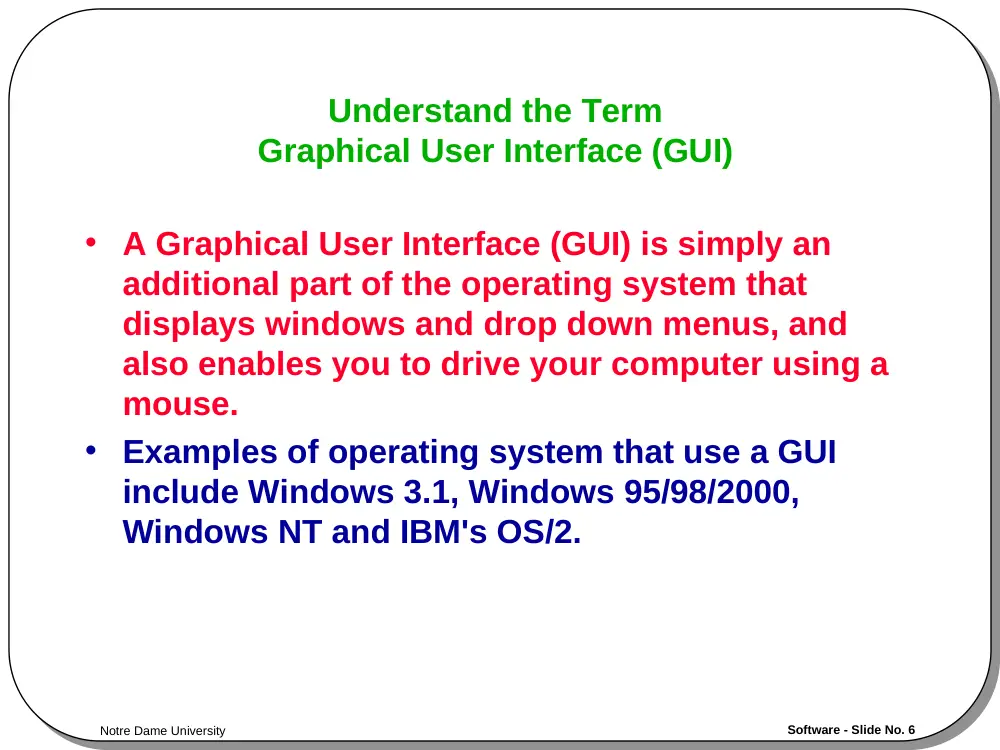
Understand the Term
Graphical User Interface (GUI)
• A Graphical User Interface (GUI) is simply an
additional part of the operating system that
displays windows and drop down menus, and
also enables you to drive your computer using a
mouse.
• Examples of operating system that use a GUI
include Windows 3.1, Windows 95/98/2000,
Windows NT and IBM's OS/2.
Notre Dame University
Software - Slide No. 7
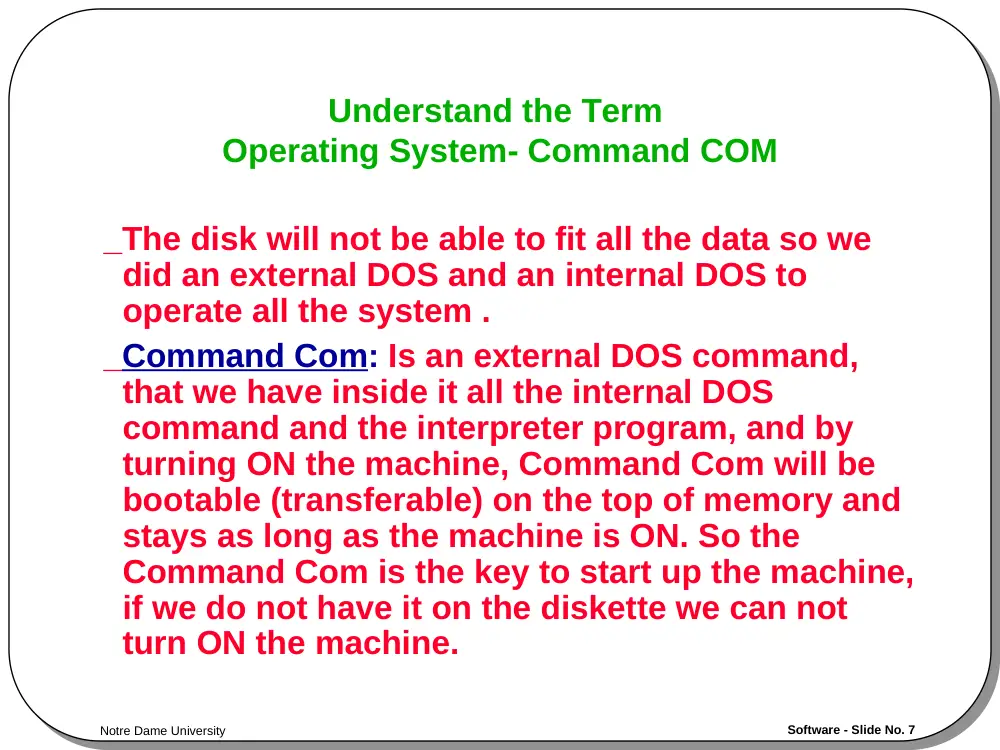
Understand the Term
Operating System- Command COM
_The disk will not be able to fit all the data so we
did an external DOS and an internal DOS to
operate all the system .
_Command Com: Is an external DOS command,
that we have inside it all the internal DOS
command and the interpreter program, and by
turning ON the machine, Command Com will be
bootable (transferable) on the top of memory and
stays as long as the machine is ON. So the
Command Com is the key to start up the machine,
if we do not have it on the diskette we can not
turn ON the machine.
Notre Dame University
Software - Slide No. 8
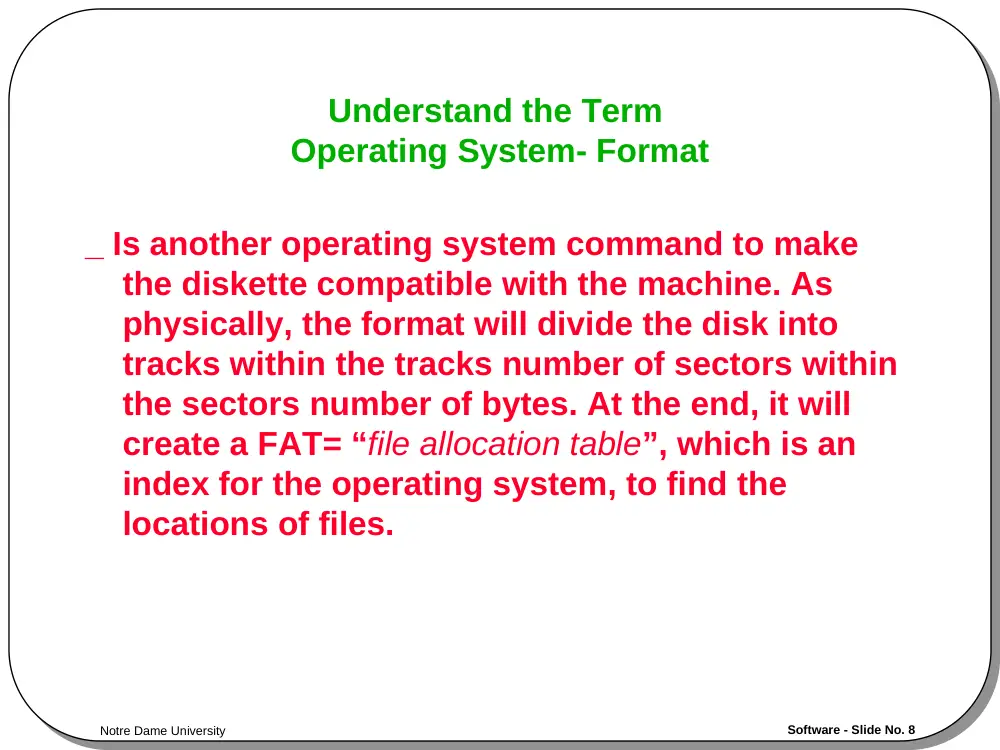
Understand the Term
Operating System- Format
_ Is another operating system command to make
the diskette compatible with the machine. As
physically, the format will divide the disk into
tracks within the tracks number of sectors within
the sectors number of bytes. At the end, it will
create a FAT= “file allocation table”, which is an
index for the operating system, to find the
locations of files.
Notre Dame University
Software - Slide No. 9
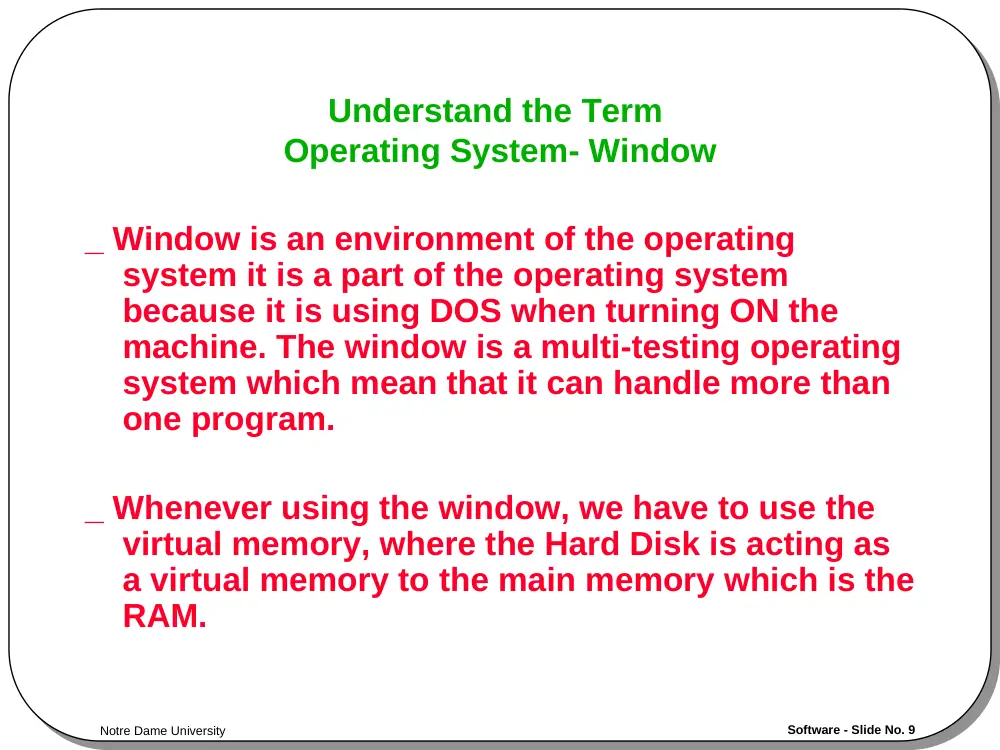
Understand the Term
Operating System- Window
_ Window is an environment of the operating
system it is a part of the operating system
because it is using DOS when turning ON the
machine. The window is a multi-testing operating
system which mean that it can handle more than
one program.
_ Whenever using the window, we have to use the
virtual memory, where the Hard Disk is acting as
a virtual memory to the main memory which is the
RAM.
Notre Dame University
Software - Slide No. 10
Applications Software
Notre Dame University
Software - Slide No. 11
List Some Common Software Applications
Together With Their Uses.
• Word processing applications
– Microsoft Word
– Lotus Word Pro
– WordPerfect
• Spreadsheets
– Microsoft Excel
– Lotus 123
• Database
– Microsoft Access
– Lotus Approach
Notre Dame University
Software - Slide No. 12
List Some Common Software Applications
Together With Their Uses.
• Payroll
– Sage software
• Presentation tools
– Microsoft PowerPoint
– Lotus Freelance
• Desktop publishing
– Abode Photoshop
• Multimedia applications
– Microsoft's Encarta CD-ROM based encyclopaedias
• Web authoring applications
– Microsoft FrontPage