
CSC 414 Chapter, Spring 2008
Notre Dame University–Louaize · Applied Operating Systems · 136 pages
Showing the first 10 of 136 pages. Download the PDF to see all of it.
More CSC 414 files
Show the text of this chapter
1.1
Applied Operating System Concepts
Workshop on Using UNIX:
An Introduction Tutorial
1.2
Applied Operating System Concepts
Workshop Objectives
•
teach the basic system utility commands to get you started with
UNIX.
1.3
Applied Operating System Concepts
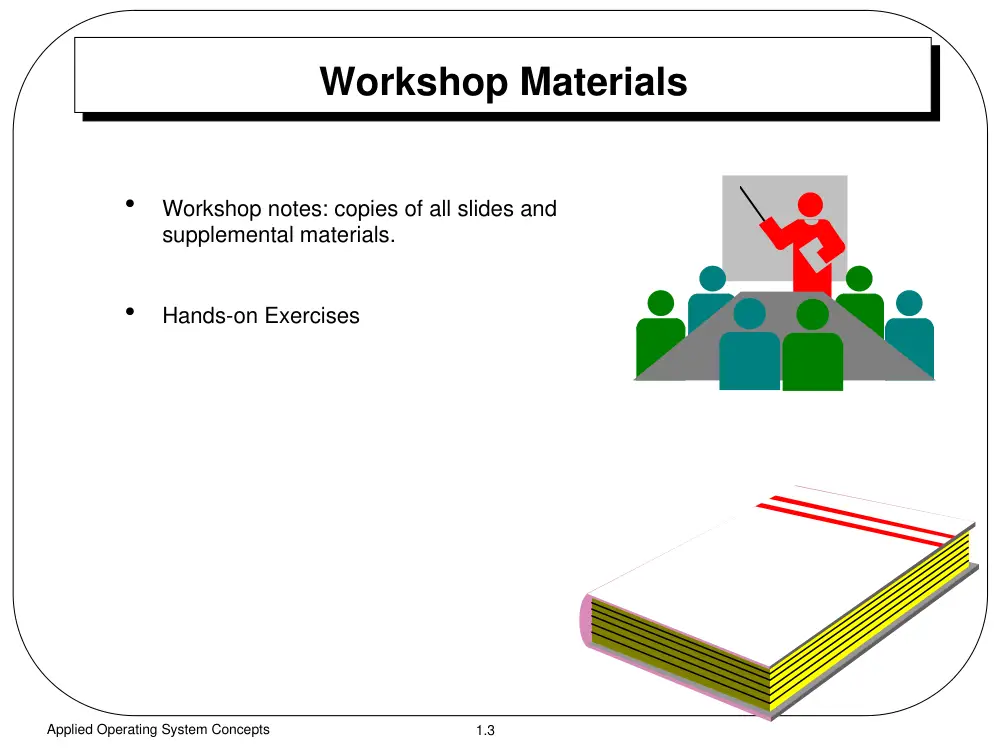
Workshop Materials
•
Workshop notes: copies of all slides and
supplemental materials.
•
Hands-on Exercises
1.4
Applied Operating System Concepts
Workshop Contents
•
Log in and log out of a UNIX system
•
File and directory management
•
Communicating with others
•
Background processes
•
Input and output files
•
Pipes and filters
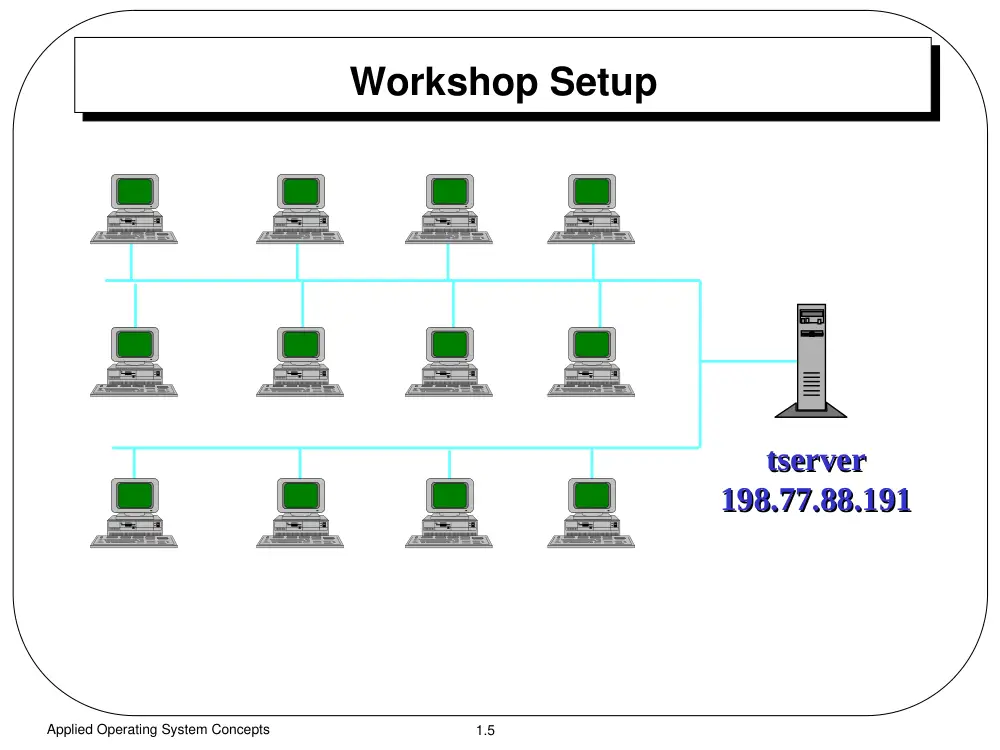
1.5
Applied Operating System Concepts
tserver
tserver
198.77.88.191
198.77.88.191
Workshop Setup
1.6
Applied Operating System Concepts
Using UNIX:
An Introduction Tutorial
1.7
Applied Operating System Concepts
What This Workshop Covers
•
Log in and log out of a UNIX system
•
File and directory management
•
Communicating with others
•
Background processes
•
Input and output files
•
Pipes and filters
1.8
Applied Operating System Concepts
UNIX Features
•
Multi-user and multi-tasking
•
Hierarchical filesystem
•
User-selectable command language (shell)
•
Compatible file, device, and interprocess I/O
•
X Window system
•
Network communication services
1.9
Applied Operating System Concepts
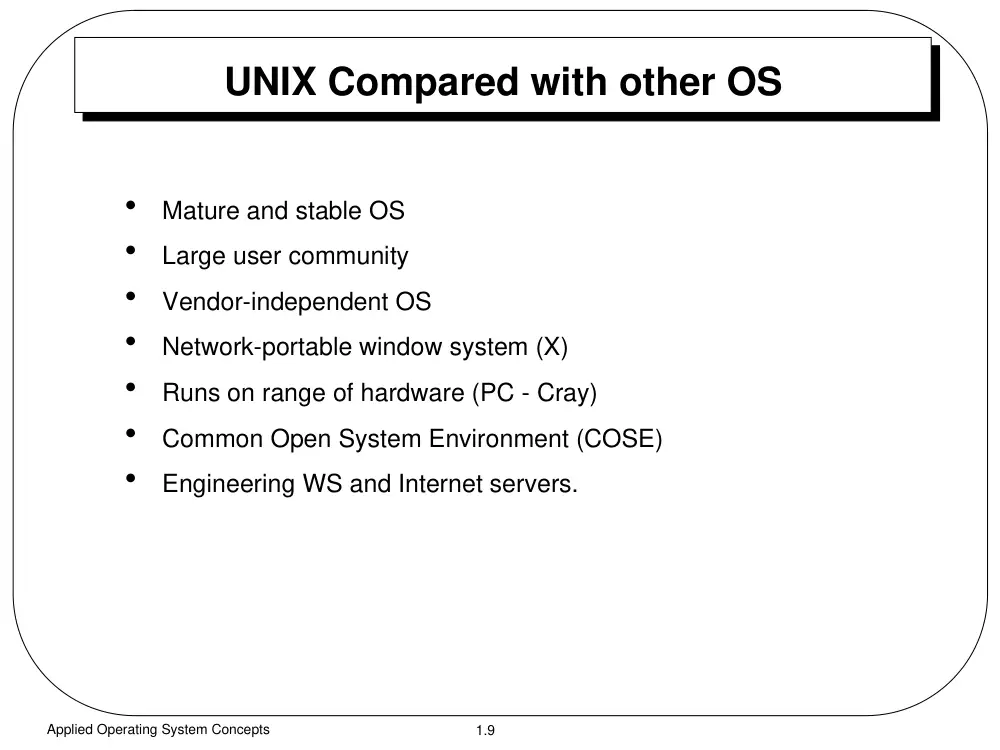
UNIX Compared with other OS
•
Mature and stable OS
•
Large user community
•
Vendor-independent OS
•
Network-portable window system (X)
•
Runs on range of hardware (PC - Cray)
•
Common Open System Environment (COSE)
•
Engineering WS and Internet servers.
1.10
Applied Operating System Concepts
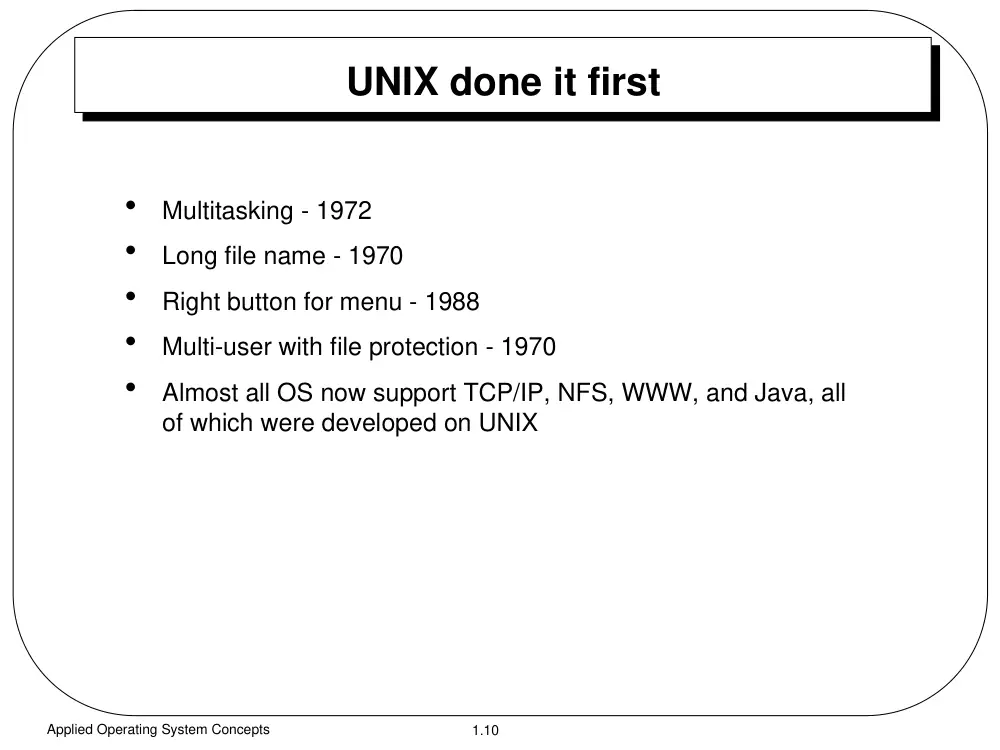
UNIX done it first
•
Multitasking - 1972
•
Long file name - 1970
•
Right button for menu - 1988
•
Multi-user with file protection - 1970
•
Almost all OS now support TCP/IP, NFS, WWW, and Java, all
of which were developed on UNIX
1.11
Applied Operating System Concepts
Command-line Based vs GUI
•
Things can be done beyond what the designers thought of
•
Search and process text files quickly, ask me about “grep”,
“sed”, and “awk”
•
There is no GUI interface for every thing.
1.12
Applied Operating System Concepts
Versions of UNIX
•
AT&T - System V Release 4
•
University of California at Berkeley - BSD 4.4
•
Xenix
•
POSIX
•
SunOS, Solaris
•
SCO UNIX
•
AIX
•
HP/UX
•
LINUX
1.13
Applied Operating System Concepts
Connecting to UNIX
•
Directly connected
– console
– workstation
– dumb terminal
•
From other systems
– telnet / rlogin
– X terminal
– kermit/procomm
1.14
Applied Operating System Concepts
Logging in/out
•
Log in
– Connect to the UNIX system
– Press ENTER key several times, if needed
– At the log in prompt, type your userid (case sensitive) and
press ENTER key.
– At the password prompt, type your password (case
sensitive) and press ENTER key.
•
Log out
– exit or logout
– Ctrl-d
1.15
Applied Operating System Concepts
Changing Passwords
•
When
– First time
– Frequently (4~6 months)
•
How
$ passwd
– old passwd is required
•
What password to choose?
– more than 6-8 character long
– Mixed lower and upper case alphabetical + punctuation
– avoid names, dates, numbers, common words, ...
1.16
Applied Operating System Concepts
UNIX Shell
•
UNIX Shell
– user interface to the system
– interprets commands
– run programs
•
Types
– Bourne (sh), Korn (ksh), C (csh), Bourne Again (bash)
•
Prompt
– “I’m ready and waiting for your command”
– usually “%”, “$”, or “>“
– customizable
Kernel
Hardware
Applications
shells
user
user
1.17
Applied Operating System Concepts
UNIX Command Format
<command> <options> <arguments>
•
First word is the command
•
The rest, if any, are options and arguments
•
Commands are case sensitive and mostly in lowercase
•
A command may or may not have arguments
$ date
$ ls -l
•
Arguments are usually files or directories
$ ls -al /etc
1.18
Applied Operating System Concepts
Commands (2)
•
Options:
– single letters
– prefixed with a dash “-”
– combined or separated (e.g., -al = -a -l)
– come before other arguments
•
Spaces must be inserted between commands, options, arguments
•
Multiple commands are separated by a semicolon “;” and they are executed
sequentially.
•
Control characters: Ctrl-c, Ctrl-h, Ctrl-z, …
•
On-line help (man pages)
1.19
Applied Operating System Concepts
UNIX Filesystem
tmp
tmp
zoman
yusuf
badr
home
home
usr
usr
etc
etc
bin
bin
thesis
bin
mail
ch1.tex
ls
hosts
//
...
...
...
...
...
...
...
...
...
...
User home directory
root directory
1.20
Applied Operating System Concepts
File and Directory Names
•
Case sensitive
•
Any character
•
Avoid “/”, “>“, “ “, “!”,
– they are legal but hard to use with shells
•
Length: 14 characters
•
Must be unique inside its directory
•
Wildcards
– “*”
any number of characters
– “?”
any single character
– “[ ]”
Any one of the characters between the brackets
1.21
Applied Operating System Concepts
pathnames
•
pathname: is an address that locates a directory
or a file in the UNIX file system.
•
Absolute pathname: always starts with “/”
/home/zoman/thesis/ch1.tex
•
Relative pathname: never starts with “/”
thesis/ch1.tex
•
Relative pathname up: using “..”
../thesis/ch1.tex
1.22
Applied Operating System Concepts
Directory Navigation
•
Moving around
$ cd /etc
$ cd thesis/fig
$ cd ..
•
Where am I
$ pwd
/home/zoman
•
Creating/removing
$ mkdir GoodStuff
$ rmdir BadStuff
1.23
Applied Operating System Concepts
Directory Navigation (2)
•
File listing
$ ls
- normal list
$ ls -a
- normal list + plus hidden
files
$ ls -l
- long list
$ ls -al
- long list + hidden files
$ ls -F
- normal list + file type
1.24
Applied Operating System Concepts
bash$ ls -l
total 306
-rwxr-xr-x 1 zoman zoman 30 Aug 26 1996 ChModAll
-rwx------ 1 zoman zoman 50 Aug 26 1996 Dis
-rwxr-xr-x 1 zoman zoman 92 Aug 26 1996 MyClean
-rwxr----- 1 zoman zoman 156 Aug 26 1996 chksp
-rwxr----- 1 zoman zoman 31 Aug 26 1996 d2t
-rwx------ 1 zoman zoman 35 Aug 26 1996 dvi2ps
-rwxr-x--x 1 zoman zoman 40960 Aug 26 1996 hcal
-rwxr-x--x 1 zoman zoman 32768 Aug 26 1996 hdate
-rwx------ 1 zoman zoman 21 Aug 26 1996 mps
-rwx------ 1 zoman zoman 22 Aug 26 1996 pa
-rwxr-x--- 1 zoman zoman 73728 Aug 26 1996 praytime
-rwx------ 1 zoman zoman 42 Aug 26 1996 spl
bash$
Long Listing Files
type
access permission
# of links
ownergroup
size
(bytes)
modification
date and time
name
1.25
Applied Operating System Concepts
Access Permissions
•
Access permission on a file control what can be done to the file
contents
•
Access permission on a directory where the file is kept control
whether the file can be renamed or removed
•
To access a directory, access permission should be allowed for
all of its parent directories all the way up to the root.
1.26
Applied Operating System Concepts
Access Permissions
•
First character shows the file type:
– directory (d)
– plain file (-)
-rwxr-xr-x
-rwxr-xr-x
The rest, specify three types of users
owner
group
others
rwx
rwxr-x
r-xr-x
r-x
who are allowed to
(r) read
(w) write
(x) execute
1.27
Applied Operating System Concepts
Protecting Your Files
•
-r-- --- --- (400)
protect it from accidental editing
•
-rw- --- --- (600)
only you who can edit/read the file
•
-rw- r-- r-- (644)
only you who can edit, others read
•
-rw- rw- rw- (666)
public file!
•
dr-x r-x r-x (555)
anyone can list but can’t
create/delete/rename files
•
dr-x --- --- (500)
only you who do that
•
drwx --- --- (700)
you can do anything but not others
•
drwx r-x r-x (755)
you can do anything, others only list
•
drwx rwx rwx (777)
anyone can do anything!
1.28
Applied Operating System Concepts
Changing Access Permissions
chmod permission files
•
Character Method
$ chmod a=r-x file
$ chmod u=rw- file
$ chmod ugo+r file
$ chmod go-w file
•
Numerical Method
$ chmod 744 file
$ chmod 600 file
1.29
Applied Operating System Concepts
owner
group
others
-rwxrwxrwx
-rwxr-xr-x
-rw-r--r--
-r--------
Numerical Access Permissions
111111111
777
777
111101101
755
755
110100100
644
644
100000000
400
400
1.30
Applied Operating System Concepts
Viewing and Editing Files
•
Listing files
– cat
– head
– tail
•
Listing files page per page
– more
– less
•
Editing files
– vi
– pico
– emacs
1.31
Applied Operating System Concepts
File Manipulation
•
Copy
– cp
•
move (rename)
– mv
•
remove (delete)
– rm
1.32
Applied Operating System Concepts
Communicating with others
•
who
- who is currently using the system
•
talk
- interactive messaging
$ talk user
$ talk user@host.anme
•
e-mail programs
– mail
- simple and old email program
– pine
- simple and easy to use email program
– elm
- powerful email program
1.33
Applied Operating System Concepts
Input/Output Redirection
•
Usually programs read from the keyboard and write output and
error messages to the screen.
•
Each running program opens three files: standard input,
standard output, and standard error associated with the
keyboard, screen, and screen, respectively.
•
Input can be obtained (directed) from a file using “<“ and “<<“.
•
Output can be written (directed) to a file using “>“ and “>>“.
1.34
Applied Operating System Concepts
Piping and Filtering
•
Consider
$ ls /etc > list.temp
$ more list.temp
$ rm list.temp
•
Compare with
$ ls /etc | more
•
Piping
– directing the output of one command to the input of another
– pipe symbol “|”.
1.35
Applied Operating System Concepts
Piping and Filtering (2)
•
grep
– one of the most useful filters in UNIX.
– searches line-by-line for a specified pattern
– outputs any line that matches the pattern
$ grep “zoman” /etc/passwd
$ grep -l “[Zz]oman” .* *
•
advance filters, check man pages
– sed
– awk
1.36
Applied Operating System Concepts
Multi-tasking
•
Time sharing: many processes running “virtually” at the same
time.
•
Each has a process identification number PID
•
Viewing processes
$ ps
$ ps -ef
1.37
Applied Operating System Concepts
Background vs Foreground Processes
•
Foreground process
– one at a time
$ sleep -60
– lock the terminal until it is done
•
Background processes
– one or more can run at the same time in the background
– free up the terminal
$ sleep -60 &
$ sleep -60
Ctrl-z
$ bg
1.38
Applied Operating System Concepts
Canceling/Stopping Processes
•
Canceling a foreground process
Ctrl-c
•
Killing a background process
$ kill pid
- get the pid using ps command
$ kill -9 pid
1.39
Applied Operating System Concepts
Customizing Your Account
•
.profile
- ksh, bsh
•
.login, .cshrc
- csh
•
.bash_profile, .bashrc
- bash
# .bash_profile
# Get the aliases and functions
if [ -f ~/.bashrc ]; then
. ~/.bashrc
fi
# User specific environment
PATH=$PATH:$HOME/bin
ENV=$HOME/.bashrc
USERNAME=""
export USERNAME ENV PATH
1.40
Applied Operating System Concepts
Suggested Reading List
•
Learning the UNIX Operating System
Grace Todino, John Strang, and Jerry Peek, O’Reilly Associates, 1994
•
A Student’s Guide to UNIX
Harely Hahn, McGraw-Hill, 1993
•
UNIX Power Tools
Jerry Peek, Tim O’reilly, Mike Loukides, and others, O’Reilly & Associates and
Random House Electronic Pub. 1993
•
UNIX in a Nutshell (System V & Solaris 2.0)
Daniel Gilly and staff of O’Reilly Associates, 1992.
•
The UNIX Programming Environment
Brin Kernighan and Rob Pike, Prentice-Hall, 1984
1.41
Applied Operating System Concepts
IMPORTANT UNIX Concepts
•
Environment and Shell Variables
– These allow you to customize your UNIX environment
– They are different in terms of their SCOPE
SCOPE determines the visibility of a variable
1.42
Applied Operating System Concepts
Other IMPORTANT UNIX Concepts
•
Environment Variable
– Examples are TERM and DISPLAY
– Set a particular variable to a value by using the setenv
command
– You can print the value of a particular variable or all the
environment variable using the printenv command
1.43
Applied Operating System Concepts
% Environment Variables %
•
Examples
– To set environment variables
– % setenv TERM vt100
– % setenv DOG Goofy
– print out the terminal type
– % printenv TERM
– vt100
– print out all environment variables
– % printenv
1.44
Applied Operating System Concepts
Shell Variables
•
Shell variables are similar to Environment variables
except they have a limited scope, i.e., they exist only
in the shell which they are defined.
•
Environment variables on the other hand, exist in all
its children shells
•
To illustrate this concept, let us look at the following
example
1.45
Applied Operating System Concepts
Environment vs. Shell Variables
% set prompt = "Parent Shell > "
Parent Shell > setenv DOG Goofy
Parent Shell > set mouse=Mickey
Parent Shell > printenv DOG
Goofy
Parent Shell > echo $mouse
Mickey
Parent Shell > xterm &
(YOU SHOULD NOW HAVE A NEW xterm WINDOW)
THIS IS KNOWN AS
“SPAWNING A NEW (OR CHILD) PROCESS”
1.46
Applied Operating System Concepts
Environment vs. Shell Variables
(IN THE NEW xterm WINDOW, DO THE FOLLOWING)
% set prompt = "Child Shell > "
Child Shell > printenv DOG
Goofy
Child Shell > echo $mouse
mouse: Undefined variable.
1.47
Applied Operating System Concepts
Environment vs. Shell Variables
Child Shell > setenv DOG Pluto
Child Shell > set mouse=Minnie
Child Shell > printenv DOG
Pluto
Child Shell > echo $mouse
Minnie
Child Shell > exit
(THE xterm WINDOW SHOULD NOW GO AWAY - THIS PROCESS HAS
NOW BEEN KILLED)
1.48
Applied Operating System Concepts
Environment vs. Shell Variables
Parent Shell >
Parent Shell > printenv DOG
Goofy
Parent Shell > echo $mouse
Mickey
Parent Shell >
1.49
Applied Operating System Concepts
Environment & Shell Variables
Why is this important?
UNIX uses Environment and Shell Variables
control a number of processes
Customizes your working environment
Variables used for UNIX Scripts
They are typically defined and initialized
in your .login and .cshrc files
1.50
Applied Operating System Concepts
Useful Shell Variables
filec
#Allows file completion
path
#List of command
directories
cdpath
#List of candidate
directories to cd into
history
#Number of commands to
remember
1.51
Applied Operating System Concepts
What is shell programming?
•
Shell programming
– automate a set of UNIX commands.
– Just like any programming language
– “wrappers”
black box a customized collection of UNIX
commands.
– Example of shell programs
.login
.cshrc
1.52
Applied Operating System Concepts
.login file
set path=($HOME/bin /usr/local/bin \
/usr/ucb /usr/sbin /bin /usr/bin \
/usr/bin/X11 .)
stty dec new
tset -I -Q
set mail=/usr/spool/mail/$USER
set editmode = emacs
umask 077
biff n
date
1.53
Applied Operating System Concepts
.cshrc file
if ($?prompt) then
set notify
set history = 100
set savehist = 100
alias pd pushd
alias pop popd
alias vt100 "set term = vt100"
endif
1.54
Applied Operating System Concepts
When these files are executed?
.cshrc
–
is automatically executed when you start a new shell
.login
–
only gets executed once when you first login
Can be re-executed by giving the source command
% source .cshrc
1.55
Applied Operating System Concepts
Other useful .login and .cshrc
entries
set filec
set cdpath=(~ ~rvrpci/pub ~/mythesis)
Other common entries
set path=( $path /usr/local/bin)
set path=(/usr/local/bin $path)
1.56
Applied Operating System Concepts
User defined shell program
•
Determine name of command
•
Determine input, output, and option arguments
•
Determine UNIX commands to execute
•
Establish error trapping
•
Make shell program executable
1.57
Applied Operating System Concepts
A simple shell program
• dd command to swap bytes
% dd if=input.dat of=output.dat bs=2 conv=swab
•
Very difficult to remember
•
Very little utility to non-UNIX geeks (normal people)
1.58
Applied Operating System Concepts
We would rather see...
% swap_bytes input.dat output.dat
1.59
Applied Operating System Concepts
Special Shell Variables Set
% swap_bytes input.dat output.dat
$0
$1
$2
$argv[1]
$argv[2]
command
1.60
Applied Operating System Concepts
Another Special
Shell Variables
% swap_bytes input.dat output.dat
$#argv
Indicates how many arguments are present
In this case, 2