
EECE 200 Lecture 9, Fall 2010
American University of Beirut · Introduction to Electrical and Computer Engineering · 35 pages





Showing the first 10 of 35 pages. Download the PDF to see all of it.
More EECE 200 files
Show the text of this lab
Project Management ‐‐‐ An Introduction
(Project Planning and Scheduling)
Guest Lecture
EECE 200
Fall 2009‐2010
Ali Yassine
Engineering Management Program
American University of Beirut
ali.yassine@aub.edu.lb
■ Definitions: project, activity, project plan,
schedule, etc.
■ Project planning using Work Break‐down
Structure (WBS) method
■ Project scheduling tools: Gantt chart & Critical
Path Method (CPM)
■ Design structure matrix (DSM) method
■ Conclusion
Outline
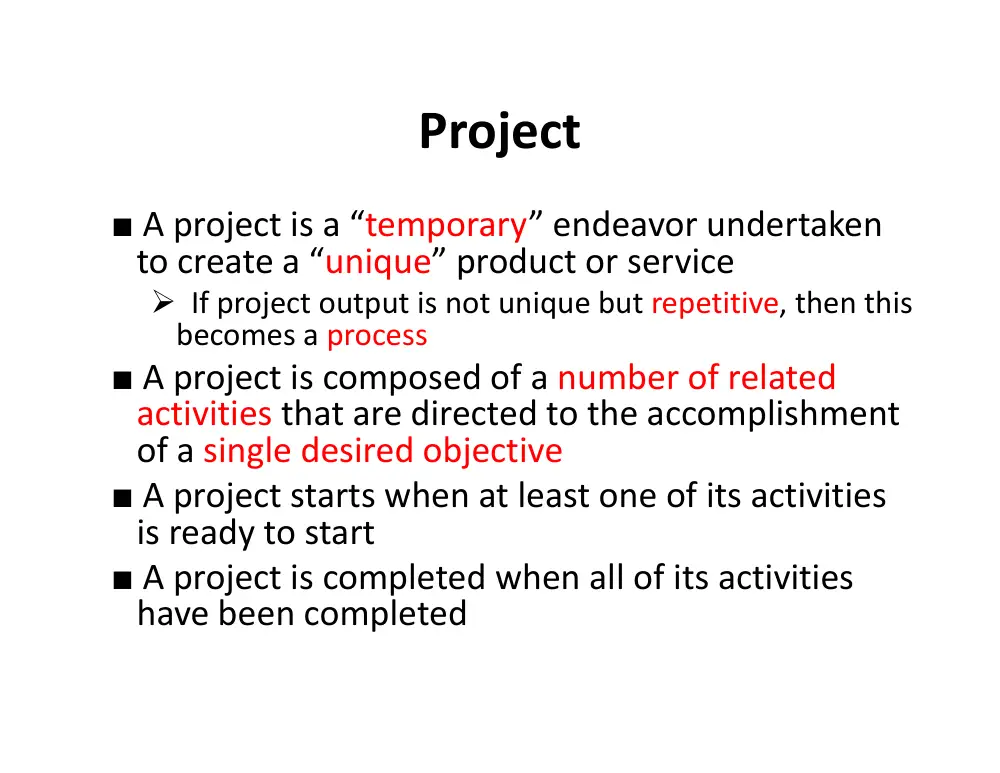
■ A project is a “temporary” endeavor undertaken
to create a “unique” product or service
If project output is not unique but repetitive, then this
becomes a process
■ A project is composed of a number of related
activities that are directed to the accomplishment
of a single desired objective
■ A project starts when at least one of its activities
is ready to start
■ A project is completed when all of its activities
have been completed
Project
■ An activity (also called a task):
– Must have a clear start and a clear stop
– Must have a duration that can be forecasted
– May require the completion of other activities
before it begins – prerequisite activities
– should have some ‘deliverables’ for ease of
monitoring
Activity
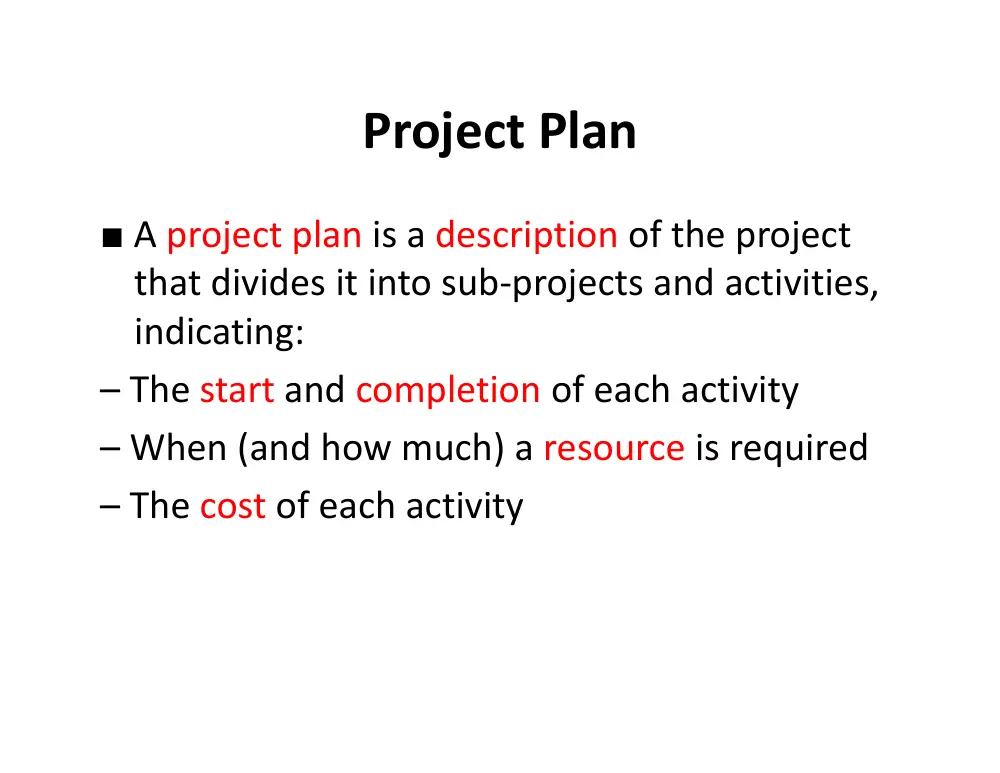
■ A project plan is a description of the project
that divides it into sub‐projects and activities,
indicating:
– The start and completion of each activity
– When (and how much) a resource is required
– The cost of each activity
Project Plan
■ Establish directions for project team
■ Motivate normally disorganized people
■ Make allowance for risk – Assess amount of
damage from possible delays & propose
response
■ Well planned projects are executed on time
and budget
Reasons for Project Planning
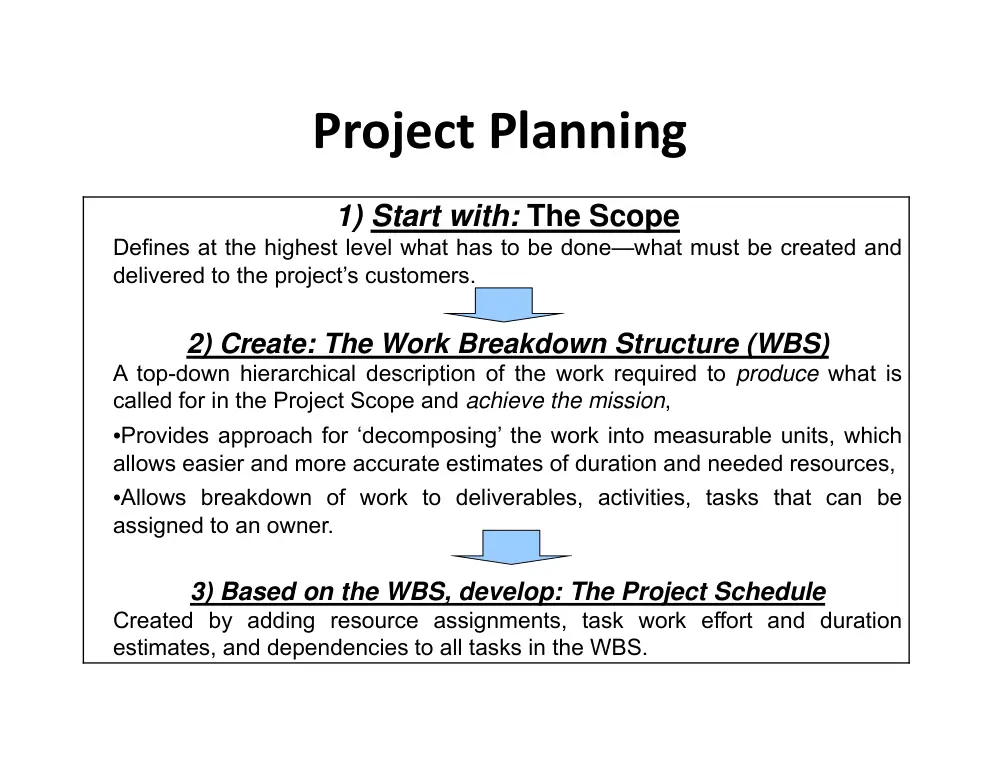
Project Planning
1) Start with: The Scope
Defines at the highest level what has to be done—what must be created and
delivered to the project’s customers.
2) Create: The Work Breakdown Structure (WBS)
A top-down hierarchical description of the work required to produce what is
called for in the Project Scope and achieve the mission,
•Provides approach for ‘decomposing’ the work into measurable units, which
allows easier and more accurate estimates of duration and needed resources,
•Allows breakdown of work to deliverables, activities, tasks that can be
assigned to an owner.
3) Based on the WBS, develop: The Project Schedule
Created by adding resource assignments, task work effort and duration
estimates, and dependencies to all tasks in the WBS.
■ Contains a list of activities for a project derived from:
– Previous experience
– Expert brainstorming
■ WBS helps in:
– identifying the main activities
– break each main activity down into sub‐activities which
can further be broken down into lower level sub‐
activities
■ WBS problems:
– Too many levels
– Too few levels
Work Breakdown Structure (WBS)
Creating WBS Formats
Level 1
Level 2
Level 2
Level 3
Level 3
Level 3
Indented List
Hierarchical Tree
Level 1
Level 2‐1
Level 2‐2
Level 3‐1
Level 3‐2
Level 3‐2
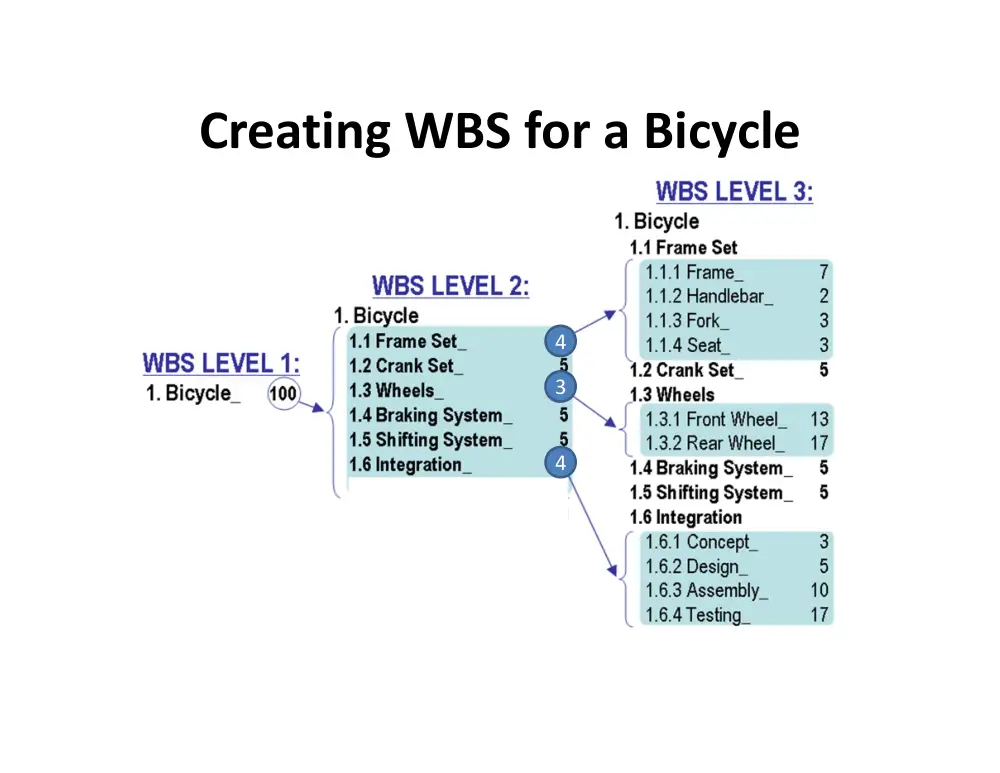
Creating WBS for a Bicycle
4
3
4
Activity Duration & Predecessors
• Realistic estimate of the time for each task
– Based on prior experience on similar projects
– Extrapolation
– Depend on availability of resources
– Any reasonable “guesstimate” is better than no
estimate at all
• Capture and document dependencies
Network Representation ‐ AON
Activity Name
Duration
(days)
Predecessors
A
14
None
B
3
None
C
3
A,B
D
7
B
E
4
C,D
F
10
E
• Critical Path = longest chain of activities
– Determines the minimum project duration
– Delaying any task on this path results in an overall
project delay by the same amount
– Resource constraints may also change logic
• Critical activity = an activity on the critical path
Critical Path & Activities
• Gantt chart
• CPM = Critical Path Method
• PERT = Project Evaluation & Review Technique
• LOB = Line of Balance
Project Scheduling Tools
• Developed in 1918 by H.L. Gantt
• Graph or bar chart with a bar for each activity
that shows passage of time
• Provides visual display of project schedule
• Limitations
– Does not give a clear indication of
interrelation between the activities
Gantt Chart
Example of Gantt Chart
Critical Path Method (CPM)
■ Developed by Du Pont Chemical Company and
published in 1958
■ Primary objectives:
– Plan for the fastest completion of the project
– Identify activities whose delays is likely to
affect the completion date for the whole
project
– Very useful for activities with known
completion time
Benefits of CPM Analysis
■ During planning stage
– Shortening the critical path will reduce the overall project
duration
– Can we decrease the completion time by spending more
money
■ During management stage
– Pay more attention to those activities which fall on the
critical path
CPM Calculations
■ The forward pass
– calculate the earliest start dates of the activities to
calculate the project completion date
■ The backward pass
– calculate the latest start dates for activities to
identify the critical path
A Simple Example
Activity Name
Duration
(days)
Predecessors
A
14
None
B
3
None
C
3
A,B
D
7
B
E
4
C,D
F
10
E
Critical Path by Enumeration
A‐C‐E‐F
14+3+4+10=31 weeks
B‐D‐E‐F
3+7+4+10=24 weeks
B‐C‐E‐F
3+3+4+10=20 weeks
Forward Pass
A‐C‐E‐F
14+3+4+10=31 weeks
B‐D‐E‐F
3+7+4+10=24 weeks
B‐C‐E‐F
3+3+4+10=20 weeks
… and backward pass
Activity Slack or Float
■ Time allowed for an activity to delay
■ 2 different types:
– Total float (without affecting project completion)
= latest start– earliest start
– Free float (without affecting the next activity)
= earliest start of next activity – latest finish of
previous activity
… and Slack Calculations
26
• Rework & Iteration
– Test results, Planned design reviews, Design
mistakes, Coupled nature of the design
Traditional Project Management Tools
Fail to Manage Design Iteration?
Automotive Stamping Die Design
Panel
Design
Die
Design
Manufacturability
Evaluation
Prototype
Die
Production
Die
Surface
Modeling
Panel
Data
Verification
Data
Surface
Data
Analysis Results
Surface
Data
Surface
Data
Analysis
Results
Die
Geometry
Die
Geometry
Verification
Data
28
A Graph and its Corresponding Matrix
Representation
A
B
C
D
E
F
G
H
I
A
A
X
B
B
X
C
X
C
D
D
X
E
E
F
X
F
X
G
G
H
X
X
H
I
X
I
A
C
D
B
H
F
G
E
I
29
The Design Structure Matrix:
An Information Exchange Model
Interpretation:
• Task D requires information from tasks E, F, and L.
• Task B transfers information to tasks C, F, G, J, and K.
Note:
• Information flows are easier to capture than work flows.
• Inputs are easier to capture than outputs.
C
D
A
B
G
H
E
F
K
L
I
J
C
D
A
B
G
H
E
F
K
L
I
J
•
•
•
•
•
•
•
•
•
•
•
•
30
The Design Structure Matrix
(Partitioned or Sequenced)
Task
Sequence
Note:
Coupled tasks can be identified uniquely.
The display of the matrix can be manipulated to
emphasize certain features of the process flow.
C
D
A
B
G
H
E
F
K
L
I
J
C
D
A
B
H G
E
F
K
L
I
J
Series
Parallel
Coupled
•
•
•
•
•
•
•
•
•
•
•
•
31
Sequencing Algorithm
• Step 1: Schedule tasks with empty rows first
• Step 2: Once scheduled, delete the row and column
for that task
• Step 3: Repeat (Go to step 1)
• Step 4: Schedule tasks with empty columns last
• Step 5: Once scheduled, delete the row and column
for that task
• Step 6: Repeat (Go to step 3)
• Step 7: All the tasks that are left unscheduled are
coupled. Group them into blocks around the diagonal
32
Example: Brake System Design
1
2
3
4
5
6
7
8
9 10 11 12 13
Customer_Requirements
1
1
Wheel Torque
2
2
X
Pedal Mech. Advantage
3
X
3
X X
X
X
X
System_Level_Parameters
4
X
4
Rotor Diameter
5
X X X X
5
X X
X X
X
ABS Modular Display
6
X
6
X
Front_Lining_Coef._of_Friction
7
X X X
7
X
X
X
Piston-Rear Size
8
X
X
8
X
Caliper Compliance
9
X X
9
X
X
Piston- Front Size
10
X
X
X
10
Rear Lining Coef of Friction
11
X X X
X
X 11
X
Booster - Max. Stroke
12
12 X
Booster Reaction Ratio
13
X X X X
X X X X X X 13
33
Partitioned DSM: Brake Design
1
4
2 10 8
3 11 7 13 5 12 9
6
Customer_Requirements
1
1
System_Level_Parameters
4
X
4
Wheel Torque
2
X
2
Piston- Front Size
10
X X 10 X
Piston-Rear Size
8
X X X
8
Pedal Mech. Advantage
3
X X
X X
3
X X
Rear Lining Coef of Friction
11
X
X X X 11
X X
Front_Lining_Coef._of_Friction
7
X
X X X
7
X X
Booster Reaction Ratio
13
X X X X X X X 13 X
Rotor Diameter
5
X X X X X X X X X
5
Booster - Max. Stroke
12
X
12
Caliper Compliance
9
X
X
X
X
9
ABS Modular Display
6
X
6
END
Questions
•What is a project?
•What is work breakdown structure (WBS)?
•What does the term CPM stand for?
•What is a critical path?
•What is a critical activity?