
EECE 433 Notes Asp.net Tutorial, Spring 2012
American University of Beirut · Database Systems · 5 pages

More EECE 433 files
- Useful File Solution Manual · Spring 2012File · with solutionView
- Chapter 8 · Spring 2012ChapterView
- Chapter 7 · Spring 2012ChapterView
- Notes · Spring 2012NotesView
- Problems Chapter 1 & 2 · Spring 2012ChapterView
- Problems Chapter 3 · Spring 2012ChapterView
- Problems Chapter 6 Handout · Spring 2012ChapterView
- Syllabus · Spring 2012LabView
Show the text of this file
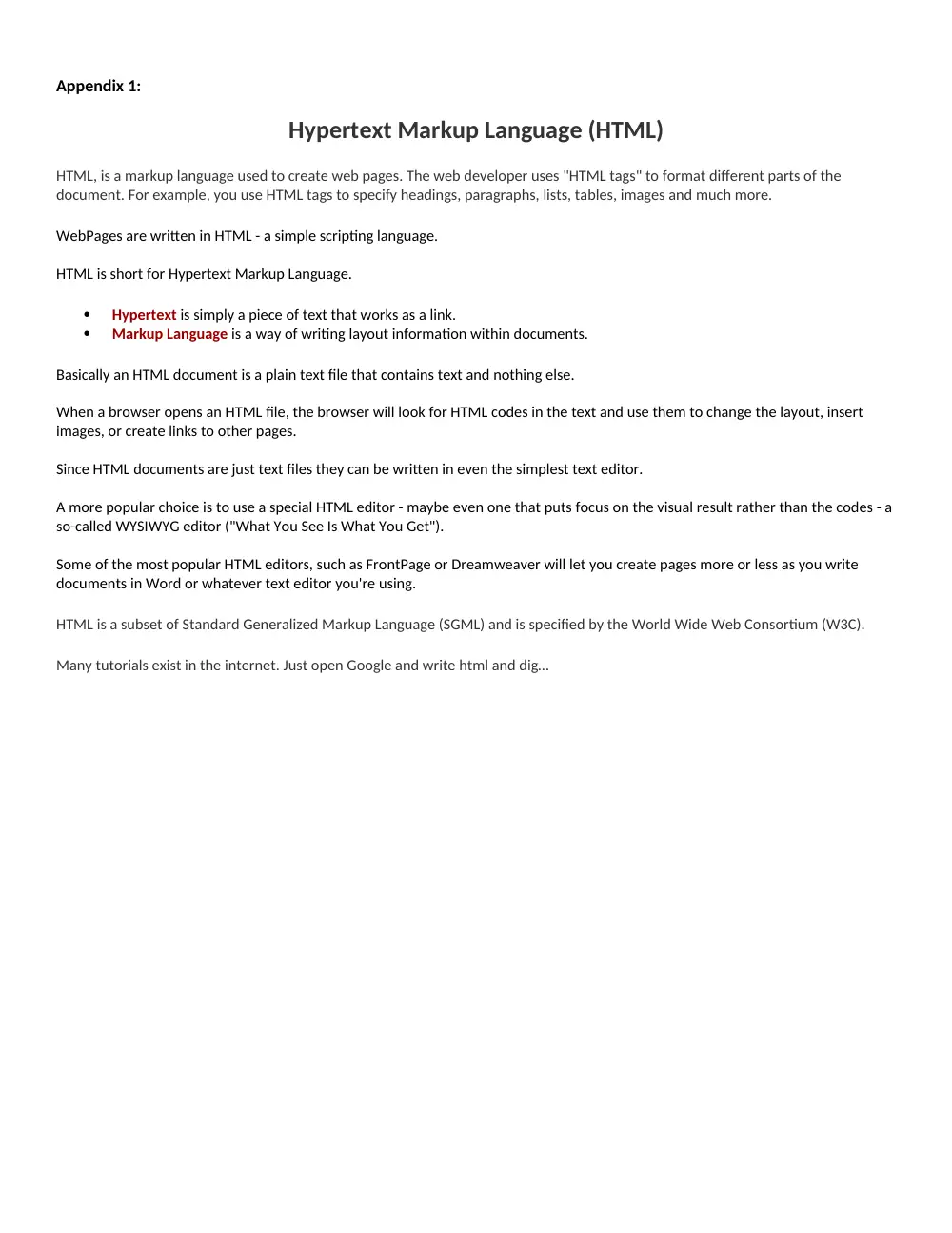
Appendix 1:
Hypertext Markup Language (HTML)
HTML, is a markup language used to create web pages. The web developer uses "HTML tags" to format different parts of the
document. For example, you use HTML tags to specify headings, paragraphs, lists, tables, images and much more.
WebPages are written in HTML - a simple scripting language.
HTML is short for Hypertext Markup Language.
Hypertext is simply a piece of text that works as a link.
Markup Language is a way of writing layout information within documents.
Basically an HTML document is a plain text file that contains text and nothing else.
When a browser opens an HTML file, the browser will look for HTML codes in the text and use them to change the layout, insert
images, or create links to other pages.
Since HTML documents are just text files they can be written in even the simplest text editor.
A more popular choice is to use a special HTML editor - maybe even one that puts focus on the visual result rather than the codes - a
so-called WYSIWYG editor ("What You See Is What You Get").
Some of the most popular HTML editors, such as FrontPage or Dreamweaver will let you create pages more or less as you write
documents in Word or whatever text editor you're using.
HTML is a subset of Standard Generalized Markup Language (SGML) and is specified by the World Wide Web Consortium (W3C).
Many tutorials exist in the internet. Just open Google and write html and dig…
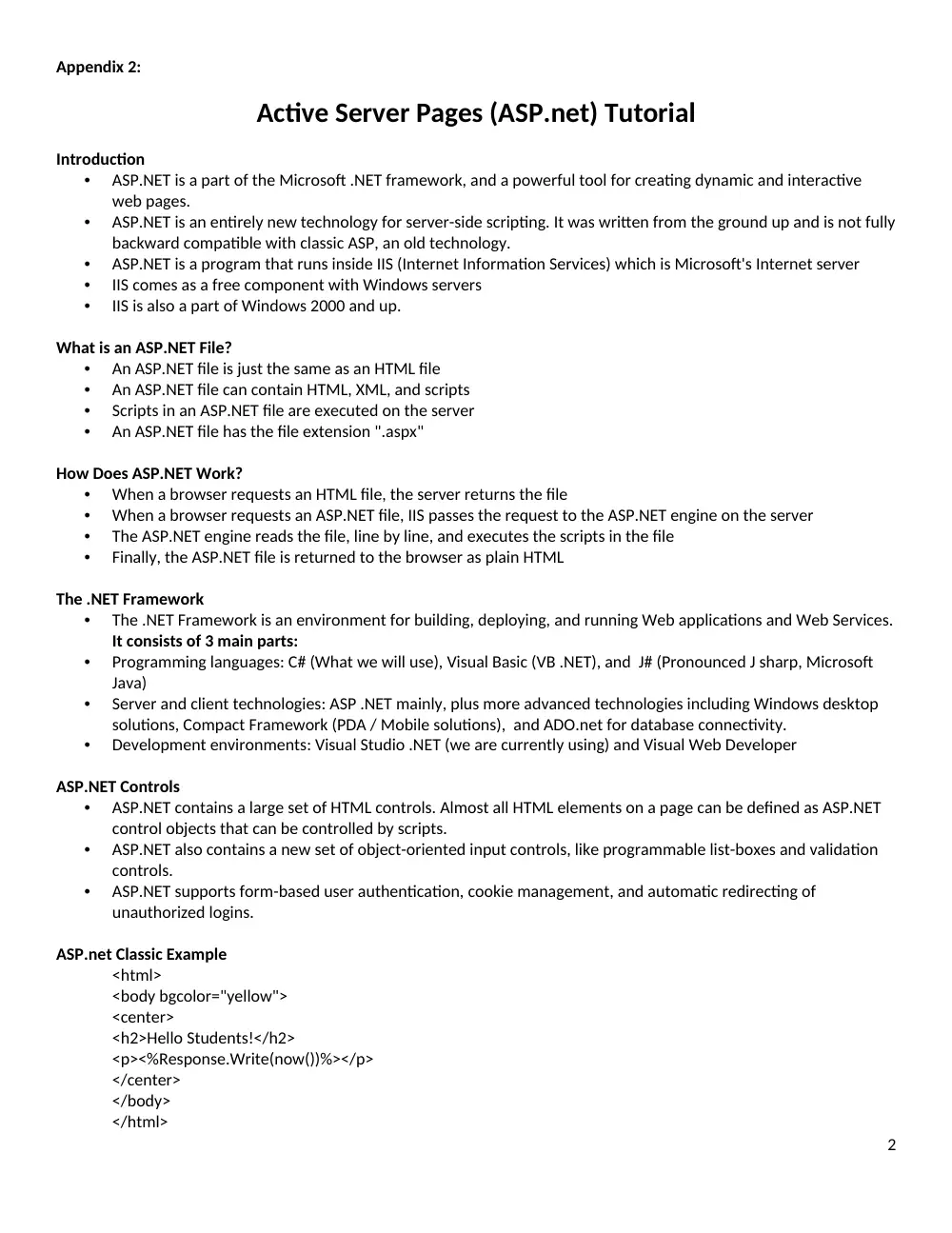
Appendix 2:
Active Server Pages (ASP.net) Tutorial
Introduction
•
ASP.NET is a part of the Microsoft .NET framework, and a powerful tool for creating dynamic and interactive
web pages.
•
ASP.NET is an entirely new technology for server-side scripting. It was written from the ground up and is not fully
backward compatible with classic ASP, an old technology.
•
ASP.NET is a program that runs inside IIS (Internet Information Services) which is Microsoft's Internet server
•
IIS comes as a free component with Windows servers
•
IIS is also a part of Windows 2000 and up.
What is an ASP.NET File?
•
An ASP.NET file is just the same as an HTML file
•
An ASP.NET file can contain HTML, XML, and scripts
•
Scripts in an ASP.NET file are executed on the server
•
An ASP.NET file has the file extension ".aspx"
How Does ASP.NET Work?
•
When a browser requests an HTML file, the server returns the file
•
When a browser requests an ASP.NET file, IIS passes the request to the ASP.NET engine on the server
•
The ASP.NET engine reads the file, line by line, and executes the scripts in the file
•
Finally, the ASP.NET file is returned to the browser as plain HTML
The .NET Framework
•
The .NET Framework is an environment for building, deploying, and running Web applications and Web Services.
It consists of 3 main parts:
•
Programming languages: C# (What we will use), Visual Basic (VB .NET), and J# (Pronounced J sharp, Microsoft
Java)
•
Server and client technologies: ASP .NET mainly, plus more advanced technologies including Windows desktop
solutions, Compact Framework (PDA / Mobile solutions), and ADO.net for database connectivity.
•
Development environments: Visual Studio .NET (we are currently using) and Visual Web Developer
ASP.NET Controls
•
ASP.NET contains a large set of HTML controls. Almost all HTML elements on a page can be defined as ASP.NET
control objects that can be controlled by scripts.
•
ASP.NET also contains a new set of object-oriented input controls, like programmable list-boxes and validation
controls.
•
ASP.NET supports form-based user authentication, cookie management, and automatic redirecting of
unauthorized logins.
ASP.net Classic Example
<html>
<body bgcolor="yellow">
<center>
<h2>Hello Students!</h2>
<p><%Response.Write(now())%></p>
</center>
</body>
</html>
2
•
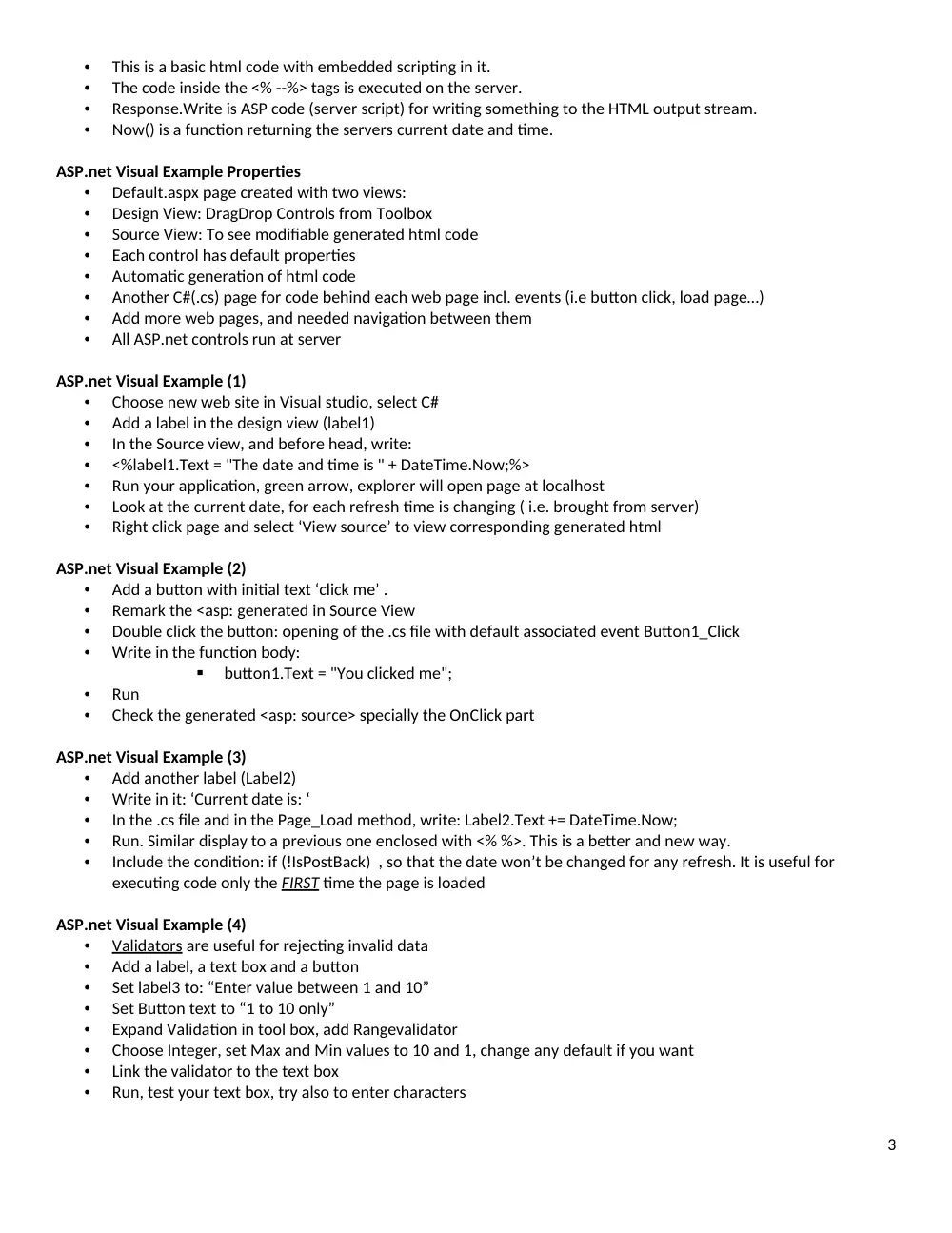
This is a basic html code with embedded scripting in it.
•
The code inside the <% --%> tags is executed on the server.
•
Response.Write is ASP code (server script) for writing something to the HTML output stream.
•
Now() is a function returning the servers current date and time.
ASP.net Visual Example Properties
•
Default.aspx page created with two views:
•
Design View: DragDrop Controls from Toolbox
•
Source View: To see modifiable generated html code
•
Each control has default properties
•
Automatic generation of html code
•
Another C#(.cs) page for code behind each web page incl. events (i.e button click, load page…)
•
Add more web pages, and needed navigation between them
•
All ASP.net controls run at server
ASP.net Visual Example (1)
•
Choose new web site in Visual studio, select C#
•
Add a label in the design view (label1)
•
In the Source view, and before head, write:
•
<%label1.Text = "The date and time is " + DateTime.Now;%>
•
Run your application, green arrow, explorer will open page at localhost
•
Look at the current date, for each refresh time is changing ( i.e. brought from server)
•
Right click page and select ‘View source’ to view corresponding generated html
ASP.net Visual Example (2)
•
Add a button with initial text ‘click me’ .
•
Remark the <asp: generated in Source View
•
Double click the button: opening of the .cs file with default associated event Button1_Click
•
Write in the function body:
button1.Text = "You clicked me";
•
Run
•
Check the generated <asp: source> specially the OnClick part
ASP.net Visual Example (3)
•
Add another label (Label2)
•
Write in it: ‘Current date is: ‘
•
In the .cs file and in the Page_Load method, write: Label2.Text += DateTime.Now;
•
Run. Similar display to a previous one enclosed with <% %>. This is a better and new way.
•
Include the condition: if (!IsPostBack) , so that the date won’t be changed for any refresh. It is useful for
executing code only the FIRST time the page is loaded
ASP.net Visual Example (4)
•
Validators
are useful for rejecting invalid data
•
Add a label, a text box and a button
•
Set label3 to: “Enter value between 1 and 10”
•
Set Button text to “1 to 10 only”
•
Expand Validation in tool box, add Rangevalidator
•
Choose Integer, set Max and Min values to 10 and 1, change any default if you want
•
Link the validator to the text box
•
Run, test your text box, try also to enter characters
3
ASP.net Visual Example (5)
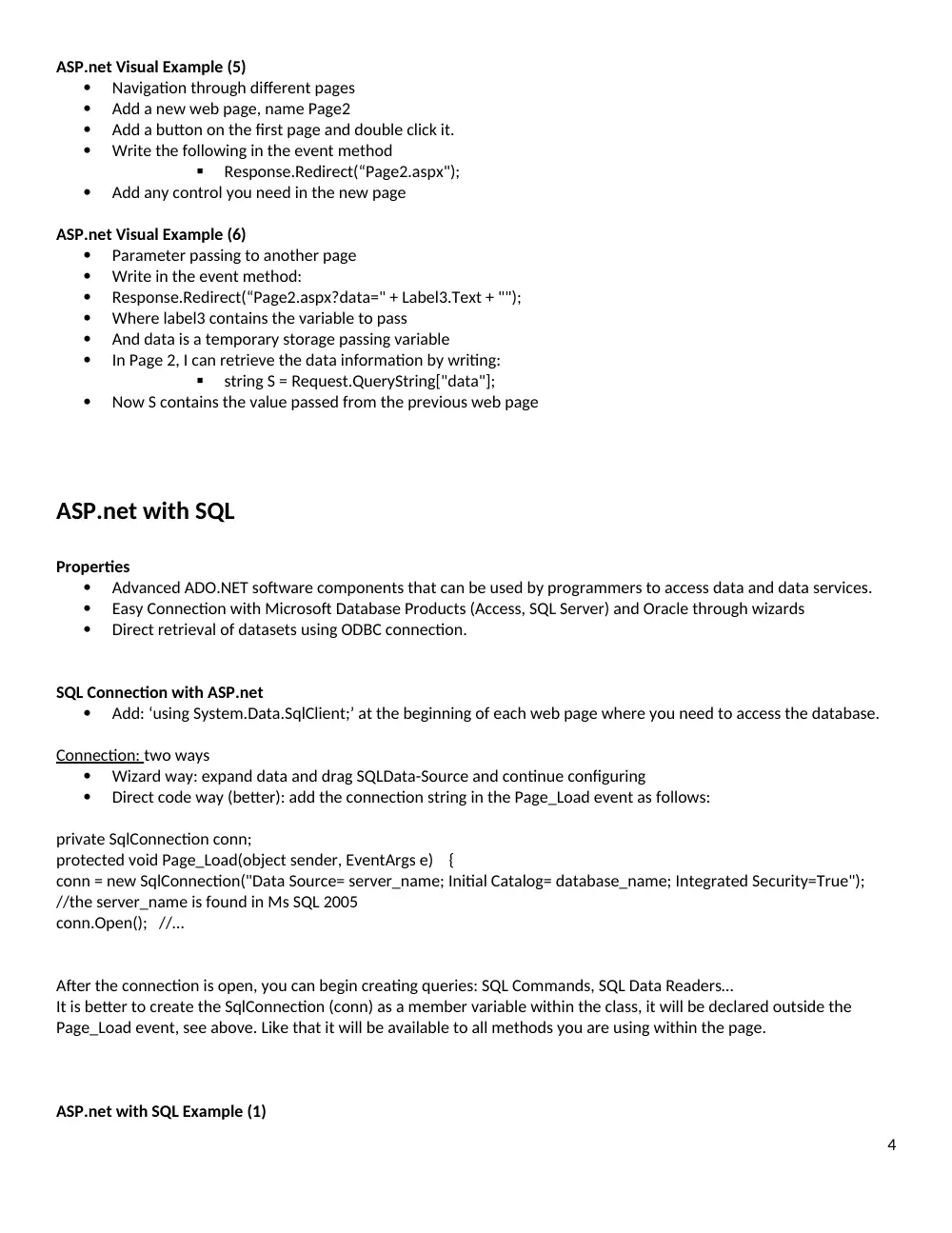
Navigation through different pages
Add a new web page, name Page2
Add a button on the first page and double click it.
Write the following in the event method
Response.Redirect(“Page2.aspx");
Add any control you need in the new page
ASP.net Visual Example (6)
Parameter passing to another page
Write in the event method:
Response.Redirect(“Page2.aspx?data=" + Label3.Text + "");
Where label3 contains the variable to pass
And data is a temporary storage passing variable
In Page 2, I can retrieve the data information by writing:
string S = Request.QueryString["data"];
Now S contains the value passed from the previous web page
ASP.net with SQL
Properties
Advanced ADO.NET software components that can be used by programmers to access data and data services.
Easy Connection with Microsoft Database Products (Access, SQL Server) and Oracle through wizards
Direct retrieval of datasets using ODBC connection.
SQL Connection with ASP.net
Add: ‘using System.Data.SqlClient;’ at the beginning of each web page where you need to access the database.
Connection: two ways
Wizard way: expand data and drag SQLData-Source and continue configuring
Direct code way (better): add the connection string in the Page_Load event as follows:
private SqlConnection conn;
protected void Page_Load(object sender, EventArgs e) {
conn = new SqlConnection("Data Source= server_name; Initial Catalog= database_name; Integrated Security=True");
//the server_name is found in Ms SQL 2005
conn.Open(); //…
After the connection is open, you can begin creating queries: SQL Commands, SQL Data Readers…
It is better to create the SqlConnection (conn) as a member variable within the class, it will be declared outside the
Page_Load event, see above. Like that it will be available to all methods you are using within the page.
ASP.net with SQL Example (1)
4
Populating a ComboBox (called Drop Down List in Web Pages) with a Table column
Add a ComboBox in design view, then in the Page_Load event, write the following:
string S = "select city_name from cities";
SqlCommand cmd = new SqlCommand(S, conn);
SqlDataReader drBox = cmd.ExecuteReader();
while( drBox.Read())
DropDownList1.Items.Add (drBox.GetValue(0).ToString());
ASP.net with SQL Example (2)
Display Data Table in Grid View
Add a Grid View (GridView1) in design view, then in the Page_Load event, write the following:
string S1 = “select * from cities";
SqlCommand cmd = new SqlCommand(S1,conn);
SqlDataReader drBox = cmd.ExecuteReader();
GridView1.DataSource = drBox;
GridView1.DataBind();
5