
CSC 423 Chapter 07, Fall 2011
Notre Dame University–Louaize · Software Engineering · 35 pages · Dr. Maya Samaha





Showing the first 10 of 35 pages. Download the PDF to see all of it.
More CSC 423 files
Show the text of this chapter
1
Chapter 7
Requirements Modeling: Flow, Behavior,
and WebApps
2
Objectives
What are data flow diagram (DFD)
How to build DFD
The basic concepts of behavioral modeling
Discovering Analysis Patterns
Requirements Modeling for WebApps
3
Flow-Oriented Modeling
Represents how data objects are transformed at they
move through the system
data flow diagram (DFD) is the diagrammatic form that
is used
Considered by many to be an “old school” approach, but
continues to provide a view of the system that is unique
—it should be used to supplement other analysis model
elements
4
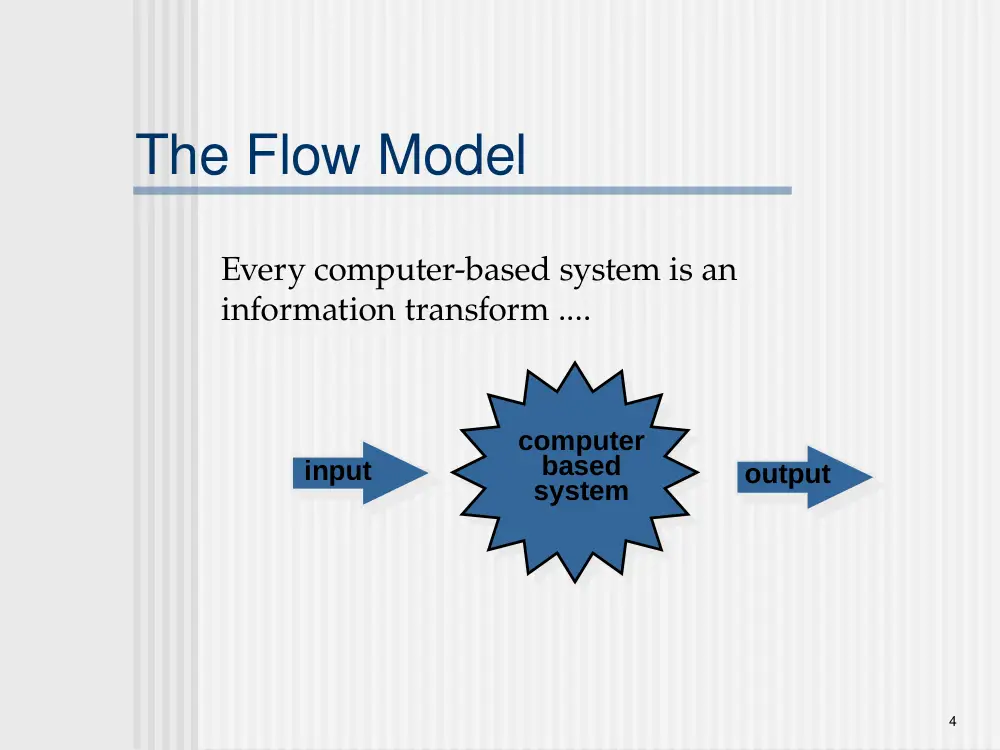
The Flow Model
Every computer-based system is an
information transform ....
computer
based
system
input
output
5
Flow Modeling Notation
external entity
process
data flow
6
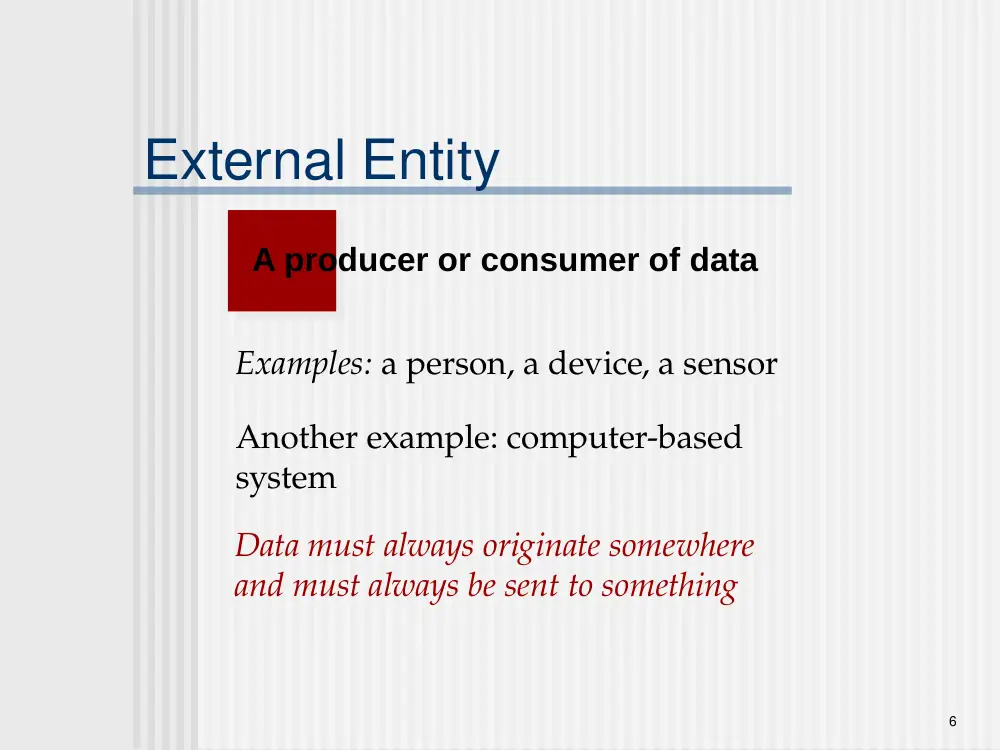
External Entity
A producer or consumer of data
Examples: a person, a device, a sensor
Another example: computer-based
system
Data must always originate somewhere
and must always be sent to something
7
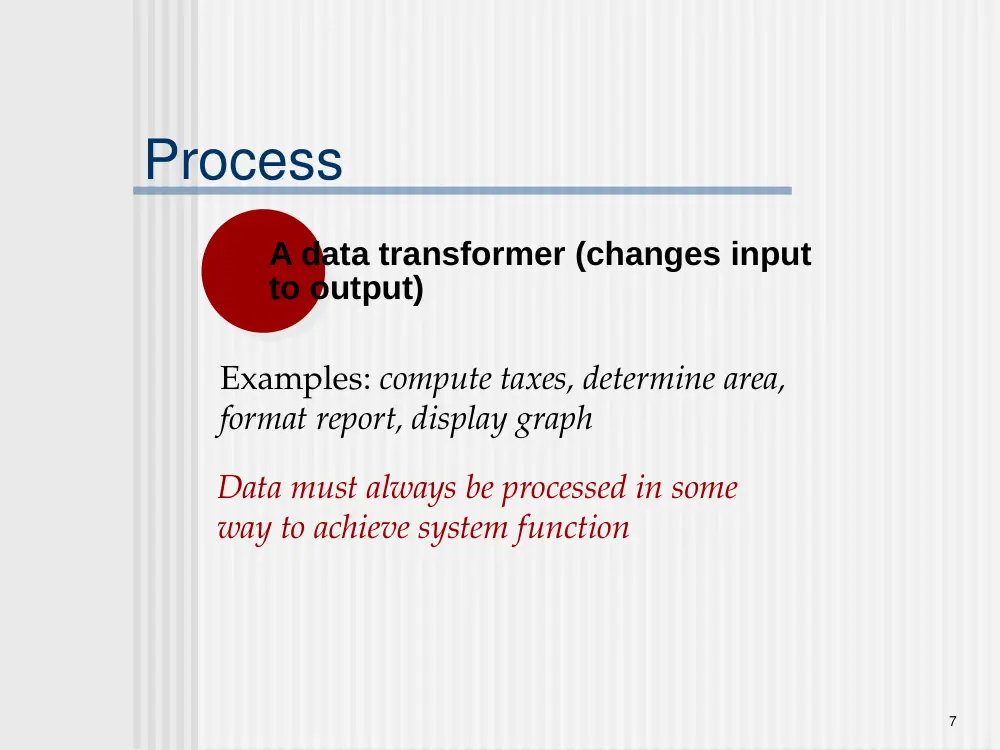
Process
A data transformer (changes input
to output)
Examples: compute taxes, determine area,
format report, display graph
Data must always be processed in some
way to achieve system function
8
Data Flow
Data flows through a system, beginning
as input and transformed into output.
compute
triangle
area
base
height
area
9
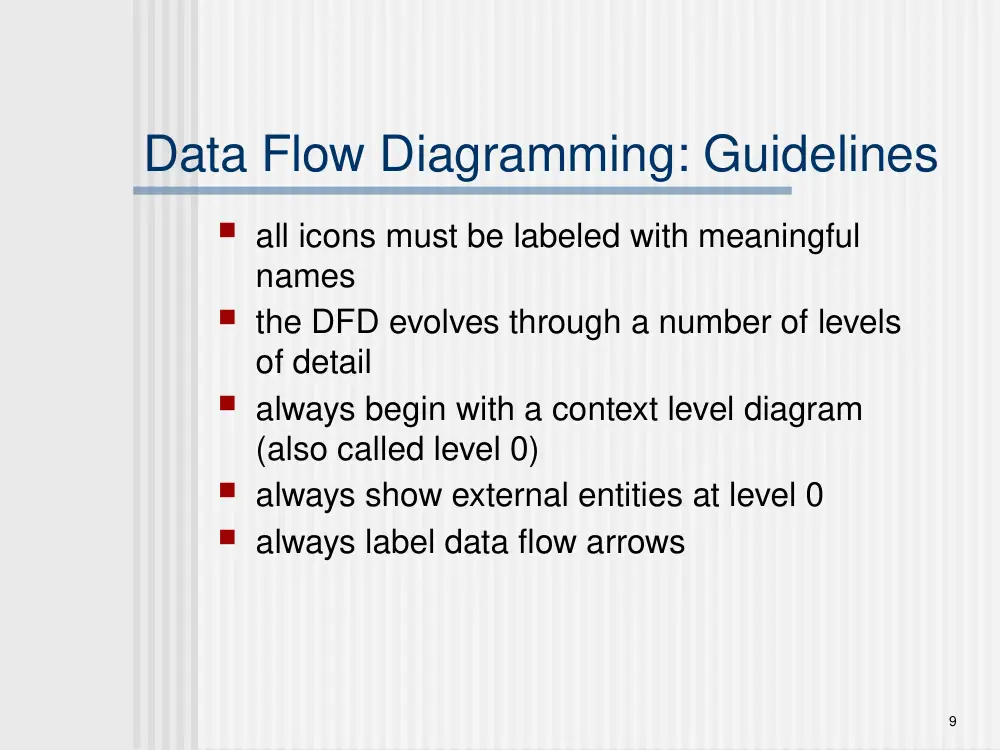
Data Flow Diagramming: Guidelines
all icons must be labeled with meaningful
names
the DFD evolves through a number of levels
of detail
always begin with a context level diagram
(also called level 0)
always show external entities at level 0
always label data flow arrows
10
Constructing a DFD—I
review user scenarios and/or the data
model to isolate data objects and use a
grammatical parse to determine
“operations”
determine external entities (producers
and consumers of data)
create a level 0 DFD
11
Level 0 DFD Example
user
processing
request
video
source
NTSC
video signal
digital
video
processor
requested
video
signal
monitor
12
Constructing a DFD—II
write a narrative describing the transform
parse to determine next level transforms
“balance” the flow to maintain data flow
continuity
develop a level 1 DFD
use a 1:5 (approx.) expansion ratio
13
The Data Flow Hierarchy
P
a
b
x
y
p1
p2
p3
p4
5
a
b
c
d
e
f
g
level 0
level 1
14
Flow Modeling Notes
each bubble is refined until it does just
one thing
the expansion ratio decreases as the
number of levels increase
most systems require between 3 and 7
levels for an adequate flow model
a single data flow item (arrow) may be
expanded as levels increase (data
dictionary provides information)
15
Maps into
DFDs: A Look Ahead
analysis model
design model
16
Behavioral Modeling
The behavioral model indicates how software will
respond to external events or stimuli. To create the
model, the analyst must perform the following steps:
• Evaluate all use-cases to fully understand the sequence of
interaction within the system.
• Identify events that drive the interaction sequence and
understand how these events relate to specific objects.
• Create a sequence for each use-case.
• Build a state diagram for the system.
• Review the behavioral model to verify accuracy and
consistency.
17
State Representations
In the context of behavioral modeling, two different
characterizations of states must be considered:
the state of each class as the system performs its function
and
the state of the system as observed from the outside as the
system performs its function
The state of a class takes on both passive and active
characteristics [CHA93].
A passive state is simply the current status of all of an
object’s attributes.
The active state of an object indicates the current status of
the object as it undergoes a continuing transformation or
processing.
18
State Diagram for the ControlPanel Class
reading
locked
selecting
password
entered
comparing
password = incorrect
& numberOfTries < maxTries
password = correct
activation successful
key hit
do: validatePassword
numberOfTries > maxTries
timer < lockedTime
timer > lockedTime
19
The States of a System
state—a set of observable circum-
stances that characterizes the behavior
of a system at a given time
state transition—the movement from one
state to another
event—an occurrence that causes the
system to exhibit some predictable form
of behavior
action—process that occurs as a
consequence of making a transition
20
Behavioral Modeling
make a list of the different states of a system
(How does the system behave?)
indicate how the system makes a transition
from one state to another (How does the
system change state?)
indicate event
indicate action
draw a state diagram or a sequence diagram
21
Sequence Diagram
The main purpose of a sequence diagram is to
define event sequences that result in some
desired outcome. The focus is less on
messages themselves and more on the order
in which messages occur;
the vertical dimension shows, top down, the
time sequence of messages/calls as they
occur, and the horizontal dimension shows, left
to right, the object instances that the messages
are sent to.
22
lifeline notation elements are placed across the top of the
diagram. Lifelines represent either roles or object
instances that participate in the sequence being modeled.
Lifelines are drawn as a box with a dashed line
descending from the center of the bottom edge The
lifeline's name is placed inside the box.
Lifelines
Student class used in a lifeline whose
instance name is freshman
23
Messages
An object (i.e., lifeline) sending a message to another object, you draw a line
to the receiving object with an arrowhead
The message/method name is placed above the arrowed line.
Example: the analyst object makes a call to the system object which is an
instance of the ReportingSystem class. The analyst object is calling the
system object's getAvailableReports method.
24
Return messages
These return messages are optional;
a return message is drawn as a dotted line with an open
arrowhead back to the originating lifeline, and above this
dotted line you place the return value from the operation.
25
Object calling itself
To draw an object calling itself, you draw a message as you would normally,
but instead of connecting it to another object, you connect the message back
to the object itself.
26
Writing the Software Specification
Everyone knew exactly
what had to be done
until someone wrote it
down!
27
Requirements Modeling for WebApps
Content Analysis. The full spectrum of content to be provided by
the WebApp is identified, including text, graphics and images,
video, and audio data. Data modeling can be used to identify
and describe each of the data objects.
Interaction Analysis. The manner in which the user interacts with
the WebApp is described in detail. Use-cases can be
developed to provide detailed descriptions of this interaction.
Functional Analysis. The usage scenarios (use-cases) created as
part of interaction analysis define the operations that will be
applied to WebApp content and imply other processing
functions. All operations and functions are described in detail.
Configuration Analysis. The environment and infrastructure in
which the WebApp resides are described in detail.
28
When Do We Perform Analysis?
In some WebE situations, analysis and design
merge. However, an explicit analysis activity
occurs when …
the WebApp to be built is large and/or complex
the number of stakeholders is large
the number of Web engineers and other contributors
is large
the goals and objectives (determined during
formulation) for the WebApp will effect the business’
bottom line
the success of the WebApp will have a strong
bearing on the success of the business
29
The Content Model
Content objects are extracted from use-cases
examine the scenario description for direct and
indirect references to content
Attributes of each content object are identified
The relationships among content objects
and/or the hierarchy of content maintained by a
WebApp
Relationships—entity-relationship diagram or UML
Hierarchy—data tree or UML
30
Data Tree
Figure 1 8 .3 Data tree for a SafeHome component
component
partNumber
partName
partType
description
price
MarketingDescription
Photograph
TechDescription
Schematic
Video
WholesalePrice
RetailPrice
31
The Interaction Model
Composed of four elements:
use-cases
sequence diagrams
state diagrams
a user interface prototype
Each of these is an important UML notation
and is described in Appendix I
32
Sequence Diagram
Figure 18.5 Sequence diagram for use-case: select SafeHome components
new customer
:Room
:FloorPlan
desc ribes
room*
plac es room
in floor plan
:Product
Component
selec ts produc t c omponent*
:Billof
Materials
add to BoM
FloorPlan
Repository
save floor plan c onfiguration
save bill of materials
BoM
Repository
33
State Diagram
Figure 18.6 Partial state diagram for new c us tomer
interaction
ne w custome r
Validating user
system status=“input ready”
display msg = “enter userid”
display msg =“enter pswd”
entry/ log-in requested
do: run user validation
exit/set user access switch
select “log-in”
userid
validated
password validated
Selecting user action
system status=“link ready”
display: navigation choices”
entry/ validated user
do: link as required
exit/user action selected
select other functions
select customization functionality
select e-commerce (purchase) functionality
Customizing
system status=“input ready”
display: basic instructions
entry/validated user
do: process user selection
exit/ customization terminated
select descriptive
content
room being defined
Defining room
system status=“input ready”
display: room def. window
entry/ room def. selected
do: run room queries
do: store room variables
exit/room completed
select descriptive
content
Building floor plan
system status=“input ready”
display: floor plan window
entry/ floor plan selected
do: insert room in place
do: store floor plan variables
exit/room insertion completed
select descriptive
content
select enter room in floor plan
Saving floor plan
system status=“input ready”
display: storage indicator
entry/ floor plan save selected
do: store floor plan
exit/save completed
select save floor plan
room insertion completed
next selection
customization complete
all rooms
defined
34
The Functional Model
The functional model addresses two
processing elements of the WebApp
user observable functionality that is delivered by the
WebApp to end-users
the operations contained within analysis classes that
implement behaviors associated with the class.
An activity diagram can be used to represent
processing flow
35
Activity Diagram
Figure 18.7 Activity diagram for c omput e Pric e
( ) operation
initialize totalCost
invoke
calcShippingCost
get price and
quantity
components remain on BoMList
invoke
det ermineDiscount
discount < = 0
discount>0
totalCost=
totalCost - discount
taxTotal=
totalCost x taxrate
no components remain on BoMList
lineCost =
price x quantity
add lineCost to
totalCost
priceTotal =
totalCost + taxTotal
+ shippingCost
returns:
shippingCost
returns: discount