
EECE 433 Chapter 1, Spring 2012
American University of Beirut · Database Systems · 26 pages
Showing the first 10 of 26 pages. Download the PDF to see all of it.
More EECE 433 files
- Problems Chapter 3 · Spring 2012ChapterView
- Chapter 7 · Spring 2012ChapterView
- Chapter 8 · Spring 2012ChapterView
- Problems Chapter 1 & 2 · Spring 2012ChapterView
- Problems Chapter 5 · Spring 2012ChapterView
- Problems Chapter 6 Handout · Spring 2012ChapterView
- Chapter 2 · Spring 2012ChapterView
- Problems Chapter 4 · Spring 2012ChapterView
Show the text of this chapter
Database Management Systems 3ed, R. Ramakrishnan and J. Gehrke
Database Management Systems
Chapter 1
Hazem Hajj
Presentations based on Course Material
Database Management Systems 3ed, R. Ramakrishnan and J. Gehrke
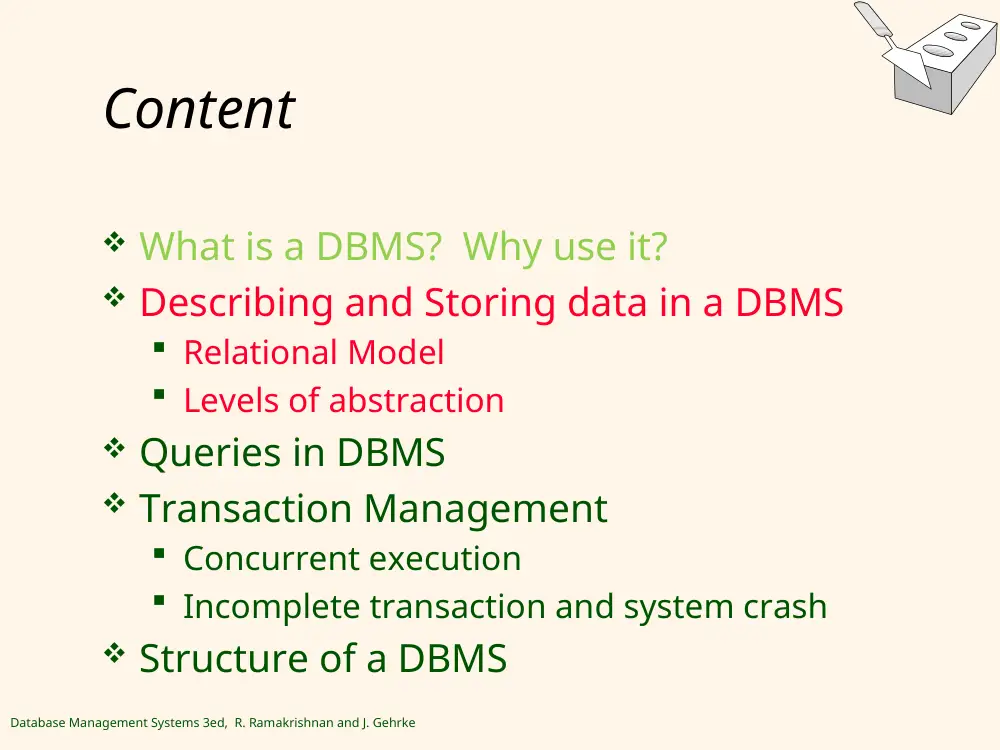
Content
What is a DBMS? Why use it?
Describing and Storing data in a DBMS
Relational Model
Levels of abstraction
Queries in DBMS
Transaction Management
Concurrent execution
Incomplete transaction and system crash
Structure of a DBMS
Database Management Systems 3ed, R. Ramakrishnan and J. Gehrke
DBMS – A Historical Perspective
1960s:
Data collection, database creation, IDS (early 60s Integrated data store) and network
DBMS. ACM Turing Award for Charles Bachman (GE).
1970s:
Relational data model, relational DBMS implementation. ACM Turing Award to Edgard
Codd (IBM)
1980s:
RDBMS, advanced data models (extended-relational, OO, deductive, etc.)
Application-oriented DBMS (spatial, scientific, engineering, etc.)
SQL – standard query Language
1990s:
Data mining, data warehousing, multimedia databases, and Web databases
2000s
Stream data management and mining
Data mining and its applications
Major DB Projects: NASA’s Earth Observation System and Human Genome Mapping
Project
Web technology (XML, data integration) and global information systems
Database Management Systems 3ed, R. Ramakrishnan and J. Gehrke
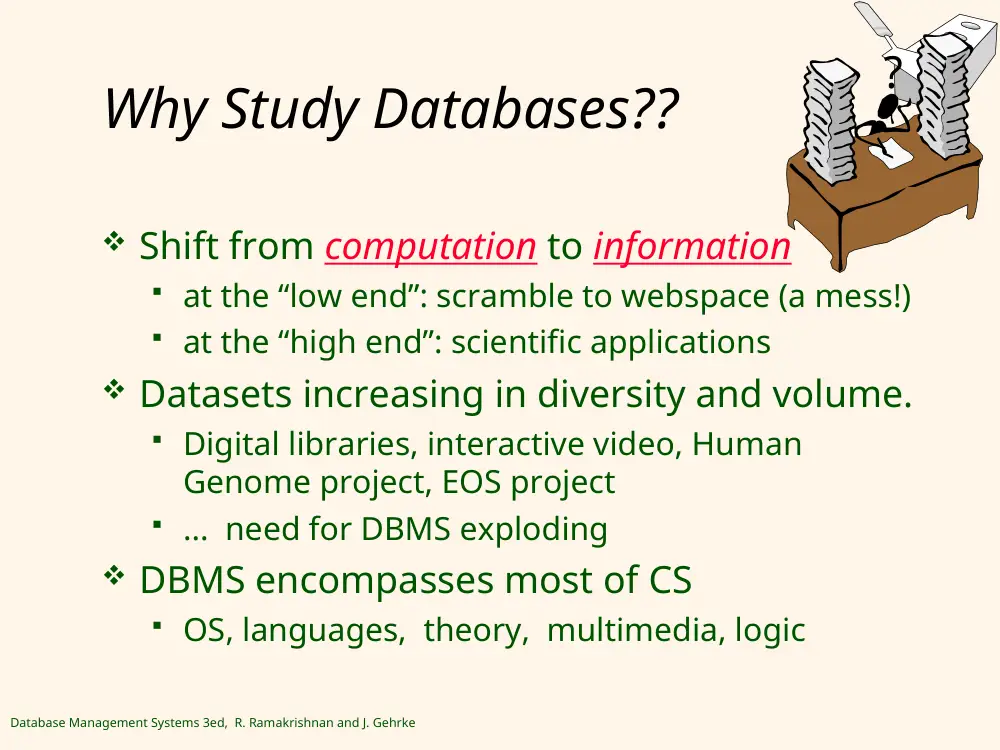
Why Study Databases??
Shift from computation to information
at the “low end”: scramble to webspace (a mess!)
at the “high end”: scientific applications
Datasets increasing in diversity and volume.
Digital libraries, interactive video, Human
Genome project, EOS project
... need for DBMS exploding
DBMS encompasses most of CS
OS, languages, theory, multimedia, logic
?
Database Management Systems 3ed, R. Ramakrishnan and J. Gehrke
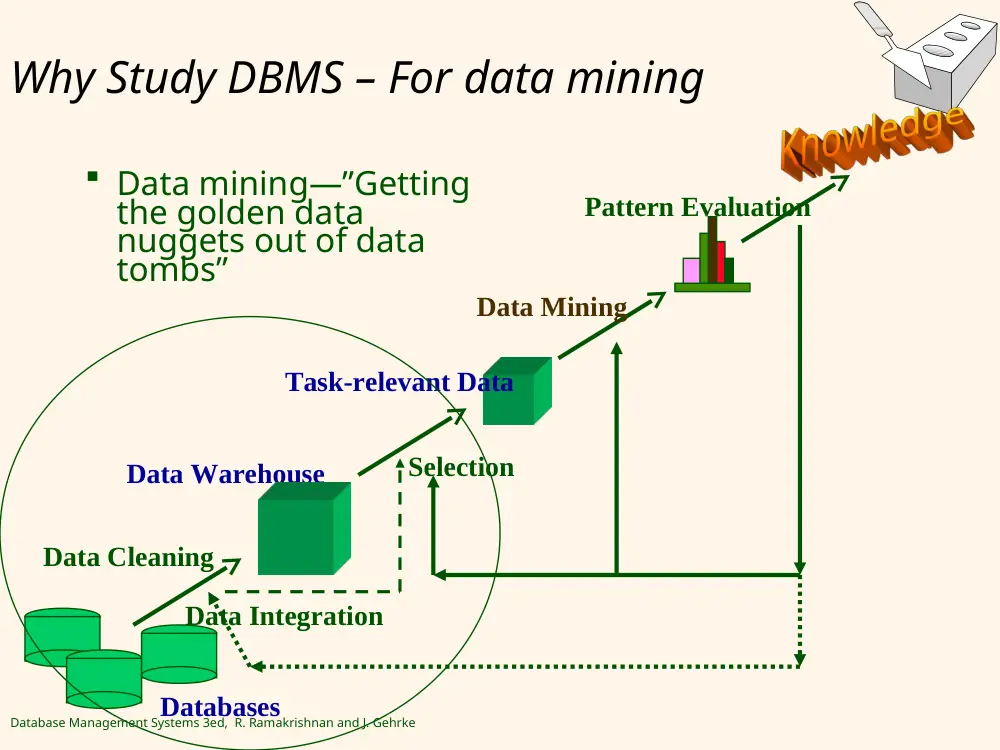
Why Study DBMS – For data mining
Data mining—”Getting
the golden data
nuggets out of data
tombs”
Data Cleaning
Data Integration
Databases
Data Warehouse
Task-relevant Data
Selection
Data Mining
Pattern Evaluation
Database Management Systems 3ed, R. Ramakrishnan and J. Gehrke
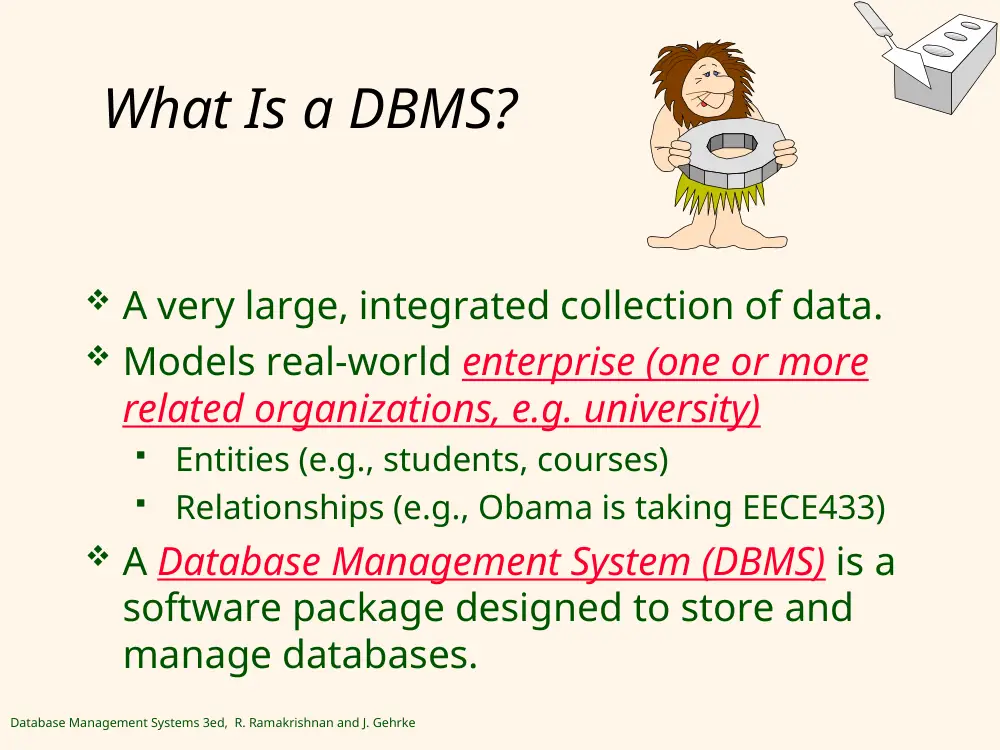
What Is a DBMS?
A very large, integrated collection of data.
Models real-world enterprise (one or more
related organizations, e.g. university)
Entities (e.g., students, courses)
Relationships (e.g., Obama is taking EECE433)
A Database Management System (DBMS) is a
software package designed to store and
manage databases.
Database Management Systems 3ed, R. Ramakrishnan and J. Gehrke
Files vs. DBMS
Using Files, the programmer would need to
handle:
Application must stage large datasets between
main memory and secondary storage (e.g.,
buffering, page-oriented access, 32-bit
addressing, etc.)
Special code for different queries
Must protect data from inconsistency due to
multiple concurrent users
Crash recovery
Security and access control
Database Management Systems 3ed, R. Ramakrishnan and J. Gehrke
Why Use a DBMS?
A DBMS would address all previous issues. It would
provide:
Data independence (No need to know how the data is
stored in a class/data structure)
Efficient access (e.g. use of indexing and hashing)
Reduced application development time
Data integrity (e.g. integrity constraints- no grade above
100) and security (need to know access)
Uniform data administration (one for all users)
Concurrent access (multiple users), recovery from
crashes.
Are there cases where we would not want to use a DBMS?
Database Management Systems 3ed, R. Ramakrishnan and J. Gehrke
Content
What is a DBMS? Why use it?
Describing and Storing data in a DBMS
Relational Model
Levels of abstraction
Queries in DBMS
Transaction Management
Concurrent execution
Incomplete transaction and system crash
Structure of a DBMS
Database Management Systems 3ed, R. Ramakrishnan and J. Gehrke
1
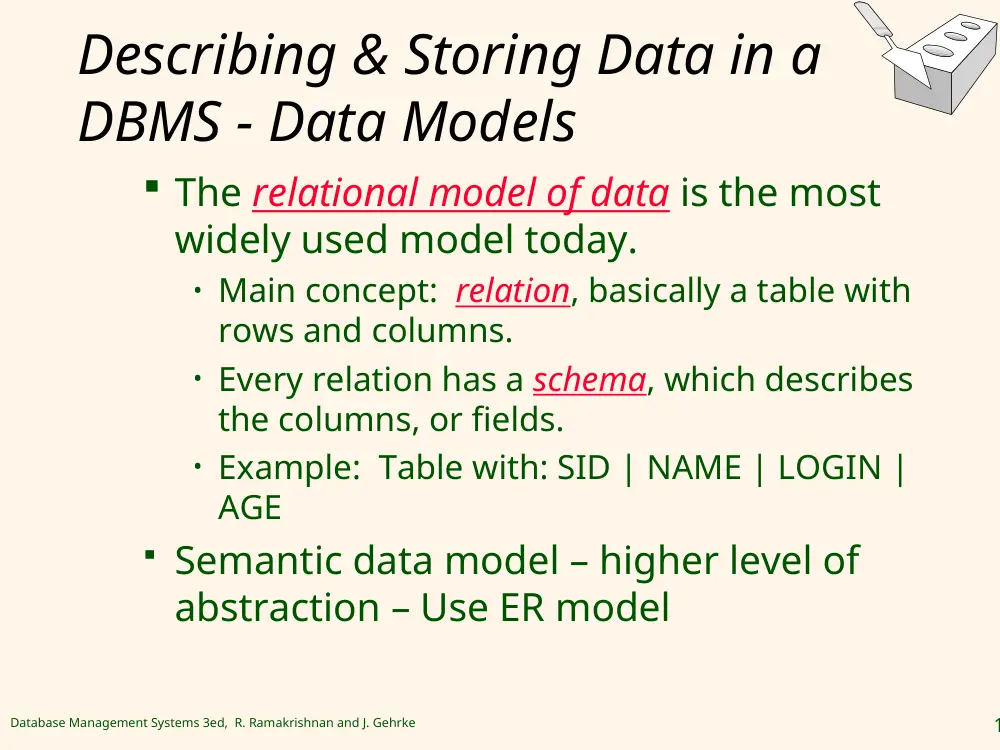
Describing & Storing Data in a
DBMS - Data Models
The relational model of data is the most
widely used model today.
• Main concept: relation, basically a table with
rows and columns.
• Every relation has a schema, which describes
the columns, or fields.
• Example: Table with: SID | NAME | LOGIN |
AGE
Semantic data model – higher level of
abstraction – Use ER model
Database Management Systems 3ed, R. Ramakrishnan and J. Gehrke
1
Lec2
Database Management Systems 3ed, R. Ramakrishnan and J. Gehrke
1
Describing & Storing Data in a
DBMS - Levels of Abstraction
Three Levels of Abstraction
Many views, single
conceptual (logical) schema
and physical schema.
Views describe how users
see the data.
Conceptual schema defines
logical structure
Physical schema describes
the files and indexes used.
NOTE Schemas & views are defined using DDL; data is modified/queried
using DML.
Physical Schema
Conceptual Schema
View 1
View 2
View 3
Database Management Systems 3ed, R. Ramakrishnan and J. Gehrke
1
Example: University Database
Conceptual schema:
Students(sid: string, name: string, login: string,
age: integer, gpa:real)
Courses(cid: string, cname:string, credits:integer)
Enrolled(sid:string, cid:string, grade:string)
Physical schema:
Relations stored as unordered files.
Index on first column of Students.
External Schema (View):
Course_info(cid:string,enrollment:integer)
Database Management Systems 3ed, R. Ramakrishnan and J. Gehrke
1
Describing & Storing Data in a
DBMS - Data Independence *
Applications insulated from how data is
structured and stored.
Logical data independence: Protection from
changes in logical structure of data.
Physical data independence: Protection
from changes in physical structure of data.
One of the most important benefits of using a DBMS!
Database Management Systems 3ed, R. Ramakrishnan and J. Gehrke
1
Content
What is a DBMS? Why use it?
Describing and Storing data in a DBMS
Relational Model
Levels of abstraction
Queries in DBMS
Transaction Management
Concurrent execution
Incomplete transaction and system crash
Structure of a DBMS
Database Management Systems 3ed, R. Ramakrishnan and J. Gehrke
1
Queries in a DBMS
What is the name of the student with
student ID = 2345?
How many students are enrolled in
EECE433?
Use SQL
Database Management Systems 3ed, R. Ramakrishnan and J. Gehrke
1
Content
What is a DBMS? Why use it?
Describing and Storing data in a DBMS
Relational Model
Levels of abstraction
Queries in DBMS
Transaction Management
Concurrent execution
Incomplete transaction and system crash
Structure of a DBMS
Database Management Systems 3ed, R. Ramakrishnan and J. Gehrke
1
Transaction Management -
Concurrency Control
Concurrent execution of user programs is
essential for good DBMS performance.
Because disk accesses are frequent, and relatively
slow, it is important to keep the cpu humming by
working on several user programs concurrently.
Interleaving actions of different user programs
can lead to inconsistency: e.g., check is cleared
while account balance is being computed.
DBMS ensures such problems don’t arise: users
can pretend they are using a single-user system.
Database Management Systems 3ed, R. Ramakrishnan and J. Gehrke
1
Transaction Management -
Transaction: An Execution of a DB
Program
Key concept is transaction, which is an atomic
sequence of database actions (reads/writes). Atomic
=> All happens or none.
Each transaction, executed completely, must leave the
DB in a consistent state if DB is consistent when the
transaction begins.
Users can specify some simple integrity constraints on the
data, and the DBMS will enforce these constraints.
Beyond this, the DBMS does not really understand the
semantics of the data. (e.g., it does not understand how the
interest on a bank account is computed).
Thus, ensuring that a transaction (run alone) preserves
consistency is ultimately the user’s responsibility!
Database Management Systems 3ed, R. Ramakrishnan and J. Gehrke
2
Transaction Management -
Scheduling Concurrent Transactions
DBMS ensures that execution of {T1, ... , Tn} is
equivalent to some serial execution T1’ ... Tn’.
Before reading/writing an object, a transaction
requests a lock on the object, and waits till the DBMS
gives it the lock. All locks are released at the end of the
transaction. (Strict 2PL: Two-Phase locking protocol.)
Idea: If an action of Ti (say, writing X) affects Tj (which
perhaps reads X), one of them, say Ti, will obtain the
lock on X first and Tj is forced to wait until Ti completes;
this effectively orders the transactions.
What if Tj already has a lock on Y and Ti later requests a
lock on Y? (Deadlock!) Ti or Tj is aborted and restarted!
Database Management Systems 3ed, R. Ramakrishnan and J. Gehrke
2
Transaction Management - Ensuring Atomicity
& Dealing with Incomplete transaction, e.g
crash
DBMS ensures atomicity (all-or-nothing property)
even if system crashes in the middle of a Xact.
Idea: Keep a log (history) of all actions carried out
by the DBMS while executing a set of Xacts:
Before a change is made to the database, the
corresponding log entry is forced to a safe location.
(WAL: Write Ahead Log protocol; OS support for this is
often inadequate.)
After a crash, the effects of partially executed
transactions are undone using the log. (Thanks to
WAL, if log entry wasn’t saved before the crash,
corresponding change was not applied to database!)
Database Management Systems 3ed, R. Ramakrishnan and J. Gehrke
2
Transaction Management - The
Log
The following actions are recorded in the log:
Ti writes an object: the old value and the new value.
• Log record must go to disk before the changed page!
Ti commits/aborts: a log record indicating this action.
Log records chained together by Xact id, so it’s easy
to undo a specific Xact (e.g., to resolve a deadlock).
Log is often duplexed and archived on “stable”
storage.
All log related activities (and in fact, all CC related
activities such as lock/unlock, dealing with deadlocks
etc.) are handled transparently by the DBMS.
Database Management Systems 3ed, R. Ramakrishnan and J. Gehrke
2
Content
What is a DBMS? Why use it?
Describing and Storing data in a DBMS
Relational Model
Levels of abstraction
Queries in DBMS
Transaction Management
Concurrent execution
Incomplete transaction and system crash
Structure of a DBMS
Database Management Systems 3ed, R. Ramakrishnan and J. Gehrke
2
Structure of a DBMS
A typical DBMS has a
layered architecture.
This is one of several
possible architectures;
each system has its
own variations.
Query Optimization
and Execution
Relational Operators
Files and Access Methods
Buffer Management
Disk Space Management
DB
concurren
cy
control
and
recovery
SQL Commands
Database Management Systems 3ed, R. Ramakrishnan and J. Gehrke
2
Databases make these folks
happy ...
End users and DBMS vendors
DB application programmers
E.g. smart webmasters
Database administrator (DBA)
Designs logical /physical schemas
Handles security and authorization
Data availability, crash recovery
Database tuning as needs evolve
Must understand how a DBMS works!
Database Management Systems 3ed, R. Ramakrishnan and J. Gehrke
2
Summary
DBMS used to maintain, query large datasets.
Benefits include recovery from system crashes,
concurrent access, quick application
development, data integrity and security.
Levels of abstraction give data independence.
A DBMS typically has a layered architecture.
DBAs hold responsible jobs
and are well-paid!
DBMS R&D is one of the broadest,
most exciting areas in CS.