
CSC 316 Chapter 4b, Spring 2004
Notre Dame University–Louaize · Computers Security and Their Data · 29 pages · Dr. Victor Sawma
Showing the first 10 of 29 pages. Download the PDF to see all of it.
More CSC 316 files
Show the text of this chapter
Chapter 4
Protection in General-Purpose
Operating Systems
V. Sawma, Computer Security and their Data
2
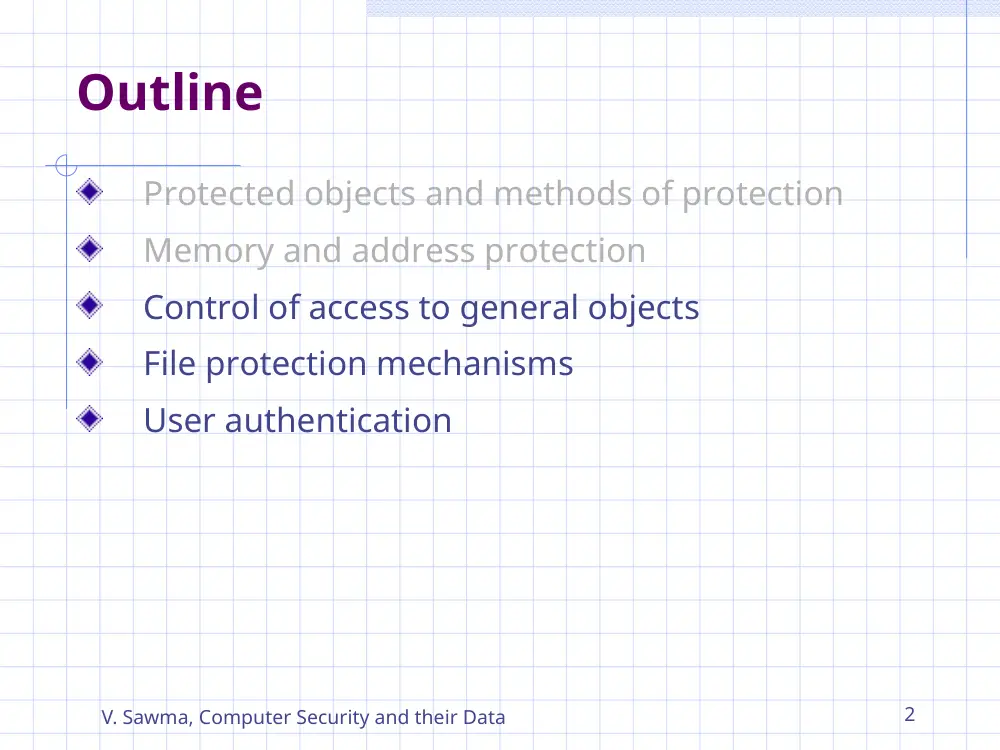
Outline
Protected objects and methods of protection
Memory and address protection
Control of access to general objects
File protection mechanisms
User authentication
V. Sawma, Computer Security and their Data
3
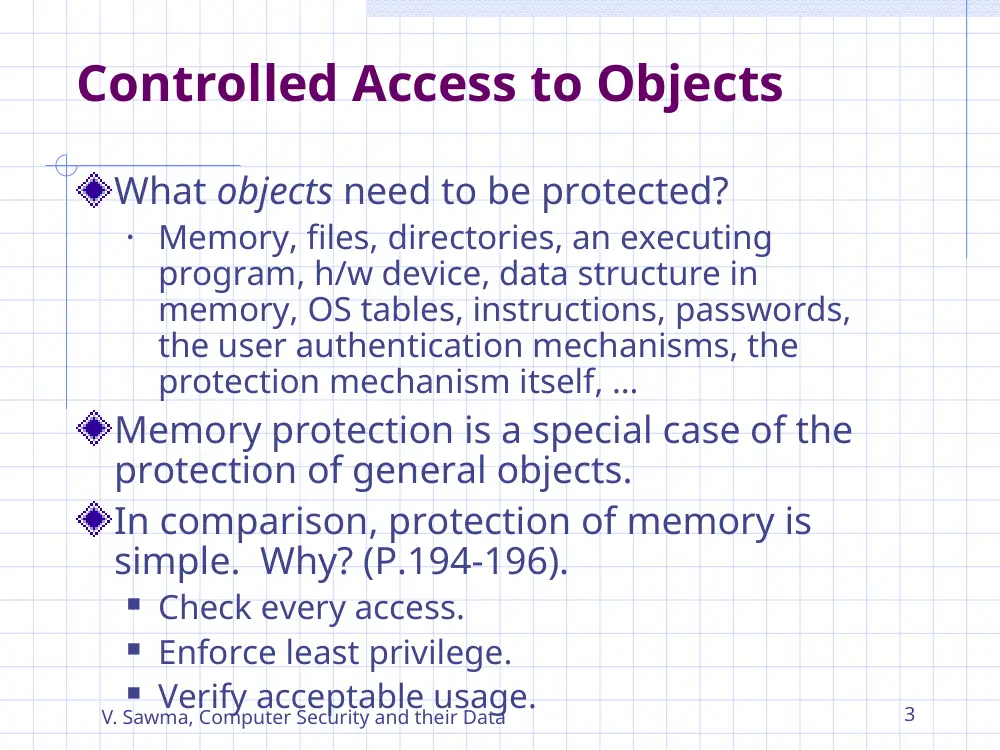
Controlled Access to Objects
What objects need to be protected?
• Memory, files, directories, an executing
program, h/w device, data structure in
memory, OS tables, instructions, passwords,
the user authentication mechanisms, the
protection mechanism itself, …
Memory protection is a special case of the
protection of general objects.
In comparison, protection of memory is
simple. Why? (P.194-196).
Check every access.
Enforce least privilege.
Verify acceptable usage.
V. Sawma, Computer Security and their Data
4
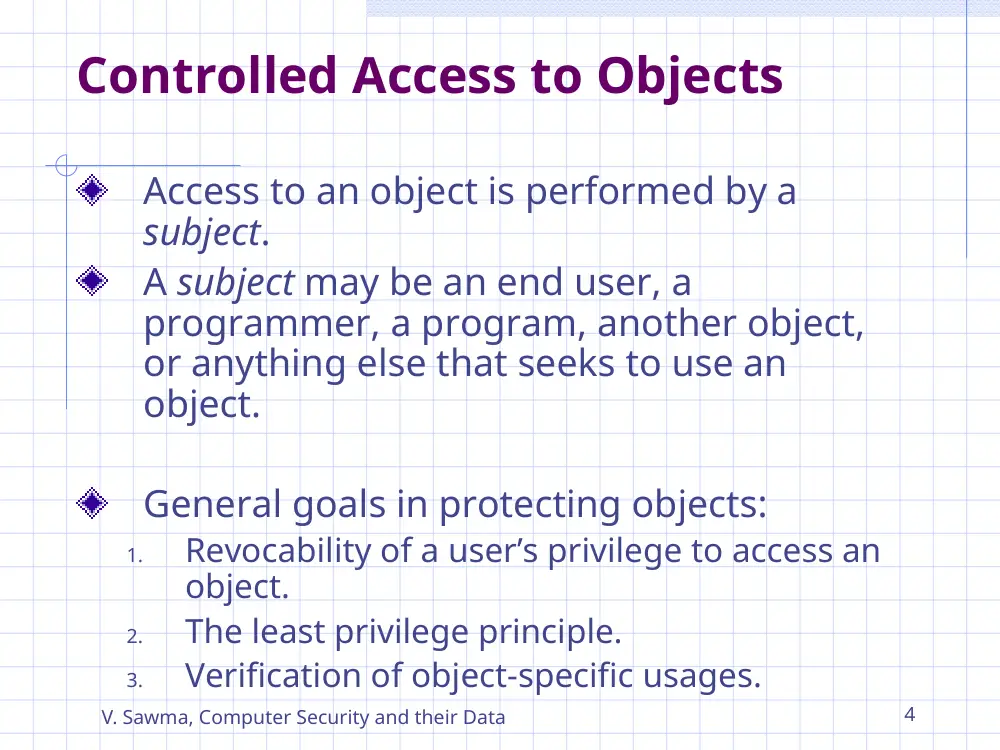
Controlled Access to Objects
Access to an object is performed by a
subject.
A subject may be an end user, a
programmer, a program, another object,
or anything else that seeks to use an
object.
General goals in protecting objects:
1.
Revocability of a user’s privilege to access an
object.
2.
The least privilege principle.
3.
Verification of object-specific usages.
V. Sawma, Computer Security and their Data
5
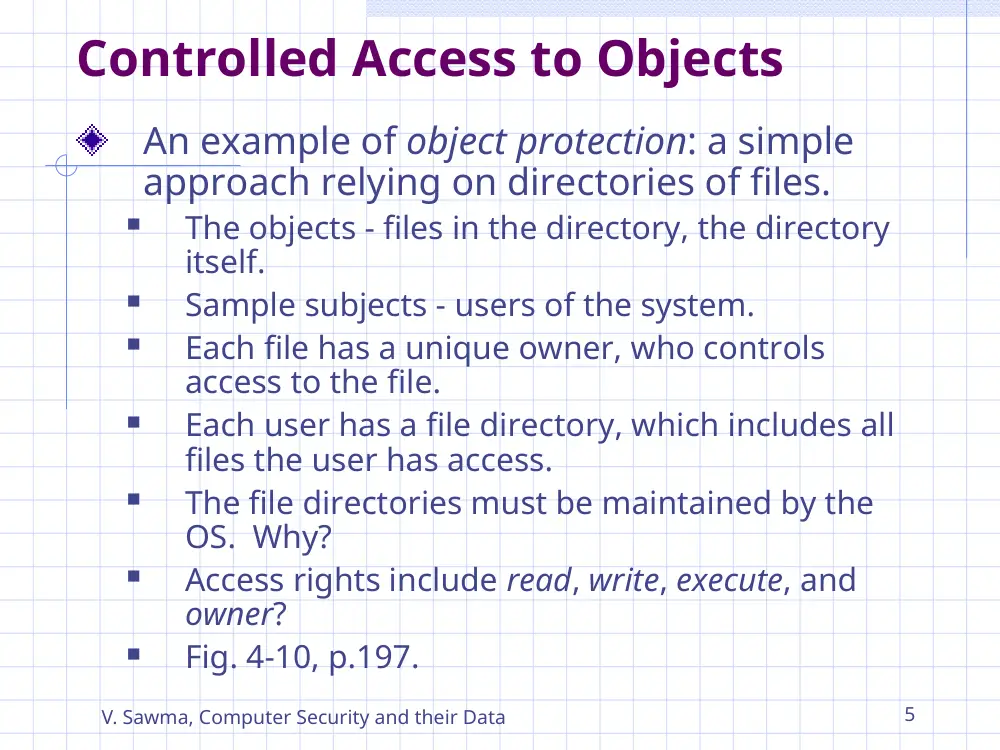
Controlled Access to Objects
An example of object protection: a simple
approach relying on directories of files.
The objects - files in the directory, the directory
itself.
Sample subjects - users of the system.
Each file has a unique owner, who controls
access to the file.
Each user has a file directory, which includes all
files the user has access.
The file directories must be maintained by the
OS. Why?
Access rights include read, write, execute, and
owner?
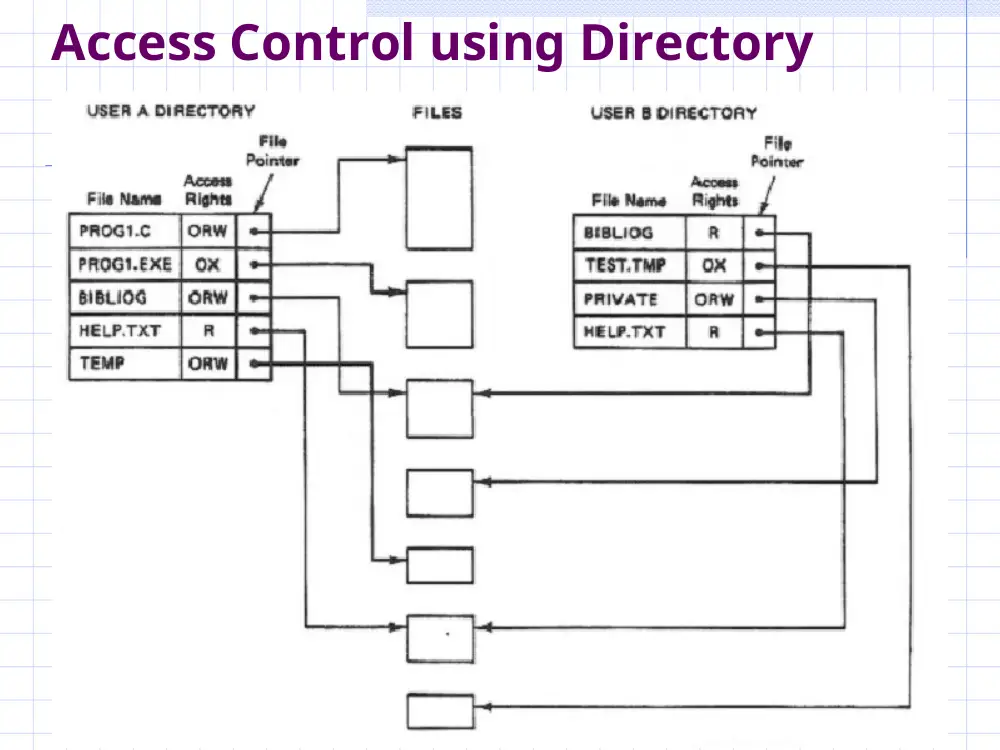
Fig. 4-10, p.197.
V. Sawma, Computer Security and their Data
6
Access Control using Directory
V. Sawma, Computer Security and their Data
7
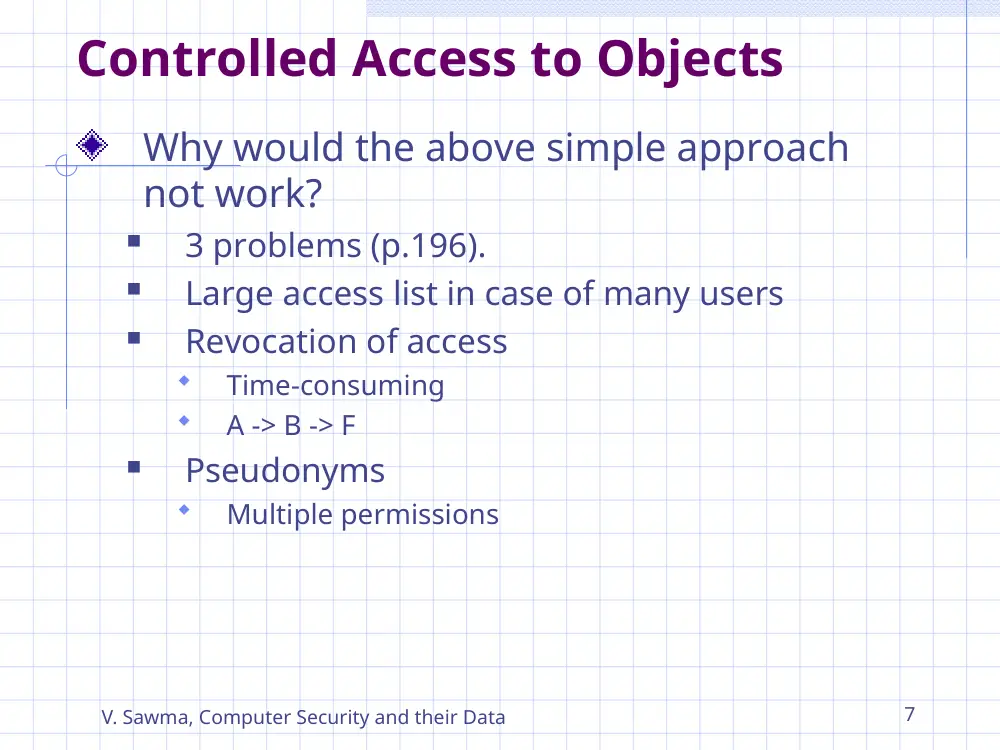
Controlled Access to Objects
Why would the above simple approach
not work?
3 problems (p.196).
Large access list in case of many users
Revocation of access
Time-consuming
A -> B -> F
Pseudonyms
Multiple permissions
V. Sawma, Computer Security and their Data
8
Controlled Access to Objects
Alternative approaches for access control
ACL (access control list)
ACM (access control matrix)
Capabilities for access control
Procedure-oriented access control
V. Sawma, Computer Security and their Data
9
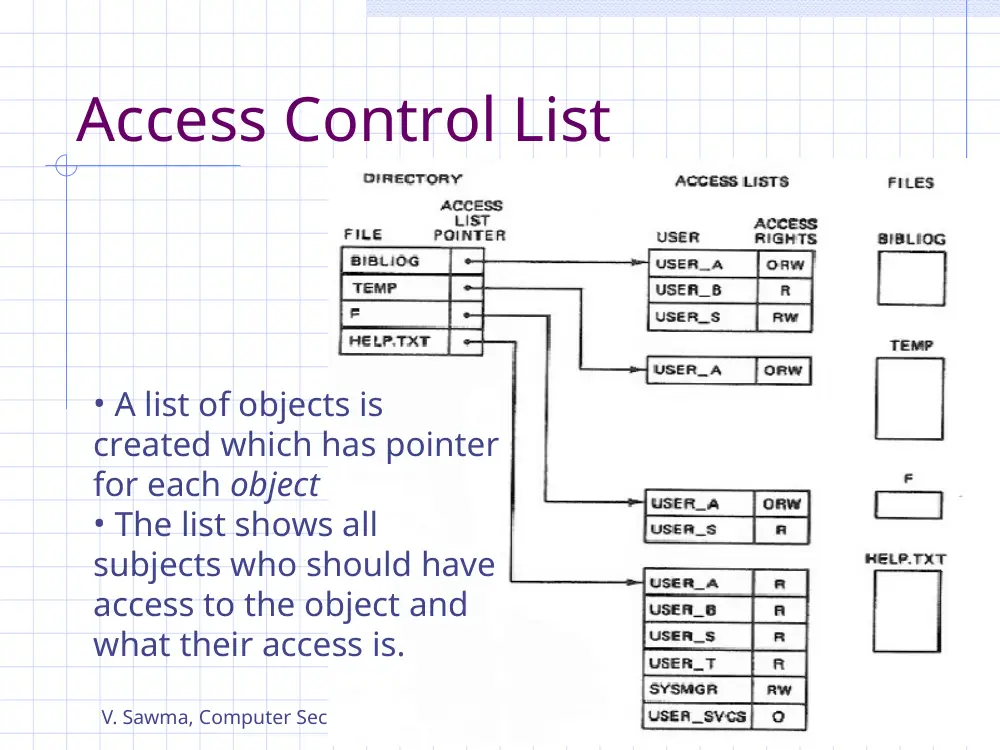
Access Control List
• A list of objects is
created which has pointer
for each object
• The list shows all
subjects who should have
access to the object and
what their access is.
V. Sawma, Computer Security and their Data
10
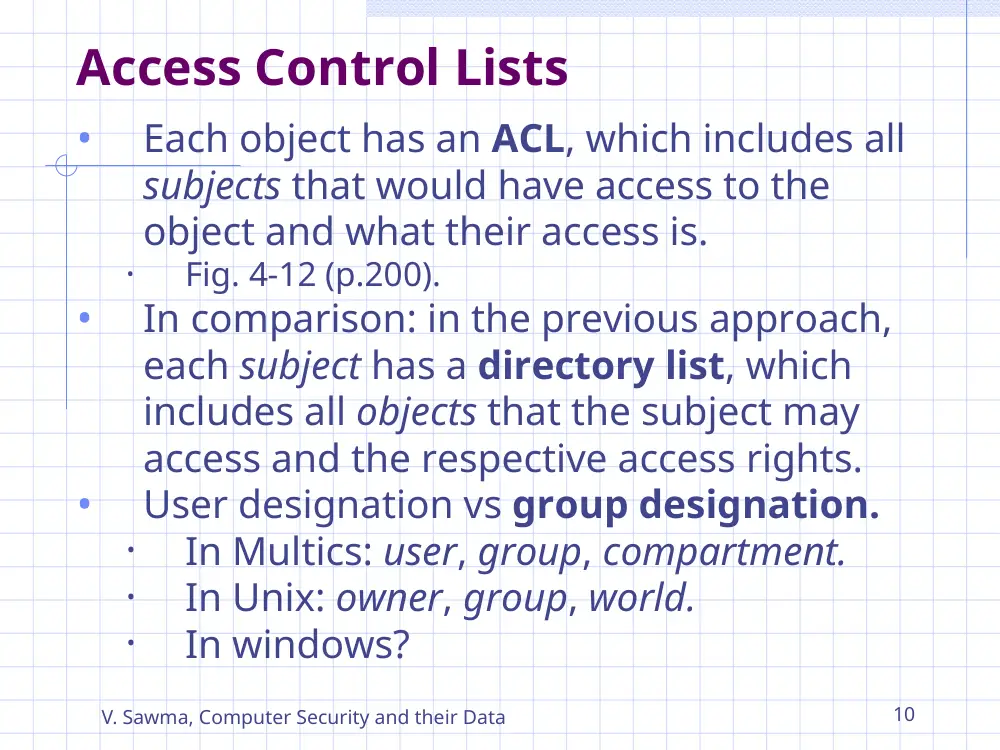
Access Control Lists
•
Each object has an ACL, which includes all
subjects that would have access to the
object and what their access is.
•
Fig. 4-12 (p.200).
•
In comparison: in the previous approach,
each subject has a directory list, which
includes all objects that the subject may
access and the respective access rights.
•
User designation vs group designation.
•
In Multics: user, group, compartment.
•
In Unix: owner, group, world.
•
In windows?
V. Sawma, Computer Security and their Data
11
Access Control Matrix
A table in which
• Each row represents a subject
• Each column represents an object
• Each entry is the set of access rights for that
subject to that object
V. Sawma, Computer Security and their Data
12
Access Control Matrix
•
Table 4-1 (p.201)
•
<Subject, object, access rights>
•
Disadvantage
•
Mostly sparse
•
Inefficient searching
V. Sawma, Computer Security and their Data
13
Capability
•
A capability is an un-forgeable token giving the possessor
certain rights to an object.
•
A capability is a ticket giving permission to a subject to
perform a certain type of access on an object.
•
To prevent forgery, a capability is usually maintained by
the OS.
•
A new access right: the right to transfer a capability.
Operating system holds all capabilities (tickets) on behalf
of users
When a process calls a subprocedure and passes it certain
objects, it forms a stack of all the capabilities of the current
procedure. The operating system then creates new
capabilities for the subprocedure.
Must be stored in memory, inaccessible to normal users
Problem with revocation, once granted
V. Sawma, Computer Security and their Data
14
Capability
V. Sawma, Computer Security and their Data
15
Capability
•
Domain: the collection of capabilities
defines a domain. (Fig. 4-13, p.202).
•
An executing program or sub-procedure
operates in a domain.
•
A sub-procedure in a program may have
different domain from the main program. (Fig.
4-14, p.203).
•
Significance: groundwork for subsequent
production use in systems such as
Kerberos, which is a popular network
authentication protocol (Ch. 7).
V. Sawma, Computer Security and their Data
16
Procedure-oriented Access Control
•
Access to an object is controlled by its
access-control procedures.
•
The procedures define a trusted interface
through which access to a given object
can be made.
•
Purpose: to enable more complex access
control beyond read, write, and execute.
•
Benefits: information hiding; Flexible
•
Disadvantage: inefficient access
V. Sawma, Computer Security and their Data
17
File Protection Mechanisms
All or none protection.
Access to everything except where
password protection is involved.
NOT Acceptable: (reasons p.205-206)
Lack of trust
All or nothing
Rise of timesharing
Complexity (human intervention)
File listing (accounting vs security)
V. Sawma, Computer Security and their Data
18
File Protection Mechanisms
Group of users.
Users in the same group share the
same access rights to an object.
UserID and GroupID
Solves some issues of all-or-nothing
Introduces new difficulties:
Group affiliation (user cannot belong to
two groups)
Multiple personalities (multiple accounts)
All Groups (user-controlled)
Limited Sharing (groups or world only)
V. Sawma, Computer Security and their Data
19
File Protection Mechanisms
Single permissions.
A permission is assigned to a single
object.
Types of mechanisms.
–
Password (or other token): problems?
–
Loss of password
–
Inconvenient use
–
Disclosure of password (change password all
other users must be informed)
–
Revocation (same as disclosure)
–
Temporary permission.
–
E.G., UNIX set userid (suid).
–
In windows (NT): runas.
V. Sawma, Computer Security and their Data
20
File Protection Mechanisms
Per-object and per-user protection
Example: ACL, ACM
Advantages: flexible control of
protection
Disadvantages: no grouping of users
V. Sawma, Computer Security and their Data
21
User Authentication
Authentication: recognition of a user’s
identity
Most authentication systems are based on
some knowledge shared only by the
system and the user, such as passwords.
The system maintains a list of <user,
password> pairs.
V. Sawma, Computer Security and their Data
22
Using Passwords
Example p. 211
What to hide from other users?
Invalid username?
Invalid password?
Invalid username and password?
Invalid username and/or password?
V. Sawma, Computer Security and their Data
23
User Authentication
Attacks on the passwords:
Exhaustive / Brute-force attack (p. 213)
Probable passwords / Dictionary attack (p. 213)
Likely passwords for a user / Social Engineering
(p. 214)
Search the system list of passwords (table
lookup, memory dump, system backup)
Plaintext system password list (p. 216)
Get it from the user
V. Sawma, Computer Security and their Data
24
Encrypted Password File
The system password list is encrypted.
Methods: conventional encryption, one-way cipher
Conventional encryption/decryption compares the
stored password and the user-entered password as
plaintext. Problem?
One-way cipher compares the passwords at their
encrypted form. No decryption is performed.
The salt password encryption method in Unix: p.217.
V. Sawma, Computer Security and their Data
25
Password Selection Criteria
A password protection system is only as
good as the users’ practice (selection,
protection, frequent change) (p. 218-219)
Use character other than A-Z
Choose long passwords
Avoid actual names or words
Choose an unlikely password
Change the password regularly
Don’t write it down
Don’t tell anyone else
V. Sawma, Computer Security and their Data
26
One-time Passwords
P. 220
Also known as challenge-response system
A function is shared between the system and the user.
Every time a user tries to log in, the system sends a
challenge to the user. The user then executes the
function with the challenge as the parameter and
returns the result as the response.
Advantages:
Interception of passwords is not a big threat.
Disadvantages?
Complex algorithms (hard to remember)
Typically used between systems.
V. Sawma, Computer Security and their Data
27
Flaws in Authentication Process
P. 222-223
Challenge-response systems
Time-invariant
Username/Password followed by Challenge-
Response interchange
Impersonation of login
Trojan horse
User does not trust Operating system
Last Login information
V. Sawma, Computer Security and their Data
28
Additional Authentications
A system using passwords alone for
authentication is a single-factor authentication
system.
Other proofs?
Example: user id, password +.
A challenge-response interchange.
Two-factor authentications.
Examples?
Username/password + time
Username/password + location
Username/password + host/IP address
V. Sawma, Computer Security and their Data
29
Final Words
Homework:
Exercises 15, 18, 22, and 25
Pages 227 and 228